Template details
Corporate UI Dashboard
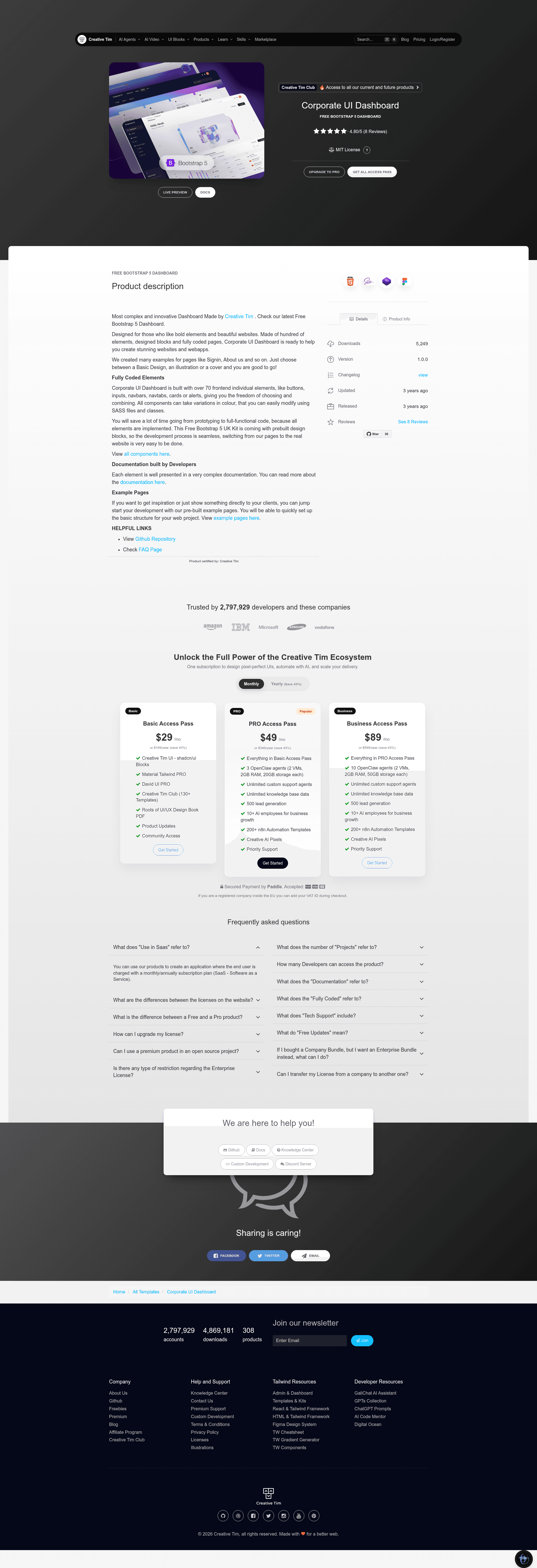
Free and open-source Bootstrap 5 dashboard template with over 70 UI components and prebuilt example pages.
About this template
Corporate UI Dashboard is a free, open-source Bootstrap 5 admin dashboard template by Creative Tim, delivering over 70 prebuilt UI elements and example pages for building corporate-style web interfaces.
What is Corporate UI Dashboard?
Corporate UI Dashboard is a free Bootstrap 5 dashboard template created by Creative Tim, designed for building bold, corporate-style web applications. It takes a static HTML/CSS/JS structure as its base and outputs a fully coded front-end with example pages such as dashboard, sign-in, and sign-up. The template includes a Gulp-based build system and can be deployed to any static hosting service, with one-click deployment to Genezio also available.
The template is built on Bootstrap 5 and uses Popper.js for interactive components like tooltips and popovers. It comes with a dedicated documentation site hosted by Creative Tim, covering each element in detail. The download includes assets, documentation, pages, and a package.json for npm-based workflows.
Key Features
- Over 70 UI elements — Buttons, inputs, navbars, nav tabs, cards, alerts, and more are fully coded and can be mixed and matched to build custom layouts.
- SASS theming — Colors and styles are customizable through SASS files and utility classes, allowing quick brand re-skinning.
- Prebuilt example pages — Sign In, Sign Up, Dashboard, and Profile pages are included as templates for common admin areas.
- Documentation — Each component is documented in a learning lab section on Creative Tim's website, with usage examples.
- Bootstrap 5 and Popper.js — Leverages the latest Bootstrap framework and Popper.js for interactive components like tooltips and popovers.
- Cross-browser support — The design targets the last two versions of Chrome, Firefox, Edge, Safari, and Opera.
- Gulp and npm integration — A gulpfile.js and package.json are included to streamline local development and build tasks.
Who is it for?
- Web developers who want a functional starting point for corporate admin panels and dashboards, saving time on initial scaffolding.
- Design agencies that need a polished, customizable Bootstrap-based UI for client projects, with SASS variables for brand customization.
- Product teams building internal tools or data-heavy applications that require authentication screens and layout patterns out of the box.
What can you do with Corporate UI Dashboard?
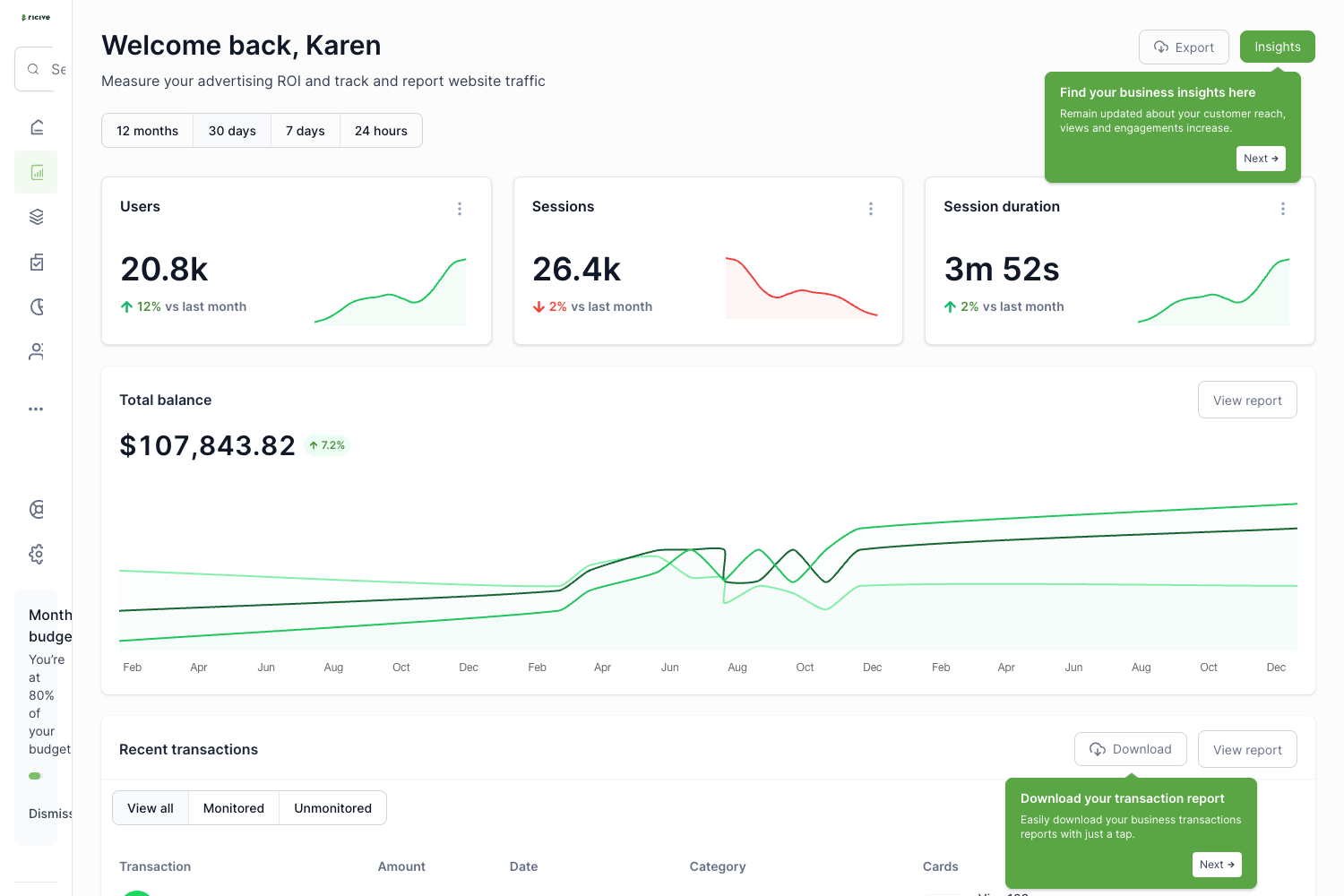
- Admin developers: Build a functional dashboard with tables, charts, and navigation using the prebuilt dashboard page as a base.
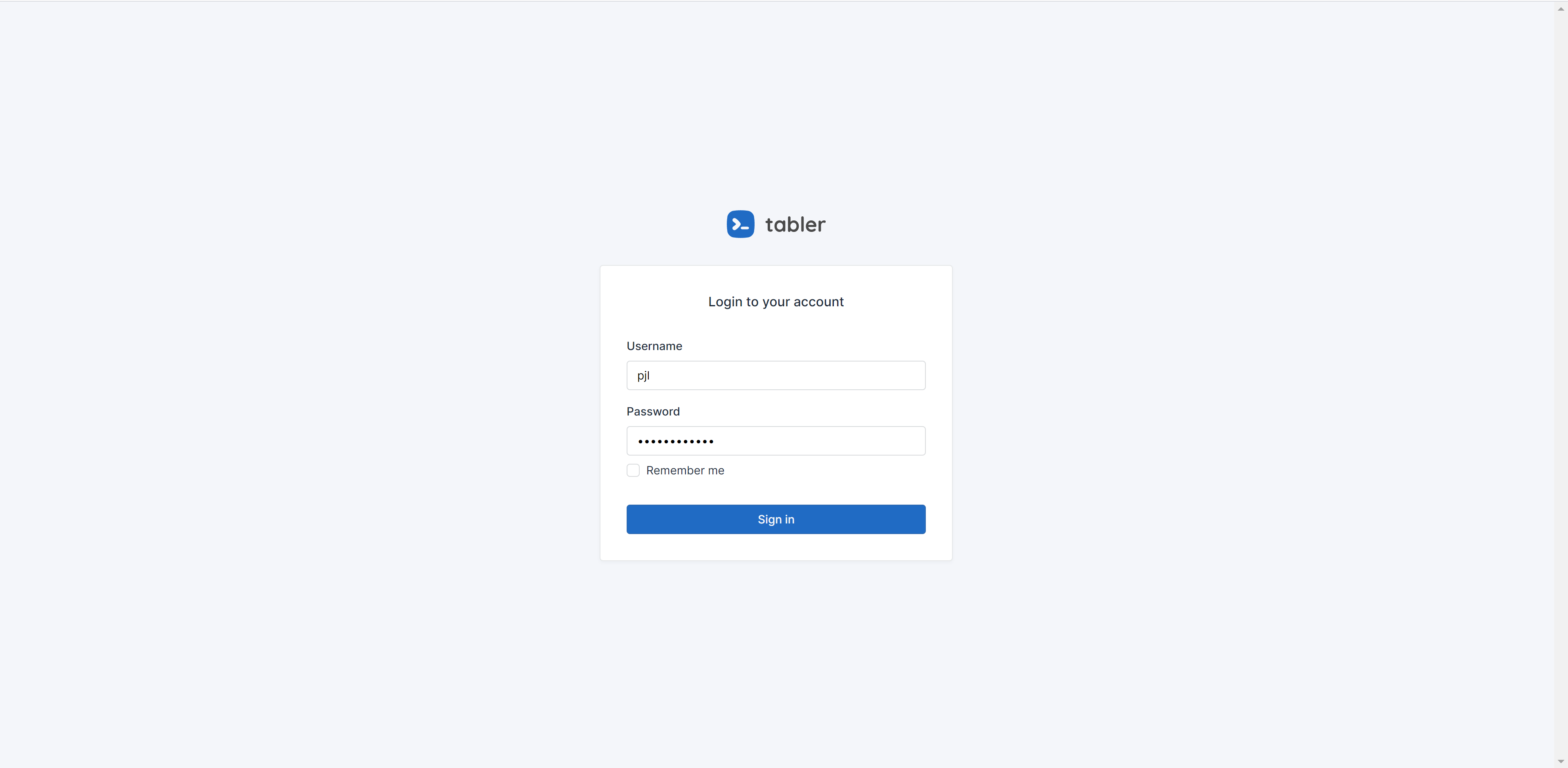
- Startup founders: Quickly set up sign-in and sign-up screens for a new web application without designing from scratch.
- UI designers: Use the coded components as a reference when handing off designs, ensuring consistency between mockups and implementation.
How does Corporate UI Dashboard work?
- Download the template from Creative Tim's product page.
- Install Node.js from the official website and navigate to the root directory.
- Run
npm installto install local dependencies, then start customizing the HTML, SASS, and JavaScript files.
Pros and cons
- Free and open source — Available to download and modify under Creative Tim's license.
- Rich component library — Over 70 elements reduce the need to write common UI code from scratch.
- Documentation included — A dedicated learning lab helps developers understand each component.
- HTML-only at launch — The version table lists only an HTML port; no React, Vue, or Angular versions are provided.
Pricing
Corporate UI Dashboard is free to download and open source. The license agreement is available on the Creative Tim website.
FAQ
Is Corporate UI Dashboard free?
Yes, Corporate UI Dashboard is free and open source, released under Creative Tim's license. You can download it from the product page and use it for personal or commercial projects according to the license terms.
What Bootstrap version does it use?
It uses Bootstrap 5 along with Popper.js for floating elements like tooltips and popovers. The template is designed specifically for Bootstrap 5.
Does it require Node.js?
Yes, to use the local build system you need Node.js installed. Running npm install in the root directory will install the dependencies defined in package.json.