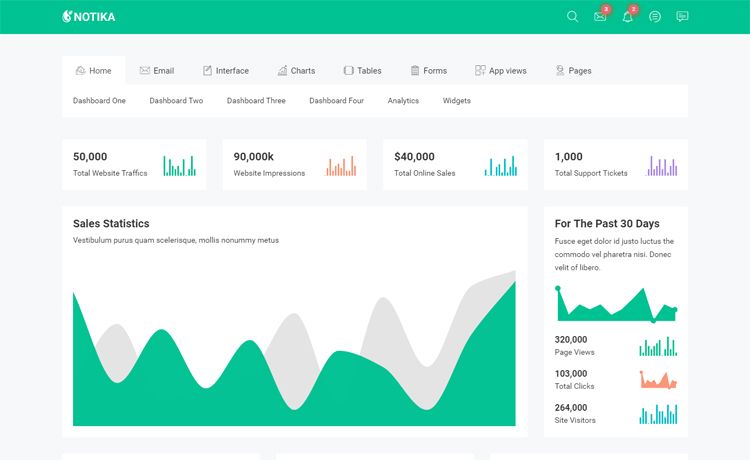
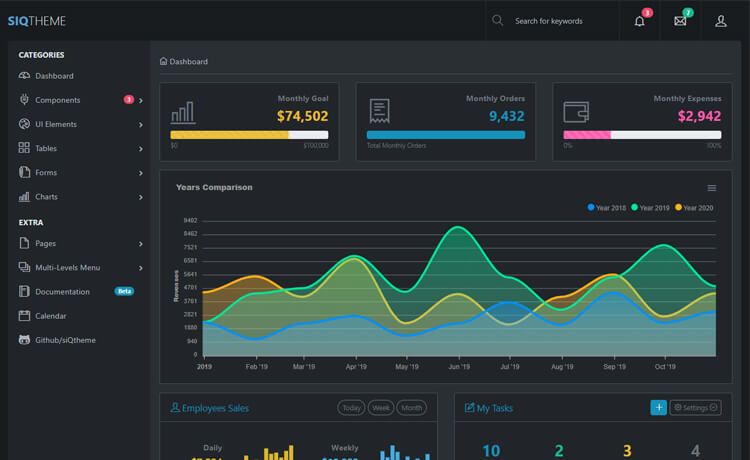
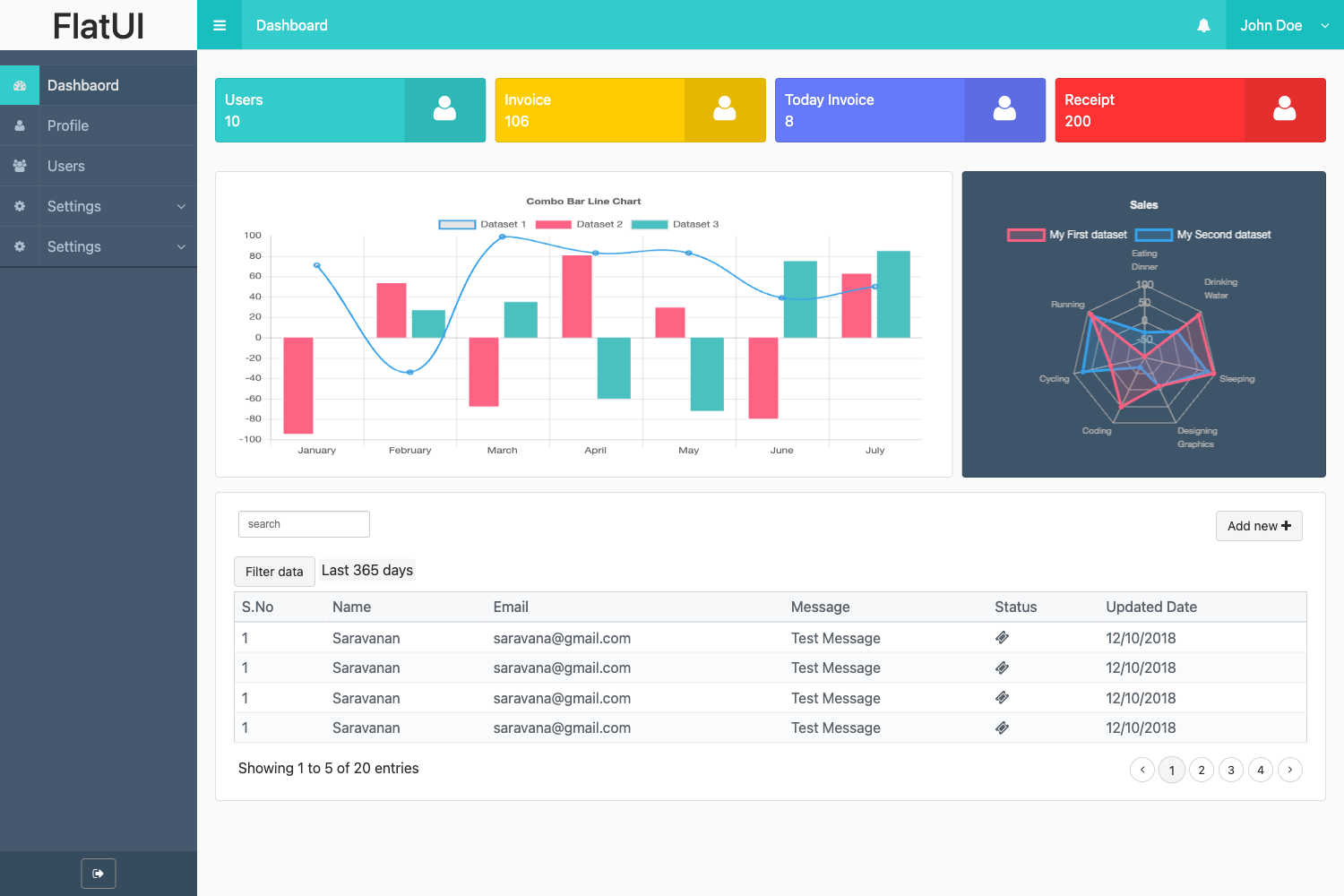
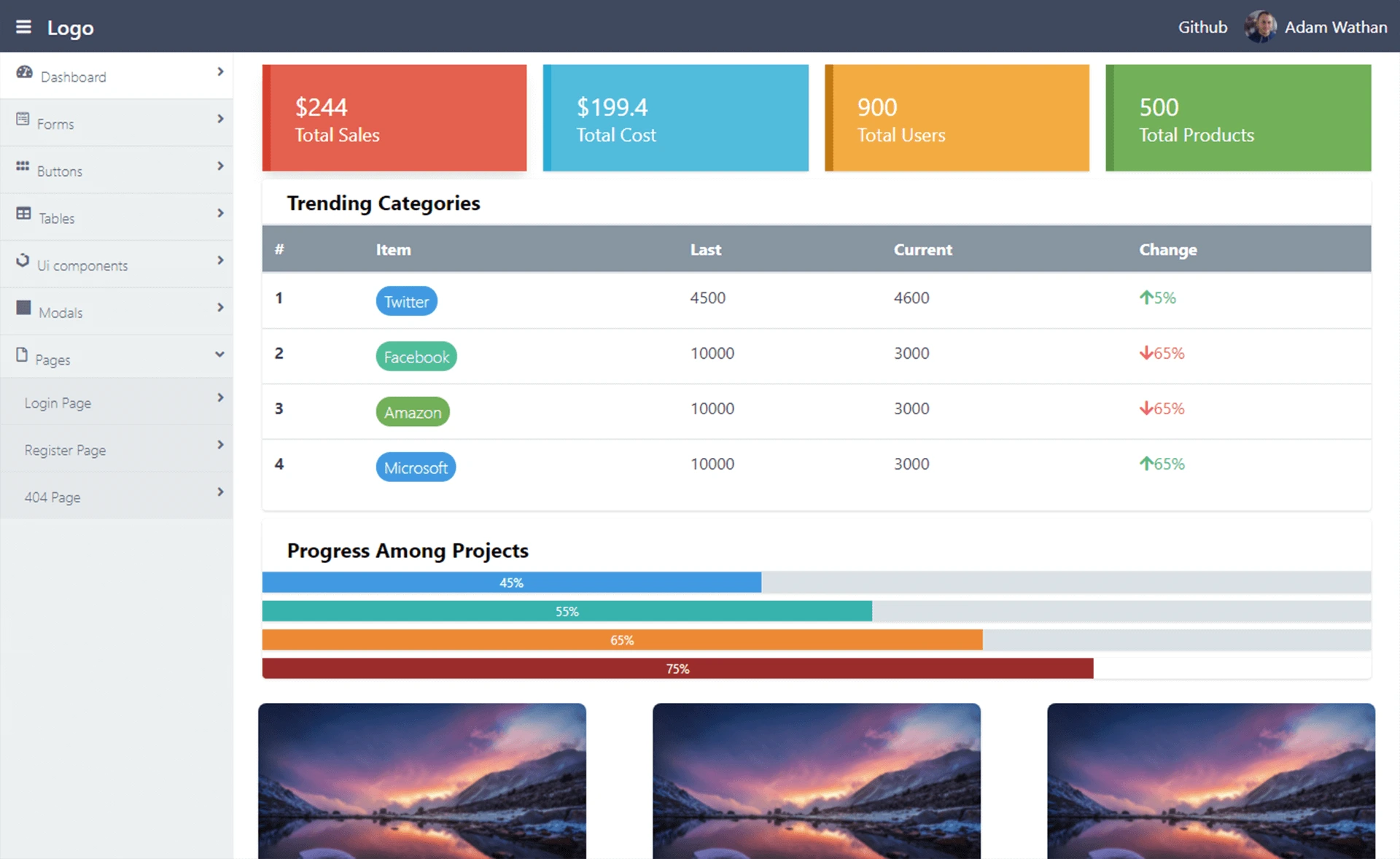
Template details
material-dashboard-shadcn
Material Design dashboard from Creative Tim built with shadcn/ui, React, and Vite.
About this template
Material Dashboard Shadcn is a free, open-source admin dashboard template that combines Material Design visual language from Creative Tim with the component architecture of shadcn/ui. It is built on React and Vite, uses React Router DOM for navigation, and provides a set of copy-paste UI components styled with a consistent design system. The project is distributed as a GitHub repository and can be installed by cloning it.
What is material-dashboard-shadcn?
Material Dashboard Shadcn is a dashboard template that pairs Creative Tim's Material Design styling with shadcn/ui's developer-owned components. It takes a React project scaffolded with Vite and adds routing through react-router-dom, so you get a multi-page admin interface out of the box. The template is made by Creative Tim, a well-known provider of Bootstrap and Material Design themes, and is published on GitHub for anyone to clone and modify.
Key Features
- Material Design foundation — The template implements Google's Material Design principles through Creative Tim's design language, giving the dashboard a familiar and consistent look.
- shadcn/ui components — Instead of a monolithic component library, it uses shadcn/ui, meaning components are drop-in source files you own and customize within your project.
- React + Vite build — The project is scaffolded with Vite for fast development and production builds; all code is written in React.
- React Router DOM integration — Navigation between dashboard pages is handled by react-router-dom, enabling multi-page admin layouts with client-side routing.
- Replit compatibility — The repository is tagged with Replit, indicating it can be readily opened and run in Replit's cloud development environment.
- Open-source distribution — The template is freely available on GitHub under Creative Tim's account and can be cloned with a single git command.
Who is it for?
- Frontend developers who want a starting point for building an admin dashboard with React and shadcn/ui, saving time on layout and design setup.
- Startups building internal tools that need a clean Material-style UI for managing data, users, or settings without designing from scratch.
- Developers learning shadcn/ui who want a real-world example of how shadcn components are assembled into a complete dashboard structure.
What can you do with it?
- Build a custom admin panel: Use the dashboard as a base, then replace the placeholder components with your own data tables, charts, and forms.
- Prototype a Material Design product: Quickly spin up a clickable prototype in React that follows Material Design guidelines, then refine it into production code.
- Self-host a dashboard in minutes: Clone the repository, install dependencies, and run the dev server to get a functional dashboard shell.
How does it work?
The template is installed by cloning the repository to your local machine with git clone https://github.com/creativetimofficial/material-dashboard-shadcn.git. After cloning, you run the standard Vite commands — installing dependencies and starting the development server — to view and modify the dashboard. Because shadcn/ui components live in your source tree, you can directly edit their styles and behavior.
FAQ
Is material-dashboard-shadcn free?
Yes, the template is distributed as an open-source GitHub repository and can be cloned and used without payment. There is no mention of a license, so check the repository's license file before commercial use.
What tech stack does it use?
It uses React as the UI library, Vite as the build tool, react-router-dom for routing, and shadcn/ui for components. The design language is Material Design from Creative Tim.
Does it work with Tailwind CSS?
shadcn/ui is built on Tailwind CSS, so the template's components rely on Tailwind for styling. The repository's topic list does not explicitly name Tailwind, but shadcn/ui's dependency on Tailwind makes it a near-certain part of the stack.
Can I run this on Replit?
The repository is tagged with Replit, which suggests it can be imported into Replit as a Node.js project and run in the browser. You can try importing the GitHub URL directly into Replit.