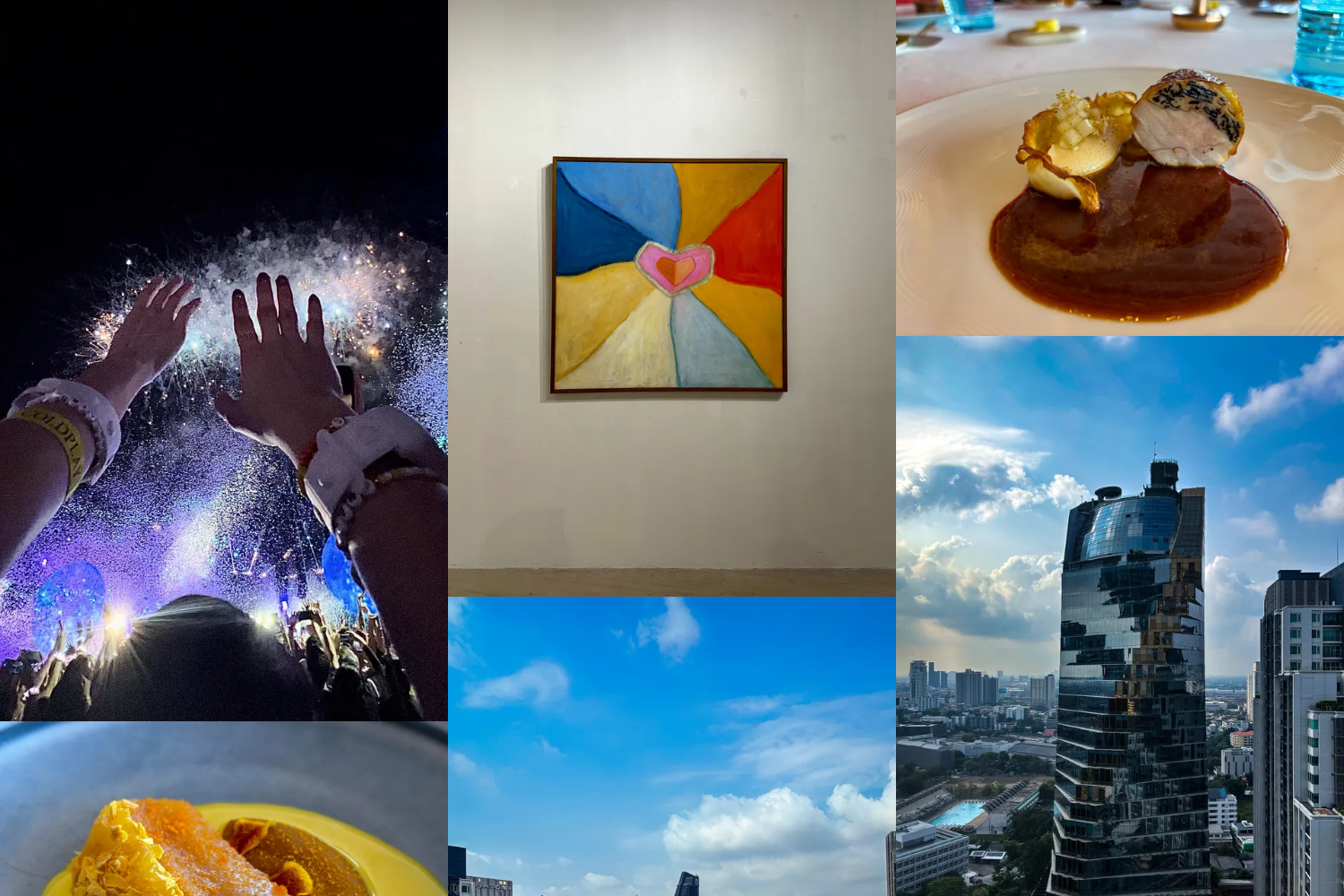
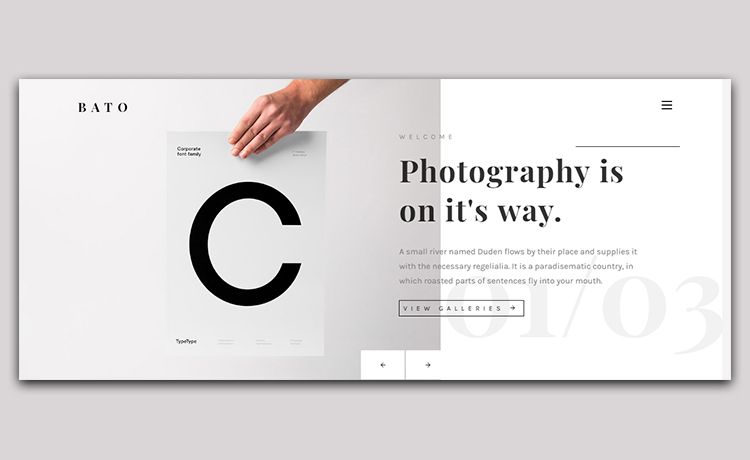
Template details
Memori
🌸 A static photo gallery template built with Astro. Inspired from Fuwari Template
About this template
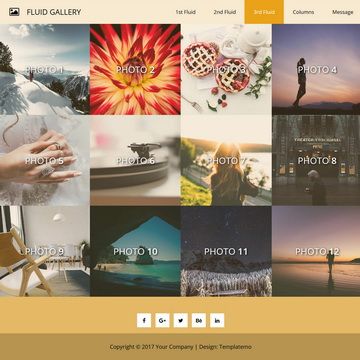
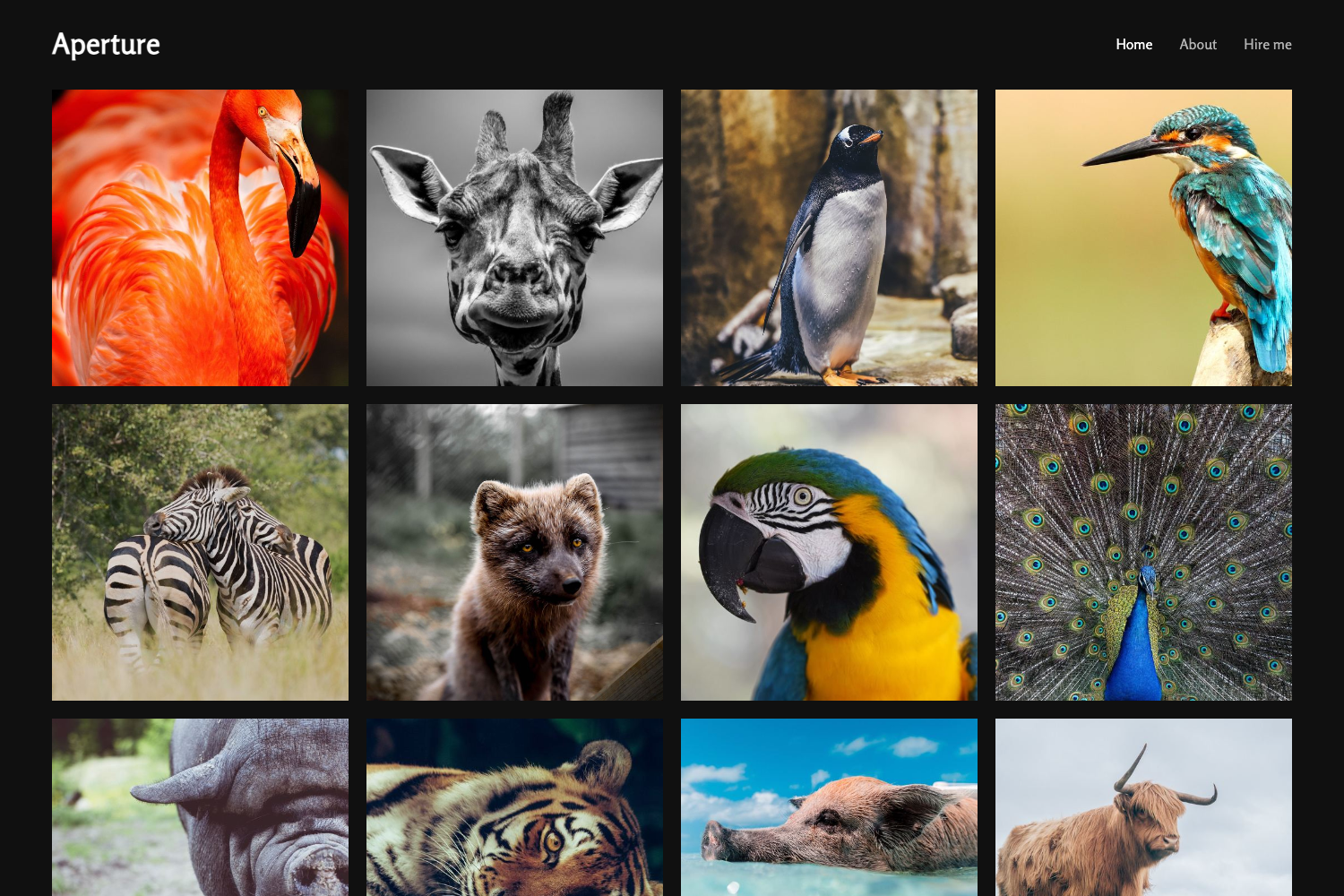
Memori is a static photo gallery template built with Astro and Tailwind CSS v3 that generates a timeline-based gallery website from Cloudinary-hosted images and Markdown frontmatter metadata. It is an open-source project by codewithnemo, inspired by the Fuwari template, and published on the official Astro theme directory.
What is Memori?
Memori is a static photo gallery website template that runs on the Astro static site generator and uses Tailwind CSS v3 for styling — the readme explicitly notes that Tailwind v4 is intentionally not used. As input, the template takes gallery folders in src/content/galleries/ where each gallery is an index.md file containing frontmatter fields like title, description, optional cover image, location, and camera, plus images uploaded to Cloudinary. As output, it builds a fully static site with a timeline photo gallery, an image lightbox, light/dark mode, and responsive layouts. The template is maintained by the developer codewithnemo and listed at the Astro theme details page for a static photo gallery.
Key Features
Memori's feature set centers on the Astro static site generator, Tailwind CSS v3, and Cloudinary for image handling.
- Astro framework — Built on Astro, so the production build outputs plain HTML to
./dist/and can be hosted on any static server. - Tailwind CSS v3 — Styling uses Tailwind CSS v3, a deliberate choice for compatibility with the existing configuration.
- Timeline gallery view — Photos are presented in a timeline layout, and each gallery's frontmatter can specify location, camera, and date metadata.
- Fancybox lightbox — Image lightbox functionality is provided by Fancybox, letting visitors view full-size photos without leaving the page.
- Cloudinary integration — Images are stored and optimized on Cloudinary; setup requires a Cloudinary account and environment variables or a
CLOUDINARY_URLstring. - CLI scaffolding scripts — The
pnpm new-gallerycommand creates a new gallery entry, andpnpm upload-cloudinaryuploads local images into the matching Cloudinary folder. - Light/dark mode — Includes a dark mode toggle, with customizable theme colors and banner via the config file.
- HEIC support workflow — Commands
pnpm convert-heicandpnpm delete-heicconvert HEIC images to JPEG and remove the originals. - Responsive design — The layout is designed to work on mobile and desktop screen sizes.
Who is it for?
- Photographers — Use Memori to publish a clean, timeline-ordered portfolio where each photo can carry camera and location metadata pulled from the gallery frontmatter.
- Travel enthusiasts — Create date-based photo diaries of trips, with a lightweight static site that loads images from Cloudinary.
- Astro developers — Use Memori as a customizable starter template, editing
src/config.tsand the frontmatter to adapt the gallery to their own needs.
What can you do with Memori?
- Create galleries from the terminal: Run
pnpm new-gallery gallery-nameto scaffold a newindex.mdfile undersrc/content/galleries/, then fill in the title, description, cover image, location, and camera fields. - Batch-upload images: Use
pnpm upload-cloudinary gallery-nameto push images from a local folder into Cloudinary'sgalleries/gallery-name/folder, or run the command without an argument to upload all galleries. - Deploy to static hosts: Follow Astro's deployment guides to publish the built
./dist/folder to GitHub Pages, Vercel, Netlify, or similar platforms, remembering to set the Cloudinary environment variables on the host.
How does Memori work?
After cloning the repository, you install dependencies with pnpm install, create a .env file with your Cloudinary credentials, and edit src/config.ts to customize the site. Then you create galleries with pnpm new-gallery, upload images to Cloudinary with pnpm upload-cloudinary, and either run pnpm dev for local development at localhost:4321 or pnpm build to generate the static site in ./dist/.
Pricing
Memori is open-source software released under the MIT License, so it is free to use and modify. The only external service required is a Cloudinary account, which offers a free tier for image storage and transformation.
Alternatives
- Fuwari — The Astro template that inspired Memori; Fuwari focuses more on blogging than photo galleries.
FAQ
Does Memori require Cloudinary?
Yes. Memori loads all images from Cloudinary folders rather than from local storage. You need a Cloudinary account and must configure either PUBLIC_CLOUDINARY_CLOUD_NAME, CLOUDINARY_API_KEY, and CLOUDINARY_API_SECRET or a single CLOUDINARY_URL environment variable.
What version of Tailwind CSS does Memori use?
Memori uses Tailwind CSS v3, not Tailwind v4. The readme states this is an intentional choice to maintain compatibility with the current configuration.
Is Memori free to use?
Yes, the project is licensed under the MIT License, which lets you use, modify, and distribute it freely. You may still incur costs from Cloudinary depending on your usage level.
How do I deploy Memori?
You can deploy Memori to any platform that serves static files, including Vercel, Netlify, and GitHub Pages. Follow the Astro deployment guides and remember to configure the Cloudinary environment variables in your hosting platform's settings.