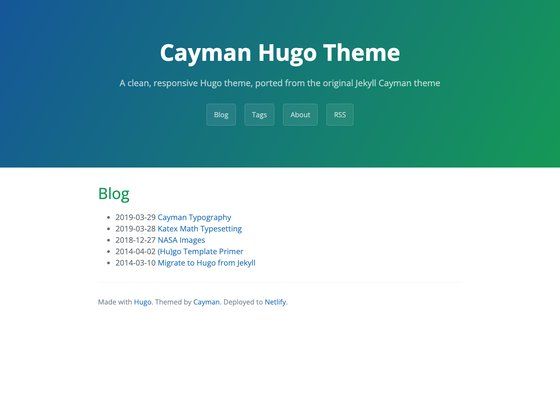
Template details
Minimal-block
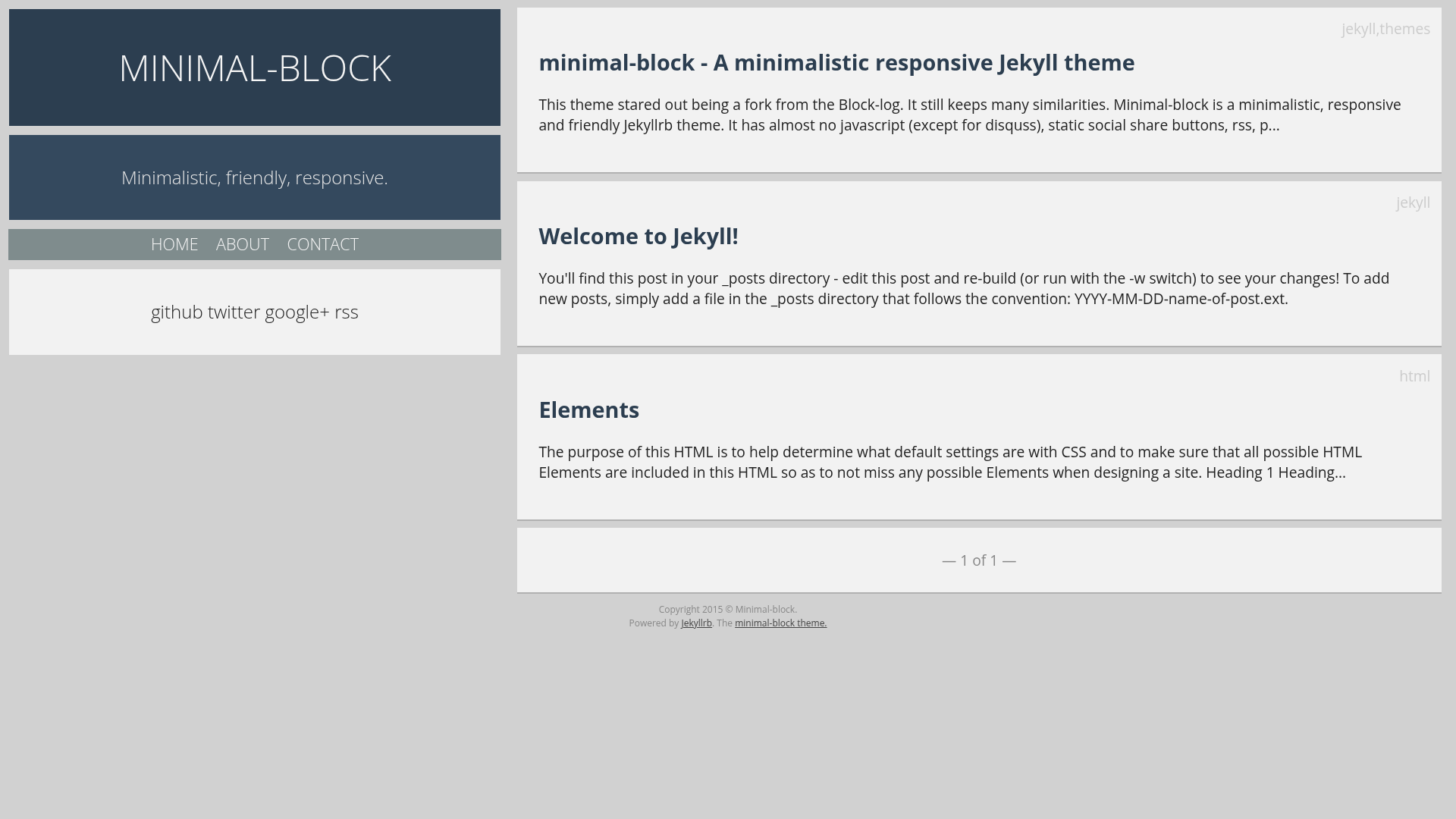
A minimalistic, responsive Jekyllrb blog theme with static social share, RSS, paginator, and Disqus comments.
About this template
Minimal-block is a minimalistic, responsive Jekyllrb blog theme that generates a static blog with almost no JavaScript, featuring built-in RSS, pagination, static social share buttons, and Disqus comments. It began as a fork of the Block-log theme and is maintained on GitHub by drvy.
What is Minimal-block?
Minimal-block is a Jekyll theme for blogs, released under an open-source license and available from the drvy/minimal-block GitHub repository. It takes Jekyll posts written in Markdown and builds a static website with clean permalinks (default format is /:title), a paginated post listing (five posts per page by default), and an RSS feed generated from the latest ten posts. The theme runs on any Jekyll installation and is compatible with GitHub Pages.
Key Features
- Nearly zero JavaScript — The theme includes no JavaScript except for the optional Disqus comment integration, keeping pages fast and simple.
- Static social share buttons — Twitter, GitHub, Google+, and other share actions are rendered server-side, using each post's tags as Twitter hashtags and an optional shortUrl variable for link shortening.
- Built-in RSS feed — A feed.xml is generated with configurable limits (rss-feed-limit, default 10) and an option to show full posts or excerpts (rss-show-full).
- Paginator — The home page paginates posts, with the number of posts per page set via the paginate config (default 5).
- Clean permalinks — Permalink structure is set in _config.yml, with a default of /:title, producing short, friendly URLs.
- Configurable via _config.yml — Site name, description, URL, Markdown parser, syntax highlighter, Disqus ID, social usernames, and RSS options are all set in one file.
- Starter pages included — The theme ships with example about and contact pages, plus a 404 page, each in its own directory with an index.html.
- GitHub Pages ready — Because it is a standard Jekyll theme, it can be deployed directly to GitHub Pages with no extra build steps.
Who is it for?
Minimal-block is aimed at developers and writers who want a no-frills blog with a clean reading experience. A blogger can clone the repository, edit the _config.yml, and start writing posts in Markdown. A GitHub Pages user can host the theme for free by pushing it to a repository. A developer who dislikes heavy single-page-app front-ends will appreciate the zero-dependency, static output. It is also a good starting point for those learning Jekyll, since the configuration is small and well-documented.
What can you do with Minimal-block?
- Personal bloggers: Publish a personal blog with a responsive layout, RSS feed, and paginated archive without any JavaScript build tooling.
- Technical writers: Use the clean permalink structure and syntax highlighting (via the highlighter config) for code-focused posts.
- Portfolio or resume: Although designed for blogs, you can repurpose the about and contact pages as an online portfolio or resume with minimal changes.
- Open-source contributors: The theme is a fork of Block-log and is open to contributions, making it a small codebase for learning Jekyll theme development.
How does Minimal-block work?
To start a blog, clone the repository and edit the _config.yml file at the root with your site name, URL, and social usernames. Add posts as Markdown files in the _posts directory with the naming convention year-month-day-title.md (for example, 2015-01-25-Hello-world.md). Then run jekyll build or push to GitHub Pages to generate the static site.
FAQ
Is Minimal-block free?
Yes, the theme is open-source and hosted on GitHub, so you can download, use, and modify it for free.
Does Minimal-block require JavaScript?
No. The only JavaScript included is for Disqus comments, and if you leave the disqus-id unset in _config.yml, comments are disabled and the theme loads with no JavaScript at all.
How do I set up Disqus comments?
Set the disqus-id variable in _config.yml to your Disqus site's identifier. If it is not set, the comment section will not appear on posts.
Can I customize the social share buttons?
Yes, the buttons use the twitter, github, and google values from _config.yml. Each post can also include a shortUrl variable that replaces the full post URL in shares, and tags are converted to hashtags on Twitter.
How do I change the number of posts per page?
Edit the paginate value in _config.yml. The default is set to five posts per page.