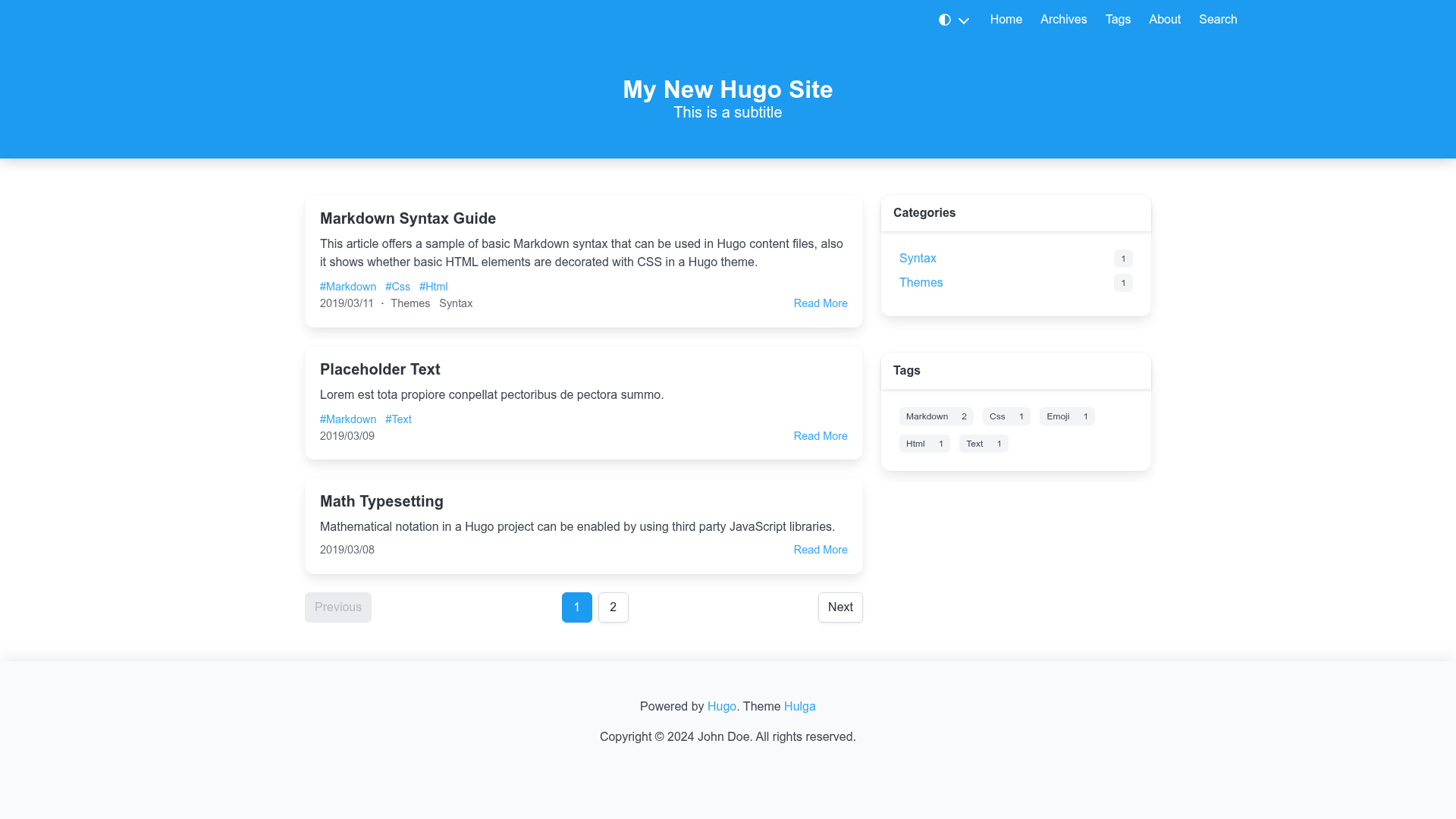
Template details
Cayman
Cayman is a clean, responsive Hugo theme ported from the Jekyll Cayman Theme, now archived and read-only.
About this template
Cayman is a clean, responsive Hugo theme ported from the original Jekyll Cayman Theme, now archived and read-only after being maintained on GitHub by zwbetz-gh.
What is Cayman?
Cayman is a Hugo theme that turns a Hugo site's Markdown content into a clean, responsive static website. It runs on Hugo version 0.81.0 or higher and is a direct port of Jason Long's Jekyll Cayman Theme, which it credits explicitly. The theme is available under a Creative Commons Attribution 4.0 International license, and its demo is deployed at https://cayman-hugo-theme.netlify.com/.
Key Features
- Ported from Jekyll Cayman — The theme replicates the visual style of Jason Long's classic Jekyll theme, giving Hugo users the same minimalist look with a prominent header banner.
- Uses Hugo Pipes and SCSS — Styling is compiled from SCSS via Hugo Pipes, so the extended version of Hugo is required only if you want to edit style-related parameters in your config file.
- Easy installation via git submodule — Install by running
git submodule add https://github.com/zwbetz-gh/cayman-hugo-theme.git themes/cayman-hugo-themefrom the root of your site. - Simple update process — Update the theme with
git submodule update --remote --mergefrom your site root. - Configurable header background colors — The example configuration lets you change the header background colors, and the documentation links to uigradients.com for color combination ideas.
- Example site included — The
exampleSitedirectory contains workingconfig.tomlandconfig.yamlfiles you can copy and edit, plus a demo you can run locally withhugo server --themesDir ../... - Favicon guidance — The README recommends generating favicons with RealFaviconGenerator and placing the output files under the
staticdirectory. - Netlify-ready demo — The public demo is hosted on Netlify, and the repository includes a Netlify status badge for automated deploy tracking.
Who is it for?
- Hugo users who want a clean, no-frills blog or content site without building a theme from scratch.
- Jekyll developers migrating to Hugo who want to keep the familiar Cayman design they already know.
- Developers learning Hugo who want a minimal, readable theme with an example site to study and extend.
- Bloggers who need a responsive, content-focused layout that works on mobile and desktop.
Use cases
- Personal blogs: Publish Markdown posts and pages with a clean typographic layout inherited from the Cayman design.
- Project documentation: Use the simple header and content structure to present repo documentation, though the theme itself is not branded as a docs theme.
- Portfolio sites: Showcase a short bio, selected projects, and a contact section using the content area, although the theme has no dedicated portfolio widgets.
How does Cayman work?
After adding the theme as a git submodule and copying either config.toml or config.yaml from the exampleSite into your site root, you edit the configuration to set your site's title, tagline, and header background colors. Because the theme uses Hugo Pipes, run Hugo with the extended binary only when changing SCSS-based style parameters; otherwise the standard Hugo binary works. You can preview the bundled example site by running hugo server --themesDir ../.. from the exampleSite folder.
FAQ
Is Cayman still maintained?
No. The repository is archived and read-only, so no further updates or bug fixes are planned. You can still use the theme as-is, but you'll need to fork it if you want to make changes.
What Hugo version is required?
Hugo version 0.81.0 or higher is required. The extended version of Hugo is only necessary if you want to edit style-related parameters because the theme compiles SCSS through Hugo Pipes.
How do I install Cayman as a submodule?
From the root of your site, run: git submodule add https://github.com/zwbetz-gh/cayman-hugo-theme.git themes/cayman-hugo-theme. Then copy the example configuration files into your site.
Can I change the header background colors?
Yes. The configuration includes parameters for header background colors, and the README suggests using uigradients.com to find gradient color combinations that suit your site.
What license does Cayman use?
The theme is released under the Creative Commons Attribution 4.0 International license, so you can use and modify it with attribution.