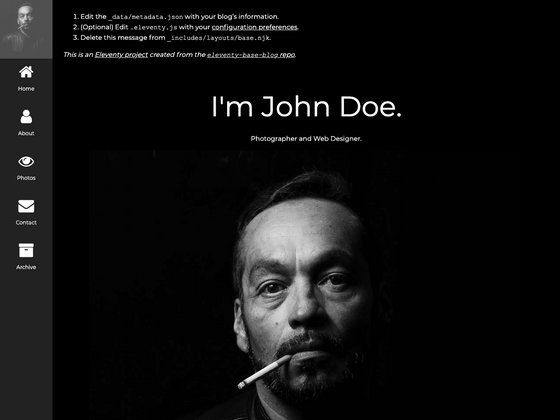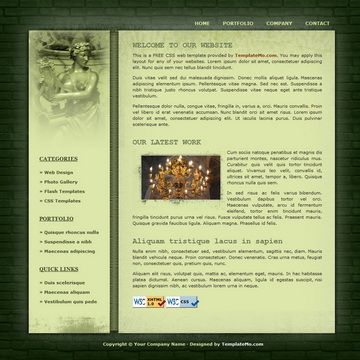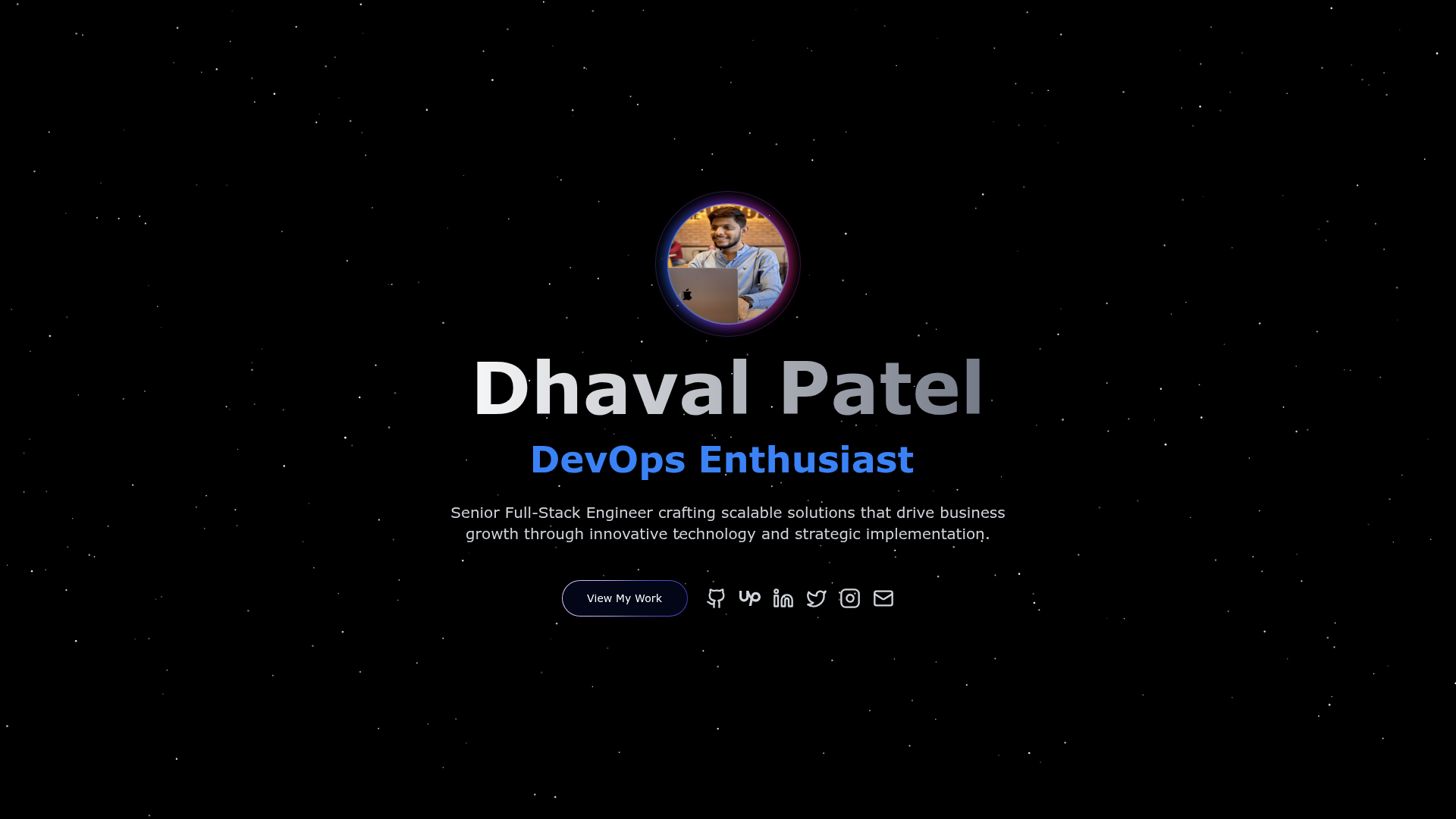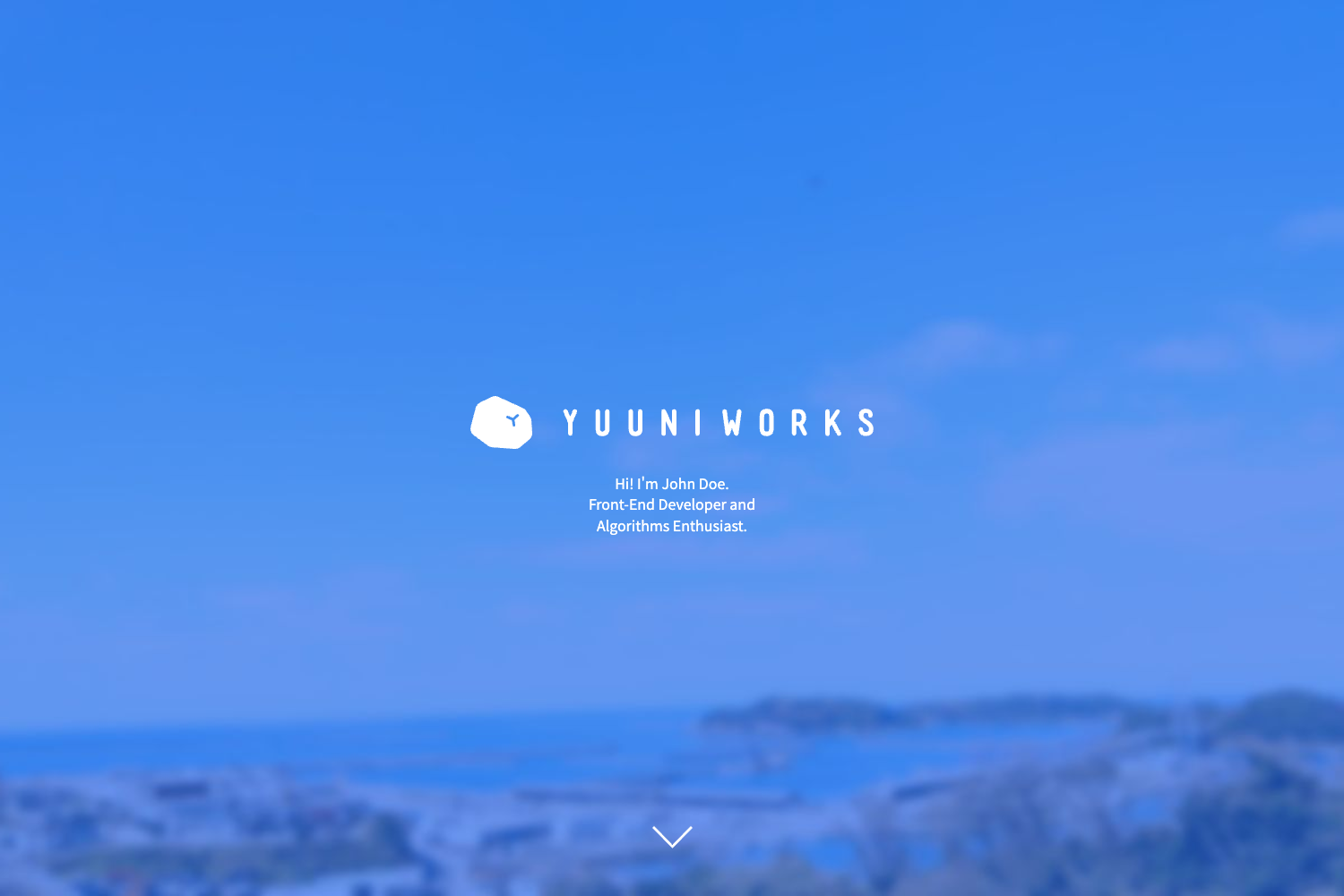
Template details
Minimal Resume
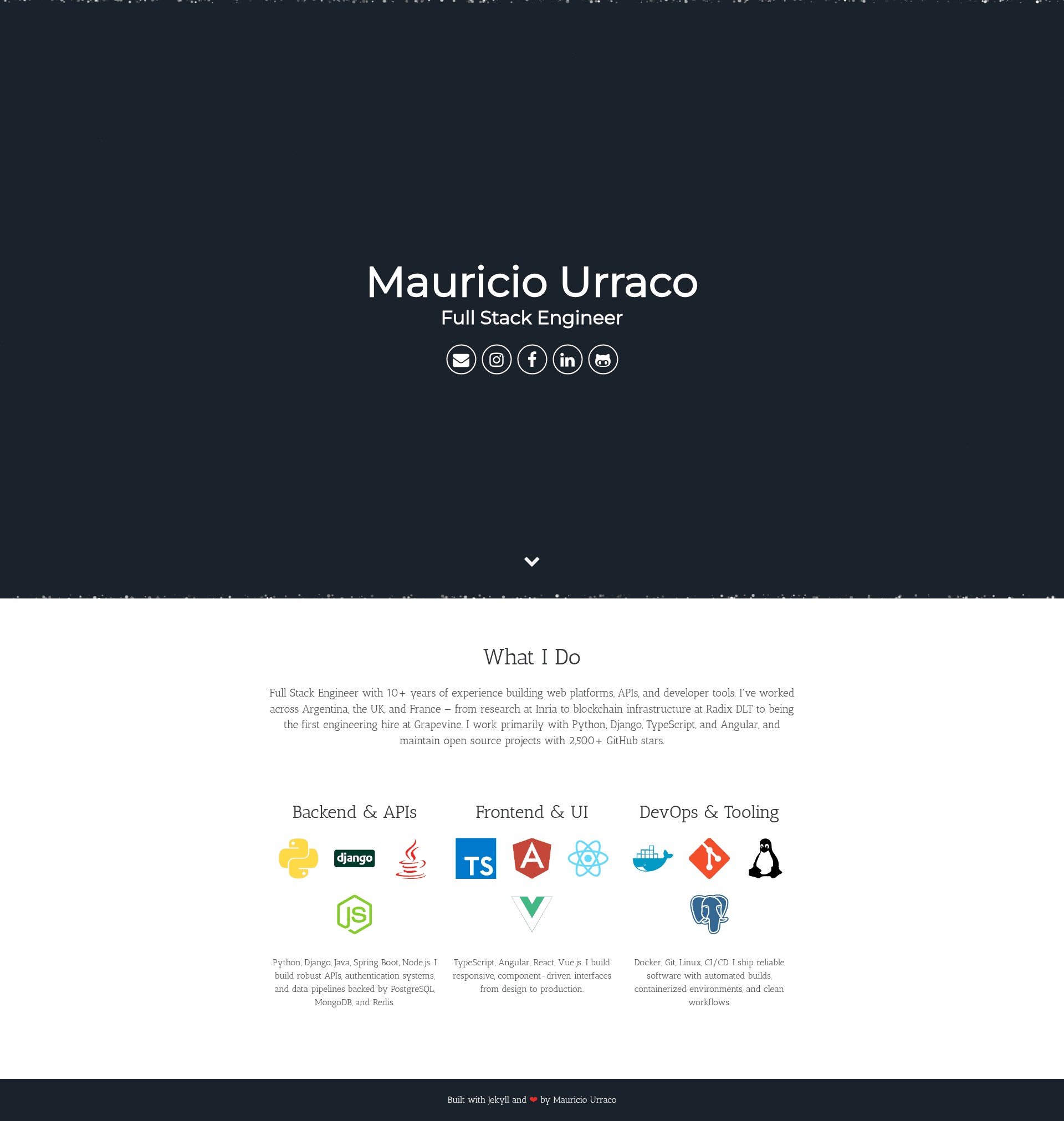
A single-page Jekyll resume theme for developers, with particle.js animation, Sass theming, and data-driven expertise columns.
About this template
Minimal Resume is a Jekyll theme for building a single-page, minimalist resume website with an animated particle.js header and data-driven expertise sections.
What is Minimal Resume?
Minimal Resume is a Jekyll theme that compiles _config.yml and _data/expertise.yml into a static one-page resume site. The site is generated with Jekyll (Ruby) and styled with Sass, while Gulp builds assets from src/ into assets/. It runs on any static host, including GitHub Pages and Netlify, and the repository includes Docker Compose for previewing the site without installing Ruby or Node. The project is authored by Mauricio Urraco and licensed under the MIT License.
Key Features
- Single-page layout — the entire resume (header, about, expertise, footer) is presented on one page with smooth scrolling via sweet-scroll.
- Particle.js animated header — a configurable particle background sits at the top; particle settings live in
src/js/app.js. - Data-driven expertise section — the three "My Expertise" columns are pulled from
_data/expertise.yml, using Devicon class names for icons, so no HTML editing is needed for skills. - Responsive, mobile-first design — the layout adapts to phone, tablet, and desktop widths.
- SEO and social meta tags —
_config.ymlfields (description, url, social_image, og_locale, theme_color) feed meta tags, Open Graph, Twitter cards, and JSON-LD structured data. - Sass theming — colors and other styling defaults are controlled by Sass variables under
src/styles/(for example,src/styles/_vars.scss). - Gulp asset pipeline —
npm run buildcompiles Sass and JavaScript fromsrc/intoassets/, and Jekyll copies them into_site. - Docker support —
docker compose up --buildserves the theme at localhost:4000; named volumes cache gems and node_modules.
Who should use Minimal Resume?
- Developers — software engineers who want a clean, minimal personal resume page without managing a custom website; they fork the repo, edit
_config.yml, and push to GitHub Pages. - Tech job seekers — candidates preparing a professional single-page resume with links to GitHub/LinkedIn, SEO meta tags, and schema markup for search engines.
- Developers who prefer containerized workflows — users who want to preview a Jekyll site via Docker Compose instead of installing Ruby, Bundler, and Node locally.
What can you do with Minimal Resume?
- Publish a personal resume page: enter your name, title, bio, email, and GitHub/LinkedIn usernames in
_config.yml, and the theme generates the complete page. - Showcase expertise with Devicon icons: populate
_data/expertise.ymlto fill three skill columns with icon class names from Devicon, and rebuild withnpm run build. - Preview locally without a local toolchain: run
docker compose up --buildand open http://localhost:4000 to see the site baked into the container image. - Deploy to a static host: set
urlandbaseurlcorrectly, then publish the generated_sitefolder to GitHub Pages, Netlify, or any static file server.
How does Minimal Resume work?
The workflow is: edit site and user settings in _config.yml and expertise data in _data/expertise.yml, then run npm run build to compile assets with Gulp and generate the Jekyll site into _site/. For live reload during development, npm run serve runs Gulp's watcher alongside jekyll serve --livereload. Docker users can run docker compose up --build to build the site inside a container with bundle install, npm ci, and npm run build on startup.
FAQ
Is Minimal Resume free?
Yes, Minimal Resume is released under the MIT License, so it is free to use, modify, and redistribute.
What are the local development requirements?
You need Ruby 3.x, Bundler, Node.js, and npm. The repository includes a .ruby-version file, and bundle install + npm install pull all dependencies.
Can I deploy it to GitHub Pages?
Yes, it is a standard Jekyll site. Set url and baseurl in _config.yml, build the site, and push to GitHub Pages or any static host.
How do I change the color scheme?
Colors are defined as Sass variables in src/styles/, notably src/styles/_vars.scss. Edit those variables, then run npm run build or npm run serve to regenerate the CSS assets.
Does Minimal Resume require API keys or a database?
No. The theme needs no API keys, no .env files, and no database; all customization is done via _config.yml, HTML includes, and _data/expertise.yml.