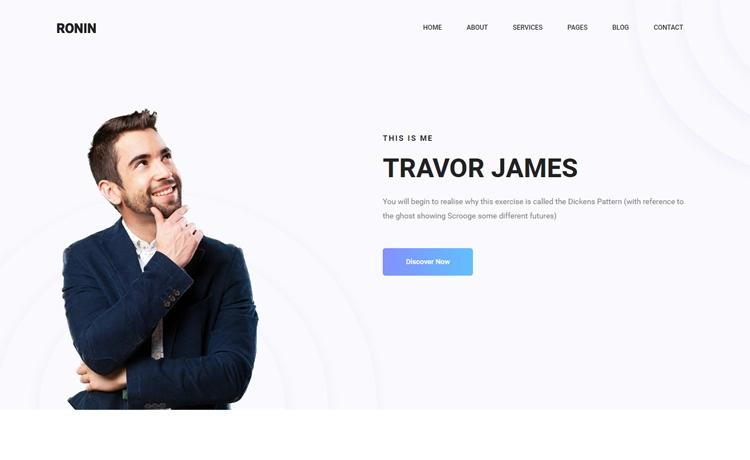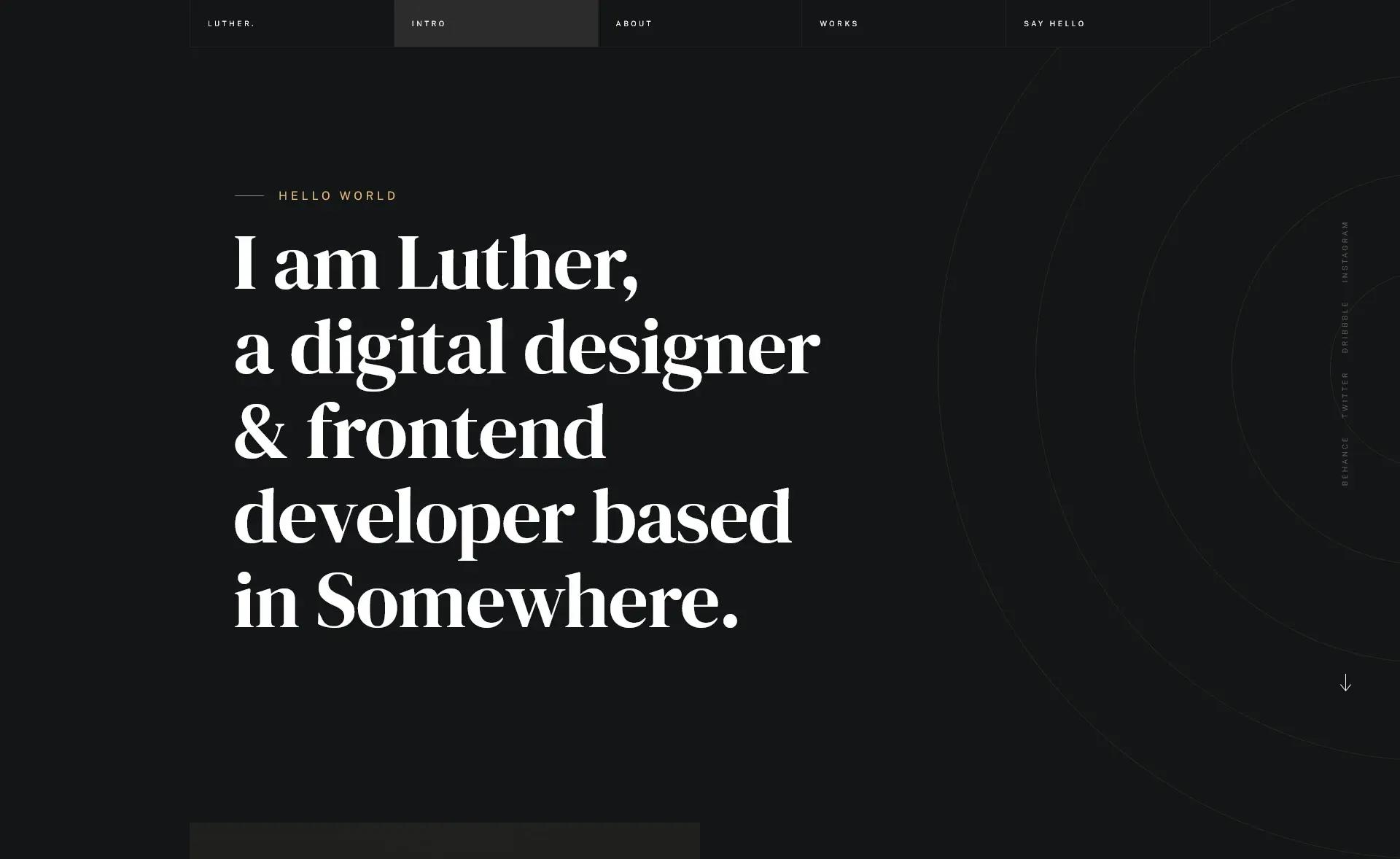
Template details
Minimalistic Portfolio Website
A sleek, modern, highly customizable portfolio template built with Astro, featuring blog, projects, and SEO.
About this template
Minimalistic Portfolio Website is an open-source Astro portfolio template that generates a fast, accessible, and SEO-ready personal site with a built-in blog and projects showcase. It is built on Astro's static site generation, styled with TailwindCSS, and handles content through MDX and configuration constants.
What is Minimalistic Portfolio Website?
This template is a static site generator setup, not a content management system. It takes content from configuration files and Markdown/MDX posts and outputs a fully static, deployable website. The project is created by Louai-Zokerburg and published on GitHub; it is designed for performance, accessibility, and SEO. The template produces a personal portfolio with sections for projects and blog articles, and includes dynamic Open Graph images for social sharing.
Key Features
- Light & Dark Mode — Theme switcher that toggles between light and dark appearances without losing the site's styling.
- Mobile-Friendly Layout — Fully responsive design that adapts to phones, tablets, and desktop screens.
- MDX Blog Section — Write posts in Markdown or MDX, with automatic table of contents and pagination across multiple articles.
- Categorized Articles — Organize posts by series or category and let visitors filter the blog list accordingly.
- Projects Showcase — Display detailed project pages with images and descriptions, making it easy to present work.
- SEO & Open Graph — Automatically generated metadata and dynamic OG images per blog post and project improve search engine and social media visibility.
- Astro + TailwindCSS Stack — The site is compiled with Astro's static builder, styled with TailwindCSS utility classes, and written in TypeScript for strict type safety. Framer Motion adds smooth animations.
Who Is This Template For?
- Software Developers — Set up a professional personal site that showcases open-source work and technical writing.
- Freelancers and Designers — Present a visual portfolio of projects with images, descriptions, and clear categorization.
- Job Seekers — Build a clean, SEO-optimized online presence that ranks well in search results and looks good on mobile.
What Can You Do With This Template?
- Publish technical articles — Write MDX posts that automatically get a table of contents, and paginate them across the blog section.
- Show portfolio projects — Add projects with images and descriptions; each generates an OG image for sharing on social media.
- Customize without code — Edit your name, links, and content in a single constants directory, replace images in the public folder, and tweak the shadcn-based color palette to match your brand.
How Does the Template Work?
Customizing the template involves editing files in the project rather than a visual builder. All site data lives in the lib/constants directory; images and Open Graph images go in public and public/og respectively. The color theme follows shadcn's color palette, so you can adjust it from one place, and the site rebuilds as a static output ready to deploy.
FAQ
Is this template free?
Yes, the template is open source and published on GitHub under a permissive license. You can clone the repository, customize it, and deploy your site without paying a license fee.
What technologies does it use?
The template is built with Astro as the static site generator, TailwindCSS for styling, TypeScript for type safety, Prettier for formatting, and Framer Motion for animations. Blog content is written in MDX, which combines Markdown with JSX components.
Can I use it for a portfolio without a blog?
Yes, the blog and projects sections are separate. You can keep only the projects showcase and remove the blog from the navigation, or vice versa, depending on your needs.
Does the template support dark mode?
Yes, light and dark mode are built in. The theme switch lets visitors toggle between the two, and the design is responsive on all screen sizes.
How do I deploy this site?
Because it is a static site generated by Astro, you can deploy the output to any static hosting service, such as Netlify, Vercel, or GitHub Pages, by following the standard Astro deployment steps.