Template details
My Landing Page
A minimal portfolio landing page template built with React; edit one config file and deploy to GitHub Pages.
About this template
My Landing Page is a minimal portfolio landing page template built with React and bootstrapped with create-react-app, designed to let developers publish a personal one-page site by editing a single config file and deploying to GitHub Pages.
What is My Landing Page?
My Landing Page is a minimal portfolio landing page template built with React and create-react-app. It takes as input a single configuration file where you set your personal details, social links, and background preferences, and produces a deployed single-page portfolio site hosted on GitHub Pages. The template was created by Kshitij Singh (GitHub user singhkshitij) as a React port of Dinesh Pandiyan's dev-landing-page, and the live demo is available at https://singhkshitij.github.io/My-Landing-Page/. Its goal is to eliminate manual editing of HTML source code, which the original static version required.
Key Features
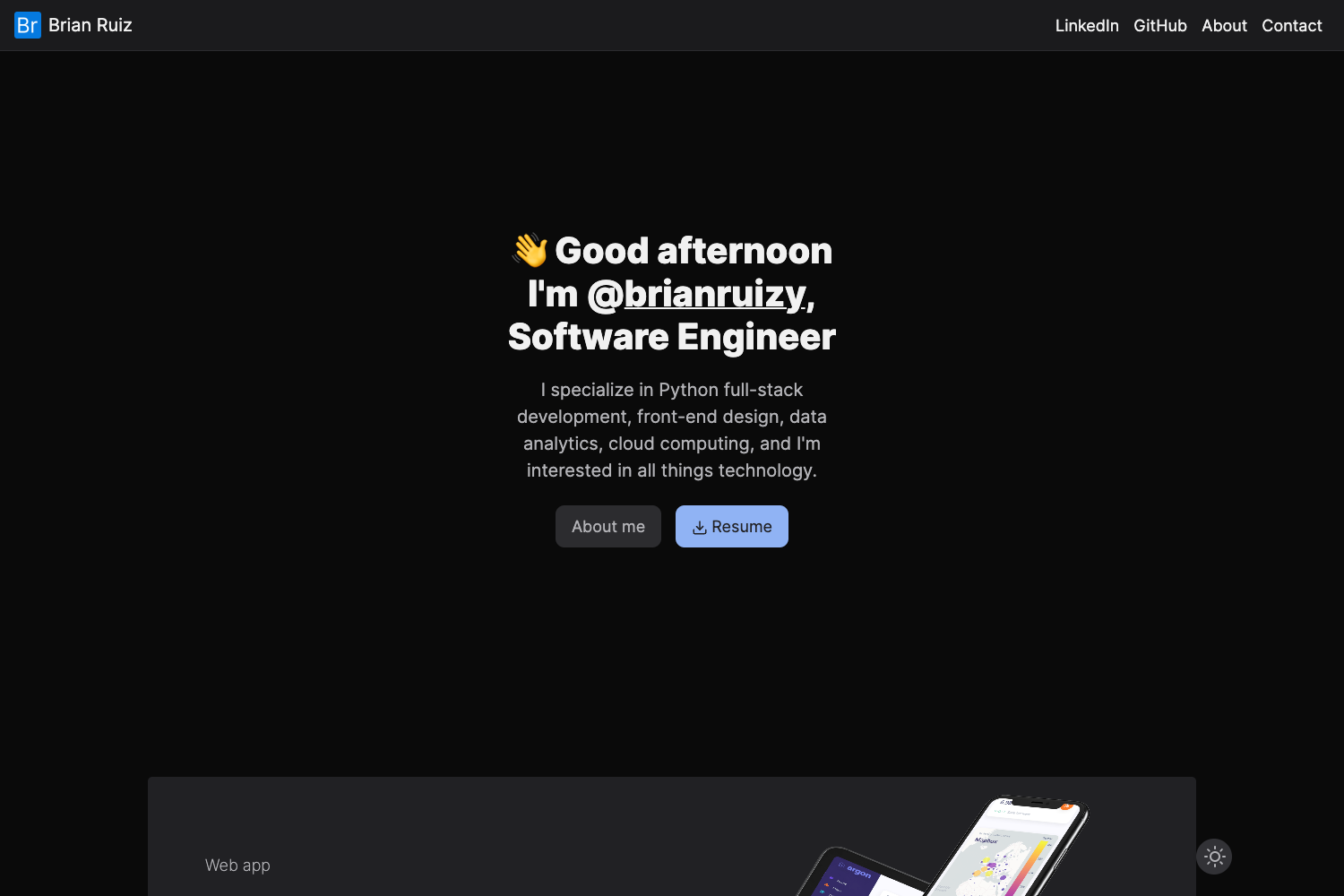
- Dark and Light Mode Toggle — Switch between dark and light material backgrounds with a button click, each with 7 default color combinations (14 total).
- Click-to-Change Background — The background style changes each time you click anywhere on the page, cycling through the configured options.
- Gradient Background Support — A gradient background option with free-flow animation for a dynamic look.
- Image Background — Set a custom image as the landing page background.
- Config-File Customization — All personal details, social links, and background choices live in one config file, so you never edit React components directly.
- Unlimited Social Profile Links — Add any number of hyperlinked social profile icons to the page.
- GitHub Pages Deployment — Deploy the project to your own GitHub account with a couple of commands, per the documentation.
- Documentation and Wiki — A project wiki explains setup, configuration, and deployment steps: https://github.com/singhkshitij/My-Landing-Page/wiki/.
Who is it for?
- Developers who want a minimal personal portfolio page without building from scratch, and who prefer React over static HTML editing.
- Job seekers who need a clean one-page site to showcase their skills, projects, and social links quickly.
- Open-source enthusiasts who want a customizable landing page they can fork, modify, and deploy to GitHub Pages for their own username.
What can you do with it?
- Fork and customize: Clone the repo, edit the config file with your details, and run the build commands to get a live portfolio in minutes.
- Switch visual themes: Choose between dark, light, gradient, or image backgrounds and toggle between 7 color combos per mode to match your personal brand.
- Highlight your social presence: Add as many social profile links (GitHub, LinkedIn, Twitter, etc.) as you need, each displayed as a hyperlinked icon.
- Deploy to GitHub Pages: Use the included scripts to publish your portfolio to a GitHub Pages URL associated with your account.
How does it work?
Start by forking or cloning the repository, then edit the single config file with your personal information and preferred background settings. After that, run the standard create-react-app build and deploy commands to publish the site to GitHub Pages, following the steps in the project wiki. The live demo shows the result: https://singhkshitij.github.io/My-Landing-Page/.
Alternatives
- dev-landing-page — the original static version by Dinesh Pandiyan that inspired this template; it requires manually editing HTML source code instead of using a config file.
FAQ
Do I need to edit React components to customize my portfolio?
No. The template is designed so that all personal information, social links, and background choices are managed through a single config file. You only need to edit that file, then run the build and deployment commands; the React components read from that configuration.
Can I use my own image as the background?
Yes. The template includes an image background option. You can set a custom image in the config file, and it will appear as the landing page background.
Is there a dark mode?
Yes. The template has a dark mode and a light mode, toggled with a button. Each mode offers 7 default color combinations, giving you 14 total background styles.
How do I deploy the site?
The project wiki describes the deployment process. In short, you run a couple of commands after configuring your details, and the site is published to GitHub Pages under your GitHub account.
Does the template support multiple social links?
Yes. You can add any number of hyperlinked social profile icons to the page, such as GitHub, LinkedIn, Twitter, and others.