Template details
My Portfolio
A Next.js portfolio template bootstrapped with create-next-app for showcasing big projects.
About this template
My Portfolio is a Next.js starter template for creating a personal portfolio website that showcases your biggest projects, bootstrapped with create-next-app.
What is My Portfolio?
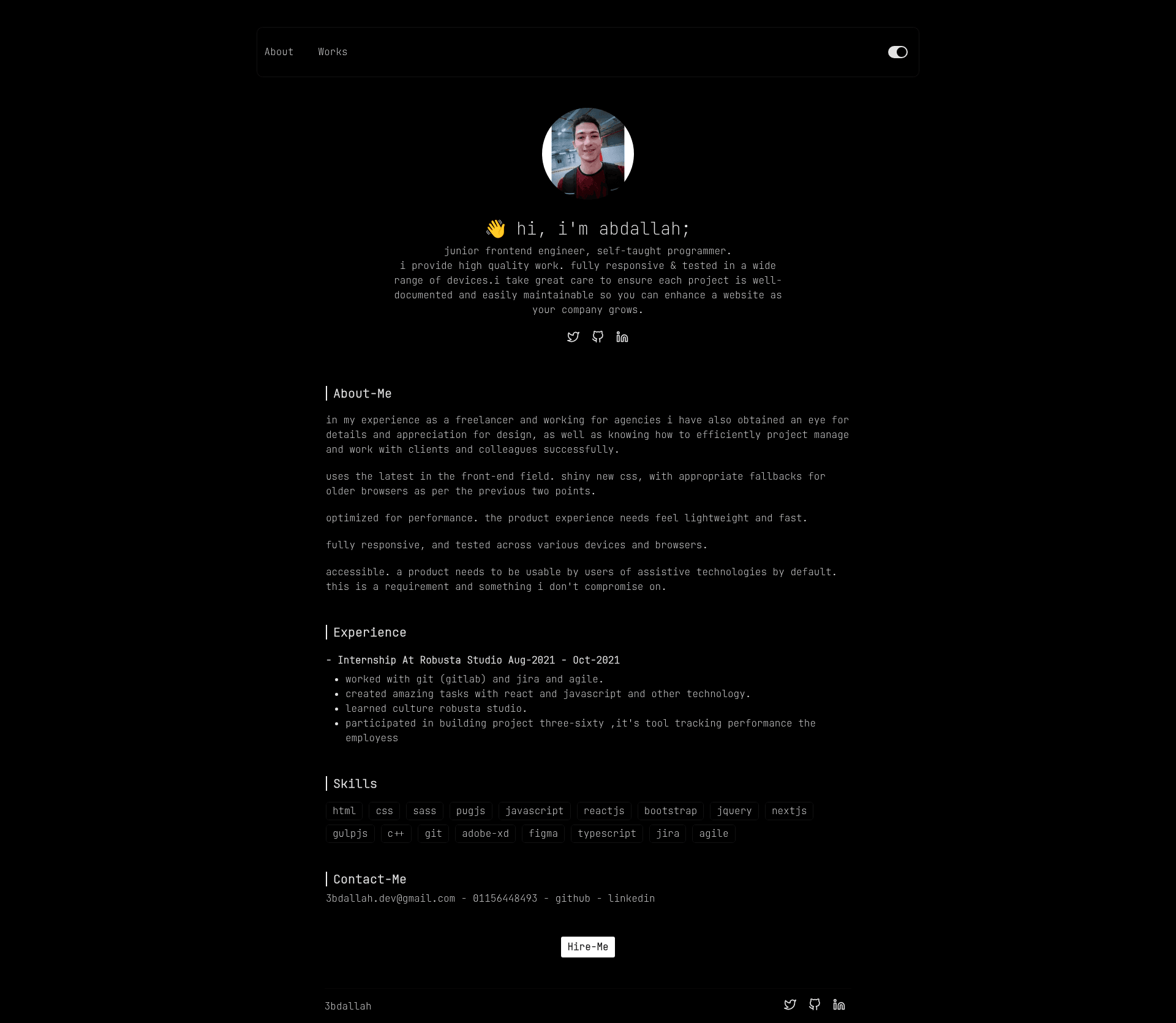
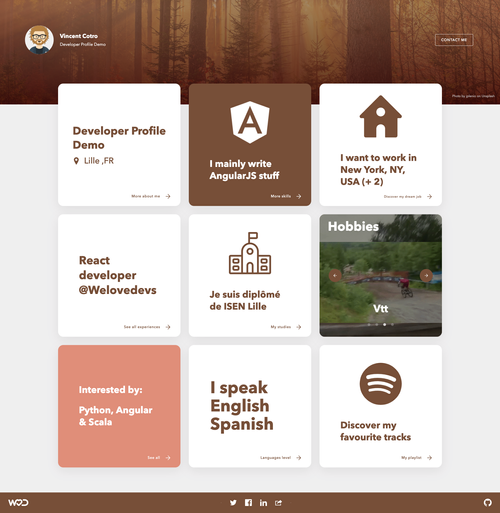
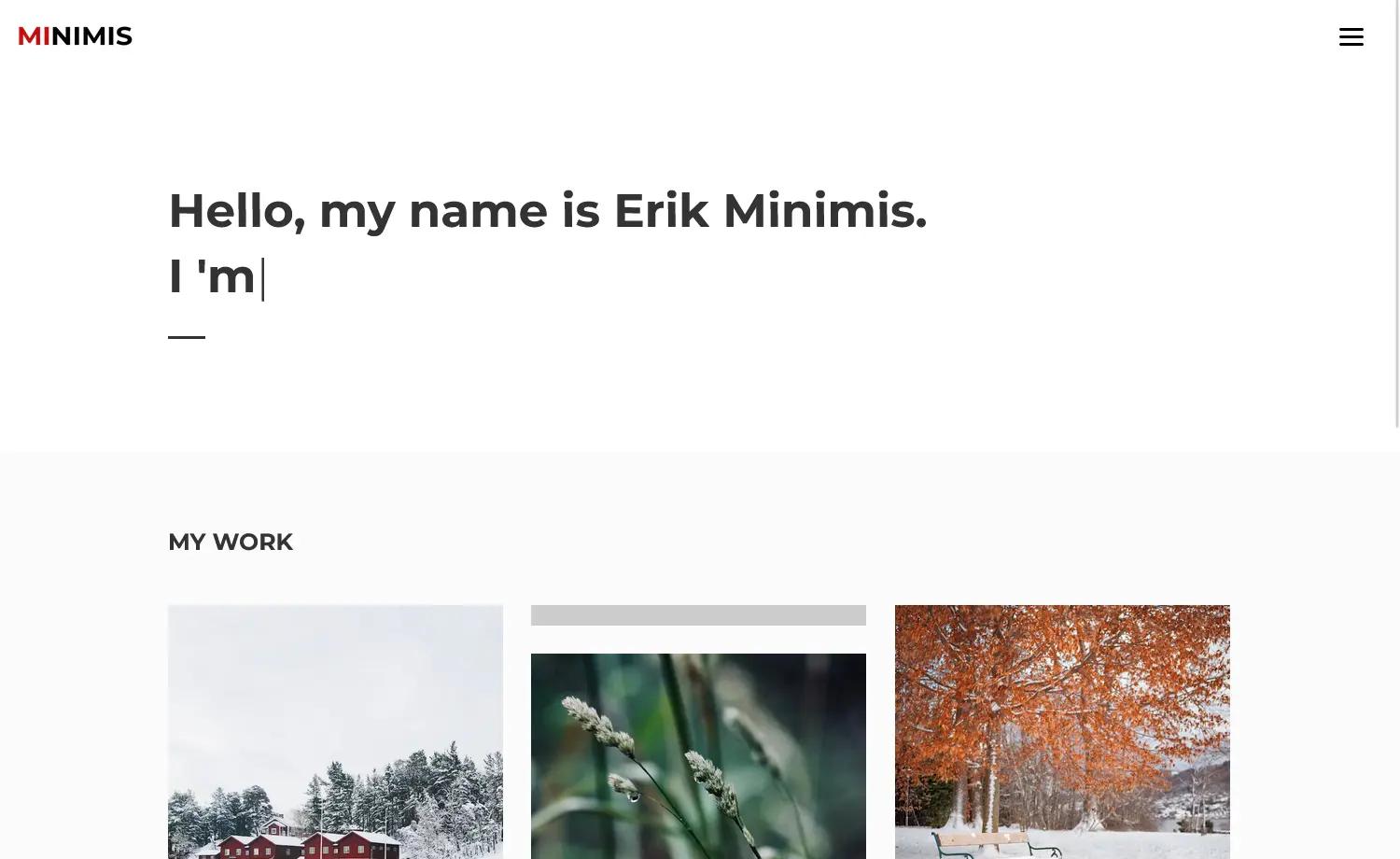
My Portfolio is a Next.js-based portfolio starter project that produces a personal website for displaying projects and work. It takes a standard create-next-app structure and adds a portfolio-focused homepage and an example API route. The site runs on Node.js via the Next.js development server and can be deployed to Vercel. The repository is tagged with Next.js, React.js, and MDX on GitHub.
Key Features
- Next.js with React — Built on the Next.js framework using React components, with file-based routing via the pages directory.
- Development server — Run
npm run devoryarn devto start a local server at http://localhost:3000 that auto-reloads on edits. - API routes — Includes a sample API route at pages/api/hello.js, accessible at /api/hello, which can be edited or extended.
- Customizable homepage — The main page is pages/index.js, a React file you can edit to add your own project showcase content.
- Vercel deployment — The README points to the Vercel platform for one-command deployment of the Next.js app.
- MDX-relevant stack — GitHub topics list mdx, nextjs, and reactjs, signaling a React-based stack open to Markdown/MDX content.
Who is it for?
- Developers — Use My Portfolio as a quick starting point for a personal site, editing pages/index.js and the API route to fit your own project data.
- Freelancers and agencies — Showcase large client projects in a clean, single-page layout powered by Next.js.
- Students and job seekers — Build a portfolio site for applications without configuring a React project from scratch, thanks to the create-next-app bootstrap.
How does My Portfolio work?
Run the local development server with npm run dev or yarn dev, then open http://localhost:3000 to view the portfolio. Edit pages/index.js to change the homepage content, and modify pages/api/hello.js to customize the API endpoint. The page auto-updates in the browser as you save files, and the whole app can be deployed on Vercel.
What can you do with My Portfolio?
- Personal portfolio — Display your biggest projects with descriptions, links, and images; the default homepage is designed for that purpose.
- API demo — The included /api/hello route shows how to build and edit serverless API functions within a Next.js site.
- Learning Next.js — Because it's a standard create-next-app setup, you can explore pages, routing, and API routes while building your portfolio.
FAQ
How do I start My Portfolio locally?
Clone the repository, install dependencies with npm install or yarn, then run npm run dev or yarn dev. The site will be available at http://localhost:3000.
How do I deploy My Portfolio?
The README recommends using the Vercel Platform from the creators of Next.js. Connect your repository to Vercel, and it will automatically build and deploy your portfolio.
What is the default API route?
A sample API endpoint is located at pages/api/hello.js and is served at /api/hello. You can edit the file to return custom JSON data.
Can I edit the homepage content?
Yes, the homepage is defined in pages/index.js. Editing that file will update the page in real time via Next.js hot reloading.