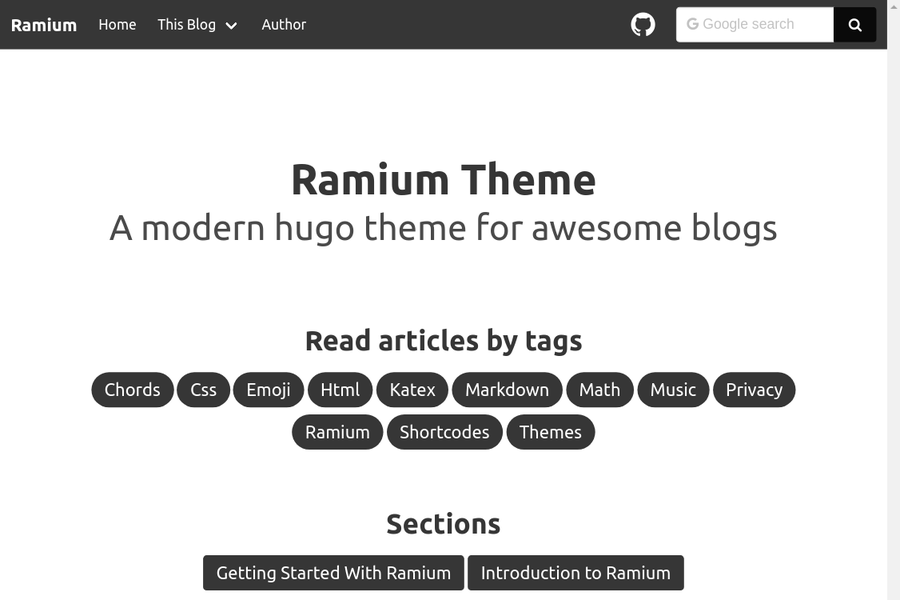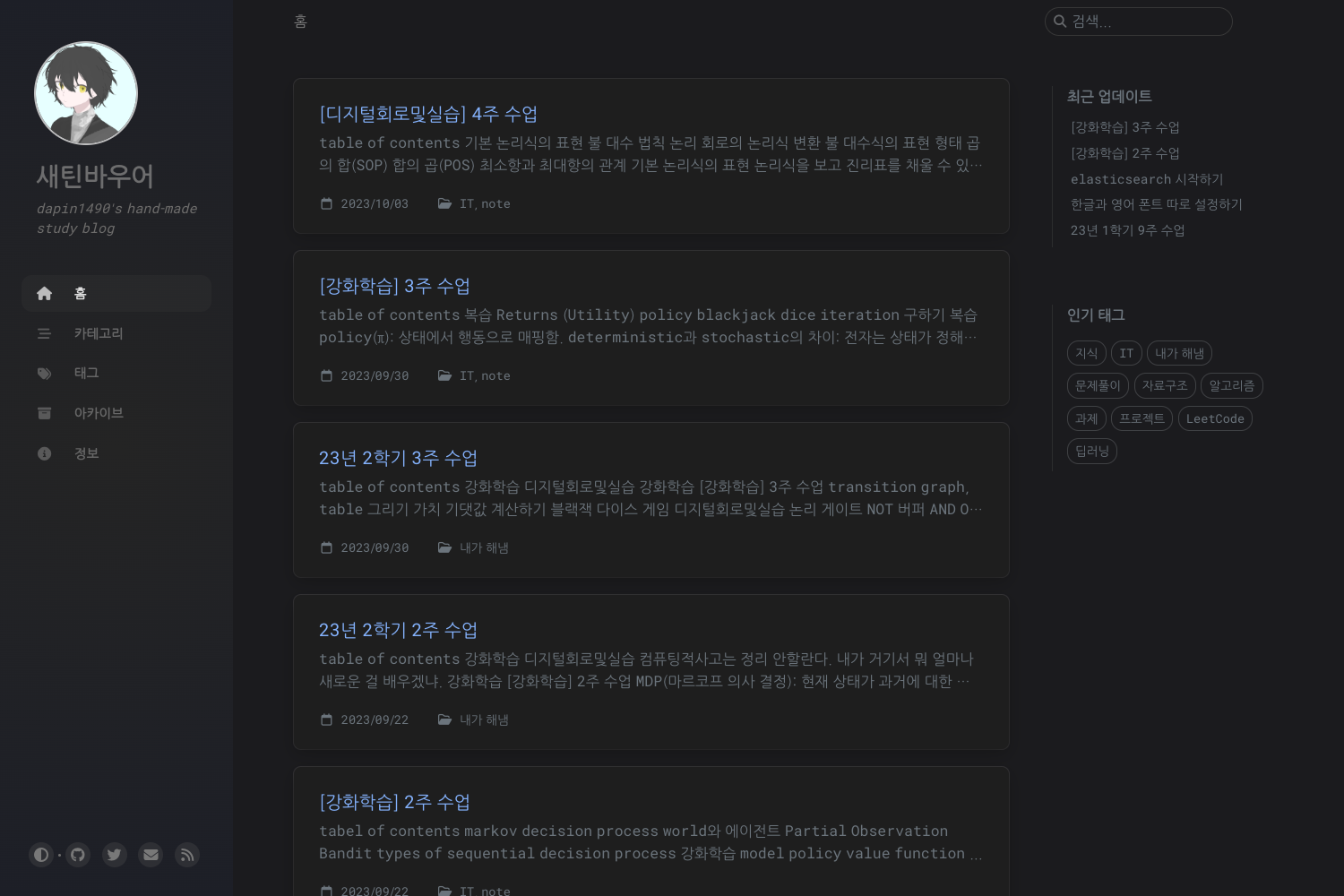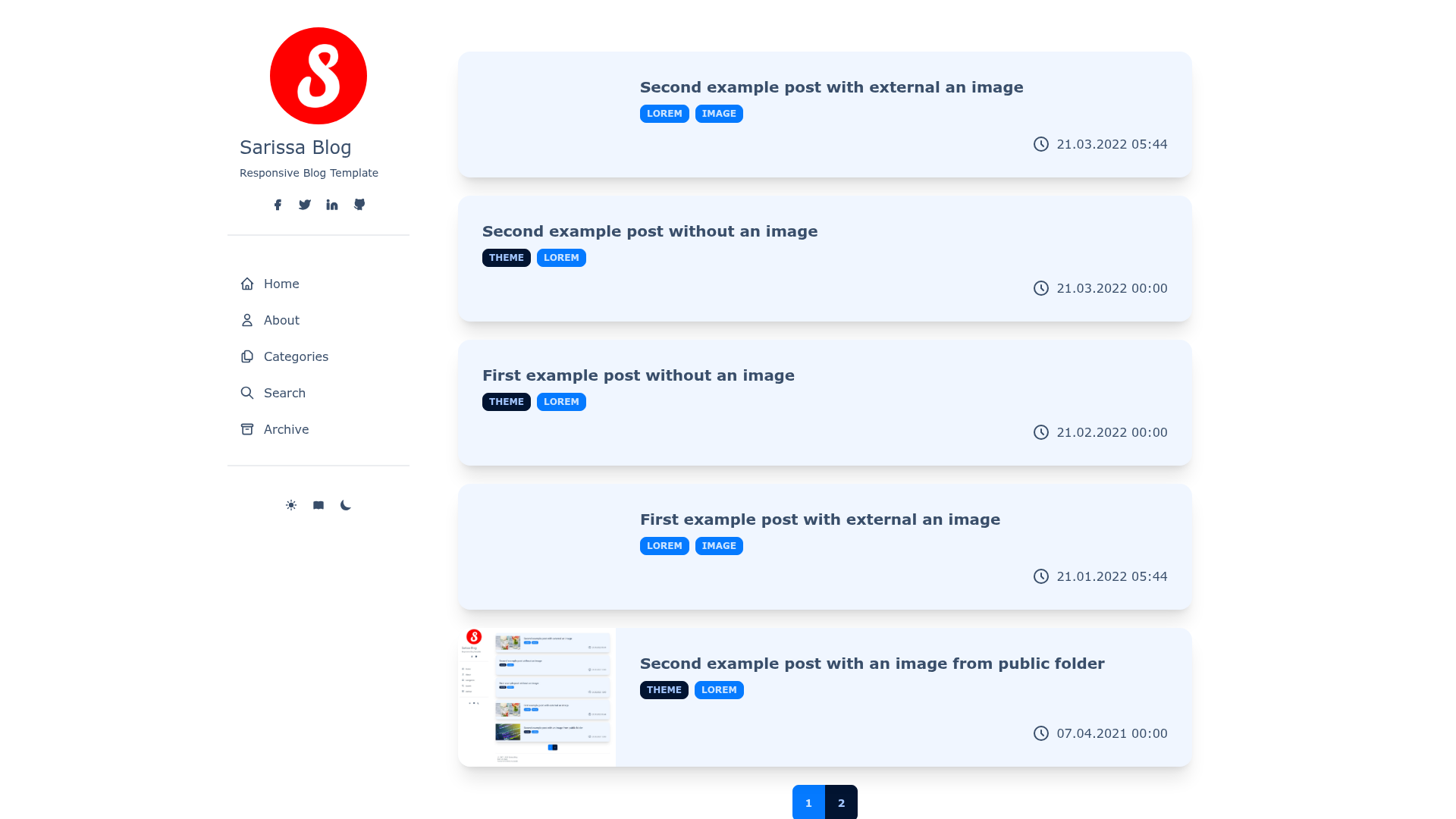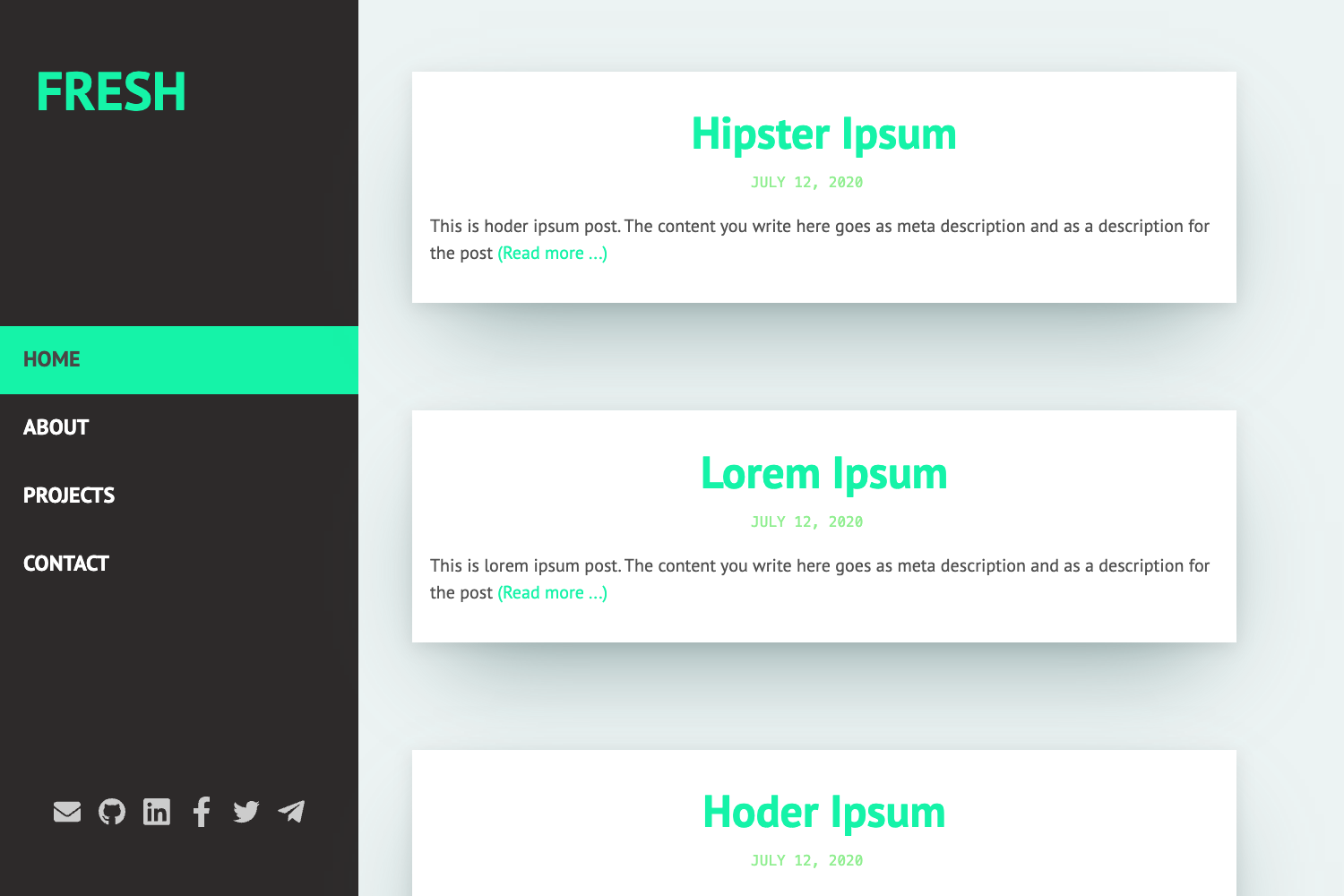
Template details
Nadya
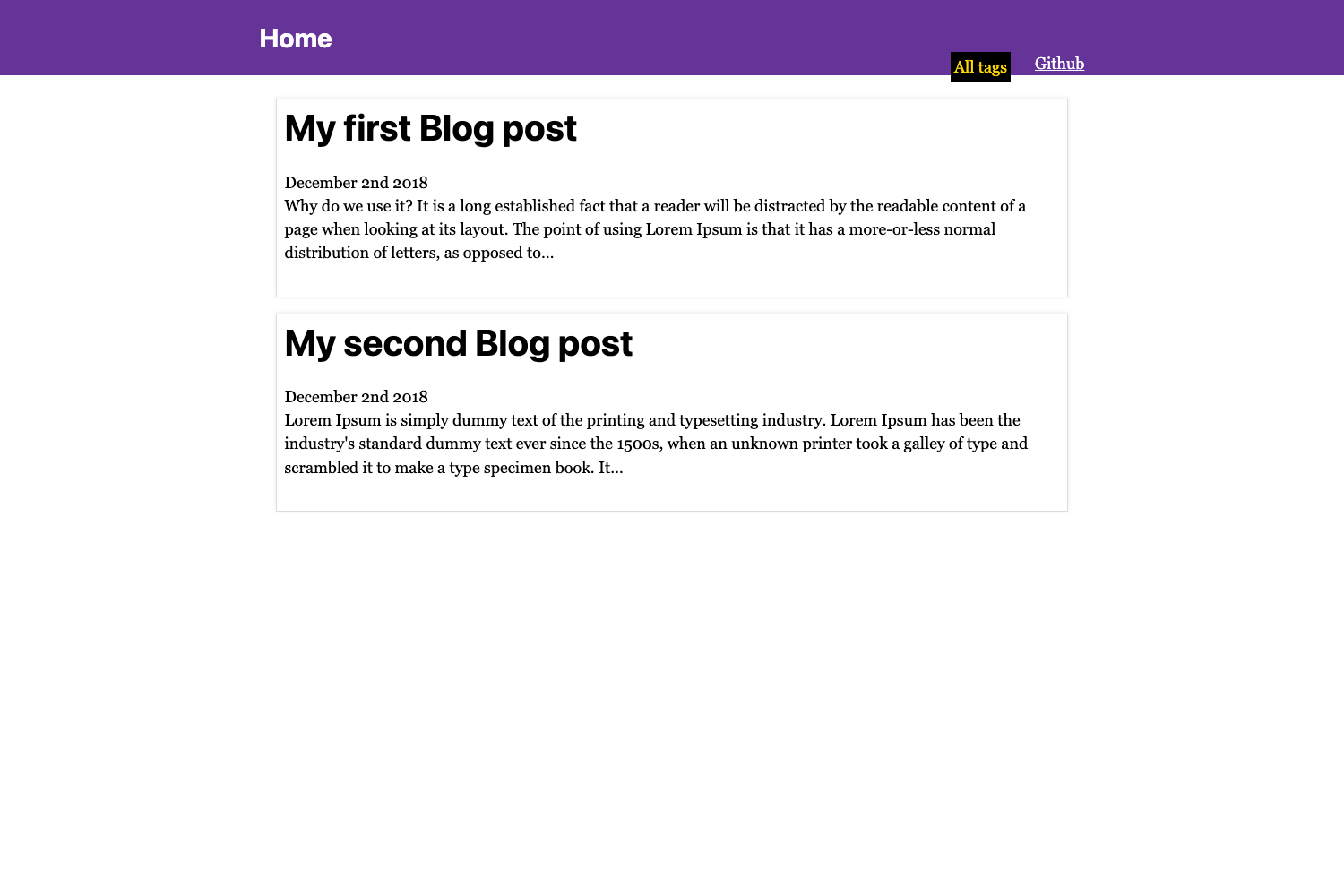
Nadya is a Jekyll theme serving as a heavily modified alternative to the default minima theme for static sites and blogs.
About this template
Nadya is a Jekyll theme that serves as a heavily modified alternative to Jekyll's default minima theme, providing a customized starting point for static websites and blogs built with Jekyll.
What is Nadya?
Nadya is a Jekyll theme, which means it is a set of templates, styles, and configuration defaults that Jekyll uses to convert Markdown or HTML content into a static website. It is specifically a heavily modified version of minima, the default theme that ships with new Jekyll installations. As a result, Nadya takes the basic minima structure and changes its layout, styling, and possibly its features to create a distinct look. The theme is distributed through a GitHub repository with the topics "jekyll" and "jekyll-theme", and it has 2 stars at the time of metadata collection. The exact identity of the author is not stated in the available information.
Key Features
- Based on minima — Nadya starts from Jekyll's default minima theme, inheriting a clean, blog-oriented structure that supports posts, pages, and basic navigation.
- Heavily modified — The theme explicitly describes itself as "heavily modified," so users should expect noticeable differences from the default minima appearance; the specific modifications are not enumerated in the available metadata.
- Jekyll-native — Built for Jekyll, the theme works with the standard build pipeline that uses Liquid templates, Sass stylesheets, and a
_config.ymlconfiguration file. - GitHub repository — The theme is hosted on GitHub with the topics "jekyll" and "jekyll-theme," and it had 2 stars at the time the metadata was collected.
Who is it for?
Nadya is intended for developers and bloggers who already use Jekyll and want a different visual style than the unmodified minima default. It suits individuals building personal blogs, portfolio pages, or project documentation sites on Jekyll or GitHub Pages. Because it is a heavily modified minima, it also appeals to users who want the familiarity and simplicity of minima but with custom styling already applied.
What can you do with Nadya?
- Personal bloggers: Set up a Jekyll blog with a distinctive design by installing Nadya and writing posts in Markdown.
- GitHub Pages users: Use Nadya to build a site on GitHub Pages, since Jekyll is the engine behind Pages and this is a Jekyll theme.
- Jekyll learners: Study how a real-world theme can fork and heavily modify minima, using Nadya as a code example for learning Liquid, Sass, and Jekyll theming.
How does Nadya work?
To use Nadya, you install it as a Jekyll theme and then run jekyll build or jekyll serve. Jekyll will apply the theme's layouts and styles to your content files, generating a static site. You can adjust the site's settings through the _config.yml file, following the same workflow as with any Jekyll theme.
FAQ
Is Nadya free?
The available repository metadata does not include a license, so it is not possible to confirm whether Nadya is free or open-source from the given information. However, it is publicly visible on GitHub.
How is Nadya different from minima?
Nadya is described as a heavily modified version of minima. That means it is built on the same foundations but has significant changes to the code and appearance. The exact differences are not detailed in the available metadata.
Does Nadya work with GitHub Pages?
Jekyll themes are generally compatible with GitHub Pages, which uses Jekyll to build sites. Since Nadya is a Jekyll theme, it is expected to work in that environment, though the specific compatibility is not confirmed in the repository description.
What do I need to run Nadya?
You need a working Jekyll installation on your machine or a platform that builds Jekyll sites, such as GitHub Pages. Then you install Nadya as the theme for your site.
What content formats does Nadya support?
As a Jekyll theme, it supports the content formats Jekyll supports, including Markdown and HTML files, with front matter for metadata. The theme itself does not change this capability.