Template details
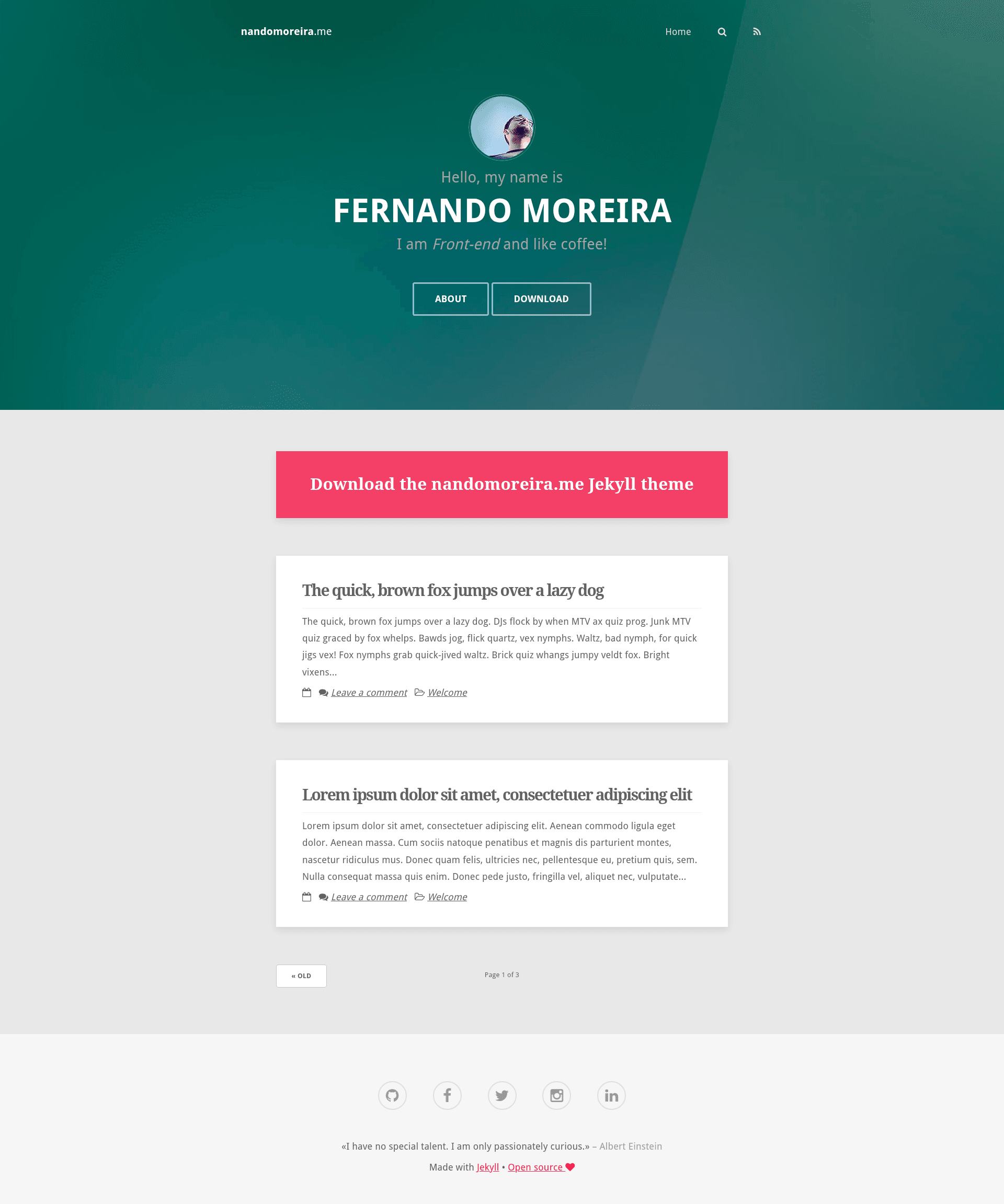
nandomoreira.me
A personal blog Jekyll theme with Gulp, Bower, and Rake workflows for building and deploying to GitHub Pages.
About this template
nandomoreira.me is a personal-blog Jekyll theme that bundles Gulp, Bower, and Rake tooling to create, build, and publish a static site to GitHub Pages in two steps.
What is nandomoreira.me?
nandomoreira.me is a Jekyll theme for personal websites and blogs, originally the author's own website. It takes Jekyll content (posts, pages, categories, tags) as input and produces a static website, with Gulp handling asset processing and Bower managing front-end dependencies. The theme is open-sourced under the MIT license and includes a live preview at https://nandomoreirame.github.io/nandomoreira-jekyll-theme/.
Key Features
- Rake automation — Rake tasks generate Jekyll content:
rake post title="TITLE",rake page name="about.md",rake category title="Programing", andrake tag title="Jekyll". - Gulp asset pipeline — Running
gulpstarts asset processing and browser-sync live reloading; global npm packages required are gulp, bower, and browser-sync. - Bower dependency management — Front-end libraries are installed with Bower via
npm installafter cloning the repository. - GitHub Pages deployment — The
RakefileexposesGITHUB_REPONAMEandGITHUB_REPO_BRANCH; runningrakeorrake publishbuilds and publishes the site. - ES5 JavaScript — The repository metadata lists
es5as a topic, indicating the theme's JavaScript targets the ES5 version. - Jekyll-native structure — Uses standard Jekyll directories and supports Jekyll's built-in blogging and page features.
Who is it for?
- Personal bloggers — They can use the Rake commands to instantly create new posts and pages without writing front matter by hand.
- Jekyll developers — They get a working example of a Gulp-based build pipeline integrated with Jekyll and Rake.
- Developers deploying to GitHub Pages — The two-step publish process (set two variables in the Rakefile, run
rake) is tailor-made for this hosting platform.
What can you do with it?
- Writers: Generate a new post with
rake post title="..."and a timestamped markdown file appears in the_postsdirectory. - Site owners: Add static pages such as
about.mdby runningrake page name="about.md". - Content organizers: Create category and tag pages using
rake category title="Programing"andrake tag title="Jekyll". - Developers: Use
jekyll serverfor local development orgulpto get browser-sync live reload while editing the theme.
How does it work?
Install the global dependencies (sudo npm i -g gulp bower browser-sync and sudo gem install bundler), then run bundle install and npm install in the project folder. Author content with the Rake tasks, preview locally with jekyll server or gulp, and publish to GitHub Pages by editing the two Rakefile variables and running rake publish.
FAQ
Is nandomoreira.me free?
Yes, the theme is released under the MIT license, so you can freely use, modify, and distribute it.
What prerequisites do I need?
You need Ruby with Bundler and Node.js with npm. Global npm packages required are gulp, bower, and browser-sync, which can be installed with the command shown in the README.
How do I create a new post?
Run rake post title="TITLE OF THE POST" from the terminal. The Rake task creates the post file with Jekyll front matter automatically.
How do I deploy to GitHub Pages?
Edit the GITHUB_REPONAME and GITHUB_REPO_BRANCH variables in the Rakefile, then run rake or rake publish. The command builds the site and pushes it to the specified branch.