Template details
Next Dev Studio
Open-source Next.js template for small business websites, deployable to Netlify or Vercel.
About this template
Next Dev Studio is a Next.js small business website template that builds a static marketing site from a local business's services and contact details, freely available under the MIT license and deployable to Netlify or Vercel.
What is Next Dev Studio?
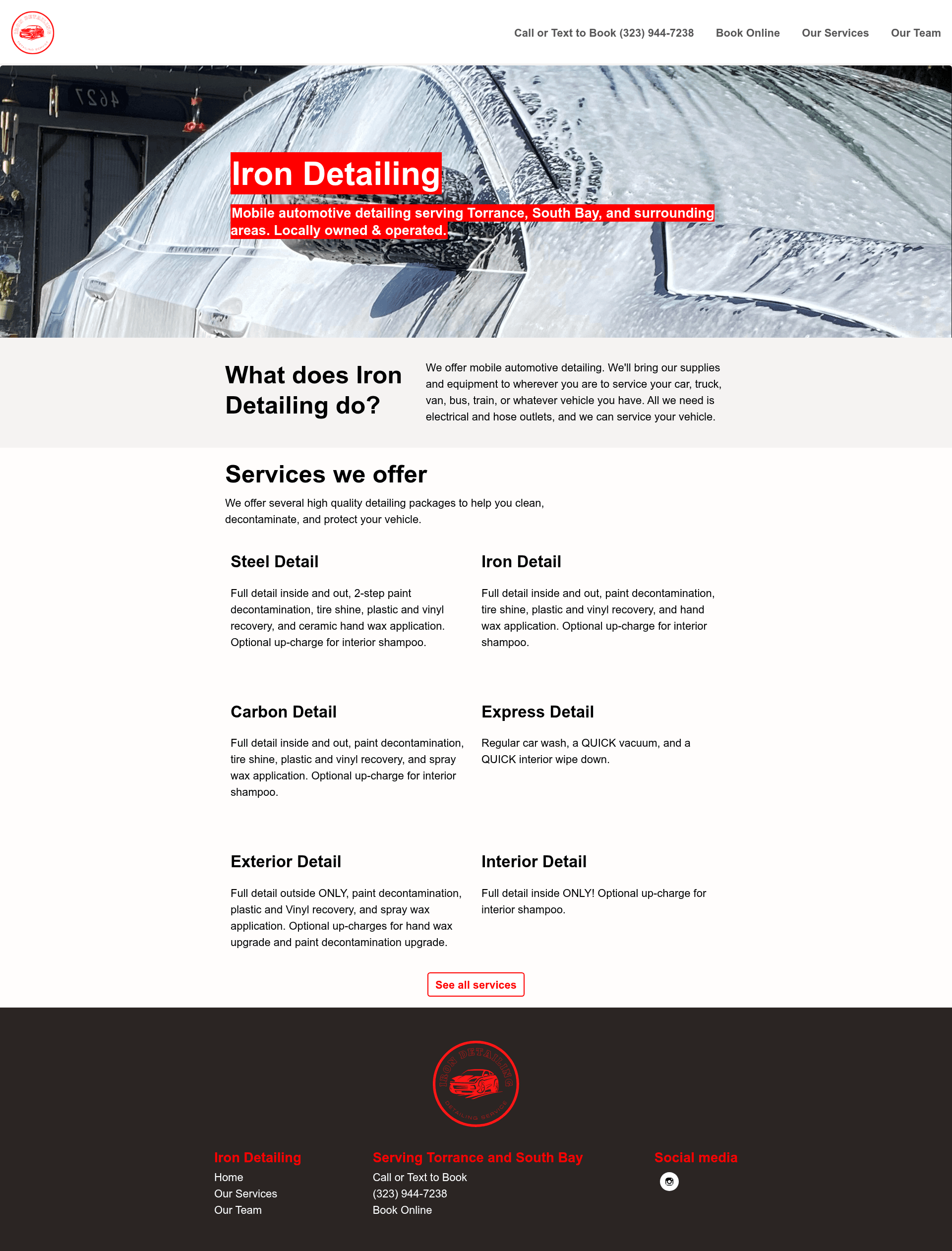
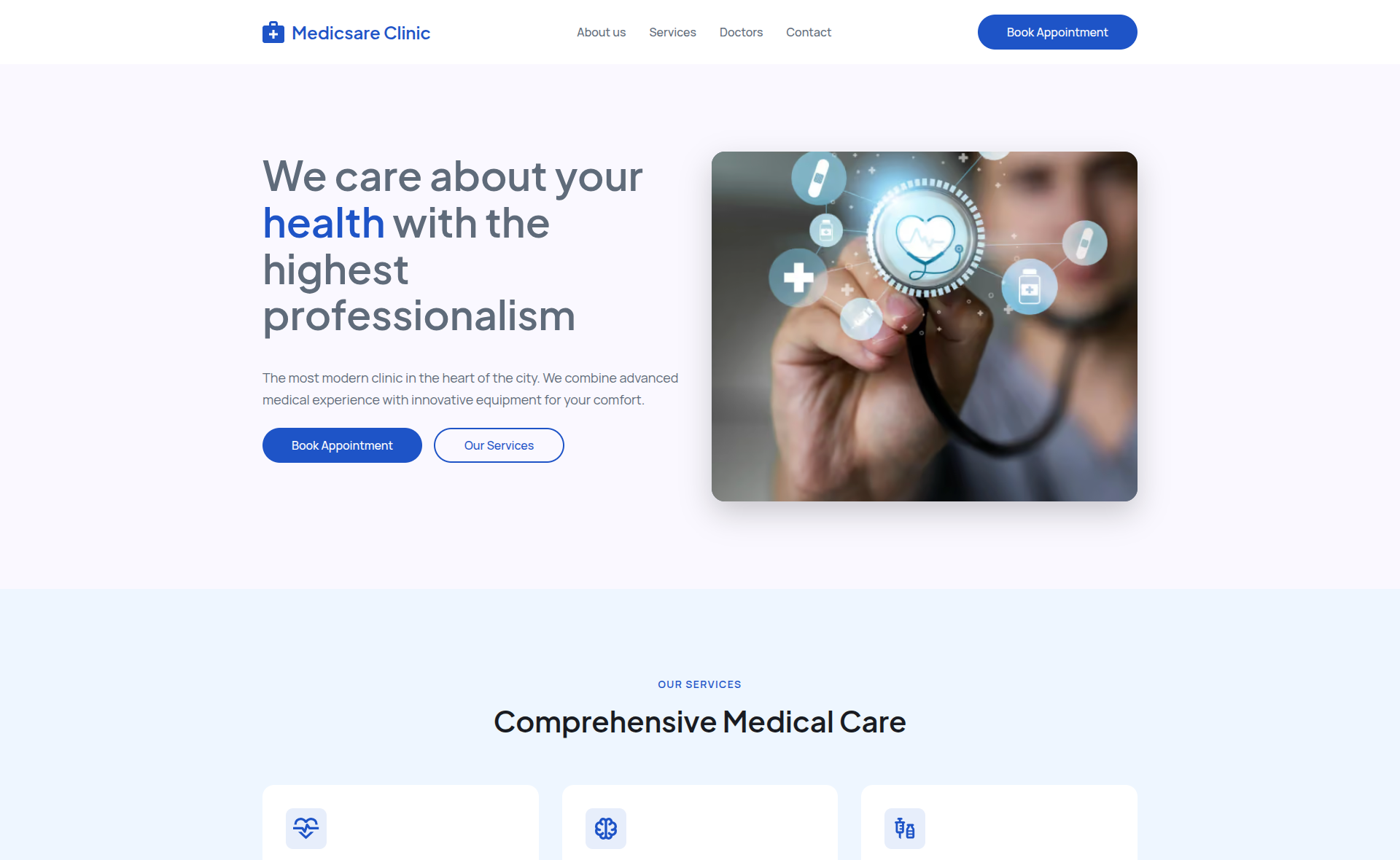
Next Dev Studio is a Next.js template for creating a small business website, derived from the next-dev-studio template by lwz7512 and the Netlify one-click-hugo-cms concept. It takes structured business content and produces a static website with a production build output to the .next folder. The repository includes the Iron Detailing example, a mobile automotive detailing service based in Los Angeles, CA, serving Torrance, South Bay, and surrounding areas. Development requires Node.js and uses npm scripts defined in the repository.
Key Features
- Next.js framework — Built on Next.js with React, enabling server-side rendering and static site generation for a fast, SEO-friendly site.
- Static site deployment —
npm run buildproduces the .next output folder; the repository topics list both Netlify and Vercel as hosting targets. - Small business structure — The example site for Iron Detailing shows a compact layout suitable for a local service provider, including service-area text and business details.
- MIT licensed — The repository is released under the MIT License, so commercial use, modification, and redistribution are allowed.
- npm workflow — Clone,
npm install,npm run devfor local development at localhost:3000, andnpm run buildfor production. - Netlify-ready — The live preview URL ends in .netlify.app, and the template was inspired by Netlify's one-click-hugo-cms, making it straightforward to connect to Netlify.
Who is it for?
Next Dev Studio is for developers who want a minimal starting point for a local business website. Freelancers and agencies can clone the repository and replace the sample content with a client's services, hours, and contact information. Business owners with coding knowledge can run the template locally and deploy the static build to Netlify or Vercel. It also serves as a compact teaching example for combining Next.js with static site generation.
What can you do with it?
- Local service businesses: Create a website for a mobile service like auto detailing, showing the service area (e.g., "Torrance, South Bay, and surrounding areas" from Iron Detailing) and company background.
- Rapid prototyping: Set up a presentable one-page marketing site in minutes by editing a single repository and deploying via
npm run build. - Open-source learning: Study a clean Next.js codebase that deliberately stays simple, and use it as a scaffold for larger static projects.
Pricing
Next Dev Studio is open-source and free under the MIT license. There are no paid tiers or subscription fees mentioned in the repository.
FAQ
Is Next Dev Studio free?
Yes, the repository is licensed under the MIT License, allowing free use for personal and commercial projects without paying any fees.
How do I run the site locally?
After cloning the repository, run npm install, then npm run dev. The development server will be available at http://localhost:3000.
How do I deploy the site?
Run npm run build to create the production site in the .next folder, then upload that folder to a static host like Netlify or Vercel. Both platforms are listed in the repository topics.
Can I customize the content for my own business?
Yes, replace the Iron Detailing example content with your own business name, services, service area, and contact details in the Next.js components and pages.
What is the origin of this template?
The repository acknowledges the next-dev-studio template by lwz7512 and the Netlify one-click-hugo-cms concept, which inspired the design.