Template details
Next.js i18n Dashboard Template
A free Next.js, Tailwind CSS and React Intl dashboard starter with internationalized routing and a Localizely translation workflow.
About this template
Next.js i18n Dashboard Starter is an open-source dashboard template built with Next.js, Tailwind CSS, and React Intl that ships with internationalized routing and a Localizely-based localization workflow.
What is the Next.js i18n Dashboard Starter?
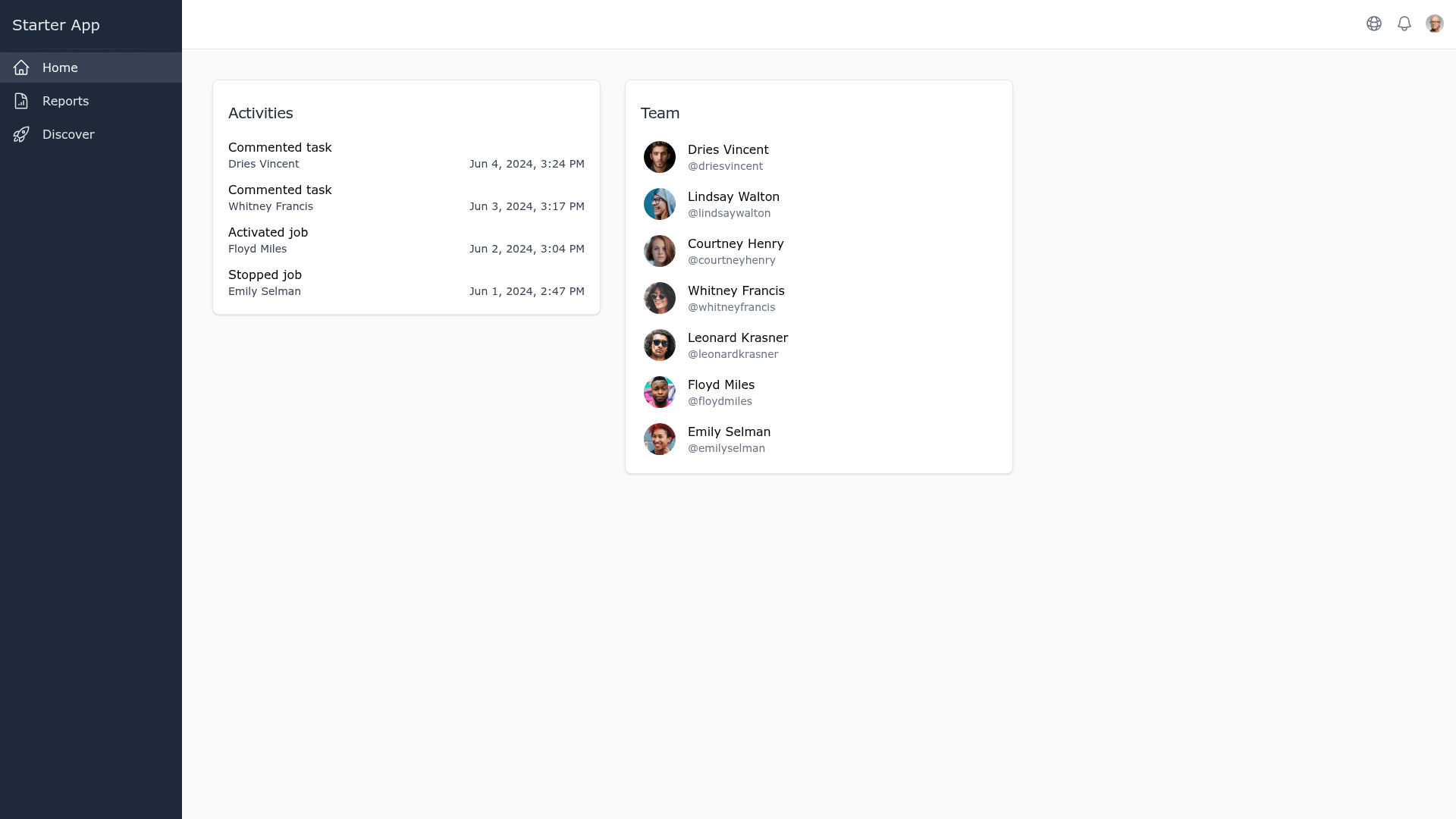
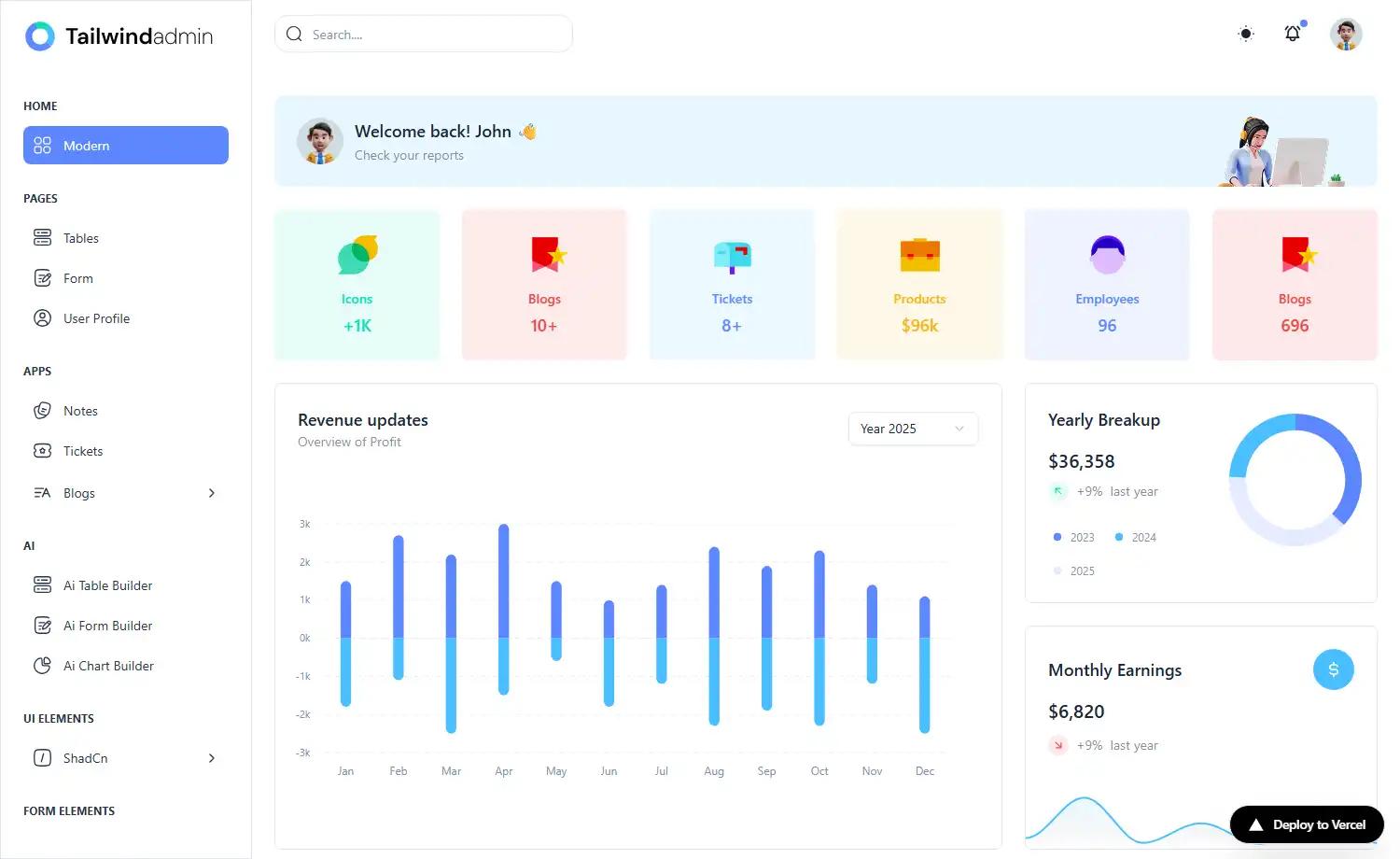
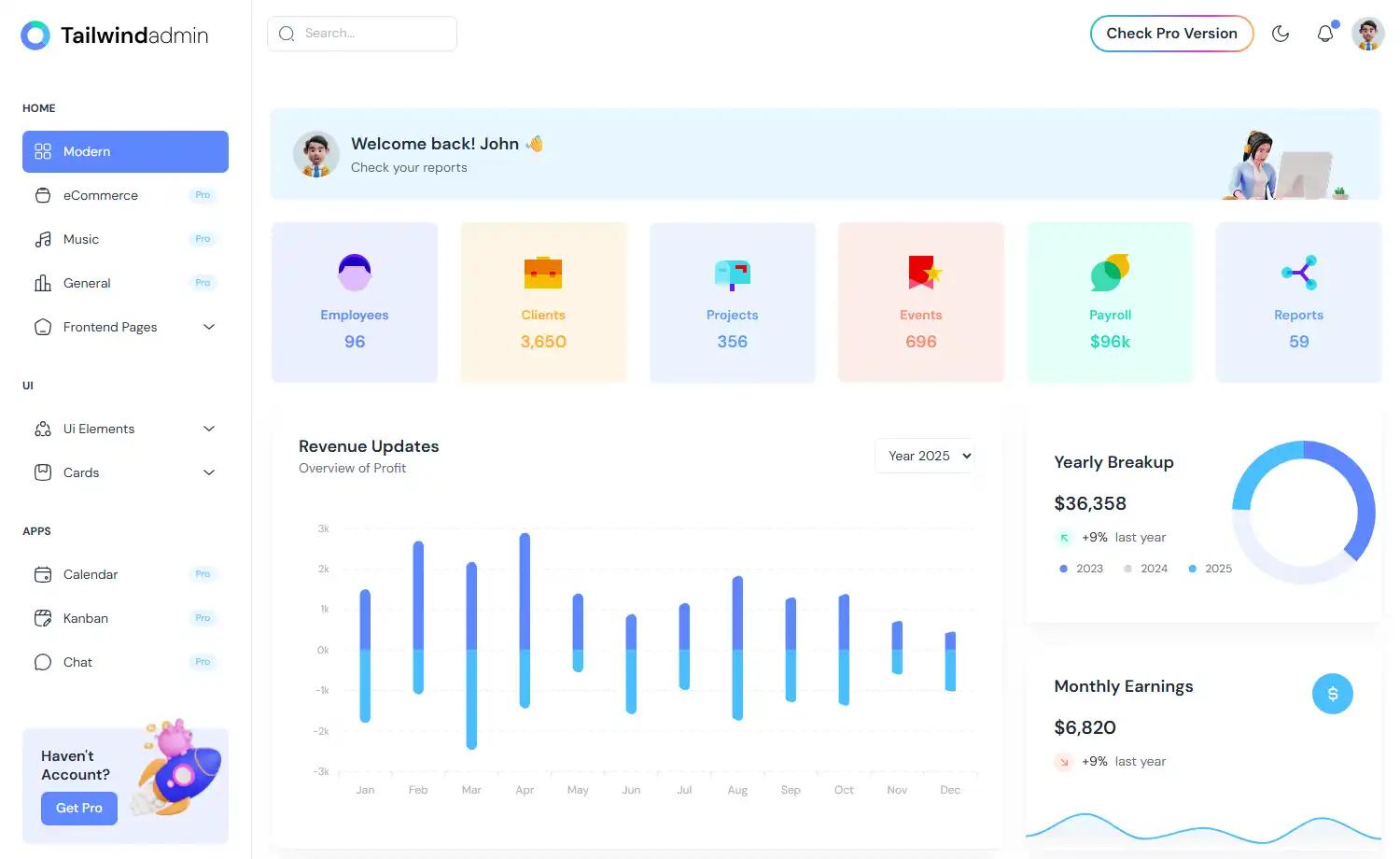
The Next.js i18n Dashboard Starter is a dashboard application template that pairs Next.js for rendering and routing with Tailwind CSS for styling and React Intl (FormatJS) for message formatting, adding locale-aware routing on top. It runs on Node.js 20.17.0 or newer with npm 10.8.2 or newer, and is published on GitHub (clone URL under the localizely organization, deploy URL lzoran/nextjs-i18n-dashboard-template). You supply translated message files plus a localizely.yml configuration file, and the template produces a working multilingual dashboard you can run locally or deploy. A hosted demo is available on Vercel.
Key Features
- Next.js foundation — the app is a standard Next.js project started with
npm run dev, so it inherits Next.js routing conventions, with a linked Next.js i18n tutorial covering the App Router approach. - Tailwind CSS styling — dashboard UI is styled with utility classes rather than a component library.
- React Intl (FormatJS) — message formatting and translations are handled through React Intl, documented at formatjs.io.
- Internationalized routing — locale-aware dashboard routes are the headline feature, letting one dashboard serve several languages.
- Localizely translation config — a
localizely.ymlfile holds project settings such as project_id, connecting the repo to a Localizely project. - Per-language progress badges — the README renders Localizely progress badges for English, German, and French, indicating the locales seeded in the starter.
- Localizely integrations — the linked workflow covers GitHub, GitLab, Bitbucket, and Figma integrations plus the Localizely CLI.
- One-click Vercel deploy — a deploy button pre-fills the repository URL for instant deployment.
Who is it for?
- Dashboard developers going multilingual: start from a working Next.js admin-style UI instead of wiring locale routing and message extraction from scratch.
- Teams already on Localizely: clone the repo, point
localizely.ymlat an existing Localizely project, and reuse the translation memory, glossary, and machine translation features already configured there. - Developers learning Next.js i18n: use the code alongside the linked Next.js i18n tutorial and React Intl documentation to see inter nationalization applied in a real dashboard.
- Agencies prototyping client portals: deploy the demo build to Vercel and swap in client branding and translations per locale.
What can you do with the Next.js i18n Dashboard Starter?
- Build a multilingual admin panel: keep one dashboard codebase and serve German, French, and English (or further locales) through locale-prefixed routes.
- Set up continuous localization: connect the repo through the Localizely CLI or GitHub integration so translation files sync without manual copying.
- Ship a locale-aware SaaS starter: deploy to Vercel and extend the dashboard screens into a product with Tailwind-styled pages.
- Evaluate a localization workflow: use the seeded locales and progress badges to see how translation coverage is tracked per language.
How does the template work?
Local setup follows four commands: clone the GitHub repository, move into the project directory, run npm install, then run npm run dev to start the development server. For translations, you register on Localizely, create a project, fill in the missing values in localizely.yml (such as project_id), and then sync translations through the Localizely CLI or one of the available Git and Figma integrations.
Pricing
The template itself is free to clone from GitHub. Translation management happens on the separate Localizely platform, which requires creating a Localizely account before you can connect a project and use features such as reports and statistics, machine translation, translation memory, and the project glossary.
FAQ
What is the Next.js i18n Dashboard Starter?
It is an open-source dashboard template that combines Next.js, Tailwind CSS, and React Intl with internationalized routing. The README describes it as a starting point for globally friendly dashboard applications, and a live demo is hosted on Vercel.
What tech stack does it use?
Next.js handles the app and routing, Tailwind CSS handles styling, and React Intl (FormatJS) handles translated message formatting. Tooling for translations is provided by Localizely through a localizely.yml configuration file and its CLI or Git integrations.
Do I need a Localizely account to use the template?
No, the app runs locally without one. You only need a Localizely account if you want the translation workflow: create a project there, then add the missing values such as project_id to localizely.yml before syncing strings.
What are the environment requirements?
Node.js 20.17.0 or newer is required, along with npm 10.8.2 or newer. Setup is a clone of the GitHub repository followed by npm install and npm run dev to start the development server.
Can I deploy it to Vercel?
Yes. The README includes a Deploy with Vercel button whose clone URL points at the template repository, so the project can be created and deployed on Vercel without manual server configuration.