Template details
Nextjs Stripe Checkout
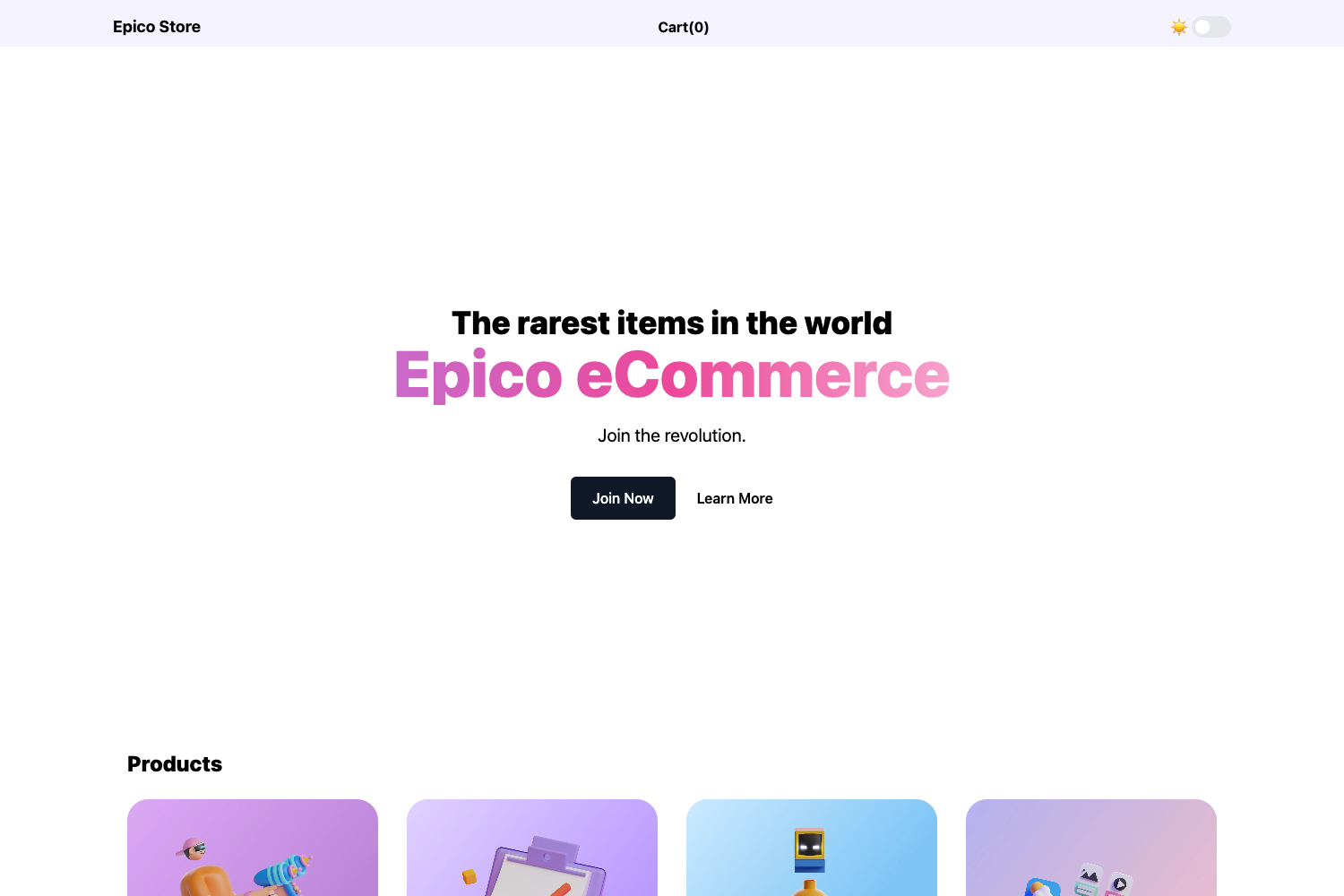
E-commerce store built with Next.js and Stripe checkout
About this template
Nextjs Stripe Checkout is a public GitHub repository for an e-commerce store built on the Next.js framework using Stripe Checkout as the payment gateway, created by AlterClass.io to accompany its step-by-step tutorial.
What is Nextjs Stripe Checkout?
Nextjs Stripe Checkout is a boilerplate e-commerce storefront that combines a Next.js React application with Stripe's hosted Checkout sessions. It takes Stripe API credentials and product configuration through environment variables and produces a fully functional store where customers complete payments on Stripe's payment page. The project is maintained by AlterClass.io, which also publishes a tutorial that recreates this application step by step.
Key Features
- Next.js framework — The storefront is built with Next.js, providing a React-based component model and server-side rendering for catalog and checkout pages.
- Stripe Checkout integration — Customers pay through Stripe's hosted checkout session, keeping payment processing on Stripe's domain rather than a custom form.
- Environment-based configuration — API keys and settings are read from a
.env.localfile, with a.env.local.examplefile provided as a starting point; secrets stay out of version control. - Local development workflow — Running
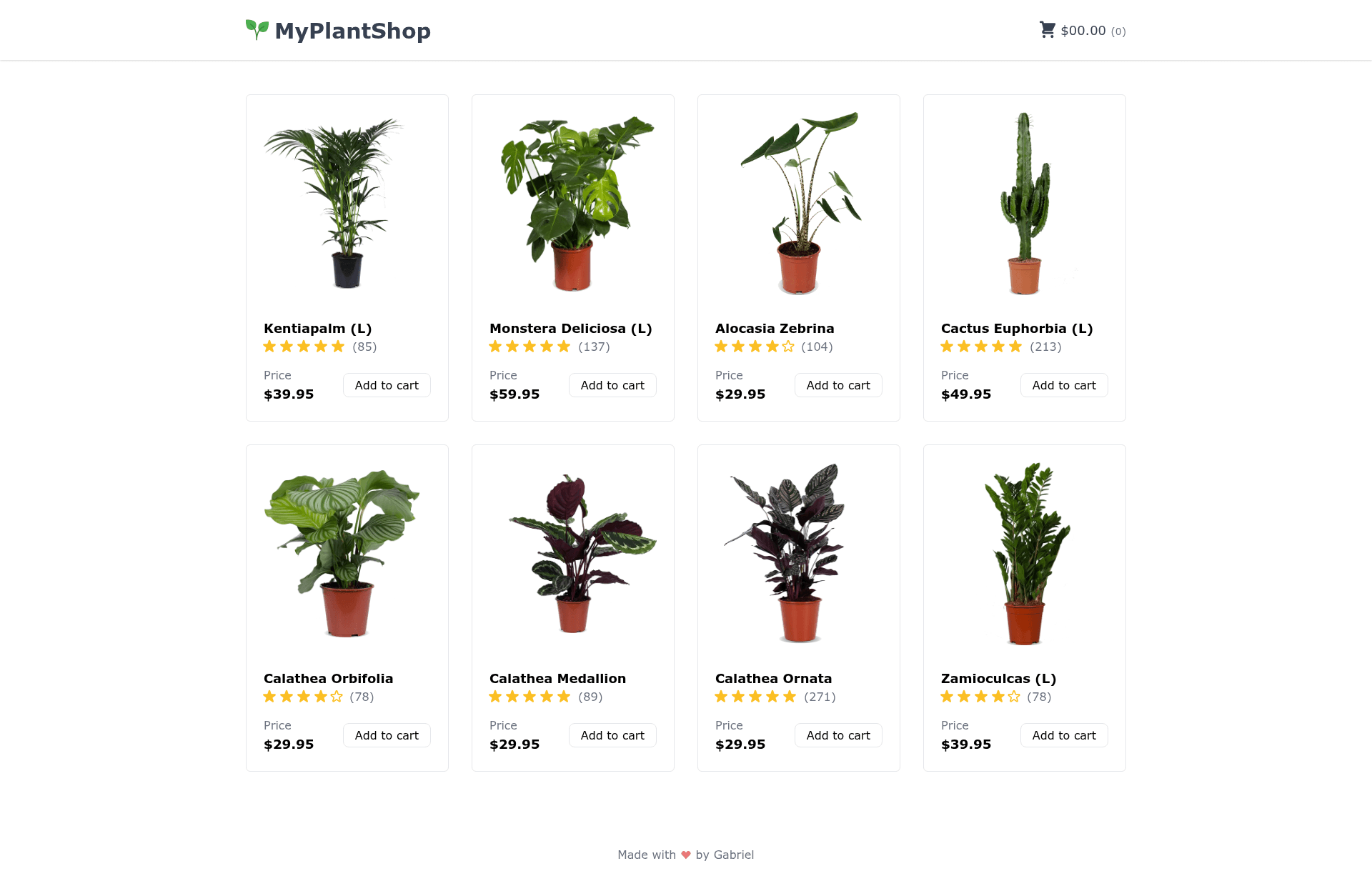
npm run devstarts the site locally; production builds usenpm run buildfollowed bynpm run start. - Live demo storefront — A deployed preview at myplantsmarket.vercel.app shows the store running on Vercel with a plant-themed catalog.
- Tutorial-backed learning — AlterClass.io's tutorial walks through building this exact application, making the repository a reference for its readers.
- Payment gateway demonstration — The repository demonstrates a complete Stripe payment-gateway integration using React and JavaScript on Next.js.
Who is it for?
- Developers learning Stripe Checkout — Use this repository as a working example of connecting Next.js to Stripe's checkout sessions, including environment variable setup and the payment flow.
- Tutorial followers — Students in AlterClass's 'create an e-commerce website with Next.js and Stripe' tutorial can compare their code against this finished implementation.
- Makers launching a small store — Clone the project, add your own Stripe keys and product data, and deploy it to a hosting service like Vercel.
What can you do with Nextjs Stripe Checkout?
- Build an e-commerce storefront: Clone the repo, set your Stripe keys, and run
npm run devto get a working store with payment processing. - Learn payment integration: Follow the AlterClass tutorial to see exactly how Stripe Checkout is wired into a Next.js app.
- Create a demo for clients: Use the myplantsmarket.vercel.app live preview as a reference mockup for plant or physical-product e-commerce projects.
- Jumpstart a production deployment: Run
npm run buildandnpm run startto serve the store in production mode on Node.js.
How does Nextjs Stripe Checkout work?
The README documents a three-step setup. First, clone the GitHub repository and install dependencies with npm install. Next, copy .env.local.example to .env.local and fill in your own environment variables, which configure Stripe and app settings. Finally, start the site with npm run dev for development, or npm run build plus npm run start for production.
FAQ
Does Nextjs Stripe Checkout require a Stripe account?
Yes, you need your own Stripe API keys to process payments. The environment variable file expects your Stripe credentials; the app uses Stripe's hosted Checkout, so you also need products set up in your Stripe dashboard.
How do I set the environment variables?
Copy the .env.local.example file to .env.local and replace the placeholder values with your actual Stripe keys and any other required configuration. Git ignores this file so your secrets aren't committed.
Can I deploy this to Vercel?
The live preview is hosted at myplantsmarket.vercel.app, so Vercel deployment works with this project. Since it is a standard Next.js app, you can connect the GitHub repository to Vercel and add the environment variables in the dashboard.
Is this a free template?
The repository itself is public and can be cloned, modified, and deployed without a paid license. No pricing information is stated in the repository description.