Template details
Notepadium
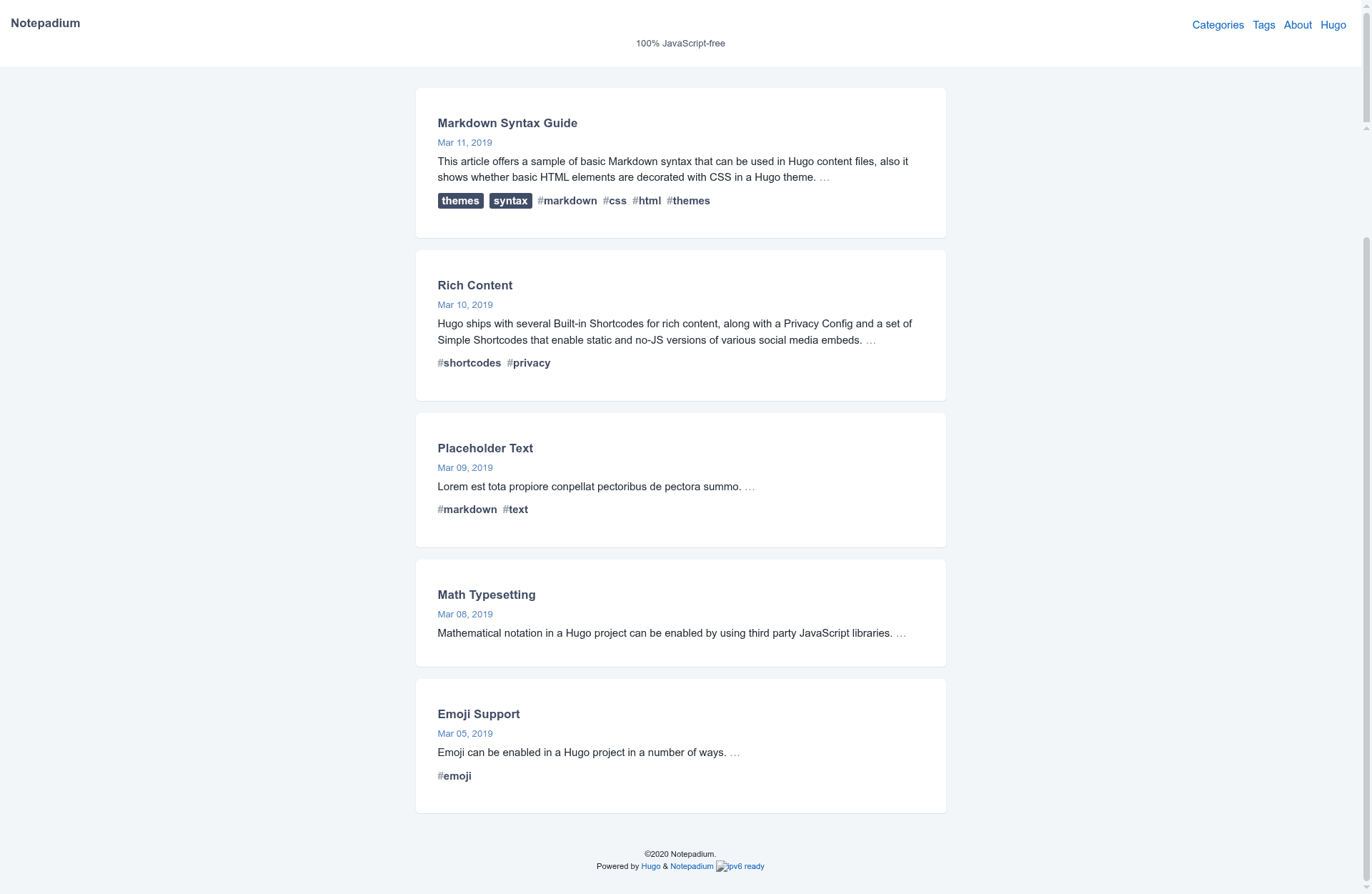
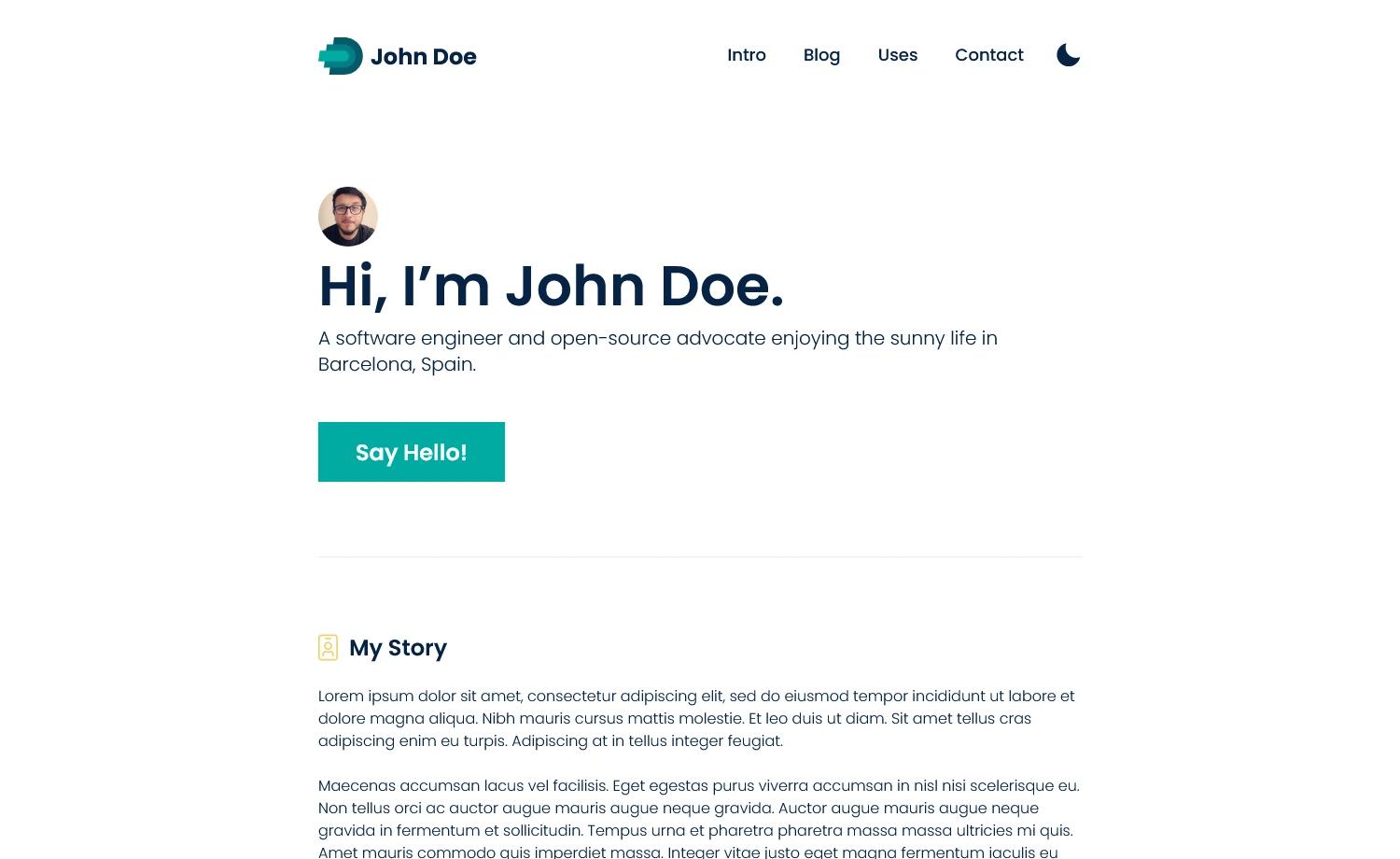
A fast, 100% JavaScript-free Hugo blog theme focused on reading, with syntax highlighting, math, and dark mode.
About this template
Notepadium is a fast, reading-focused Hugo blog theme that generates static sites with 100% JavaScript-free output. It is built by cntrump and distributed on GitHub as an open-source theme for Hugo, requiring Hugo version 0.124.0 or newer. The theme takes Markdown content from a Hugo site and renders a complete blog with navigation, pagination, syntax highlighting, math, comments, and a customizable layout.
What is Notepadium?
Notepadium is a Hugo theme designed for fast loading and uncluttered reading. It produces a static HTML site with no JavaScript on the client side, which improves performance and accessibility. The theme is configured entirely through the standard Hugo config.toml file, with parameters for style, syntax, math, comments, navigation, and custom assets. It comes with an exampleSite that you can preview by cloning the repository and running hugo server --themesDir ../.. from the exampleSite directory.
Key Features
- 100% JavaScript-free — The front end contains zero JavaScript, so pages load without client-side scripts; all interactive features are handled by Hugo at build time.
- Syntax highlighting — Choose between built-in PrismJS, HighlightJS, or Hugo's native Chroma; you can set separate themes for light and dark mode, such as xcode and xcode-dark.
- Math rendering — Enable KaTeX or MathJax via
params.math, globally or per page; inline and block LaTeX math is supported. - Comment systems — Disqus is integrated through
services.disqus.shortname, and utterances (GitHub-comment based) can be enabled by settingparams.comments.utterances.repo. - Light and dark mode — Set
params.styleto "auto", "light", or "dark"; auto mode follows the system preference. - Custom asset bundling — Define CSS/SCSS/SASS files under
params.assets.cssand JS files underparams.assets.js; they are compiled into core.css and core.js, and Hugo templating in assets is allowed. - Built-in shortcodes — A
plistshortcode for API property lists and a Bilibili shortcode for embedding Chinese video platform content. - Article author profile — Display an avatar, bio, Twitter, GitHub, Docker, and email link at the bottom of posts, configurable globally or per page.
- Pagination for large archives — The theme's pagination supports many pages.
- Localization extras — Built-in Japanese language support and options for Chinese ICP/公安 filing information in the footer.
Who is it for?
- Hugo bloggers — They can set up a fast, minimalist blog with built-in comments, syntax highlighting, and math, all without JavaScript.
- Technical writers and API documenters — The plist shortcode lets them format property definitions, defaults, and syntax notes consistently, ideal for CSS references or SDK docs.
- Chinese-language developers — Bilibili shortcodes and the Chinese filing (ICP/公安) configuration options make it directly suited to Chinese sites.
- Performance-conscious site owners — Since the theme ships no JavaScript, it suits low-bandwidth or privacy-focused visitors.
Use cases
- Personal blog: Write Markdown articles and publish a fast static site with optional cover images, custom copyright layouts, and social sharing via Twitter Cards.
- API documentation: Use the plist shortcode to present lists of properties, inherited values, or JavaScript syntax in a clean, readable structure.
- Math and science content: Enable KaTeX to render formulas in a technical blog or course notes.
How does Notepadium work?
Install the theme as a git submodule (git submodule add https://github.com/cntrump/hugo-notepadium.git themes/hugo-notepadium), then configure it in config.toml with the theme name and your desired params. Create Markdown content in the usual Hugo way, and run hugo to generate a static site. To test locally, clone the repository and hugo server from the exampleSite directory.
Pros and cons
- Pros: No JavaScript; supports multiple comment engines; customizable CSS/JS via Hugo's asset pipeline; built-in iconfont of only 3KB; works with Chroma, PrismJS, or HighlightJS; separate dark-mode syntax themes.
- Cons: Requires Hugo 0.124.0 or newer; math and comments are disabled by default, so you must explicitly enable them in config; some configuration examples (like ICP/公安) target Chinese sites and may not apply elsewhere.
Alternatives
- PaperMod — another popular Hugo theme that focuses on minimalism and speed.
FAQ
Does Notepadium use JavaScript?
No. The theme is 100% JavaScript-free; all functionality is rendered at build time by Hugo. This is a primary design goal, as stated in the repository.
What Hugo version do I need?
Hugo 0.124.0 or later. The repository explicitly states this minimum requirement, and older Hugo versions may not work correctly with the theme.
How do I enable math rendering?
Set params.math.enable = true in config.toml and choose use = "katex" or "mathjax". You can also enable math on individual pages by adding math = true to that page's front matter.
Which comment systems are supported?
Disqus and utterances. Disqus is enabled by setting the shortname under services.disqus; utterances needs a GitHub repository set in params.comments.utterances.repo. Comments are disabled globally by default and can be enabled per page.
Can I add custom CSS and JavaScript?
Yes, via params.assets.css and params.assets.js. The listed files are bundled into core.css and core.js, and you can use Hugo templating inside those assets.
Does it support dark mode?
Yes. Set params.style to "light", "dark", or "auto". In auto mode, the theme follows the user's system color scheme. You can also configure separate syntax highlighting themes for light and dark modes.