Template details
Nova
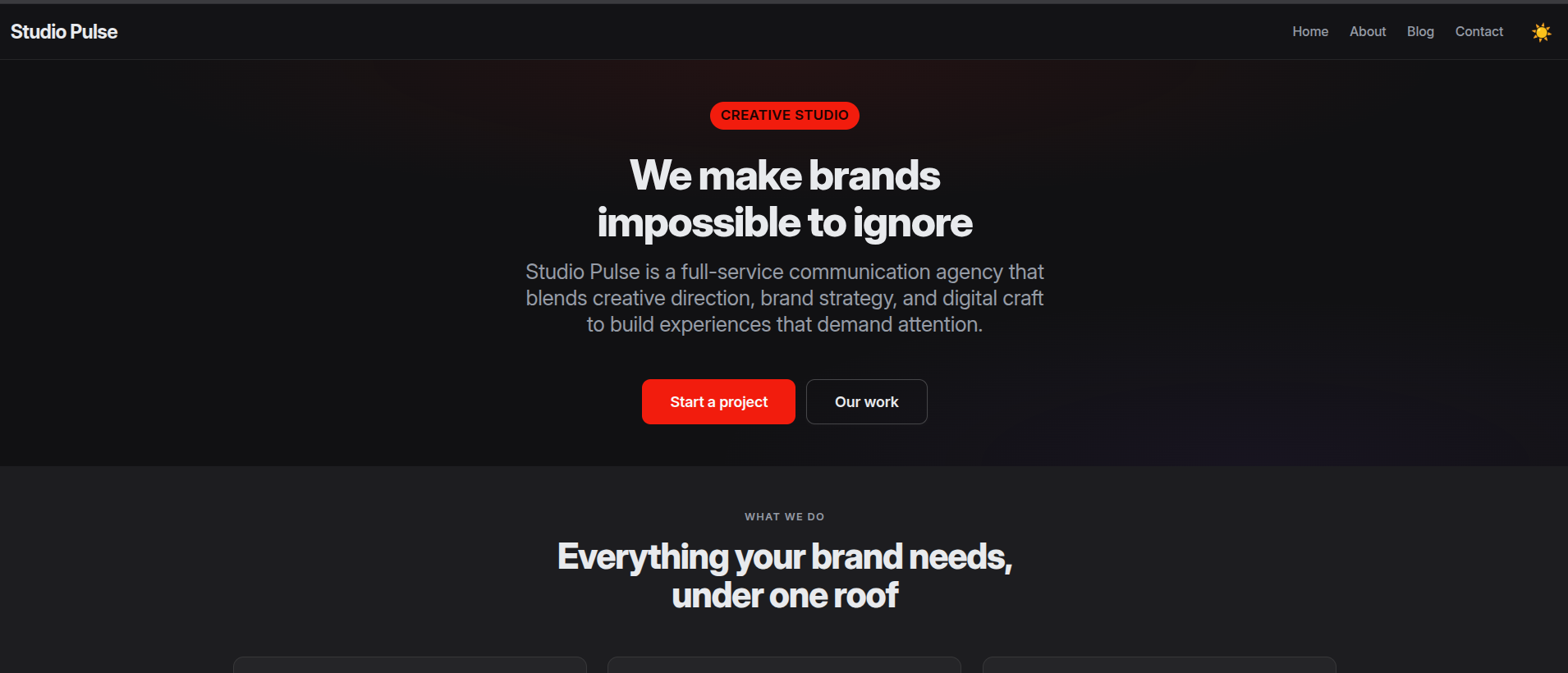
Astro 7 and Tailwind CSS 4 website template for creative agencies, with a bilingual English/Polish homepage and JSON-driven content.
About this template
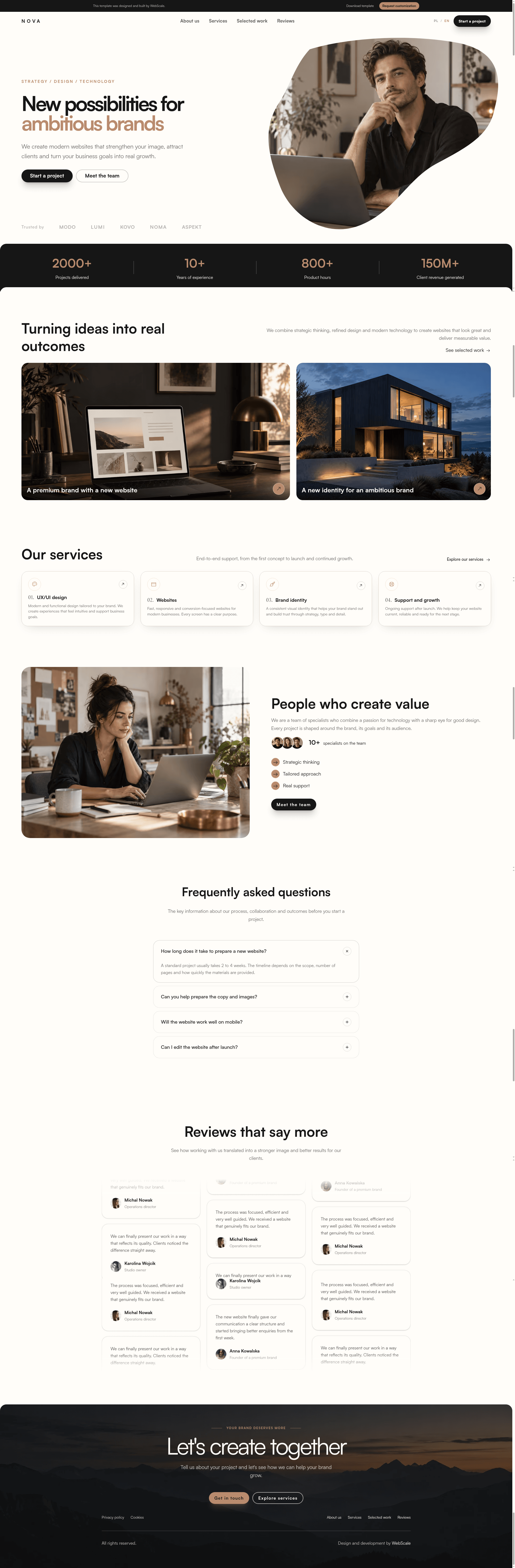
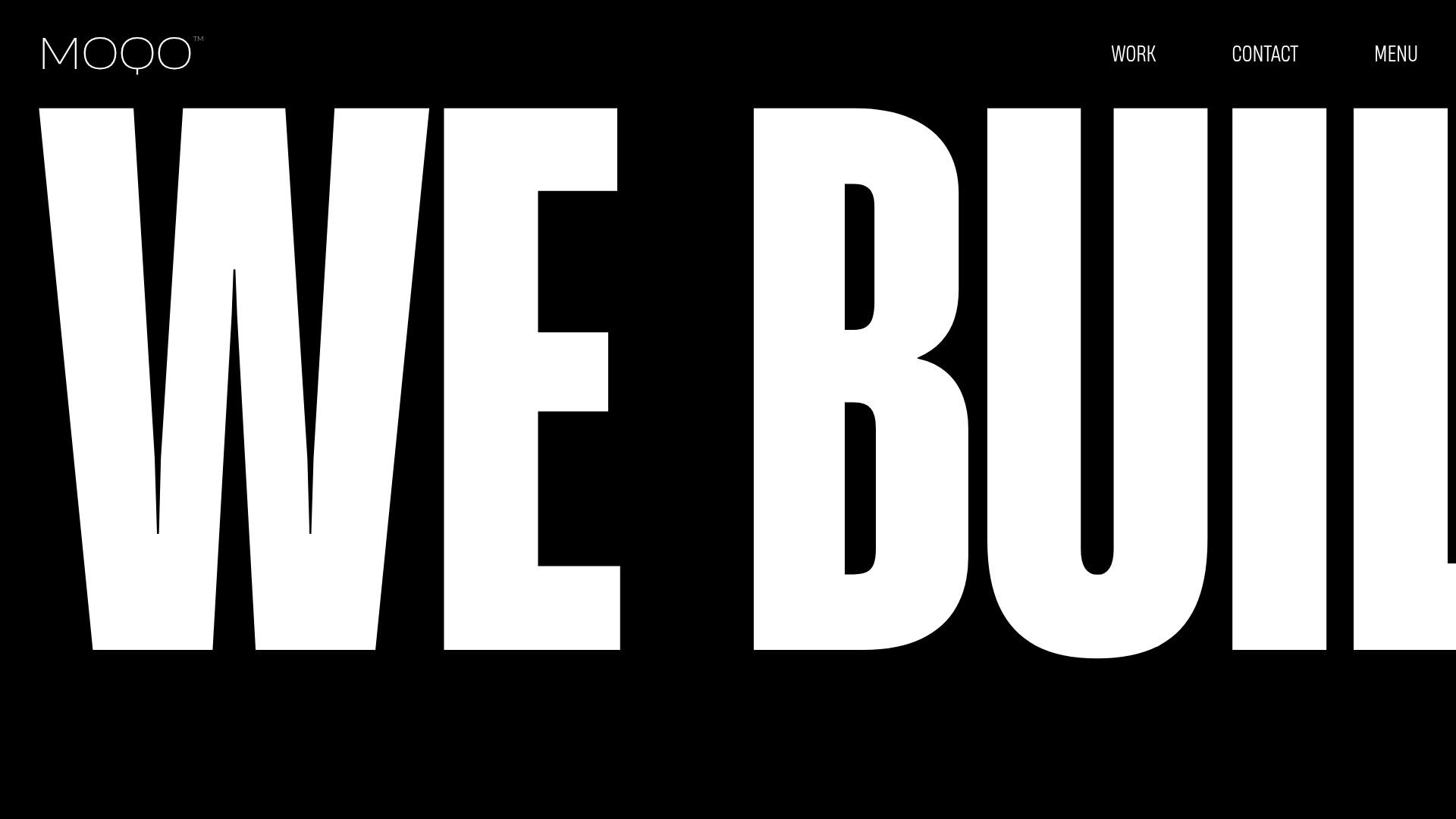
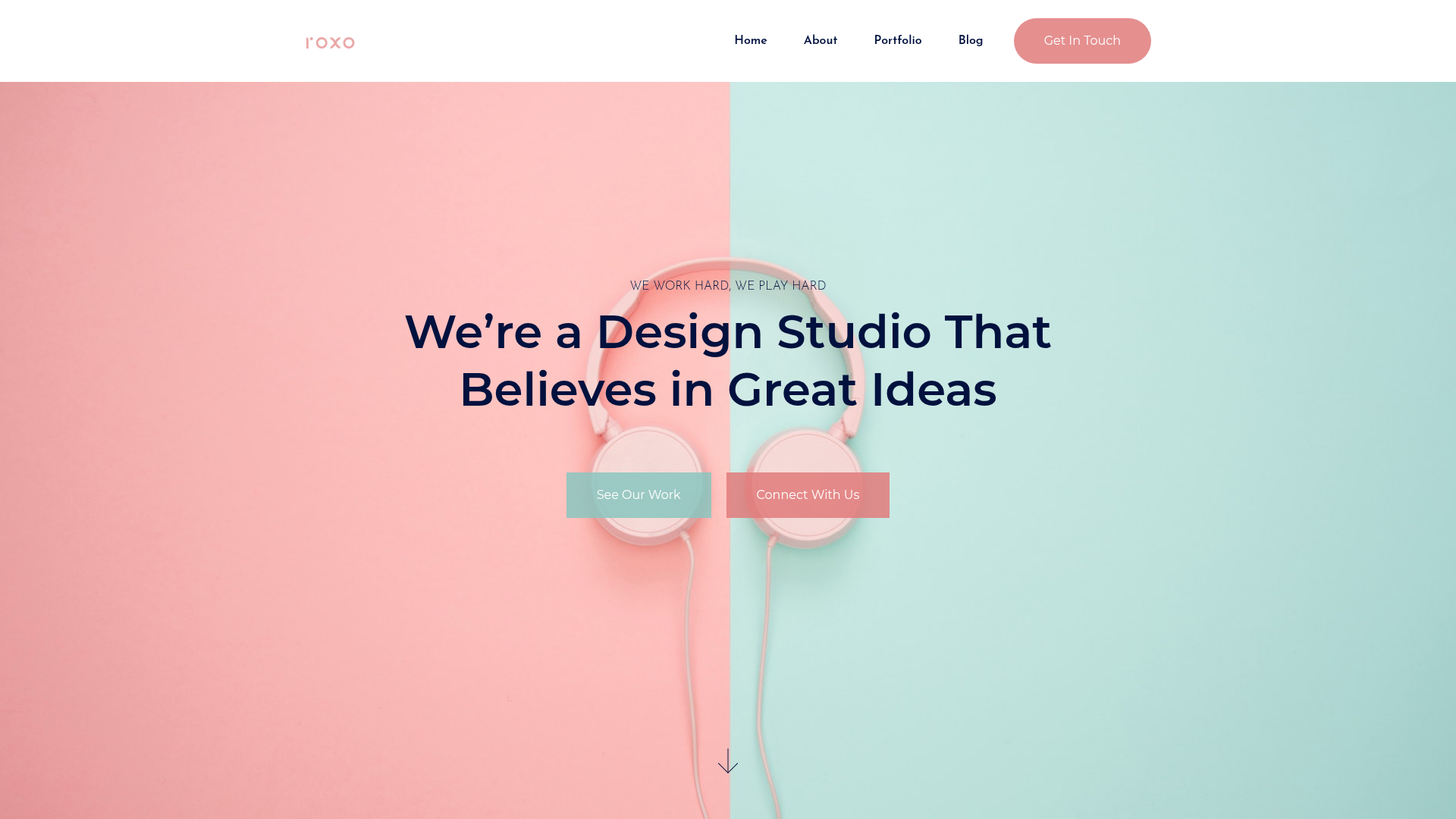
Nova is a responsive website template for creative agencies, design studios and ambitious brands, built on Astro 7, Tailwind CSS 4 and TypeScript with all copy and section data stored in JSON files.
What is Nova?
Nova is a responsive website template for creative agencies, design studios and ambitious brands. Its input is editable JSON content plus reusable Astro components; its output is a static site with a bilingual English and Polish homepage, generated favicons, responsive images, a sitemap and Open Graph metadata. The stack is Astro 7, Tailwind CSS 4, TypeScript and Vitest, and the project is published by WebScale, which also sells outsourced white-label design, development and implementation support for agency projects.
What makes Nova stand out?
- Astro 7 with Tailwind CSS 4 — the template ships Astro components styled with Tailwind utility classes and typed with TypeScript, with Vitest included for testing.
- Bilingual homepage — English and Polish versions are both bundled, with translated copy held in
src/data/i18n/nova.json. - Section library with variants — hero, selected work, services, team, FAQ, testimonials and CTA sections, each defined in
src/data/sections/*.jsonso variants can be swapped without touching components. - Content separated from components — company and branding in
src/data/global/company.json, SEO title, description, Open Graph image and indexing settings insrc/data/global/seo.json, homepage order insrc/data/pages/index.json, and domain, locale and build scope insite.config.mjs. - Validation scripts —
npm run check:data,check:types,check:seo,check:linksandcheck:imagescatch data, typing, metadata and asset problems before deployment. - Asset and SEO plumbing — favicon generation, responsive images, sitemap output, basic SEO metadata and local fonts are already wired up.
- AI-assisted editing — the project is structured for Cursor, Claude, Codex and GitHub Copilot, with
AI-QUICKSTART.mdand annpm run ai:checkvalidation step. - Marketplace packaging —
npm run package:marketplacebuildsrelease/t001-nova.zipfrom the current Git commit, excluding generated files and unrelated uncommitted changes.
Who should use Nova?
- Creative agencies and design studios: launch a studio site with selected work, services, team, testimonials and FAQ sections already laid out.
- Polish and English-speaking teams: ship one site in both languages, since the homepage and section data ship translated.
- Developers using AI coding assistants: customize the template with Cursor, Claude, Codex or Copilot, then verify changes with
npm run ai:check. - Freelancers packaging client work: run the build and marketplace packaging commands to produce a deliverable archive for a client project.
What can you do with Nova?
- Agency site launch: replace the demonstration content in the JSON files and publish a static agency homepage with work, services, team and testimonial sections.
- Bilingual marketing pages: maintain English and Polish copy side by side in
src/data/i18n/nova.jsonandsite.config.mjsrather than duplicating components. - AI-assisted redesign: point an AI coding assistant at
AI-QUICKSTART.md, adjust design tokens and the Tailwind theme, then run the data and type checks. - Theme variation: use the documented token system and local fonts to restyle the site without rewriting section markup.
How does Nova work?
Install dependencies with npm ci and start the dev server with npm run dev; Astro prints the local development URL in the terminal. Content changes are made in the JSON data files rather than the Astro components, followed by npm run check:data and npm run check:types. Run npm run build before packaging, and npm run package:marketplace to produce the release archive.
Pricing
Nova's current release is free to use under the terms in LICENSE.md. The source may be modified and used in one finished website project, but it may not be resold or redistributed as a source template package. Future Nova versions, Pro editions and implementation services may be paid and may use different terms.
Pros and cons
- Content lives in JSON data files, so copy and branding changes do not require editing Astro components.
- Six dedicated check scripts cover data, types, SEO, links and images.
- The bilingual homepage and documented theme tokens ship ready to customize.
- Node.js 22 or newer is required, as specified in
package.json. - The license permits use in a single finished project and prohibits reselling or redistributing the source template package.
- The template license does not cover third-party fonts, photographs or icons, so demonstration assets must be checked and replaced before commercial use.
FAQ
Is Nova free?
Yes. The current Nova release is free under the terms described in LICENSE.md. You may modify the source and use it in one finished website project. Reselling or redistributing it as a source template package is not allowed, and future Pro editions may be paid.
What are the system requirements for Nova?
Node.js 22 or newer is required, as specified in package.json. After cloning, install dependencies with npm ci and start the local server with npm run dev; Astro prints the development URL in the terminal.
How do I change the homepage content?
Edit the JSON data files: src/data/i18n/nova.json for bilingual copy, src/data/sections/*.json for section and variant data, src/data/global/company.json for branding and contact details, and src/data/pages/index.json for section order. Then run npm run check:data and npm run check:types.
Does Nova support more than one language?
Nova ships a bilingual homepage with English and Polish versions, with translations stored in src/data/i18n/nova.json and locale settings in site.config.mjs. Before publishing, the documentation recommends manually checking both language versions, plus navigation, forms, links and Open Graph metadata.
Can I use the Nova demonstration images and fonts commercially?
Not without checking their licenses. The template license does not replace the licenses of third-party dependencies, fonts, photographs or icons. ASSETS-LICENSES.md describes responsibility for demonstration assets, and the documentation advises replacing the demonstration materials before commercial use.