Template details
Nuxt 3 Starter
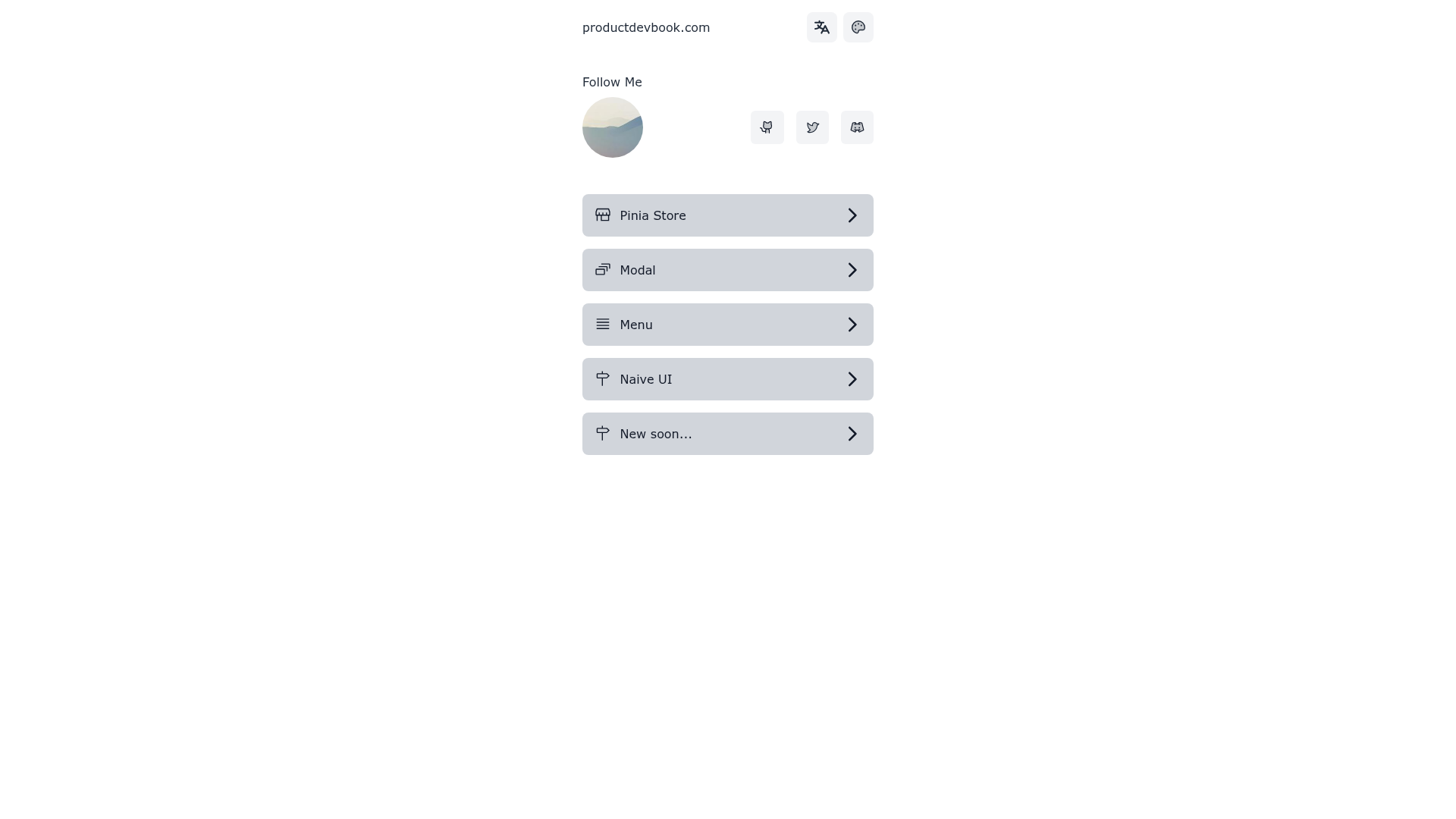
A Nuxt 3 starter template with Tailwind CSS, Headless UI, Pinia, Vite, Eslint, i18n, and Naive UI.
About this template
Nuxt 3 Starter is a free boilerplate template for building Vue applications on the Nuxt 3 framework, pre-configured with Tailwind CSS v3, Headless UI, Pinia, Eslint, and a one-click deploy workflow for Netlify and Vercel.
What is Nuxt 3 Starter?
Nuxt 3 Starter is a GitHub repository that provides a ready-to-run Nuxt 3 application skeleton. It takes a fresh Nuxt 3 project and adds a curated set of front-end tools: Tailwind CSS v3 for styling, Headless UI for accessible components, Pinia for state management, Eslint for code quality, and Icones with Unocss for SVG icons. The output is a project structure you can clone, install with pnpm, and begin developing immediately on localhost:3000.
Key Features
- Tailwind CSS v3 — Utility-first CSS framework pre-installed, including the first-party plugins
tailwindcss/forms,tailwindcss/typography,tailwindcss/line-clamp, andtailwindcss/aspect-ratiofor extended styling capabilities. - Headless UI — Unstyled, fully accessible UI components designed to integrate with Tailwind CSS, giving you control over appearance without fighting pre-built styles.
- Pinia — The official Vue store library included for state management, letting you manage shared application state across components.
- Eslint — Linting pre-configured to catch errors and enforce consistent code style across your project.
- Icones + Unocss — Hand-crafted SVG icons loaded via Unocss, providing on-demand icon usage without manual asset files.
- Deployment-ready — One-click deployment to Netlify and Vercel is available, plus a StackBlitz button to open the project in an online editor.
- pnpm workflow — Dependencies are managed with pnpm; the setup commands (
pnpm install,pnpm dev,pnpm build,pnpm start) are documented in the README. - Additional stack from repo metadata — The repository description also lists Sass, i18n, and Naive UI as part of the starter, alongside Vite as the build tool.
Who is it for?
Nuxt 3 Starter is aimed at Vue developers who want to start a new Nuxt 3 project without spending time on configuration. It suits:
- Front-end developers — who want a pre-configured stack with Tailwind and Headless UI to quickly prototype or ship a product.
- Teams — that need a consistent project baseline with Eslint and Pinia already wired, reducing setup time for new repositories.
- Nuxt learners — who can study a working Nuxt 3 project structure and the integration of popular Vue libraries.
What can you do with it?
- New Nuxt 3 projects: Clone the repo and run
pnpm installto get a working app with styling and state management on localhost:3000. - Landing page builders: Use Tailwind's utility classes and Headless UI components to assemble pages quickly without writing custom CSS.
- Accessibility-conscious teams: Leverage Headless UI's accessible components to ensure interactive elements behave correctly for assistive technology.
How does it work?
Start by installing dependencies with pnpm install. Then run pnpm dev to start the development server at http://localhost:3000. For production, use pnpm build and then pnpm start to serve the built application. The README also links to the official Nuxt 3 documentation and deployment docs.
FAQ
What does the Nuxt 3 Starter include?
It includes Nuxt 3, Tailwind CSS v3, Headless UI, Pinia, Eslint, Icones with Unocss, and the Tailwind first-party plugins forms, typography, line-clamp, and aspect-ratio. The repository metadata additionally lists Sass, i18n, Naive UI, and Vite.
How do I deploy this starter?
You can deploy directly to Netlify or Vercel using the one-click deploy buttons in the README, which link to each platform's import flow. The project is configured to work with these hosting services out of the box.
Is the project TypeScript-friendly?
The repository topics list includes 'typescript', and Nuxt 3 has first-class TypeScript support. You can start building with TypeScript immediately, though the README's examples focus on pnpm commands and dependencies.