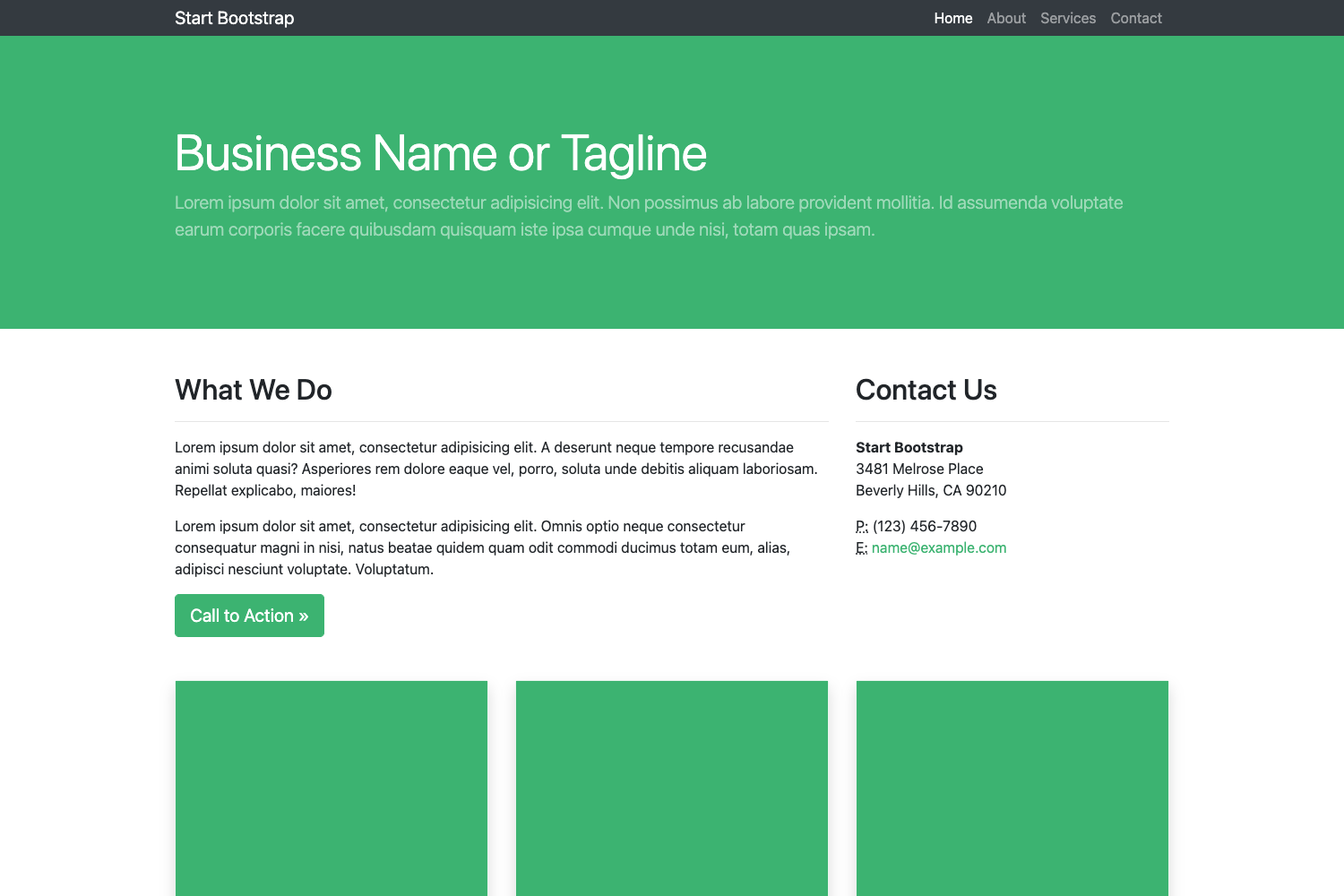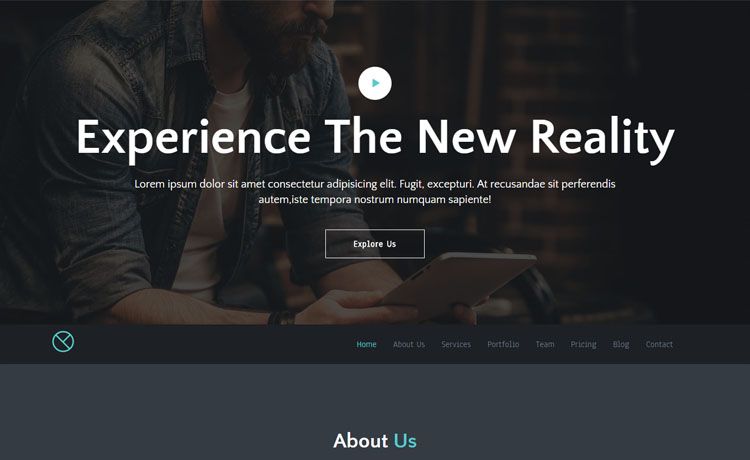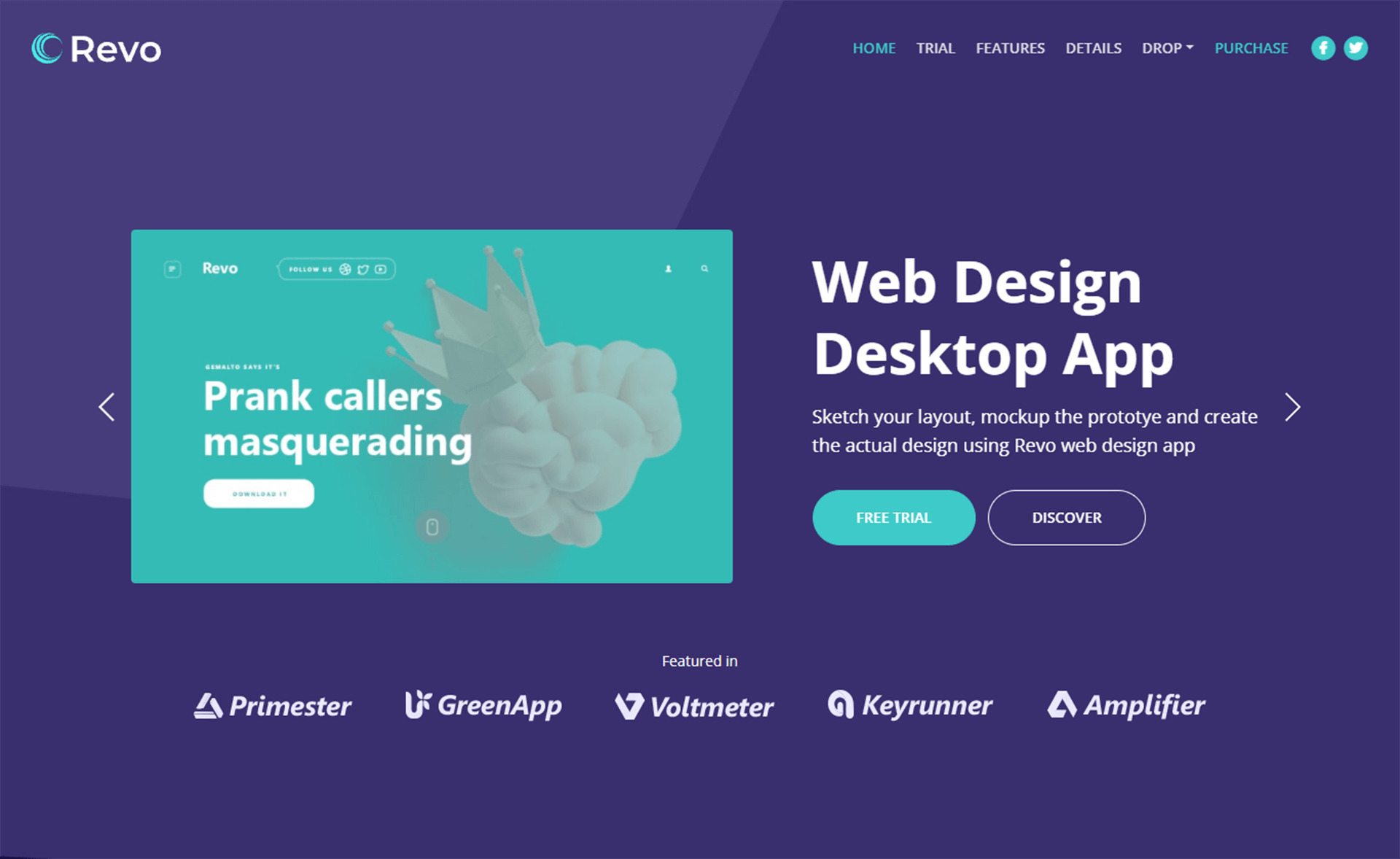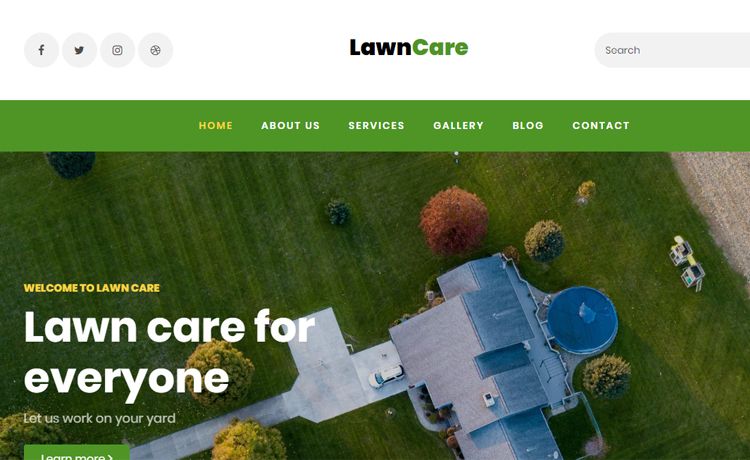
Template details
One Page Corporate Template
A responsive one-page corporate template with an admin panel and PostgreSQL backend, deployable to Netlify.
About this template
One Page Corporate Template is a responsive one-page website template for corporate companies, built with Node.js, Express, and PostgreSQL, that includes a database-driven admin panel and can run as a Netlify serverless function.
What is One Page Corporate Template?
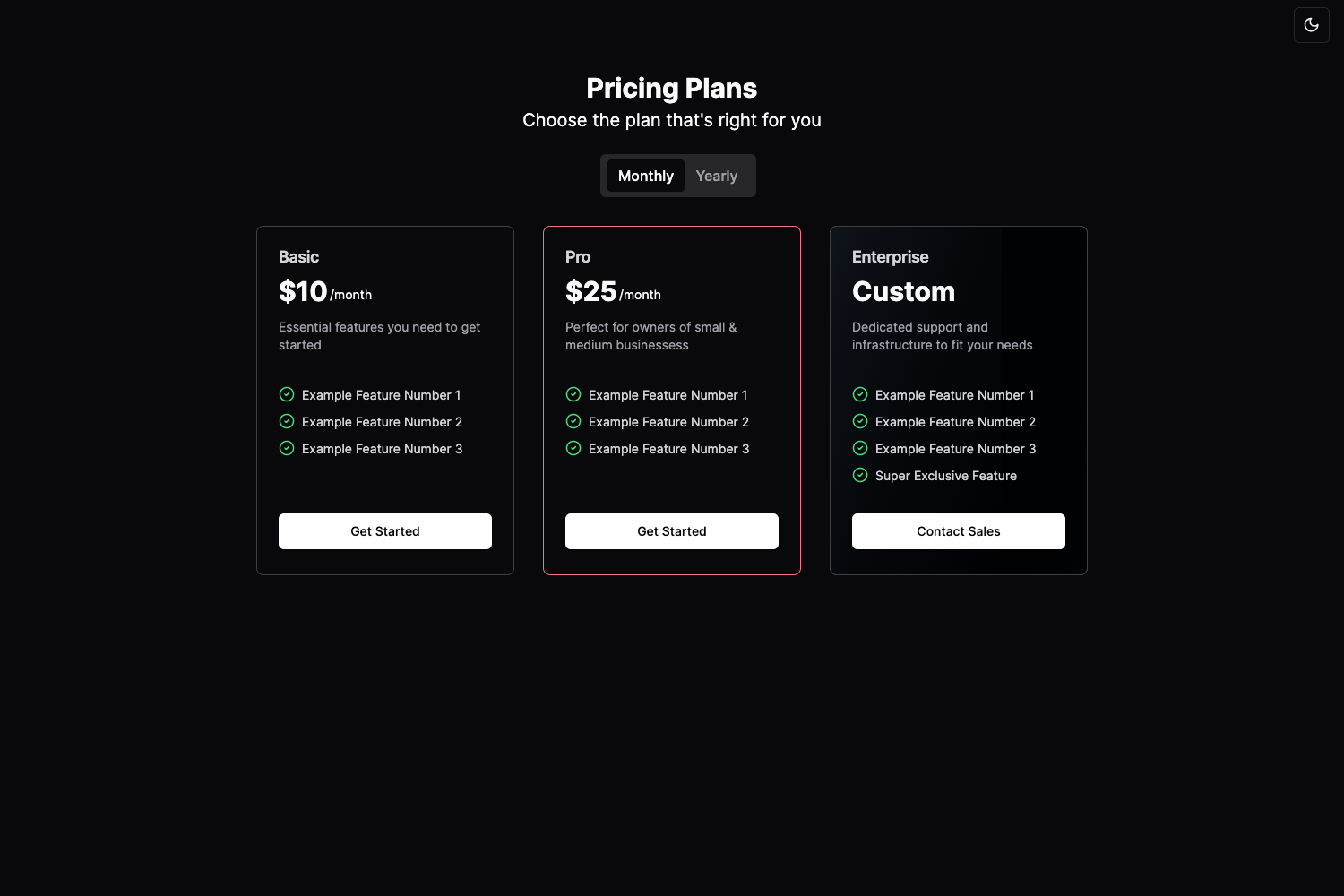
One Page Corporate Template is a one-page website template for corporate and agency sites. Its core function is to render a complete corporate homepage — hero slides, team, work/portfolio, testimonials, blog, pricing, and contact — from content stored in a PostgreSQL database. It runs on Node.js with Express and EJS server-side templates, and it produces both a public site and an admin panel at /admin where that content is edited. The same codebase runs locally or on Netlify, where the Express backend is wrapped as a serverless function.
Key Features
- Database-driven content — All sections (hero, team, portfolio, testimonials, blog, pricing, contact) are stored in PostgreSQL tables created from
server/schema.sqland seeded with default content vianpm run seed. - Admin panel — The
/adminroute requires login (usernameadmin, password set withADMIN_PASSWORD), and lets you edit every content section without touching code. - Netlify-ready backend — The Express app runs through
netlify/functions/server.jsas a serverless function, with static assets (images, CSS, JS) copied topublic/assetsduring the build and served from the CDN via redirects innetlify.toml. - Local development — Run
npm startto serve the site athttp://localhost:3000and the admin athttp://localhost:3000/admin. - Responsive, component-based UI — Built with Bootstrap, jQuery, Owl Carousel, and Magnific Popup, and the repo metadata lists CSS3, HTML5, flexbox, and scrollup as included technologies.
- Environment configuration —
DATABASE_URL,SESSION_SECRET, andADMIN_PASSWORDare read from.envlocally or from environment variables in the Netlify UI. - Static-only preview — Open the included
index.htmlin a browser for a quick look at the layout with hardcoded content, though full editing requires the Node/Express setup.
Who is it for?
- Corporate marketing teams that need a one-page brand site with content they can update themselves through the admin panel.
- Freelance developers building client sites who want a ready-made Node/Express stack with a PostgreSQL database and an admin interface.
- Developers deploying to Netlify who want a full-stack app without maintaining a separate server, using serverless functions and a managed database.
What can you do with it?
- Publish a corporate homepage: Edit hero slides, team bios, portfolio items, testimonials, and blog posts from the admin, and see changes on the next page load.
- Set up a project in minutes: Clone, install, copy
.env.exampleto.env, set three variables, runinit-dbandseed, then start — the whole workflow is described in the README. - Deploy a serverless site: Push the repo to Netlify with the documented build settings and environment variables, and the backend runs as a function while assets load from the CDN.
How does it work?
The workflow is: clone the repo, npm install, copy .env.example to .env, set DATABASE_URL, SESSION_SECRET, and ADMIN_PASSWORD, then run npm run init-db to create tables and npm run seed to insert default content and the admin user. After that, npm start runs the app locally. For Netlify, the build command cp -r assets public/assets copies static files, and redirects send /assets/... to the publish directory while all other routes hit the Express serverless function.
FAQ
Is the admin panel password-protected?
Yes, the /admin route requires login with username admin and the password you set as ADMIN_PASSWORD before seeding. The session uses express-session with a secret from SESSION_SECRET.
Can I run the template without a database?
You can open the static index.html in a browser for a quick preview, but the full site, admin panel, and database-driven content require PostgreSQL and the Node/Express server.
What database does it use?
PostgreSQL, configured with a DATABASE_URL connection string. It works with local PostgreSQL installs or hosted services such as Neon, Supabase, or Railway, as noted in the README.
Does it work on Netlify?
Yes, the entire backend runs as a function via netlify/functions/server.js, and assets are served from the publish directory. The README provides Netlify build settings: build command cp -r assets public/assets, publish directory public, and functions directory netlify/functions.
Is there a license restriction?
The repository says "Use and modify as needed for your project," and the repo metadata lists the template as free, so you can adapt it for your own corporate website.