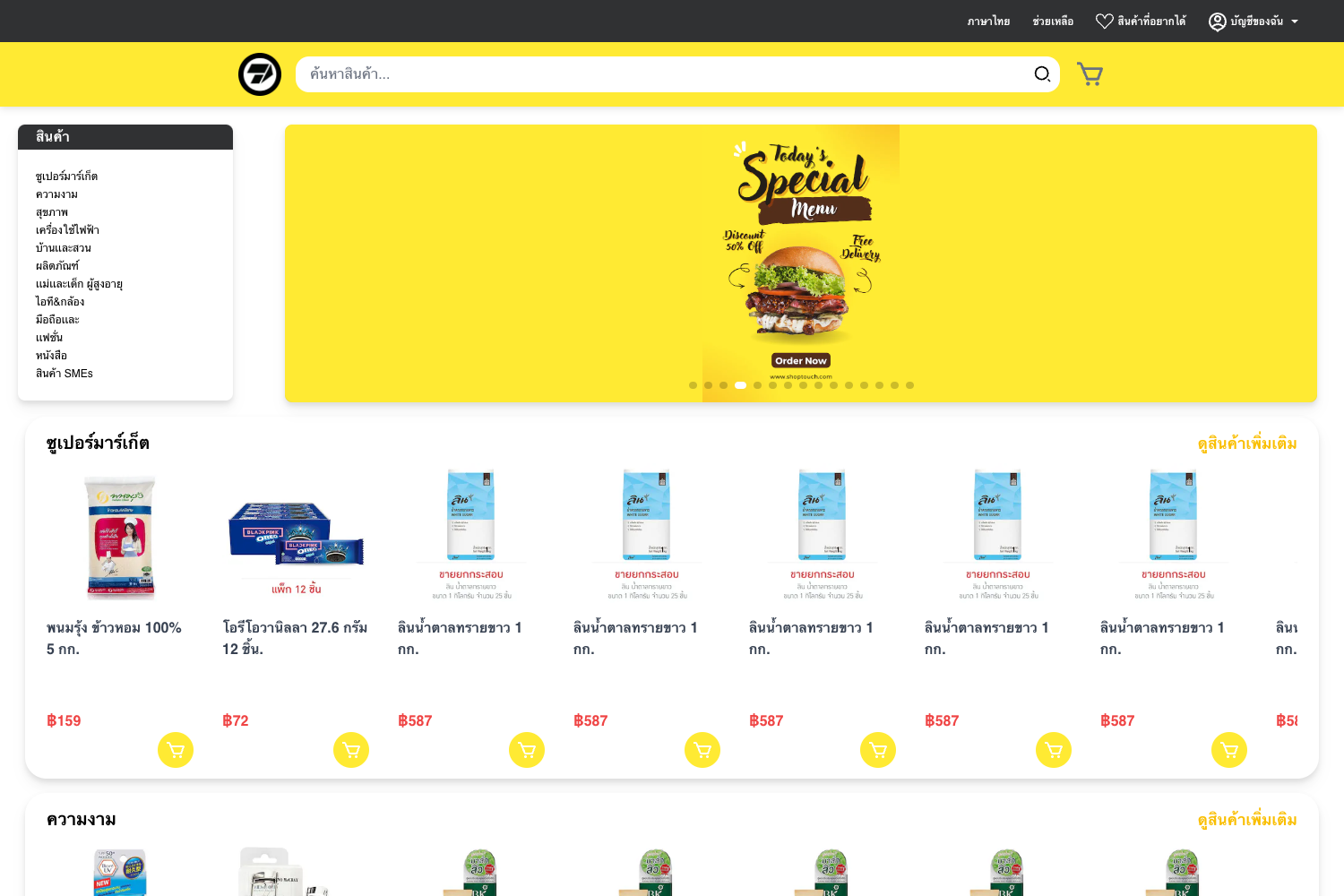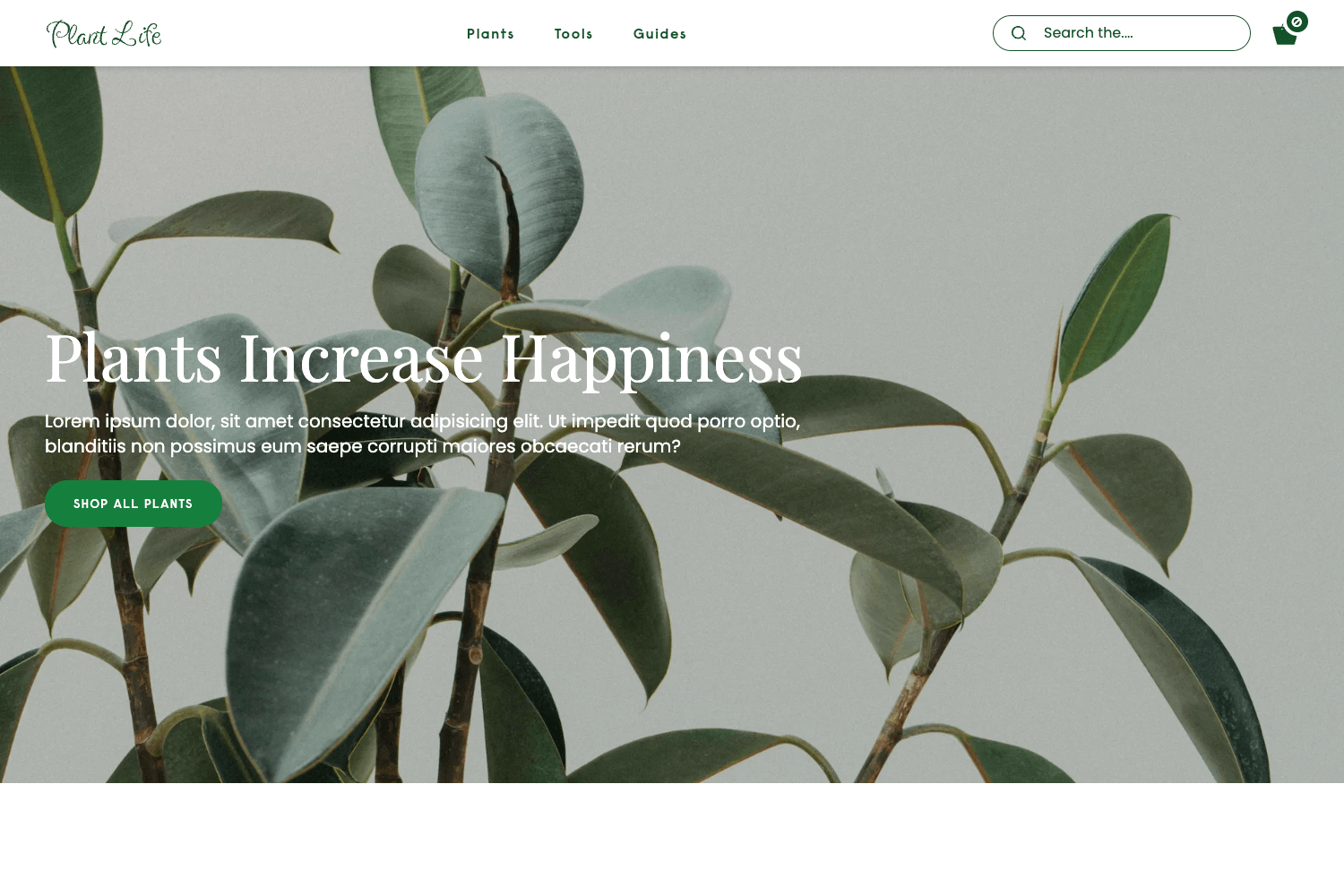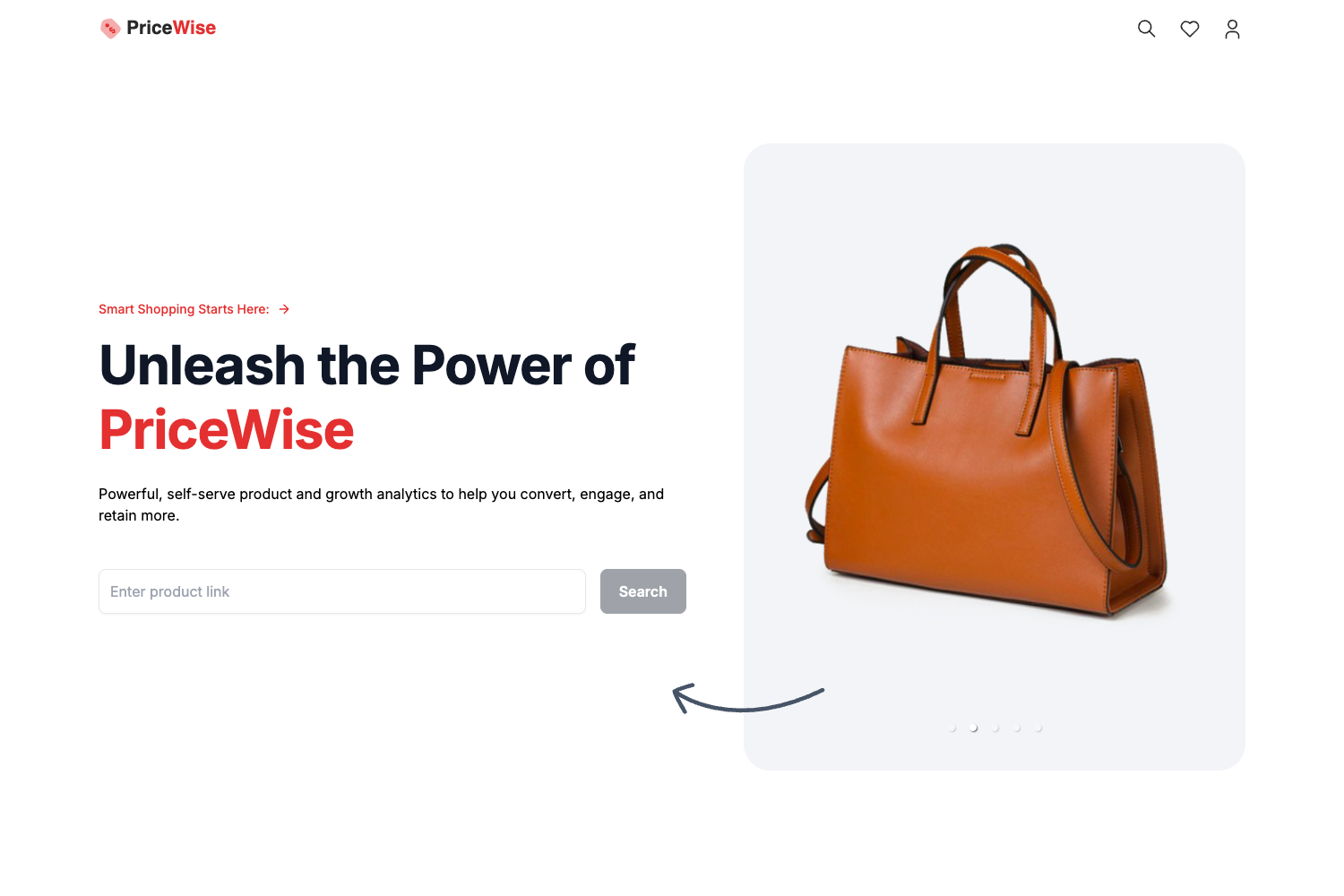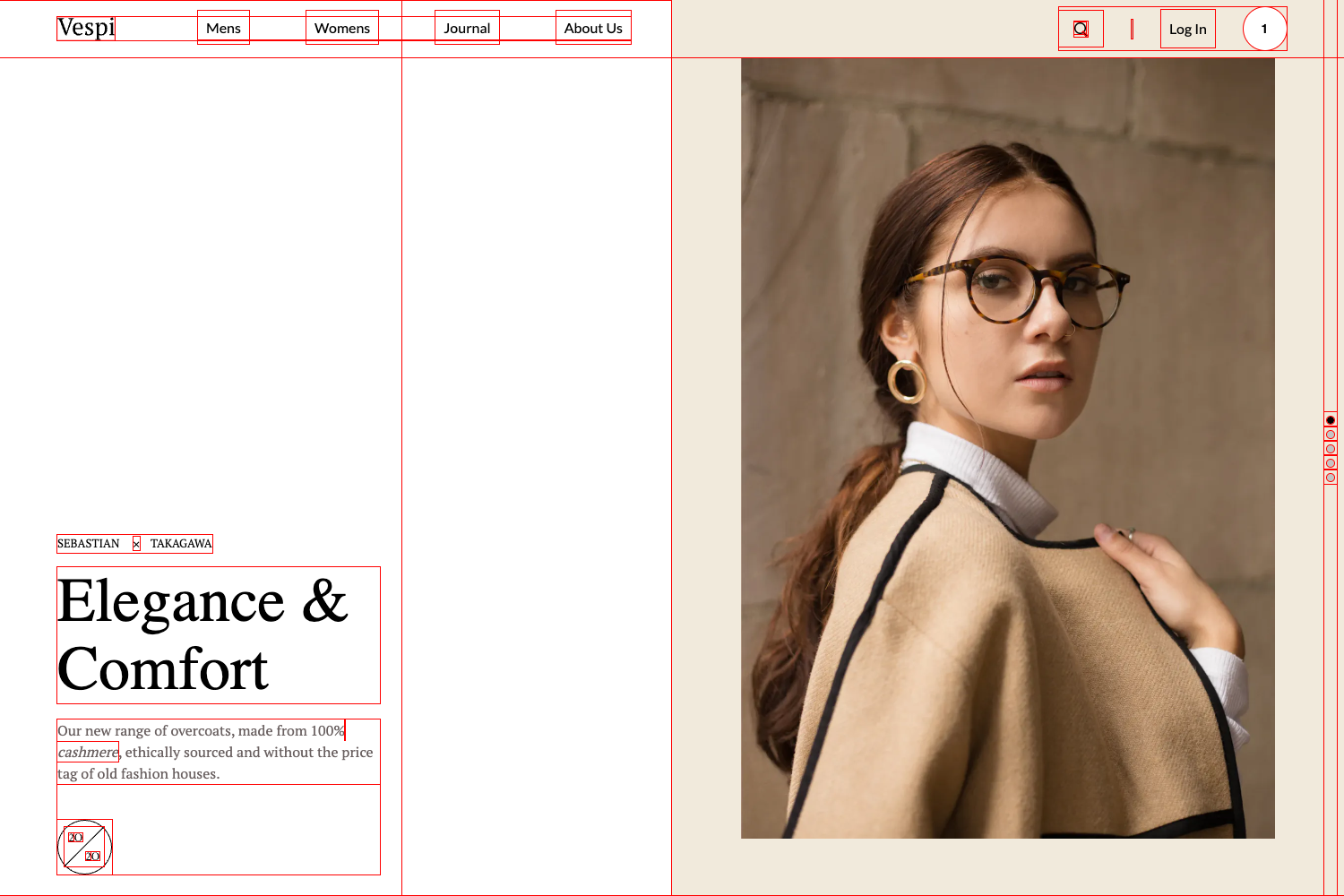
Template details
OneShopper
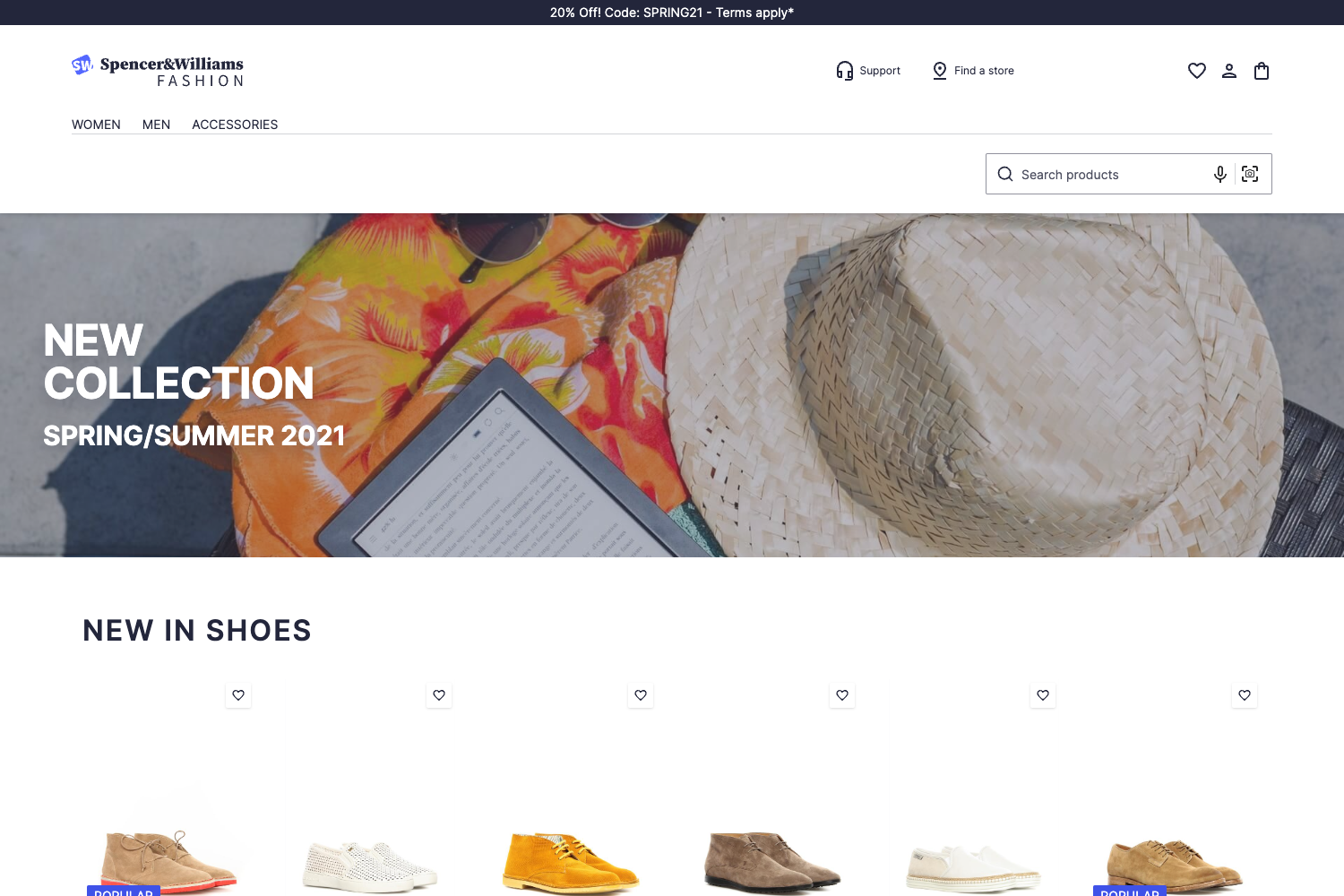
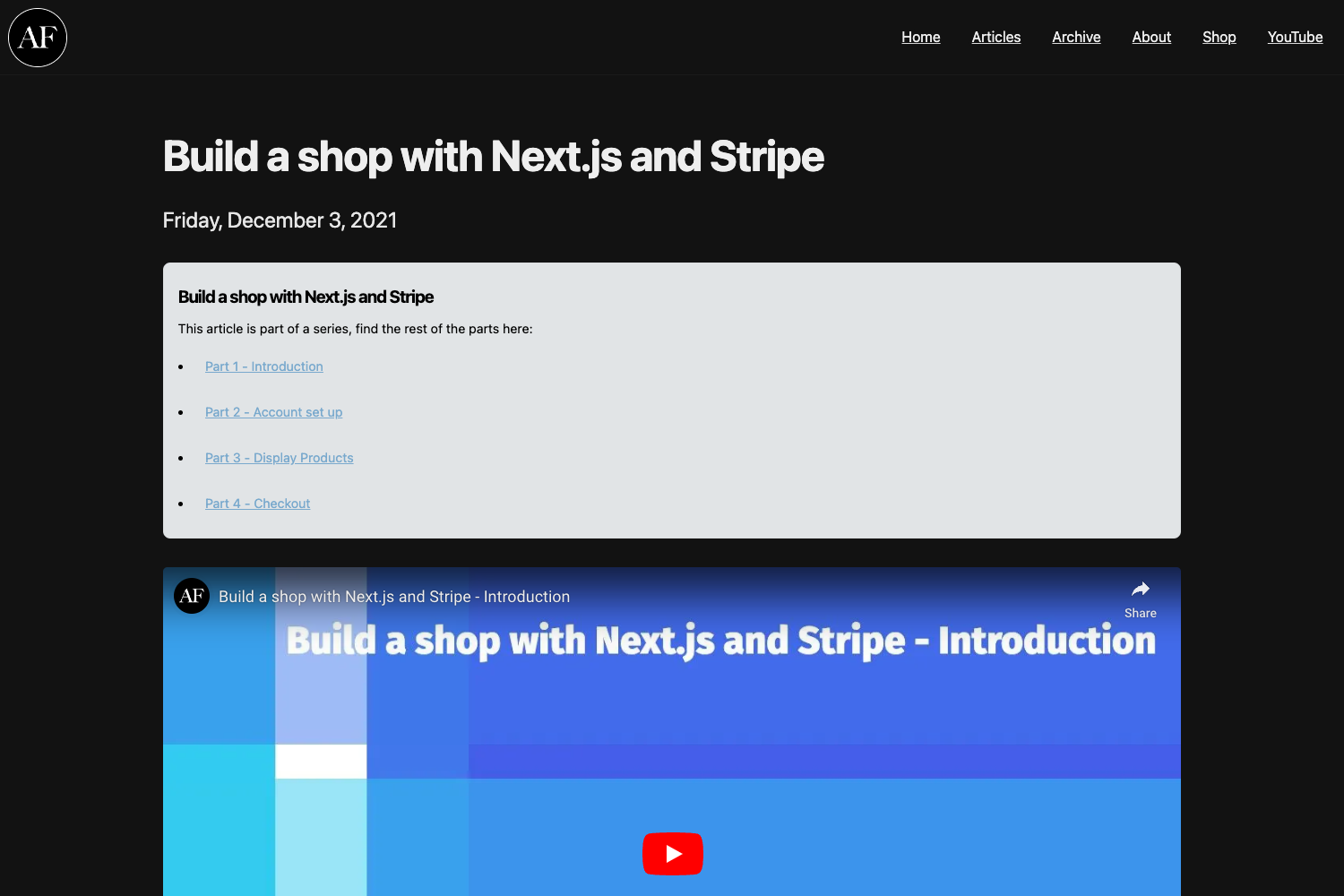
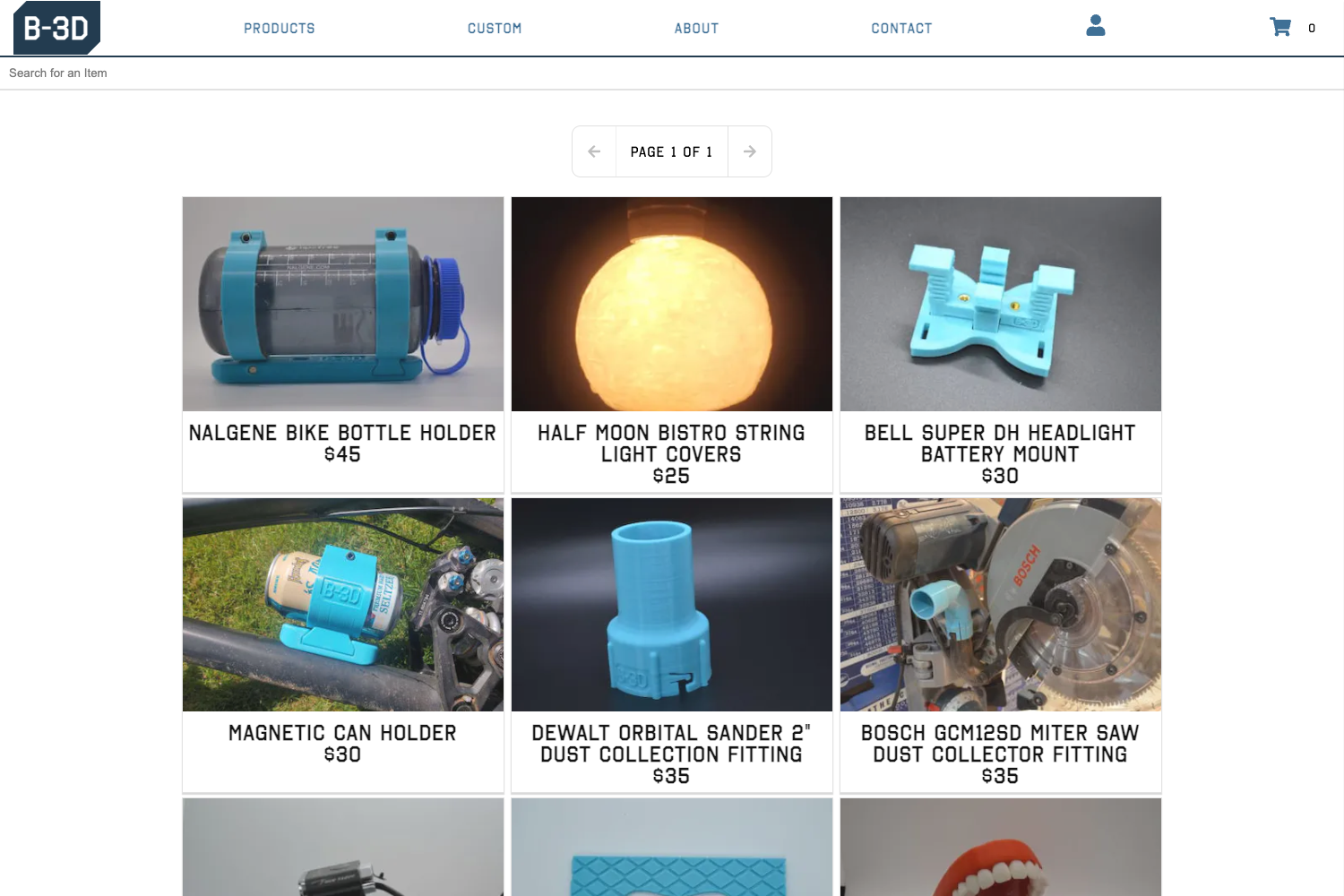
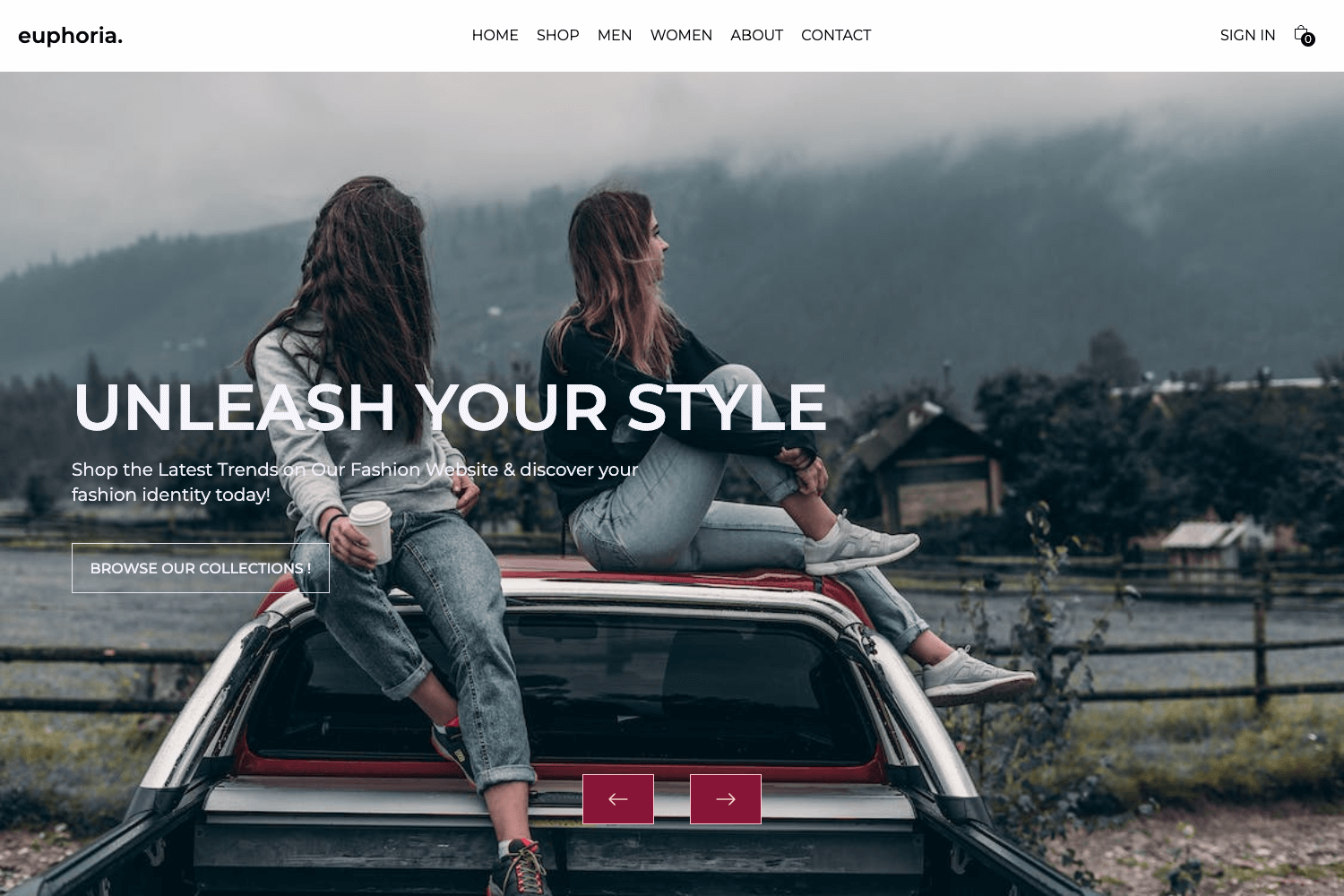
Gatsby + Contentful + Snipcart ecommerce starter for building a customizable online store.
About this template
OneShopper is a Gatsby starter template for building ecommerce websites, pairing Contentful as the content management system and Snipcart as the shopping cart and checkout layer.
What is OneShopper?
OneShopper is an open-source Gatsby starter that produces a static ecommerce site. It takes a Contentful space ID and access token, plus a Snipcart API key, as input, and outputs a deployable ecommerce front end. The project is maintained by Rohitguptab on GitHub and includes a live demo at https://oneshopper.netlify.com. The starter uses gatsby-source-contentful to fetch products and content, and gatsby-plugin-snipcart to add cart and checkout functionality.
Key Features
- Gatsby-based architecture — The site is built with Gatsby, so it generates static pages that can be served from any CDN or host, including Netlify.
- Contentful integration — Uses
gatsby-source-contentfulto pull product data and site content from Contentful; aoneshopper.jsonfile is provided to import the required content models via the Contentful CLI. - Snipcart shopping cart — Integrates Snipcart through
gatsby-plugin-snipcart, giving you a drop-in cart and checkout without building your own payment flow. - Quick start via Gatsby CLI — Clone the starter with
gatsby new OneShopperfrom the GitHub repository and start installing dependencies. - Hot-reload development — Running
gatsby developstarts a local server athttp://localhost:8000with live updates on edit, plus a GraphQL playground athttp://localhost:8000/___graphqlfor querying Contentful data. - One-click Netlify deploy — The README includes a Deploy to Netlify button that automatically sets up the repository for continuous deployment.
- Starter page structure — The main entry point is
src/pages/index.js, which you can edit to customize the home page while following Gatsby's standard directory layout.
Who is it for?
- Developers who want a pre-configured ecommerce site in Gatsby without building the data layer and cart integration from scratch.
- Small business owners who need a customizable online store and are willing to use Contentful to manage products and Snipcart to handle payments.
- Gatsby learners exploring how to combine a headless CMS with an ecommerce API in a real starter project.
What can you do with OneShopper?
- Launch an online store — Add products through Contentful, configure Snipcart keys, and deploy a functional storefront with a cart.
- Customize the front end — Edit the React components in
src/pagesand use Gatsby's data layer to restyle the site to match a brand. - Learn a three-service stack — Study how Gatsby, Contentful, and Snipcart connect through official plugins and environment variables.
How does OneShopper work?
The README outlines a four-step setup: clone the repository with the Gatsby CLI, import Contentful models using the contentful CLI and the oneshopper.json file, add your Contentful space ID, access token, and Snipcart API key in the configuration, then run npm install and gatsby develop to start editing. The site is then ready to deploy, with a Netlify button provided.
FAQ
How do I import the Contentful models?
Run contentful space import --content-file oneshopper.json with your space ID using the Contentful CLI. The blog post linked in the README explains the import/export process in detail.
What keys do I need to set up?
You need your Contentful space ID and access token from Contentful, and a Snipcart API key from Snipcart. These are entered as configuration in the starter.
Where do I find the live demo?
The demo is hosted at https://oneshopper.netlify.com, linked from the README's header.
Can I deploy OneShopper to Netlify?
Yes, the README includes a Deploy to Netlify button that connects the GitHub repository, so you can set up hosting with one click. Other hosting providers that support static sites would also work with the Gatsby output.