Template details
Shop Nextjs Stripe
How to build an e-commerce store using NextJS and Stripe
About this template
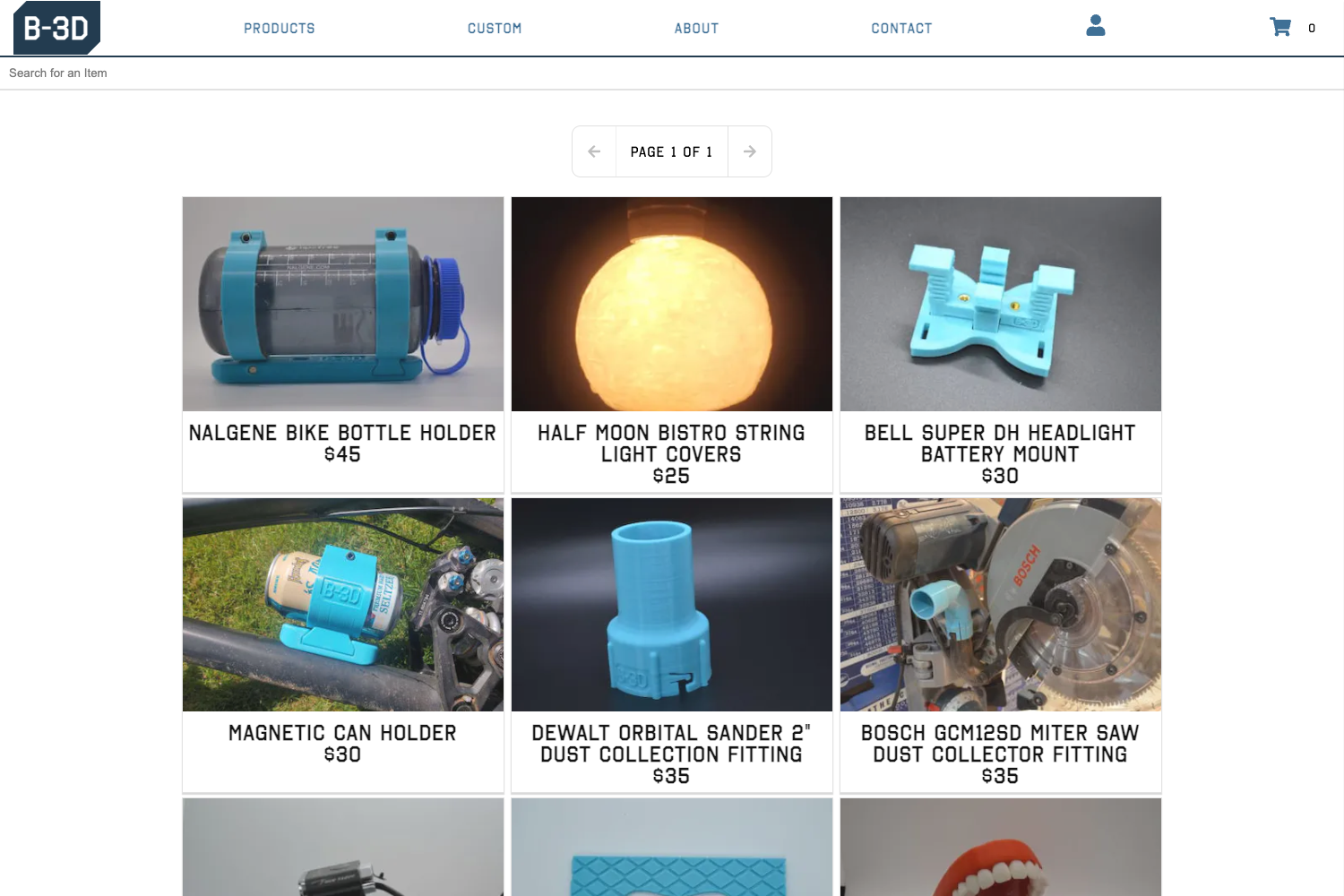
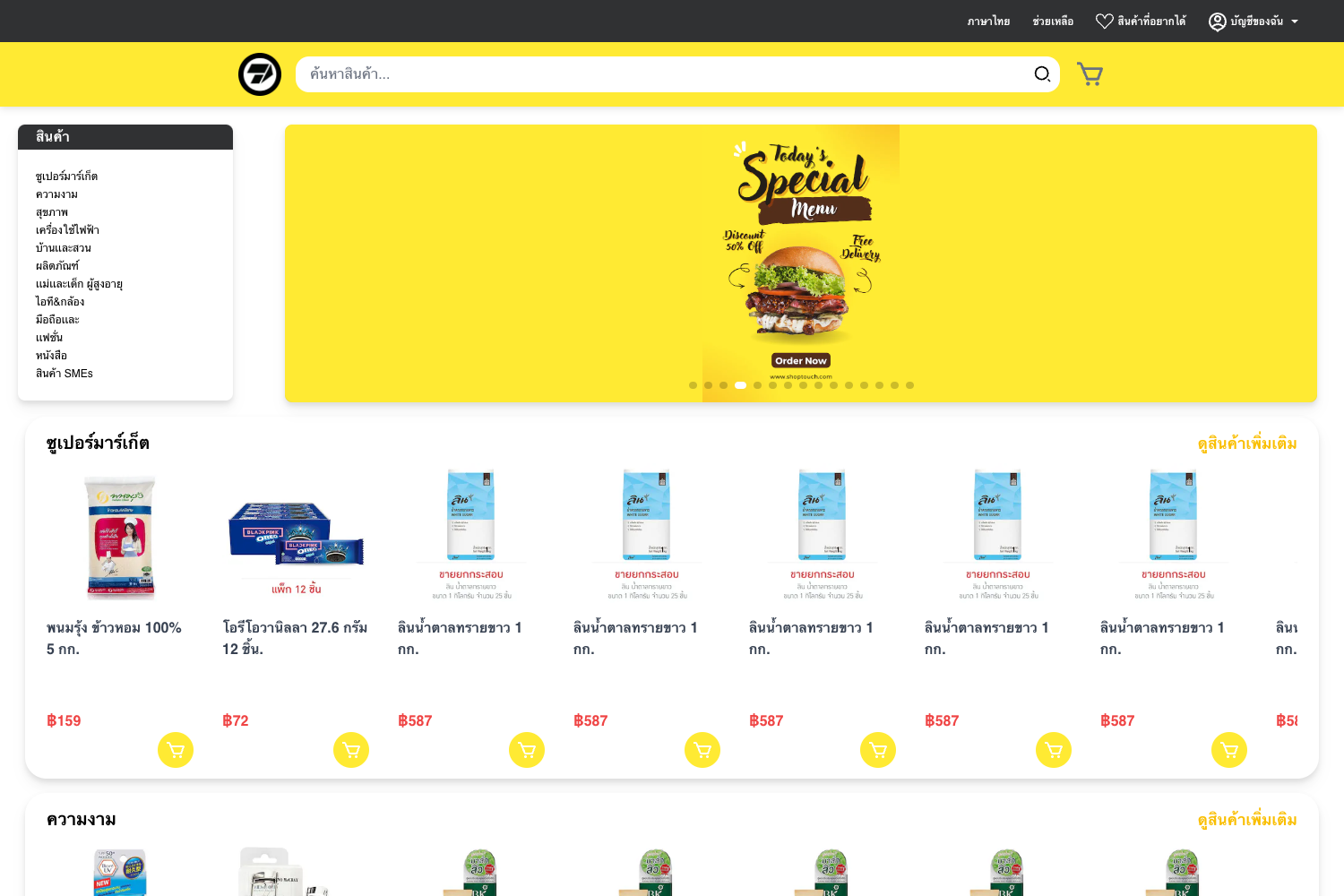
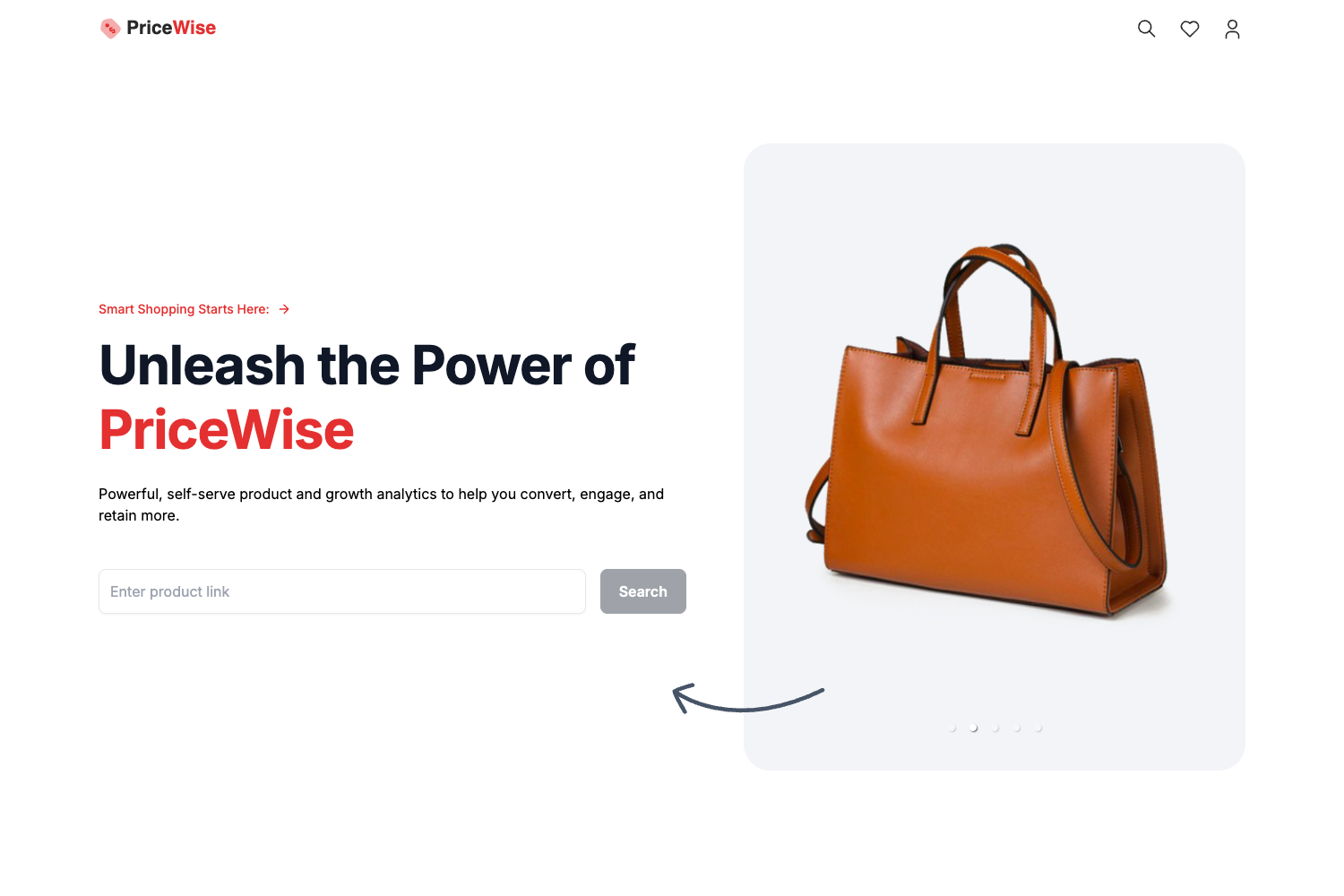
This is a starter example of an e-commerce shop that uses Next.js and the Stripe.js library, published as a companion to a written and video tutorial on building Stripe-powered storefronts.
What is this template?
This is a starter example of an e-commerce shop that uses Next.js and the Stripe.js library. The repository pairs a minimal storefront implementation with a step-by-step guide, a video introduction, and the code needed to connect Stripe test keys. The project's stated purpose, per its repository metadata, is to show "How to build an e-commerce store using NextJS and Stripe." It runs as a Next.js application and relies on the Stripe.js library for payment handling, making it a reference implementation rather than a production-ready store.
Key Features
- Next.js framework — The shop is built on Next.js, so all pages and server-side logic live in one React-based codebase.
- Stripe.js integration — Payment functionality is implemented with the stripe.js library, following the Stripe setup pattern.
- Environment variable setup — The project reads
STRIPE_PUBLISHABLE_KEY,STRIPE_SECRET_KEY, andHOSTfrom a.env.localfile; the README gives the example valuehttp://localhost:3000for HOST. - Companion tutorial — The README links to a written introduction on andrewford.co.nz and a YouTube video, so each code change in the example can be followed along in the guide.
- Minimal example scope — The repository is intentionally an example: it demonstrates the core e-commerce and Stripe flow without adding unrelated features, making it easy to understand what each part does.
Who is it for?
- Developers learning Stripe + Next.js — They can clone the repository, add their own Stripe keys, and see how a checkout flow ties the two together.
- E-commerce builders seeking a reference — They can use the example as a starting point for their own storefront, swapping in their product data and adapting the Stripe logic.
- Viewers of the tutorial series — Anyone following the article or video introduction can use this exact codebase as the code-along project.
Use cases
- Learn Stripe checkout logic: Run the example locally with your own Stripe test keys and trace how a payment is created from the frontend through to Stripe.
- Kickstart a custom storefront: Copy the API routes and Stripe configuration patterns into a larger Next.js shop project.
- Follow a video tutorial: Pause and replay the companion video while inspecting the corresponding files in the repository.
How does this template work?
To get it running, create a .env.local file at the project root and add values for STRIPE_PUBLISHABLE_KEY, STRIPE_SECRET_KEY, and HOST (the README example uses http://localhost:3000). After that, the Next.js app can start, and the Stripe.js integration will be active. The README instructs readers to follow the linked instructions for the full build process.