Template details
Open Grants List
Open directory of openly available research grants, built with Jekyll, featuring YAML metadata and multiple contribution paths.
About this template
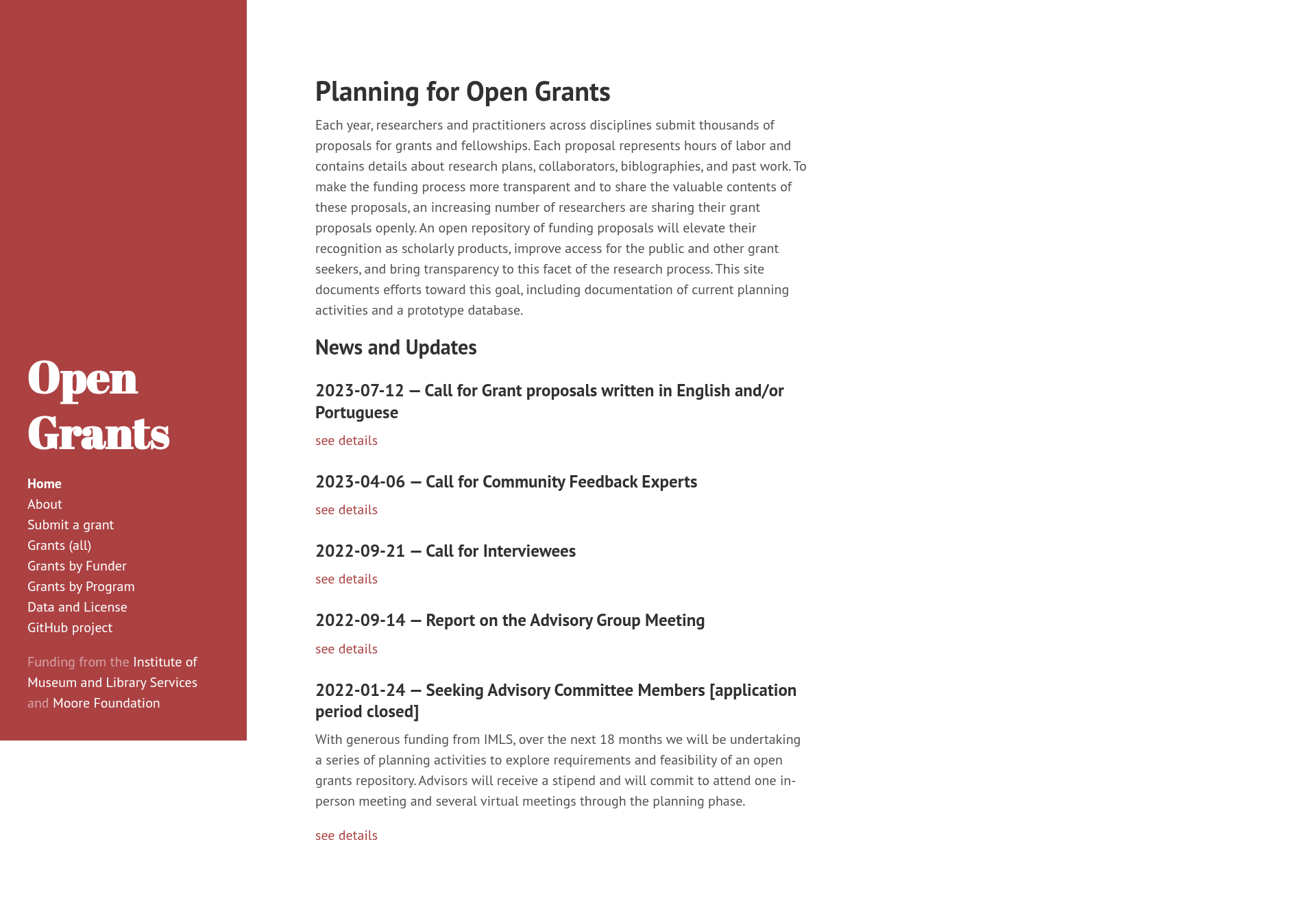
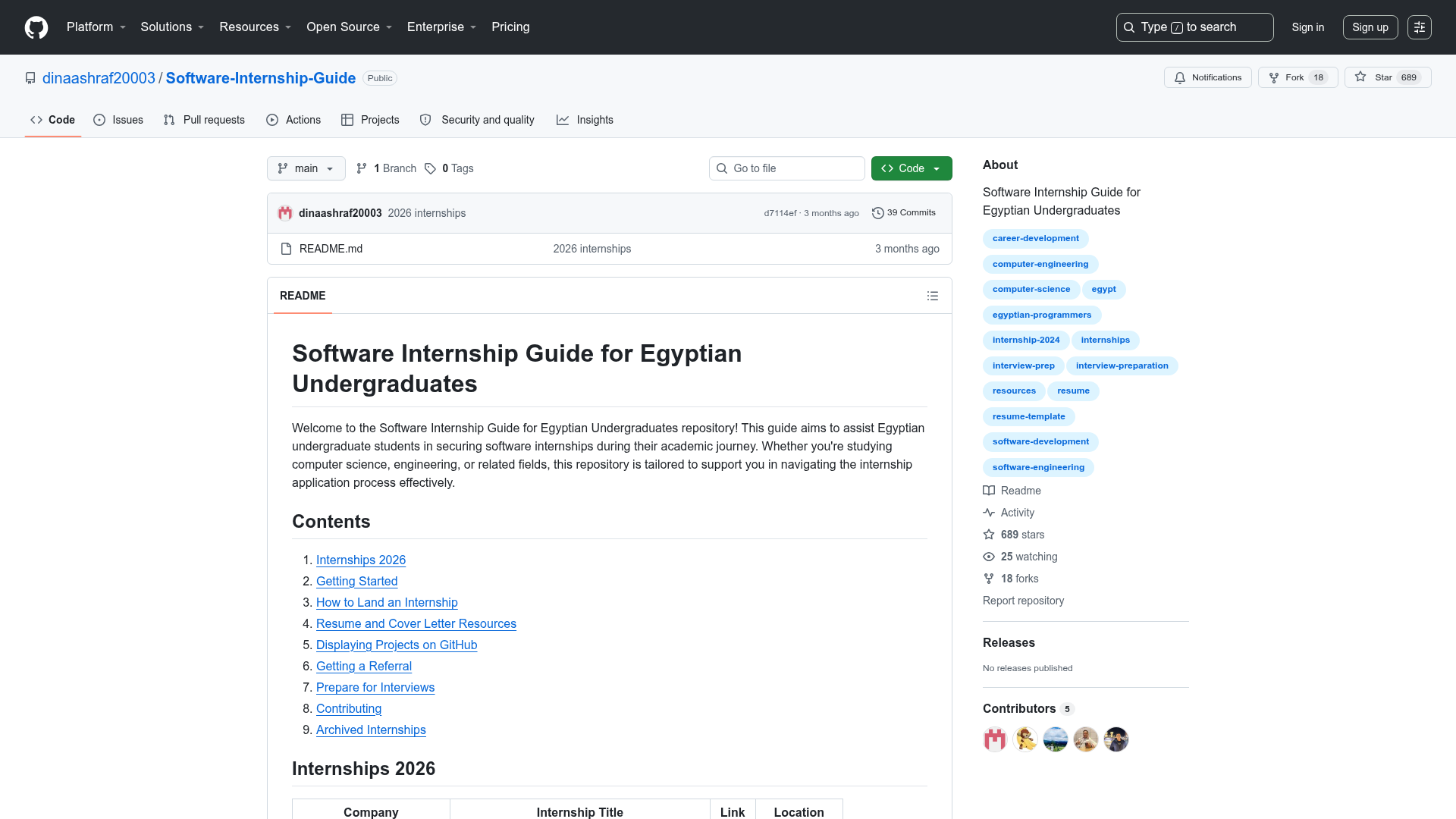
Open Grants List is a Jekyll-powered directory of research grants that have been posted openly online, built to help researchers learn grantsmanship, identify funders, and study successful proposals. It is maintained as a public GitHub repository and published at https://www.ogrants.org/. Instead of hosting grant documents itself, the site stores structured metadata in YAML files and links out to archival copies hosted on platforms like Zenodo and Figshare.
What is the Open Grants List?
The Open Grants List is a community-contributed collection of grant proposals and award documents that are freely available on the web. Each grant is represented by a Markdown file with YAML front matter containing fields such as title, author, ORCID, year, DOI link, funder, program, discipline, and funding status. The Jekyll static site generator renders these files into a browseable website, making it easy to study real grant language across disciplines and funders. The project has received support from the Gordon and Betty Moore Foundation, the Institute of Museum and Library Services, and the University of Florida Library Technology Services.
What makes the Open Grants List stand out?
- Structured YAML metadata — Each grant entry captures author, ORCID, year, DOI link, funder, program, discipline, and grant status, enabling consistent browsing and searching.
- Jekyll static site — The repository uses Jekyll to produce a fast, static HTML site that can be hosted on GitHub Pages.
- Multiple contribution paths — Anyone can add a grant by submitting a pull request, opening a GitHub issue, or emailing the maintainers.
- Persistent links — The project recommends posting grants to archival services like Zenodo and Figshare to avoid dead links.
- Author profiles — Optional metadata about grant authors (name, ORCID, institution, website, Twitter) can be stored in the
_authorsdirectory. - Open source and hackathon-friendly — The repository tags include
hacktoberfest, and it has 152 stars on GitHub.
Who should use the Open Grants List?
- Graduate students and postdocs — can read successful proposals to learn how to structure their own grant applications.
- Research development professionals — can search by funder and program to find funding opportunities that match institutional strengths.
- Open science advocates — can find and share openly available grant documents, promoting transparency in research funding.
Use cases
- Learning grantsmanship: Study the structure, language, and budget narratives of funded grants in your discipline.
- Finding funders: Browse entries by funder (e.g., Moore Foundation) and program (e.g., Data-Driven Discovery Investigators) to discover which organizations fund your field.
- Sharing your own work: Post a funded grant to Zenodo or Figshare, then add its metadata to the list using the YAML template.
How does the Open Grants List work?
Adding a grant takes three steps. First, post the grant document online on an archival service like Zenodo or Figshare. Second, create a Markdown file in the _grants folder with YAML metadata, following the template shown in the repository. Third, submit it via pull request, GitHub issue, or email to oggrants@googlegroups.com. The site also accepts optional author information in the _authors directory.
FAQ
Is the Open Grants List free to use?
Yes. The website at https://www.ogrants.org/ is freely accessible, and the underlying GitHub repository is open source. Adding a grant is also free.
How do I add a grant to the list?
Post the grant online (e.g., on Zenodo or Figshare), then add its YAML metadata to the _grants folder. Submit via a pull request, open a GitHub issue, or email the maintainers at oggrants@googlegroups.com.
What information is stored for each grant?
Each entry includes a layout type, title, author, ORCID, year, link (usually a DOI), funder, program, discipline, and funding status. The exact YAML fields are defined in the repository template.
Does the Open Grants List host grant documents?
No. The site only links to external copies. It recommends using archival services like Zenodo and Figshare so the links remain stable.