Template details
Origin Hugo Theme
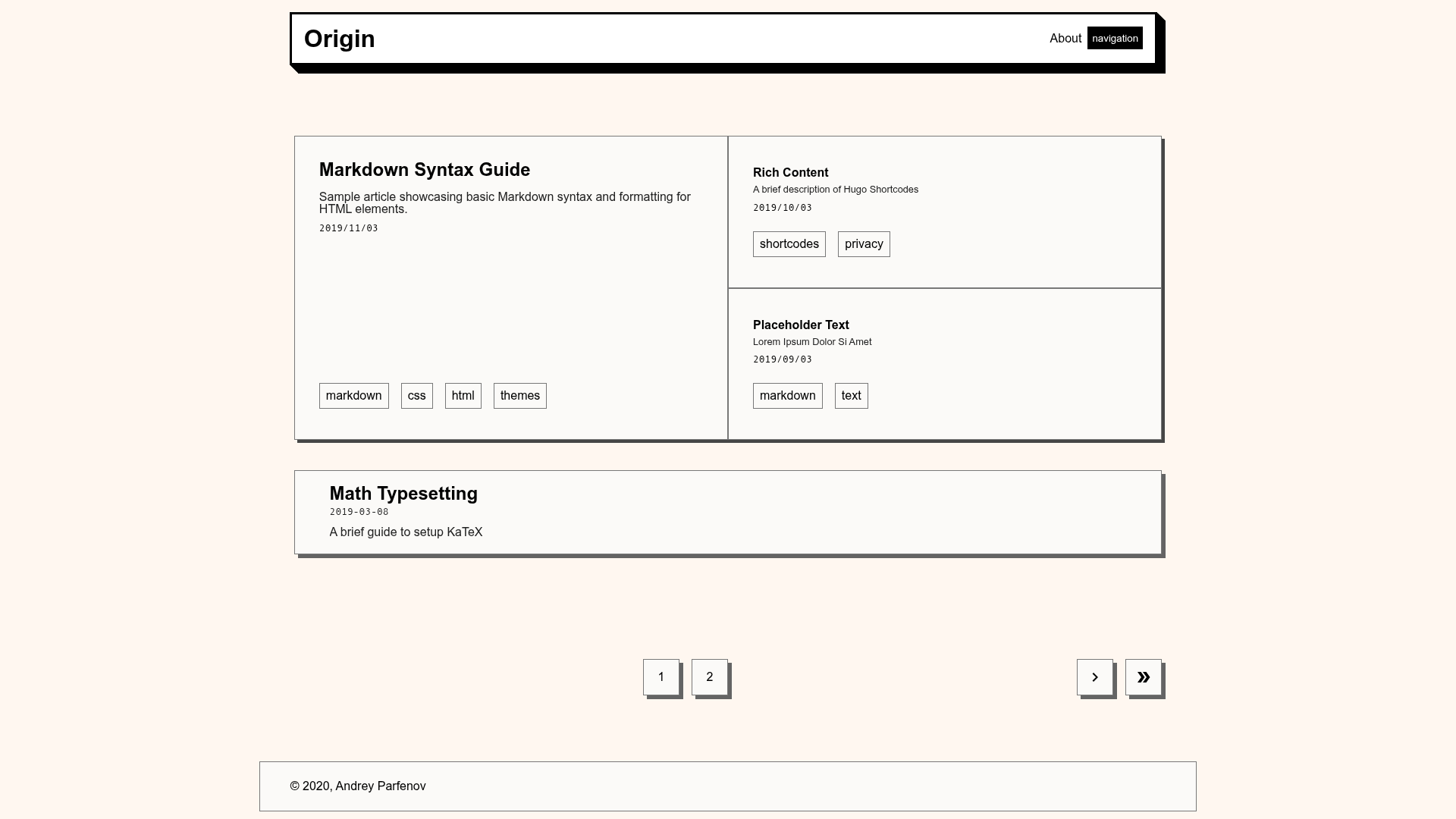
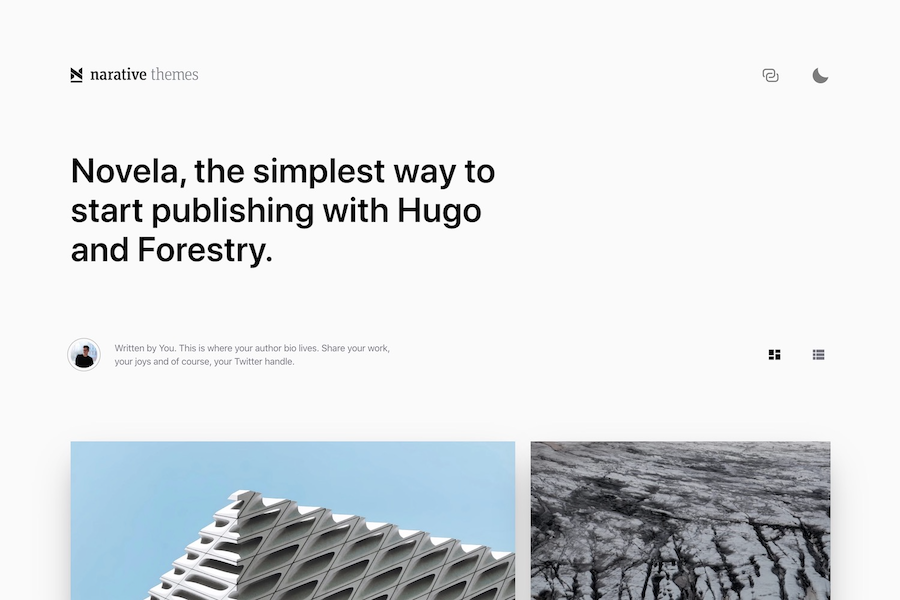
A simple Hugo theme for blogging with a homepage grid, optional featured posts, and CSS-only mode.
About this template
Origin Hugo Theme is a minimal Hugo theme for creating blogs, distributed as a Git repository that you add to a Hugo site as a submodule.
What is Origin Hugo Theme?
Origin Hugo Theme is a blogging theme built for Hugo, the static site generator. It takes Markdown content and produces a static website with a homepage that displays a grid of posts. The theme is developed by asleeppiano and mirrored on GitLab, with a live demo at https://asleeppiano.gitlab.io/origin-hugo-site/. It is intended to be simple, requiring only a basic Hugo installation to get started.
Key Features
- Homepage grid — The theme replaces the standard list of posts on the home screen with a grid layout, which you can switch back to the default list by setting
featured = falsein config.toml. - Featured posts toggle — The grid can be controlled with the
featuredparameter, giving you two home page display styles. - CSS-only mode — Set
cssonly = truein config.toml to disable all JavaScript, making the theme render with only CSS and HTML. - Custom favicon support — Add a file named
favicon-32.pngto the static folder to set your site's favicon. - Git submodule installation — Install by running
hugo new site myblog, thengit submodule add https://gitlab.com/asleeppiano/origin-hugo-theme.git themes/origin. - Markdown-based publishing — All blog content is written in Markdown and processed by Hugo into a static site.
Who is it for?
- Minimalist bloggers — A no-frills theme for writers who want a straightforward blog without extra features.
- Hugo beginners — The installation process and configuration are simple enough for people new to Hugo.
- Development teams — Teams that want a clean, code-based theme they can customize and extend with Hugo's templating system.
- Performance-focused site owners — The cssonly mode lets you ship a JavaScript-free site for faster loading.
What can you do with it?
- Start a blog quickly: Run the two installation commands and start writing Markdown posts; the theme handles the rest.
- Switch homepage layouts: Toggle the
featuredparameter to choose between a grid of featured posts and a standard chronological list. - Create a no-JS site: Enable
cssonlyto remove all JavaScript and rely on HTML and CSS only. - Customize the favicon: Drop a
favicon-32.pnginto the static folder and your site icon is set.
How does it work?
Origin Hugo Theme works like any Hugo theme: you create a new site, add the theme as a Git submodule, and place Markdown files in the content directory. Configuration happens through parameters in config.toml, such as featured and cssonly. After running hugo, the theme generates a complete static website.
FAQ
How do I install Origin Hugo Theme?
Run hugo new site myblog, then cd myblog and git submodule add https://gitlab.com/asleeppiano/origin-hugo-theme.git themes/origin. The theme will be available in the themes directory of your Hugo site.
How do I disable JavaScript in Origin Hugo Theme?
Set the parameter cssonly = true in your config.toml file. This makes the theme generate pages with only CSS and HTML, skipping all JavaScript.
How do I show featured posts on the homepage?
By default, the homepage displays a grid. To revert to the standard list of posts, set featured = false in config.toml.
How do I add a favicon to my site?
Place an image file named favicon-32.png in the static folder of your Hugo project. The theme will pick it up automatically.