Template details
Eleventy + Stylus Blog Theme
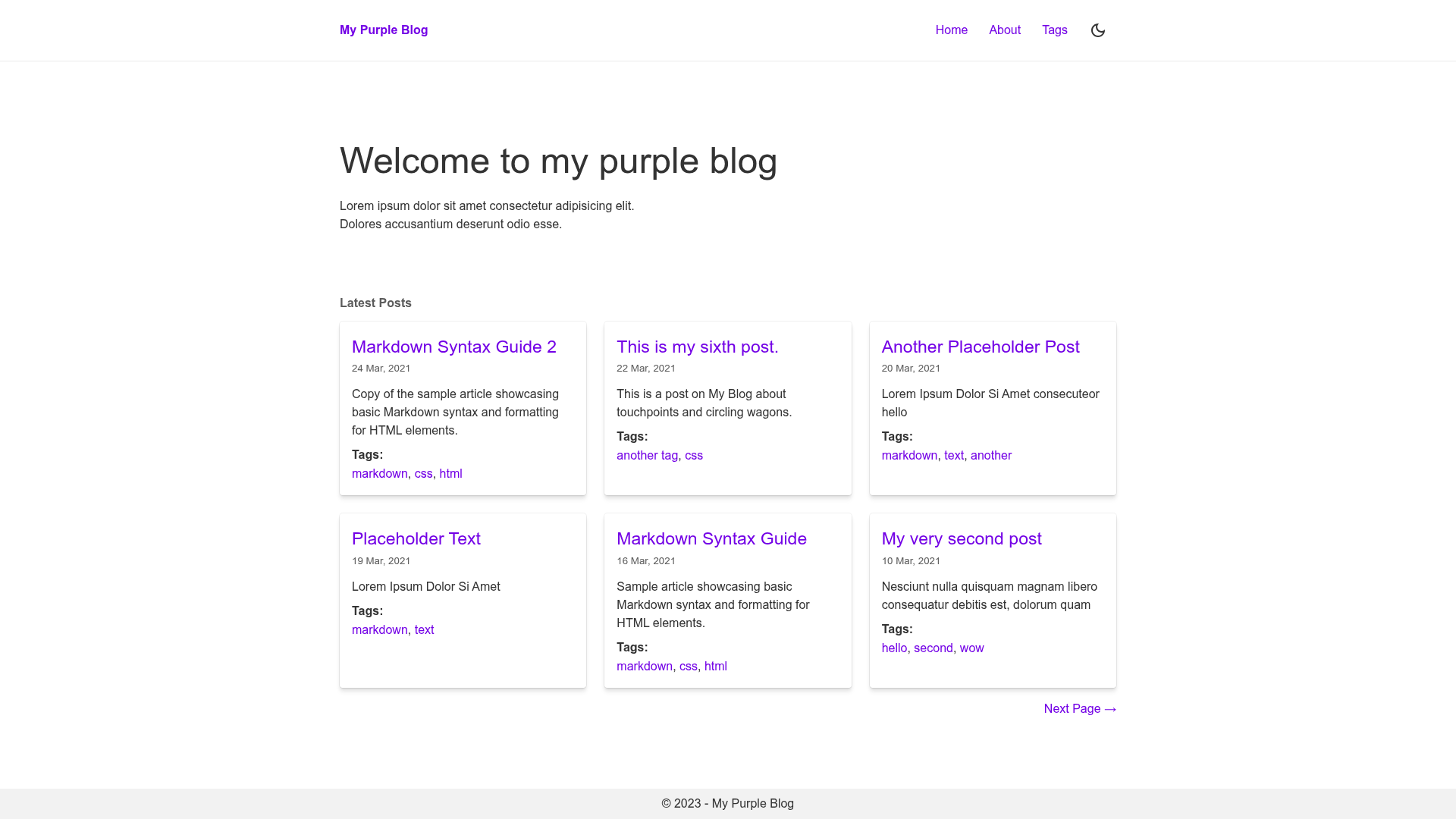
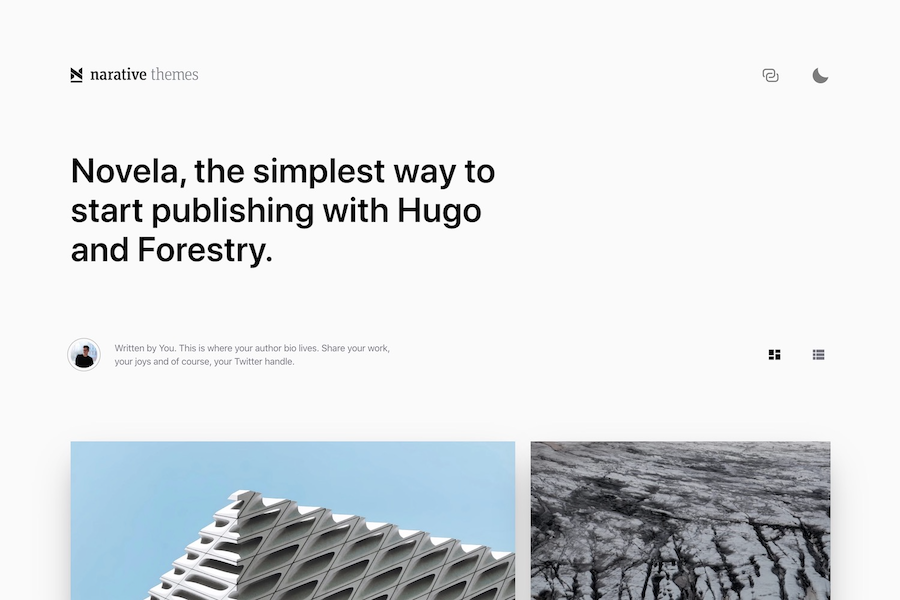
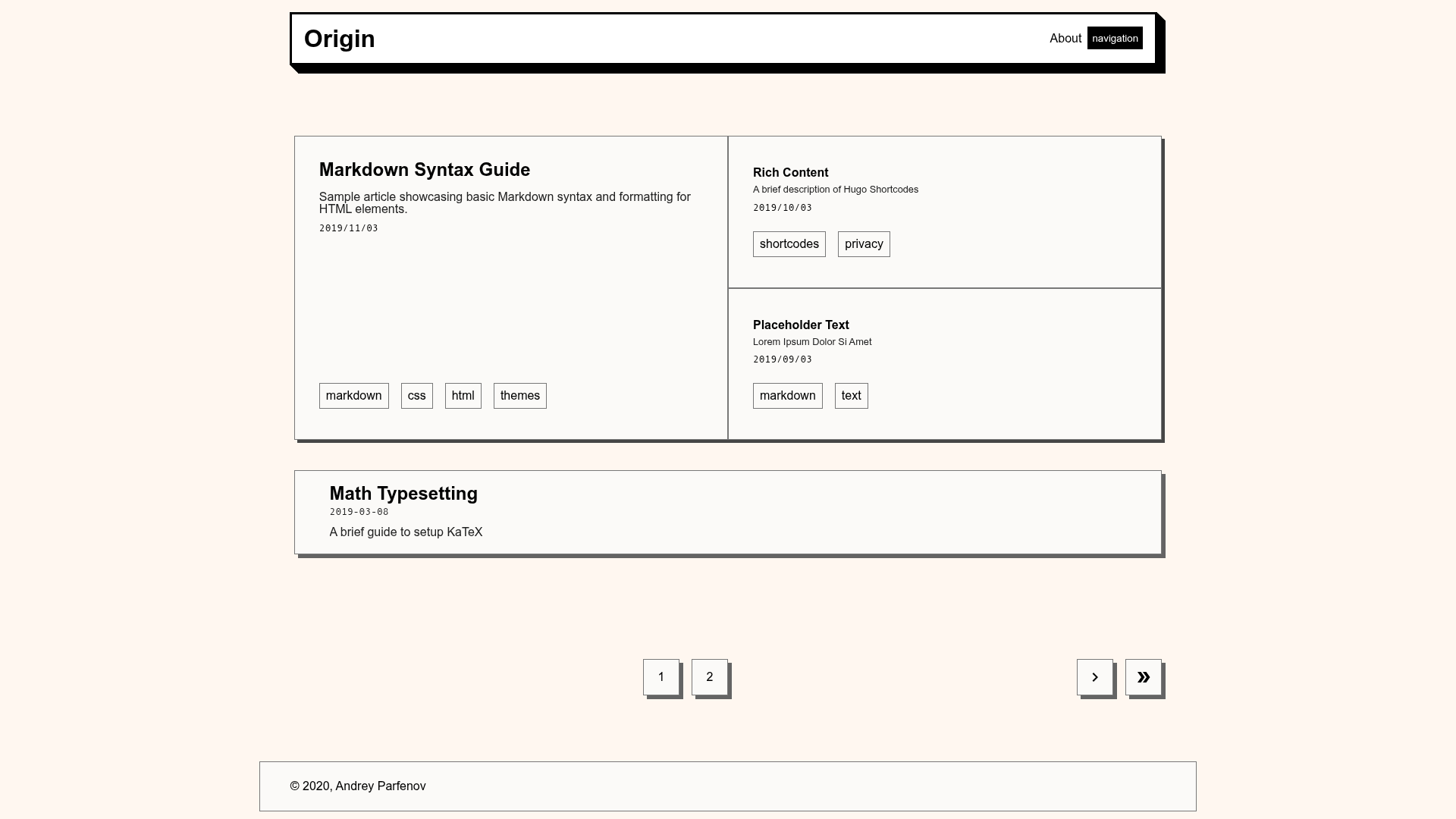
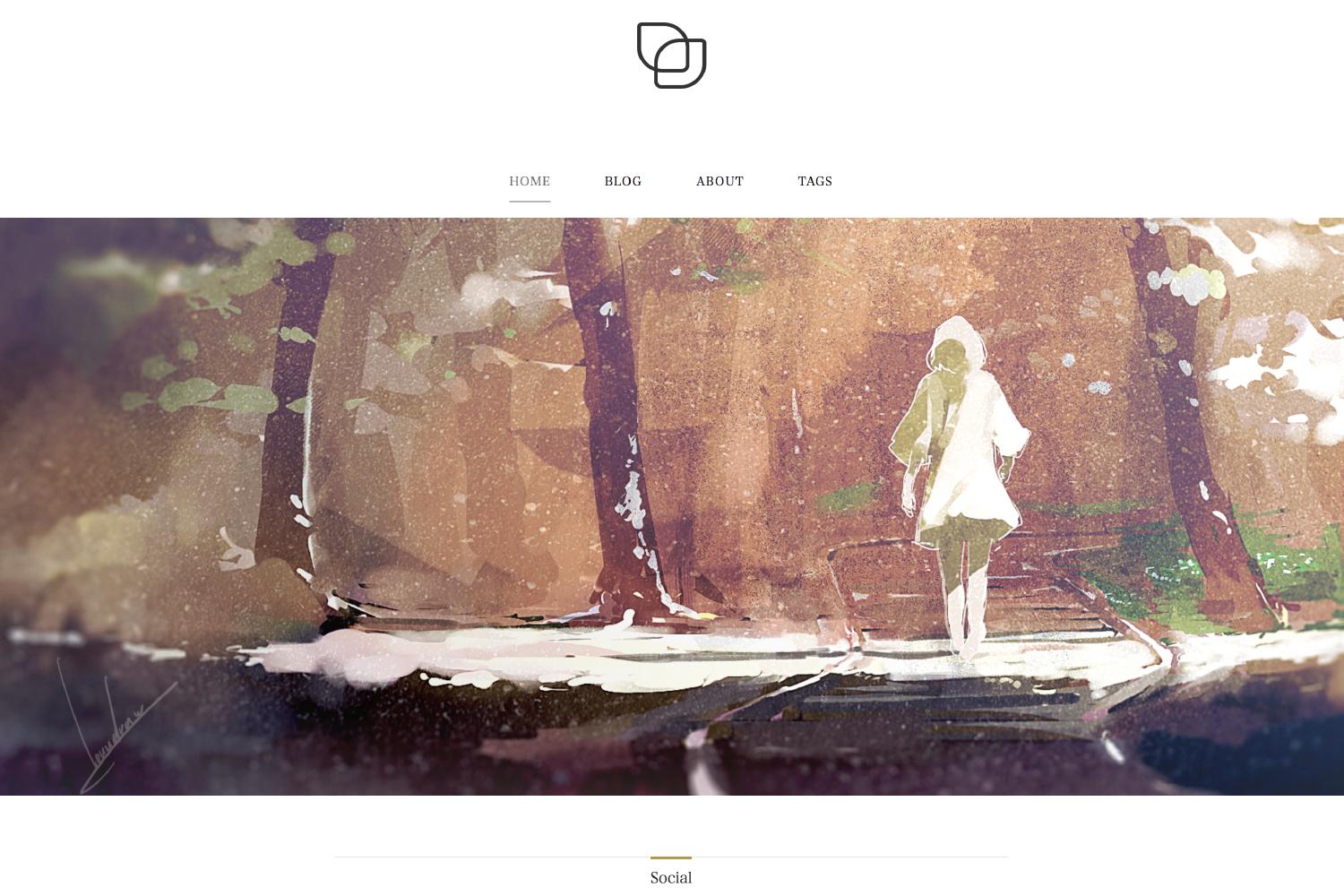
A blog template built with Eleventy and Stylus featuring dark mode, tags, Atom RSS, sitemap, and 100% Lighthouse scores.
About this template
Eleventy + Stylus Blog Theme is a starter blog template for the Eleventy static site generator that pairs with the Stylus CSS preprocessor, bundling a toggleable dark theme, tags taxonomy, Atom RSS feed, sitemap, and non-post page support, and it reports 100% Lighthouse scores out of the box.
What is Eleventy + Stylus Blog Theme?
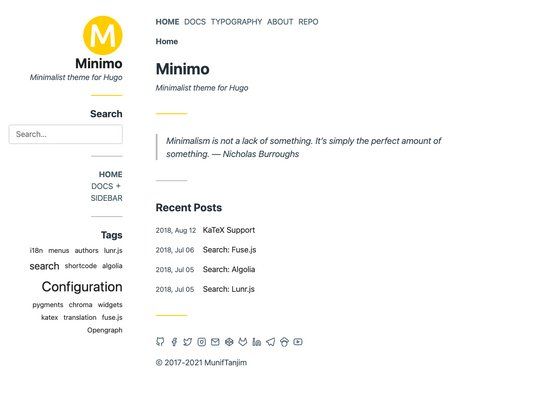
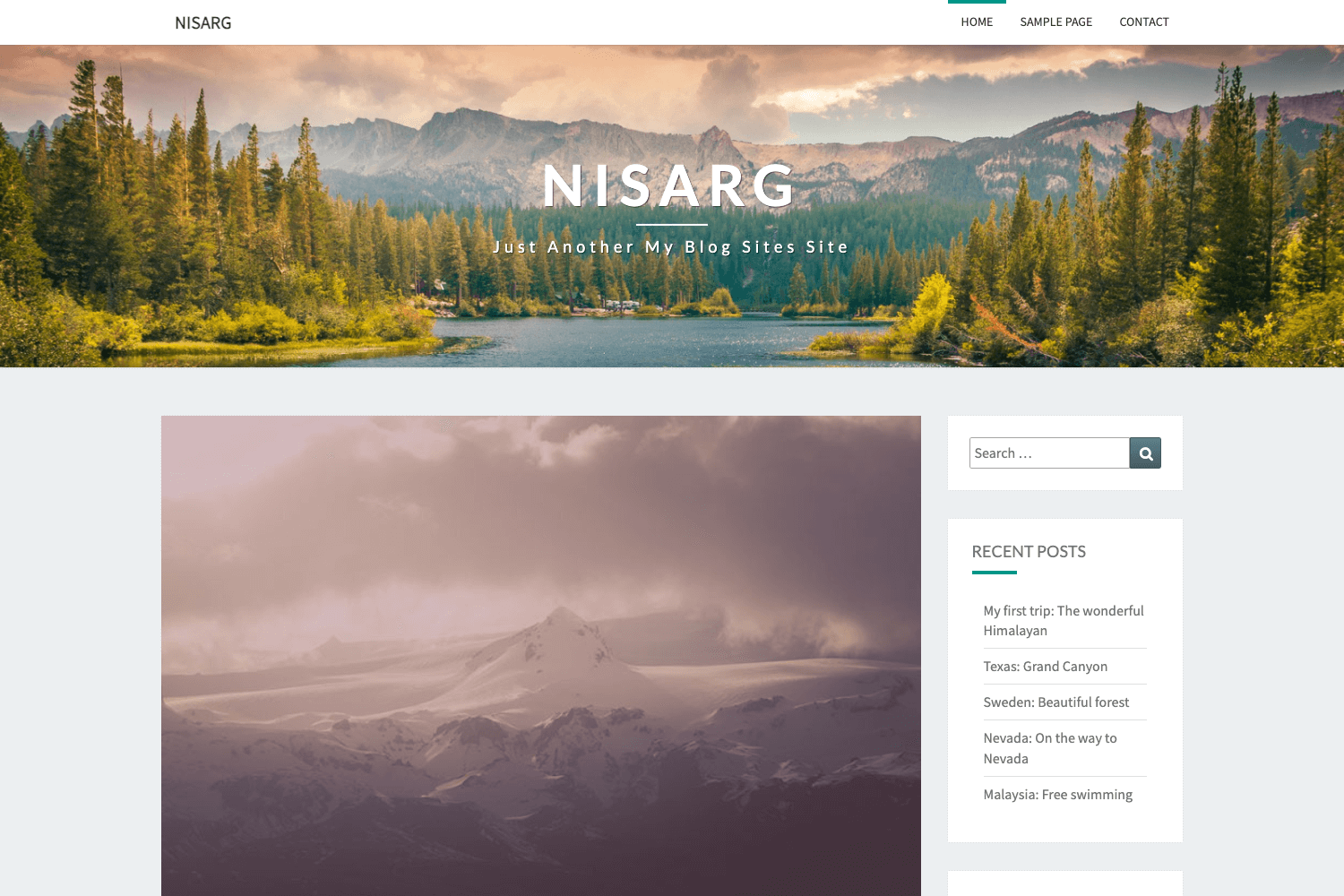
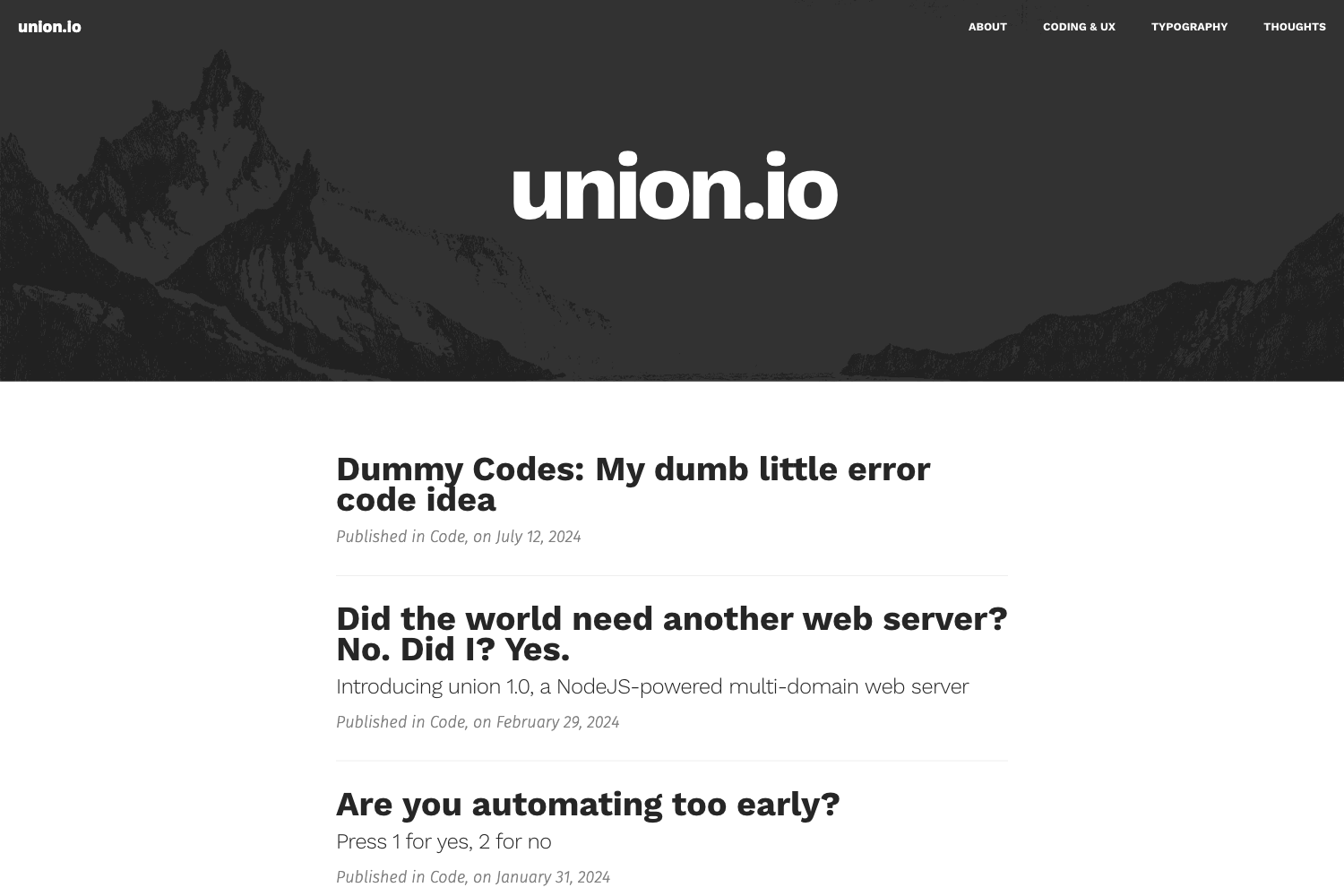
Eleventy + Stylus Blog Theme is a GitHub repository (ar363/eleventy-stylus-blog-theme) containing a complete blog built with Eleventy and Stylus. It takes blog posts and site configuration data as input and outputs a static HTML site ready to deploy to any static host. The template integrates Eleventy's official navigation and RSS plugins and also generates a sitemap, so the resulting site includes working navigation, an Atom feed, and search-engine-friendly XML. Live demos are hosted on Vercel, Netlify, and GitHub Pages, and the theme is maintained by the GitHub user ar363.
Key Features
- 100% Lighthouse scores — The template is built to achieve perfect performance, accessibility, best practices, and SEO scores in Lighthouse, as stated in the repository.
- Toggleable dark theme — Visitors can switch between light and dark themes, and the preference is stored in
localStorageso it persists across sessions. - Tags as taxonomy — Posts can be tagged, and the template organizes content by tags, giving readers a way to browse related posts.
- Stylus CSS preprocessor — Styling is written in Stylus, a preprocessor that compiles to plain CSS; you can adjust global styles in
stylus/abstracts/variables.styl. - Eleventy navigation plugin — The template uses Eleventy's official navigation plugin to manage site menus.
- Atom RSS feed — Eleventy's official RSS plugin generates an Atom feed, giving readers a way to subscribe to new posts.
- Sitemap generation — An XML sitemap is generated automatically, helping search engines index the blog.
- Non-post pages support — Besides blog posts, you can create static pages such as About or Contact by adding new content files.
Who is it for?
- Bloggers — Anyone who wants a fast, static blog with a clean reading experience, dark mode, and an RSS feed for readers.
- Front-end developers — Developers who prefer the Stylus preprocessor and want a small, dependency-light starter to hack on.
- Eleventy learners — People learning Eleventy can use this template as a working example of navigation, RSS, sitemap, and content collections.
- Jamstack enthusiasts — Developers who want a one-click deployable blog to Netlify, Vercel, or GitHub Pages with minimal setup.
What can you do with it?
- Start a personal blog — Clone the repo, edit
_data/site.jswith your site preferences, write posts, and publish to static hosting. - Deploy to multiple platforms — Use the one-click deploy buttons for Netlify and Vercel, or push to GitHub Pages using the provided workflow.
- Customize the design — Modify the Stylus variables in
stylus/abstracts/variables.stylto change colors, type scale, and other design tokens. - Add extra pages — Create non-post pages like About or Contact by adding new markdown files alongside the blog posts.
How does it work?
To use the template locally, you clone the repository, run npm i to install dependencies, then edit _data/site.js to set your site name and metadata. You can optionally edit stylus/abstracts/variables.styl to adjust the design. Run npm run dev to watch for changes in Eleventy and Stylus, or npm run build to build the site once.