Template details
Pages
A Jekyll theme for GitHub Pages that builds websites from Markdown and HTML content.
About this template
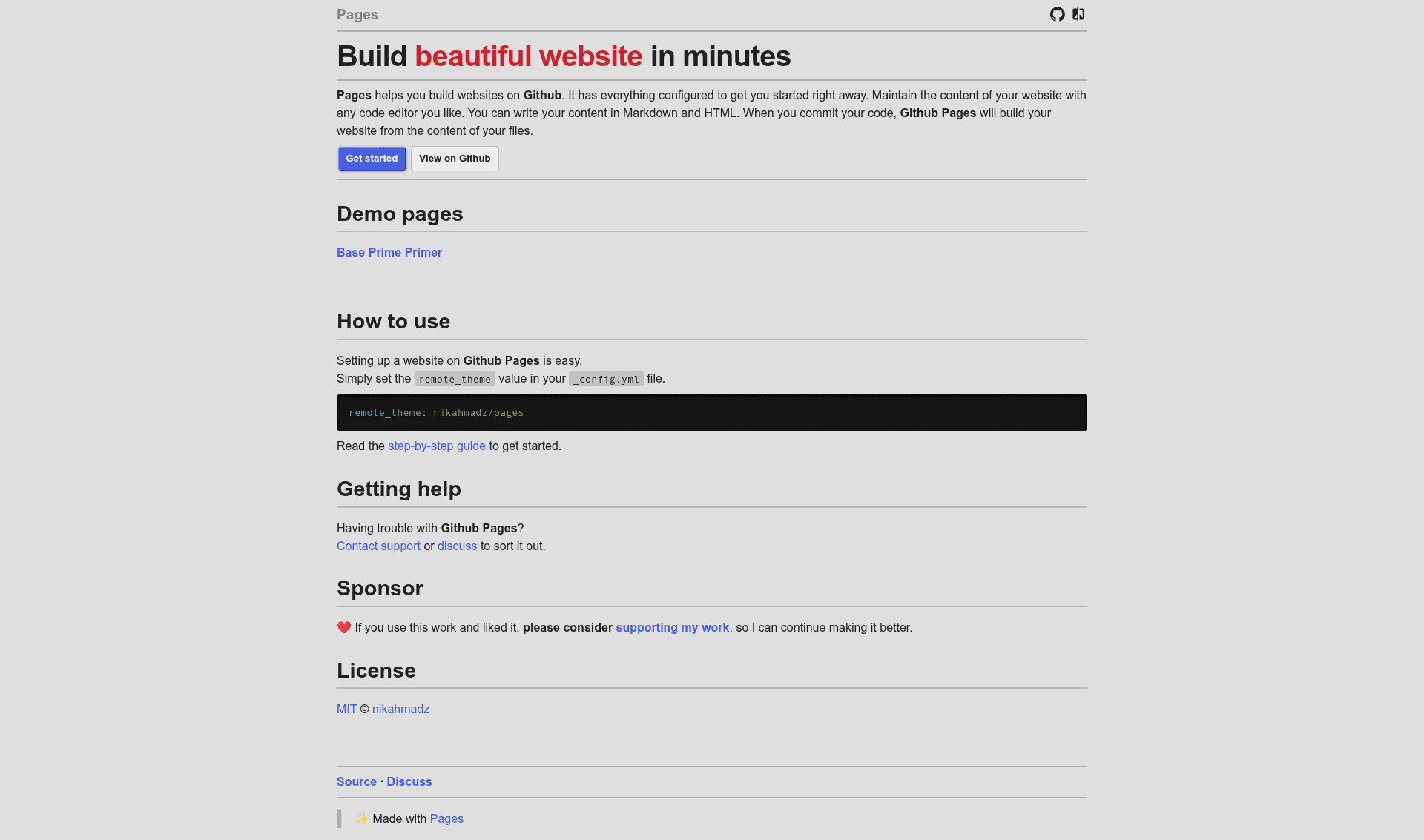
Pages is a Jekyll theme for GitHub Pages that publishes a static website from Markdown and HTML content in a repository, configured with a single remote_theme line.
What is Pages?
Pages is an open-source Jekyll theme created by nikahmadz for GitHub Pages. It takes _config.yml plus Markdown and HTML files as input, and GitHub Pages builds a static website from them. The theme runs entirely on GitHub's servers, so you do not need Ruby, Jekyll, or any local build tooling. Setup is reduced to setting remote_theme: nikahmadz/pages in your repository's _config.yml.
Key Features
- One-line remote setup — Add
remote_theme: nikahmadz/pagesto_config.ymland the theme is applied on the next GitHub Pages build. - Markdown and HTML content — Write pages in Markdown or HTML using any editor; the site structure follows your repository's file layout.
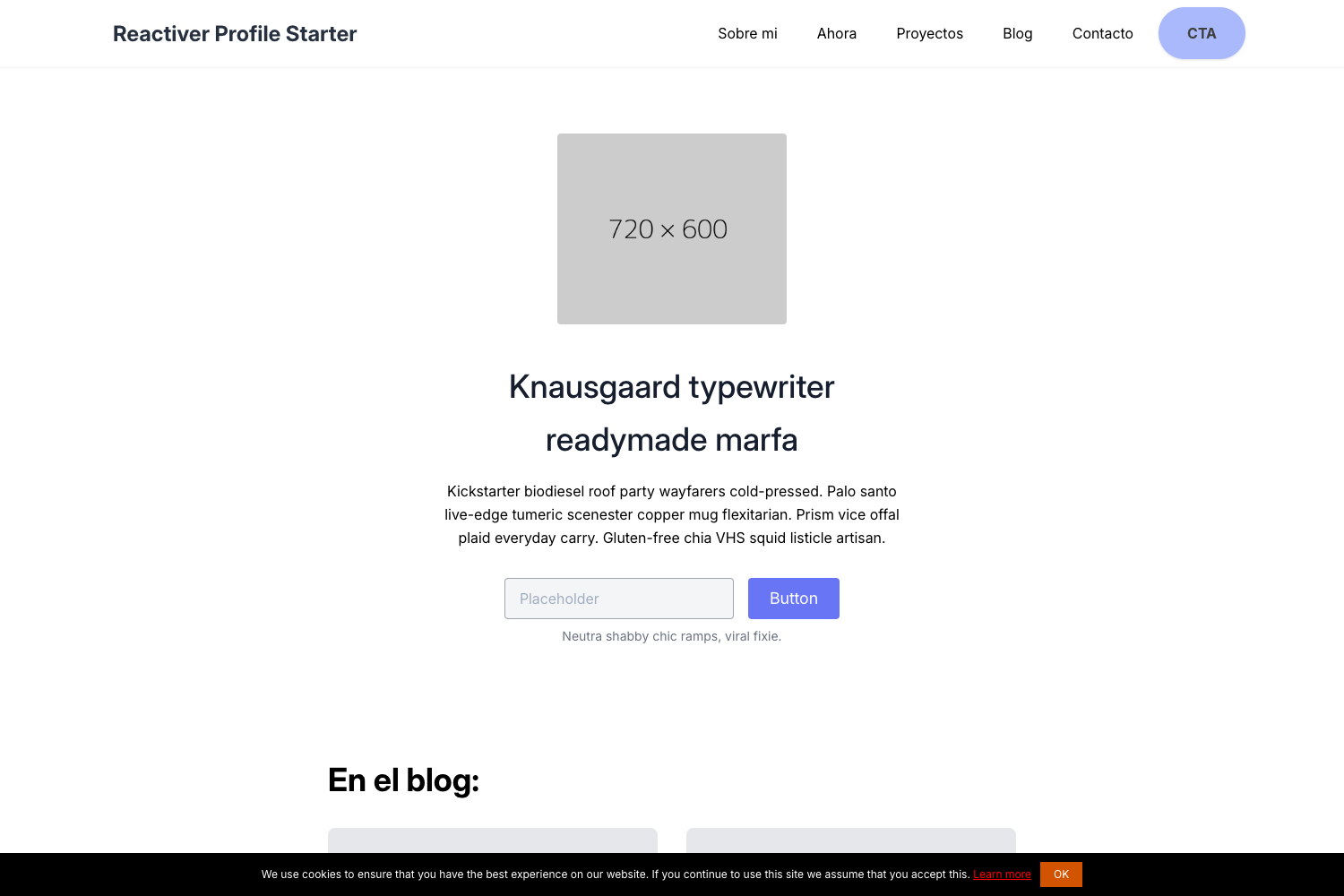
- Three demo layouts — The project includes Base, Prime, and Primer demo pages you can open to compare presentation options.
- Automatic builds on commit — Every push to the repository triggers GitHub Pages to rebuild the site with the latest content.
- Official support resources — The README links to GitHub Pages documentation, a GitHub Discussions forum for the project, and GitHub contact support.
- MIT License — Free to use, modify, and redistribute.
Who is it for?
- GitHub users new to Jekyll — Publish a site without installing a Ruby environment by using the remote theme feature.
- Project maintainers — Keep documentation or a landing page in the same repository as source code, written in Markdown.
- Developers wanting a minimal static site — Get a hosted website with no JavaScript build chain beyond the content files themselves.
What can you do with Pages?
- Publish a project landing page — Create an
index.mdwith project info and links, commit it, and receive a hosted site under your GitHub Pages URL. - Build a documentation site — Organize Markdown guides into folders and pages; the theme renders them as static HTML pages.
- Compare layout variants — Open the Base, Prime, and Primer demos to see different visual treatments before customizing.
How does Pages work?
Set remote_theme in _config.yml, add Markdown or HTML files, and push to a repository with GitHub Pages enabled. GitHub Pages runs Jekyll on the server and serves the generated static files. There are no local commands to run after initial configuration.
FAQ
Is Pages free?
Yes. The theme is released under the MIT License, so it costs nothing to use, even for commercial projects.
Do I need to install Jekyll?
No. Because the theme loads as a remote theme, GitHub Pages builds the site on its own infrastructure. You only need to maintain content files and _config.yml.
What content formats are supported?
The theme accepts Markdown and HTML files. According to the project README, you can write content in either format using any code editor.
Where can I get help?
The project links to the official GitHub Pages documentation, a GitHub Discussions page for Pages, and GitHub support for issues not resolved by those resources.
Can I customize the theme?
Since it is MIT-licensed, you can fork the repository and modify the theme for your needs, or use it as a starting point for your own Jekyll theme.