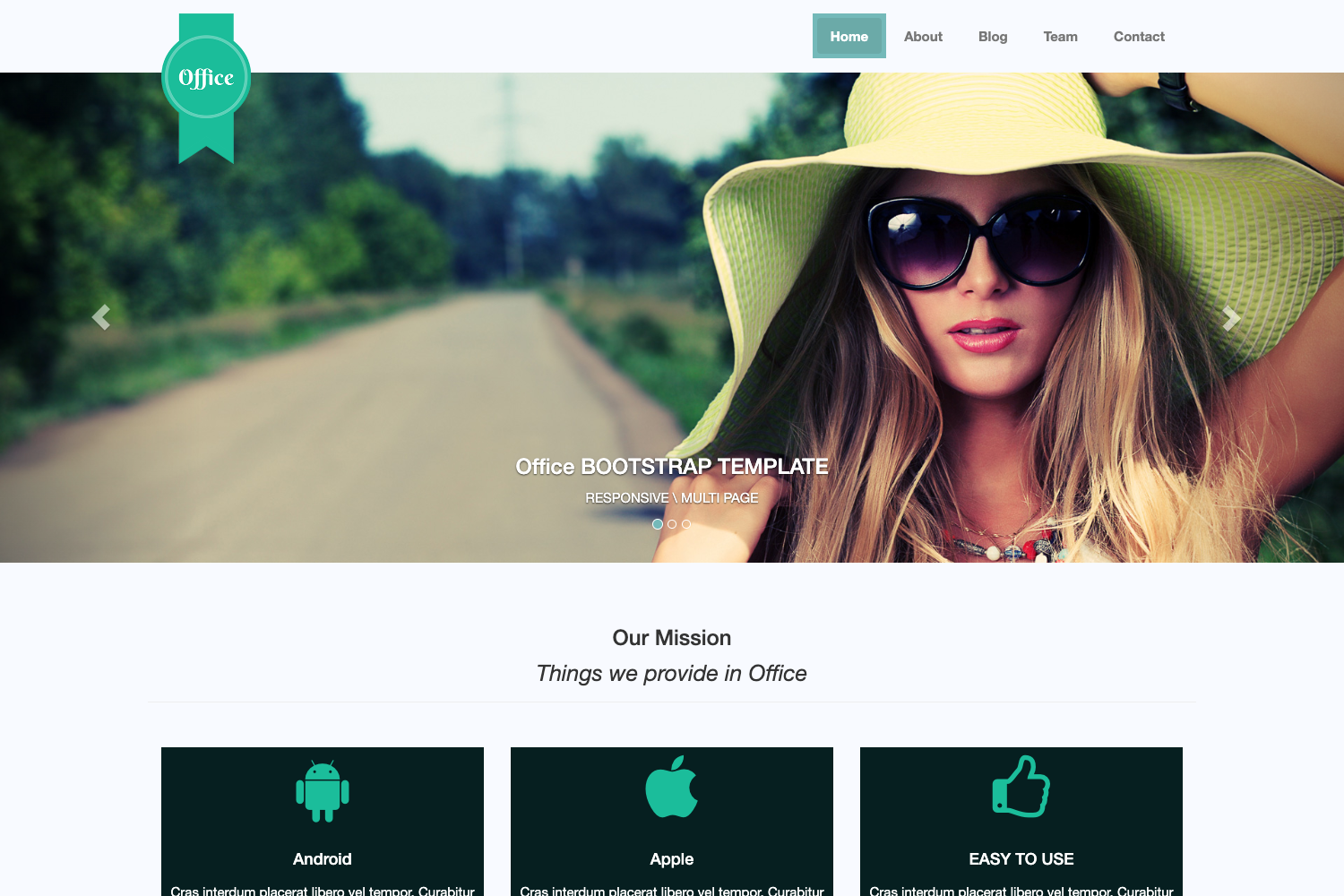
Template details
Pineapple
Pineapple is a clean and elegant website layout using yellow and white colors in combination.
About this template
Pineapple is a free HTML/CSS website template from TemplateMo that delivers a clean, yellow-and-white multi-column page layout for straightforward business and personal sites.
What is Pineapple Template?
Pineapple Template is a downloadable HTML/CSS website layout published on TemplateMo on 19 November 2010. It takes a plain-text HTML file and a CSS stylesheet as its core source files, and produces a styled, multi-column web page when opened in a browser. The template runs on any standard web server or static host because it needs no server-side processing or build step. TemplateMo, the site that distributes it, offers it under a permissive free license for both commercial and non-commercial projects.
Key Features
- Free commercial license — You can download, edit, and use Pineapple Template on commercial or non-commercial websites at no cost.
- Yellow and white palette — The layout combines yellow and white as its primary colors, with silver appearing in the template's tag list.
- Flexible column layouts — Tagged for 1-column, 3-column, and 4-column arrangements, giving you quick options for different content widths.
- Plain HTML and CSS — Built only with standard HTML and CSS, so there are no JavaScript frameworks, package managers, or compilation steps to configure.
- Public download record — Since its release, the template has been viewed 125,653 times and downloaded 20,013 times.
Who is it for?
- Small business owners — Get a simple, polished website up quickly by replacing the placeholder text and images with their own company details.
- Freelance designers — Use the multi-column structure and bright color scheme as a base for client projects that need a clean, friendly look.
- Students learning web design — Study how a hand-written HTML/CSS layout is organized and practice editing the source files directly.
What can you do with Pineapple Template?
- Launch a simple company site — Set up a homepage with sections for services, about text, and contact links using the column layouts.
- Create a personal landing page — Customize the yellow-and-white styling to present your name, bio, and links in a clean format.
- Test web hosting workflows — Upload the static HTML and CSS files to any server to learn how domains, FTP, and hosting work.
FAQ
Is Pineapple Template free?
Yes, the template is 100% free to download from TemplateMo. You are allowed to download, edit, and use it for both commercial and non-commercial websites without paying a fee.
Can I edit the template to change colors and text?
Yes, the template is distributed as plain HTML and CSS files, so you can open them in any text editor and change colors, text, images, or layout structure directly in the source.
How do I download Pineapple Template?
Visit the TemplateMo page for template 269 and click the Download button to receive a ZIP file containing the HTML and CSS files. The page also offers a Live View link to preview the layout before downloading.
What do I need to run Pineapple Template?
Only a web browser and a text editor. Because the template is static HTML/CSS, you can run it locally by opening the HTML file, or deploy it to any web hosting service as-is.