Newsletter
Join the Community
Subscribe to our newsletter for the latest news and updates

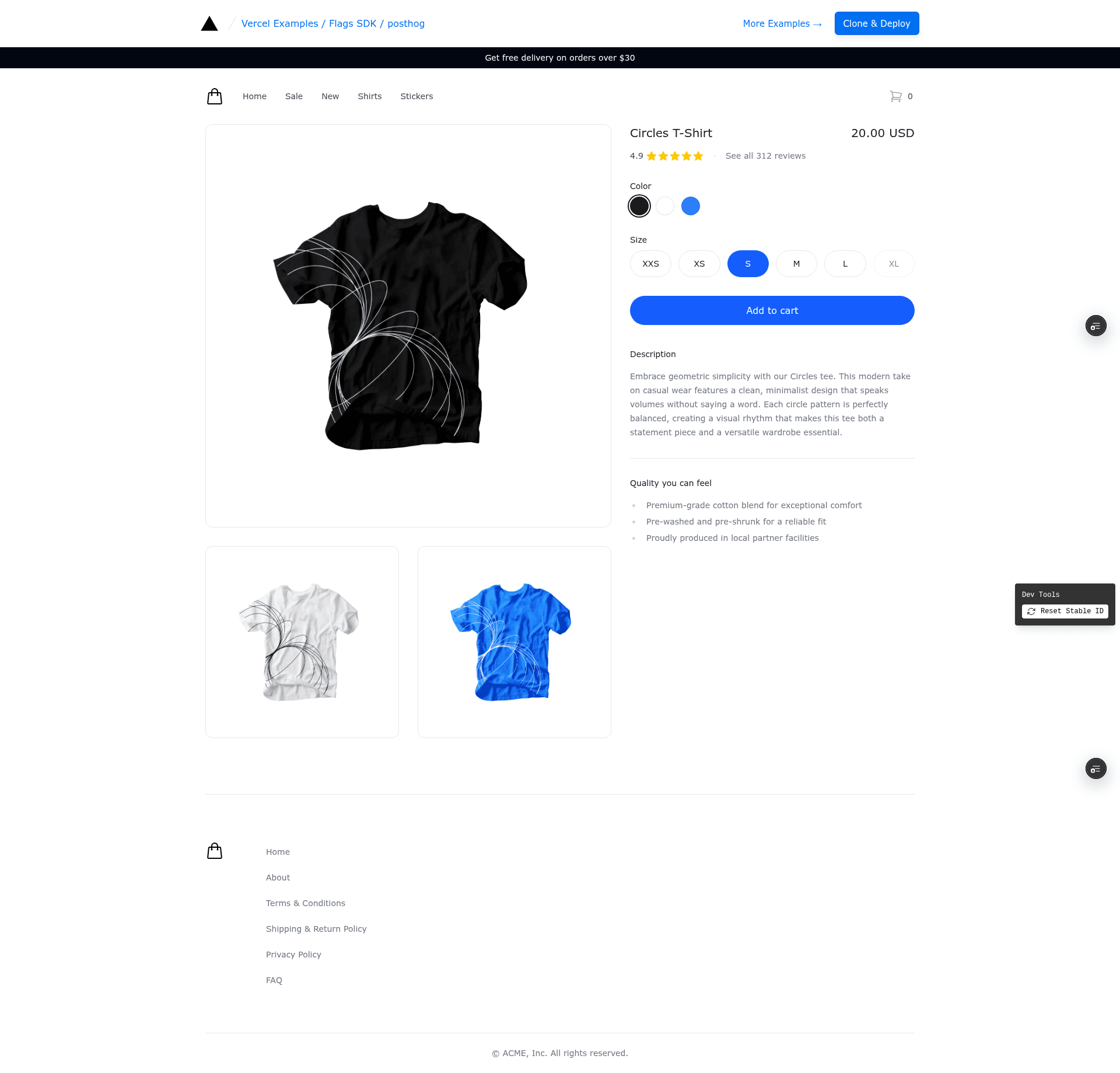
A Next.js example integrating PostHog feature flags with the Flags SDK and Flags Explorer to control e-commerce banners.
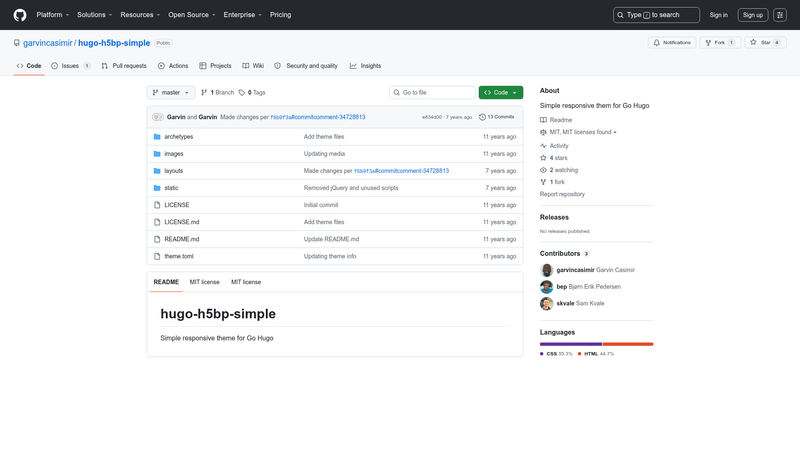
A simple responsive theme for Go Hugo to build static websites.
A Next.js 14 starter template with Lemon Squeezy billing, GitHub OAuth, Drizzle ORM, and Neon Postgres.
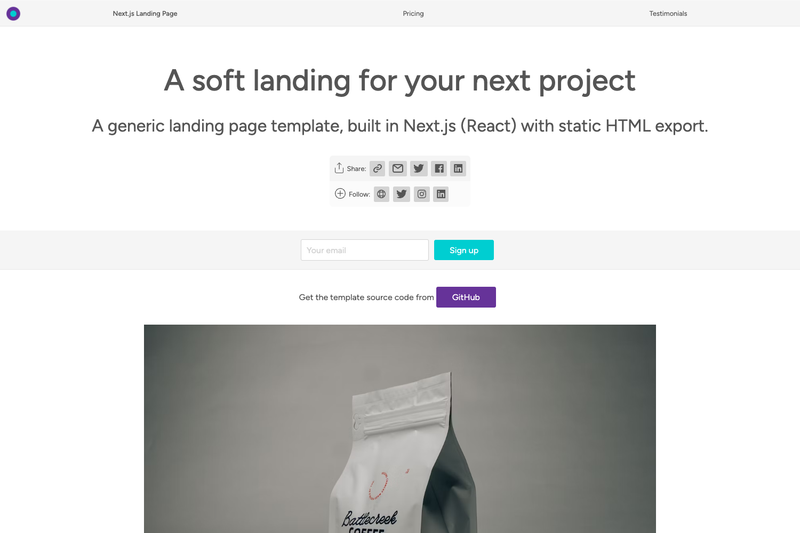
A generic Next.js landing page template with static HTML export, PWA support, and flexible theming.
A minimal Astro starter template for building sites with Preact components, scaffolded via npm.
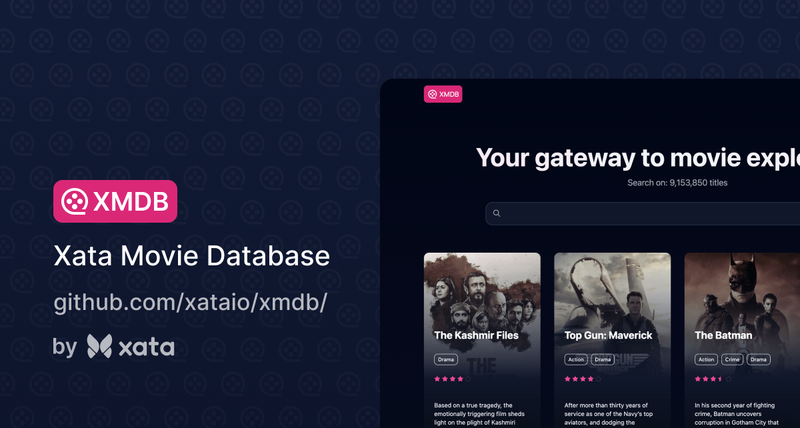
Next.js movie database template demonstrating Xata's typo-tolerant full-text search, aggregations, and a type-safe ORM.
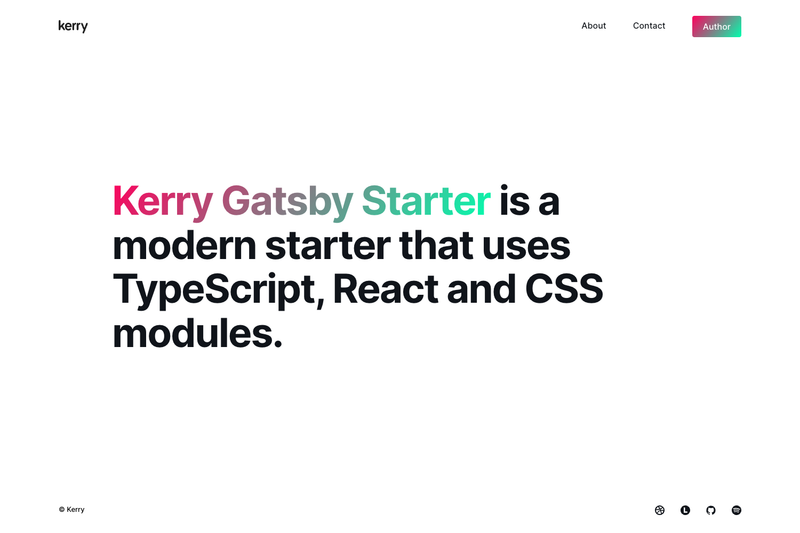
Kerry Gatsby Starter allows you to build a simple blog.
The PostHog Flags SDK Example is a Next.js boilerplate from the Vercel examples library that shows how to connect PostHog feature flags with the Flags SDK and the @flags-sdk/posthog adapter, using the Flags Explorer for local flag overrides.
This template is a reference implementation that combines PostHog, the Flags SDK, and Vercel's Flags Explorer. It runs on Next.js and is intended for deployment to Vercel. As input, it requires environment variables for a PostHog project (POSTHOG_PROJECT_API_KEY and POSTHOG_HOST) and a FLAGS_SECRET for the Flags Explorer; as output it produces a demo website with two e-commerce banners gated by the feature flags summer_sale and free_delivery. The example is maintained by Vercel as part of their public examples repository.
At runtime, the Flags SDK evaluates the feature flags through the PostHog adapter, which either queries PostHog remotely or uses local evaluation when POSTHOG_SECRET_KEY is present. The resulting boolean values control whether each banner is rendered. For the Flags Explorer to override flags, the project must be linked to Vercel and the FLAGS_SECRET environment variable must match the one generated at deployment.
Yes. The template needs a PostHog project to host the feature flags and provide the POSTHOG_PROJECT_API_KEY and POSTHOG_HOST values. You also need to create two feature flags, summer_sale and free_delivery, in PostHog.
FLAGS_SECRET is a base64-encoded 32-byte random value that the Flags Explorer uses to securely overwrite feature flags. The template prompts you to generate it during deployment, or you can set it yourself in a manual setup.
Yes, set POSTHOG_SECRET_KEY (the feature flags secret key, starting with phs_) and the PostHog adapter will evaluate flag values locally. This reduces latency but requires the secret key to be kept secure.
By default the two flags are configured to roll out to 50% of users, so approximately half of the visitors will see each banner. You can change the rollout percentage in PostHog or force flag values using Vercel's Flags Explorer.