Template details
Aetherspace Green Stack Starter Archive
Archived starter template for building cross-platform React apps with the GREEN stack: GraphQL, React Native, Electron, Expo, and Next.js.
About this template
Aetherspace Green Stack Starter Archive
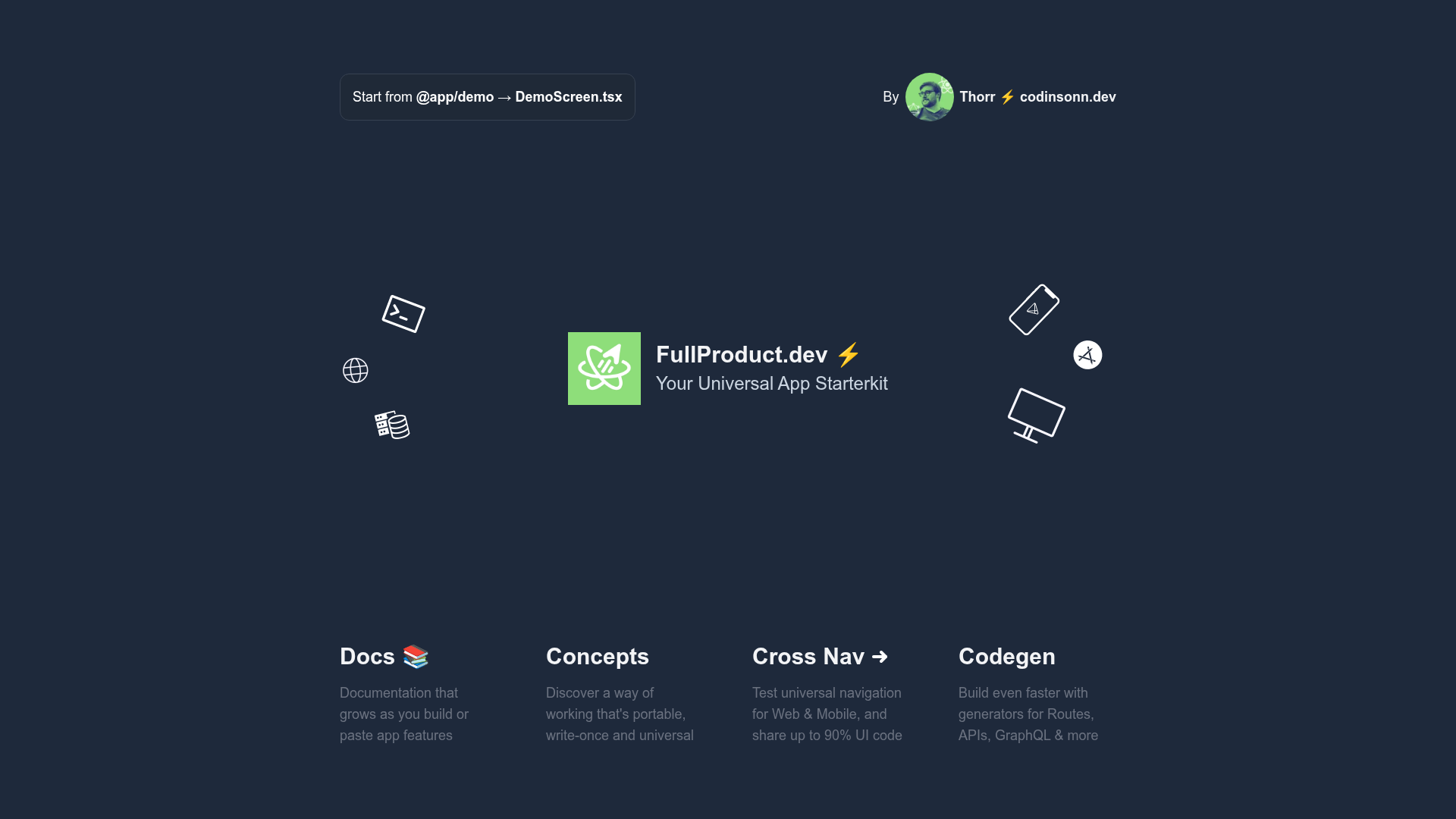
The Aetherspace GREEN stack starter template is an archived monorepo boilerplate for building cross-platform React apps from a single JavaScript and React codebase, with separate entry points for Next.js (web) and Expo (iOS and Android). Created by Thorr (codinsonn.dev), it packages the GREEN stack — GraphQL, React Native and React Native Web, Electron, Expo, and Next.js — into a yarn-workspaces monorepo. The repository is explicitly marked as unsupported and no longer receives updates; the README points to the feature-complete Aetherspace/green-stack-starter for a maintained version.
What is the GREEN stack starter template?
The GREEN stack starter template is a legacy, archived version of the Aetherspace full-stack cross-platform app boilerplate. It takes a single React codebase and produces builds for web, PWA, static export, SSR, iOS, Android, Mac, Linux, Windows, REST, and GraphQL. It achieves this through a yarn-workspaces monorepo that separates each app into three folders: a shared apps/app workspace for screens and components, an apps/app-expo workspace with Expo and Metro config, and an apps/app-next workspace with Next.js config for pages and API routes. The template was bootstrapped from the GREEN stack starter and is unsupported; the repo itself links to the newer Aetherspace version for continued development.
Key features
- Cross-platform write-once UI — Shared React Native components and screens power both the Expo mobile app and the Next.js web app, so the same UI code targets iOS, Android, and the browser.
- Yarn-workspaces monorepo structure — Separate
apps/*andpackages/*workspaces isolate Expo and Next.js configs (babel, metro, webpack, tsconfig), reducing breakage when updating shared dependencies. - GraphQL and REST API scaffolding — Each app includes shared
graphql/andresolvers/folders; the Next.js workspace has apages/api/graphql.tsroute that serves the GraphQL client. - Pre-configured build tooling — Includes
babel.config.jsfor both Expo and Next.js,metro.config.jsfor React Native bundling,webpack.config.jsfor Expo PWA browser testing, and TypeScript configs per workspace. - Recommended stack extensions — The README lists
expo-next-react-navigationfor cross-platform navigation,tailwind-rnfor responsive styling,motiandreact-native-reanimatedfor animation,react-native-svgfor icons, and Expo's AuthSession for authentication. - One-command deployment —
yarn deploypushes to Vercel, and a Netlify guide is linked; both live demo URLs appear in the README. - Storybook documentation — A Storybook instance is linked for documenting components and APIs.
- Desktop support via Electron — Electron is part of the GREEN stack definition, though the
yarn dev-desktopcommand is still a work in progress.
Who is it for?
- React developers who want to ship the same app to web and mobile without maintaining two separate codebases — they can write shared screens once and run them under Next.js and Expo.
- Startups and product teams that need web, iOS, and Android with a small team; the README's ROI section argues two developers can cover all three platforms plus a backend using the GREEN stack.
- Agencies and consultants looking to deliver more platforms per project — the template makes it easier to upsell clients on extra devices, as the README explicitly encourages.
- Full-stack developers exploring monorepos who want a working reference for combining GraphQL, Next.js, and Expo with yarn workspaces.
What can you do with it?
- Bootstrap a cross-platform MVP: Clone the repo, run
yarn install, thenyarn dev-webfor the Next.js web app andyarn dev-mobilefor the Expo app, and start editing shared screens in the app workspace. - Serve a GraphQL API to both clients: Place shared resolvers in the app's
resolvers/folder and expose them through the Next.js API route, so the mobile and web apps consume the same endpoint. - Create a PWA with SSR: Use the Next.js workspace to generate static exports or server-rendered pages, while the Expo workspace handles native installs.
- Document and test UI components: Run the linked Storybook setup to catalog the shared component library.
How does the template work?
The template uses yarn workspaces to keep platform configs isolated. Each project has an app-name workspace with no dependencies, an app-name-expo workspace that owns Expo-related dependencies and Metro/babel config, and an app-name-next workspace that lists only Next.js dependencies and configs. Code sharing happens through the screens/ and components/ folders in the base app workspace, which both entry points import.
Alternatives
The README credits two Expo + Next.js monorepo examples as inspirations: axeldelafosse/expo-next-monorepo-example and nandorojo/expo-next-monorepo. It also points to the official byCedric/eas-monorepo-example for Expo-only monorepos and Next.js's own with-react-native-web and with-expo examples for non-monorepo setups.
FAQ
Is the Aetherspace GREEN stack starter template still supported?
No. The repository is archived and explicitly marked as unsupported; it will not receive updates. The README directs users to the feature-complete Aetherspace/green-stack-starter for a maintained version.
What does GREEN stand for?
GREEN is an acronym for the five core technologies in the stack: GraphQL for typed APIs, React Native and React Native Web for cross-platform UI, Electron for desktop features, Expo for mobile development and testing, and Next.js for SEO, SSR, static exports, and API routes.
How do I run the template locally?
After cloning, run yarn install, then yarn dev-web to start the Next.js web app or yarn dev-mobile to launch the Expo mobile app. A yarn dev-desktop command exists for Electron but is listed as a work in progress.
When should I not use the GREEN stack?
The README lists several cases: projects that are web-only (use Next.js), mobile-only (use Expo), desktop-only (use Electron with React, Vue, or Svelte), heavy Bluetooth/AR/VR (go native with Swift or Java), console games (use Unity), non-React projects (use Svelte or Vue with Ionic), or projects with no SSR/SEO needs (use Expo alone).
Does the template include Tailwind CSS?
Tailwind is not pre-installed, but the README recommends tailwind-rn as the styling solution for responsive web and mobile styling. It is listed under optional packages to add.