Template details
Promodise
Promodise is a free Bootstrap template for business companies and digital marketing agencies, with multipage and single-page layouts.
About this template
Promodise is a free Bootstrap v4.5 website template by Themefisher, designed for business companies and digital marketing agencies, with three home page variants and nine included pages.
What is Promodise?
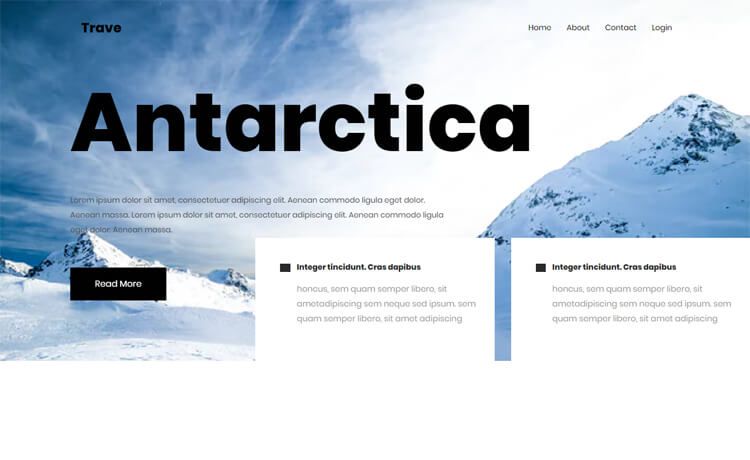
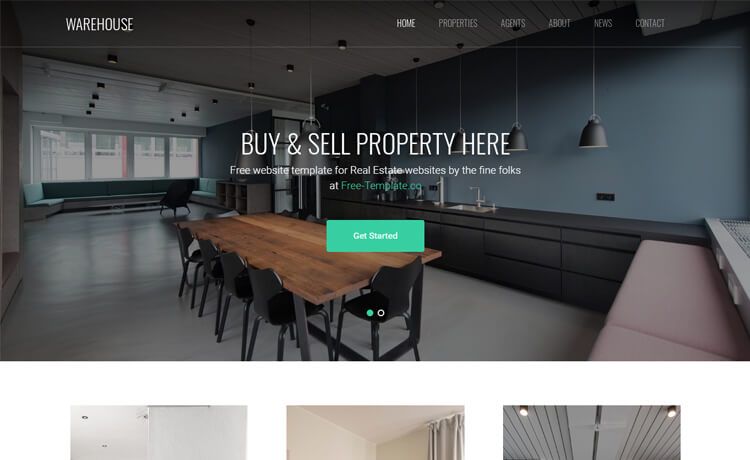
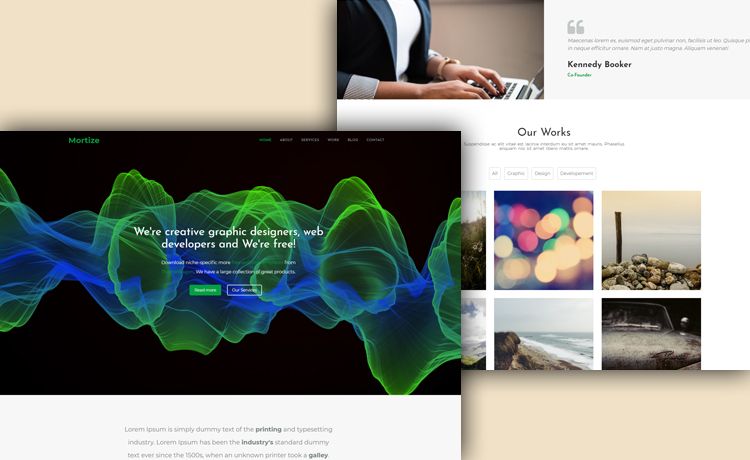
Promodise is a responsive HTML template that comes with both multipage and single-page layouts. It provides three distinct Home page designs (Home 1, Home 2, Home 3) plus About, Service, Pricing, Blogs, Blog Details, and Contact pages. The code is released under the MIT license, so it is free for personal and commercial use; the demo images carry their own licenses and are for demonstration only.
Key Features
- Three home pages — Home 1, Home 2, and Home 3 offer different arrangements for landing pages, covering both single-page and multipage structures.
- Nine ready-to-edit pages — Includes every page an agency or business site needs: Home variants, About, Service, Pricing, Blogs, Blog Details, and Contact.
- Bootstrap v4.5 framework — The responsive grid and UI components are built on Bootstrap v4.5, with jQuery providing interactive behavior.
- Two icon sets — Font Awesome Free and Icofont 1.0.1 are bundled, so you can mix icons without adding extra libraries.
- Google Fonts typography — Text styling uses Google Fonts, making it easy to change the look by updating the font links.
- Gulp automation — The project includes a Gulp workflow with npm scripts:
npm installsets up dependencies,npm run devlaunches a live-reloading server, andnpm run buildgenerates a production-readythemefolder.
Who is it for?
- Digital marketing agencies — Use the Service and Pricing pages to present service packages and rates, then drive leads through the Contact page.
- Startups and small businesses — Launch a professional company site by editing the HTML and CSS in the
themefolder, with no build step needed. - Front-end developers — Use the Gulp-based source as a starting point for client projects, taking advantage of live reload and a clean production build.
What can you do with Promodise?
- Agency marketing site: Build a complete digital agency presence with three home layout choices, a pricing table, and a blog section for case studies.
- Corporate business site: Replace the demo content in Home, About, and Contact to create a polished business website without starting from scratch.
- Template learning resource: Examine how a Bootstrap v4.5 template structures pages, integrates jQuery, and wires up Gulp for easy customization.
How does Promodise work?
Promodise can be used in two modes. For basic use, download the archive, open the theme folder, and edit the HTML and CSS files directly, previewing changes by loading index.html in a browser. For advanced use, install Node.js and the Gulp CLI, run npm install, start the live-reloading dev server with npm run dev, and create a production build with npm run build.
Pricing
Promodise is free to download from GitHub. The template code is licensed under MIT, which allows unlimited personal and commercial use, while the demo images are excluded from that license. Paid technical support is available by contacting Themefisher directly for help with integration questions.
FAQ
Is Promodise free?
Yes, the code is free under the MIT license. You can use it in personal and commercial projects, modify it, and redistribute it. Only the included demo images are subject to their own licenses.
What pages does Promodise include?
Promodise ships with nine pages: Home 1, Home 2, Home 3, About, Service, Pricing, Blogs, Blog Details, and Contact. This covers a full business or agency website structure.
What technologies does Promodise use?
The template relies on Bootstrap v4.5 and jQuery, with Font Awesome Free and Icofont 1.0.1 for icons and Google Fonts for typography. A Gulp build system and npm scripts handle the advanced workflow.
How do I customize Promodise?
For a quick edit, change the HTML and CSS in the theme folder and open the files in a browser. For a more automated setup, use npm commands: npm install, npm run dev, and npm run build to produce the final theme.
How do I report bugs or get help?
Bugs can be reported on the official GitHub Issues page. Themefisher also offers paid technical support via email for integration questions that are not covered by the open issue tracker.