Newsletter
Join the Community
Subscribe to our newsletter for the latest news and updates

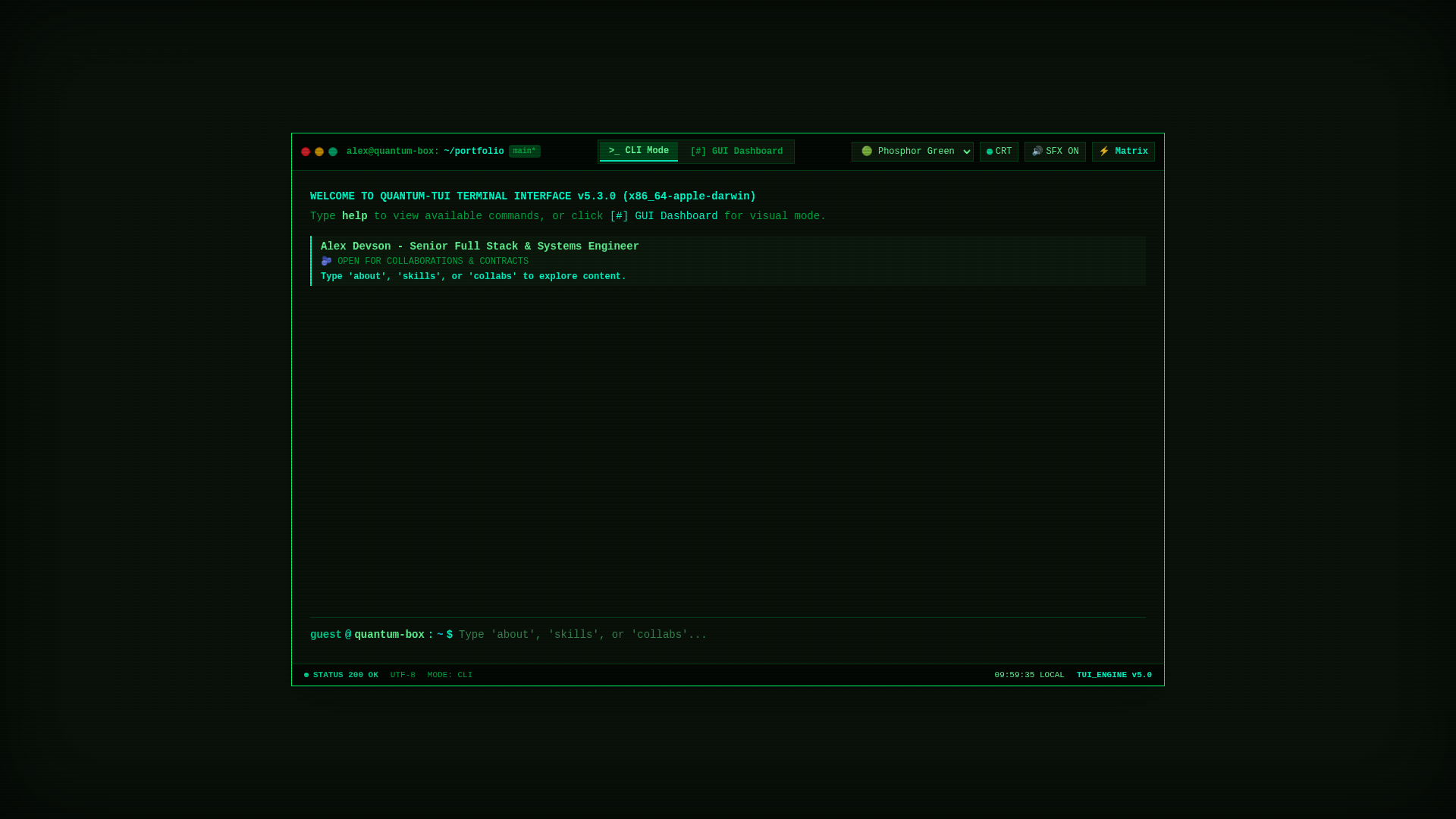
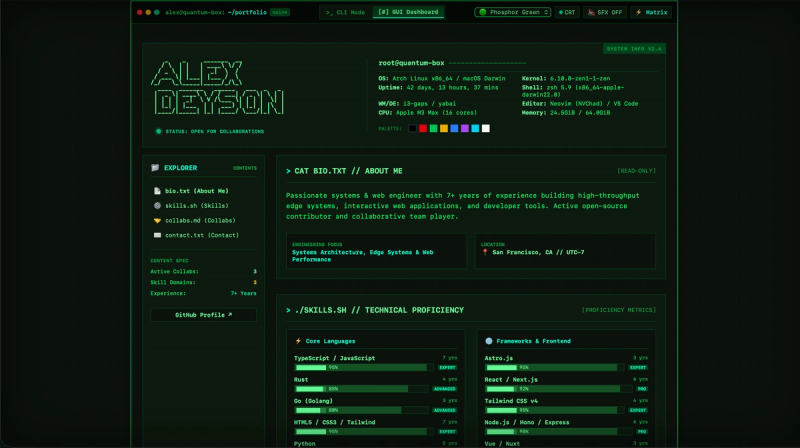
Retro terminal-style developer portfolio template with dual CLI/GUI modes, 6 CRT themes, and live Spotify/Discord RPC built on Astro 7 and Tailwind CSS v4.
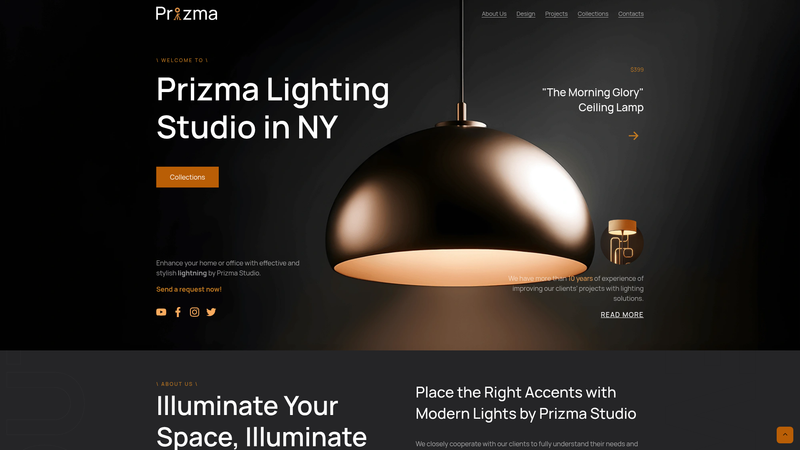
A minimal open-source Hugo theme for promo brand websites, with multilingual sections and Sass styling.

It's a clone website of 'rejouice.com', built with HTML, CSS, and JavaScript (GSAP) for educational purposes.
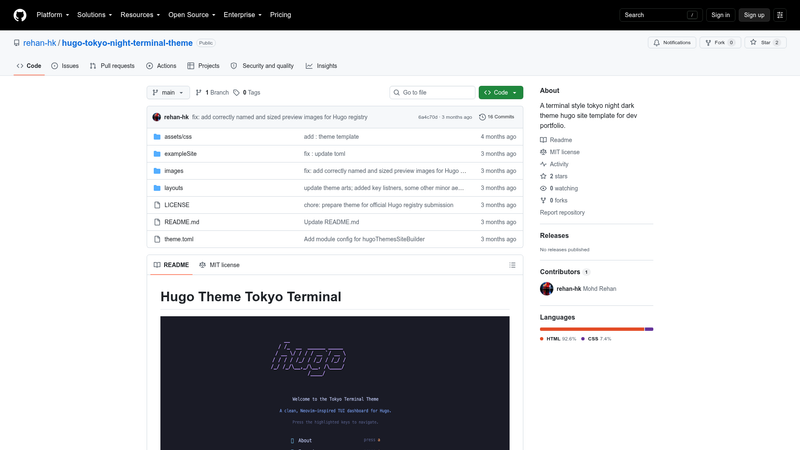
Terminal-style Hugo theme for developer portfolios with Tokyo Night colors, ASCII art, blinking cursor, and configurable prompt.
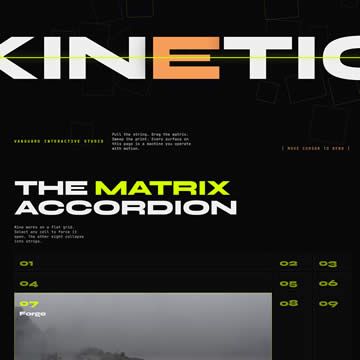
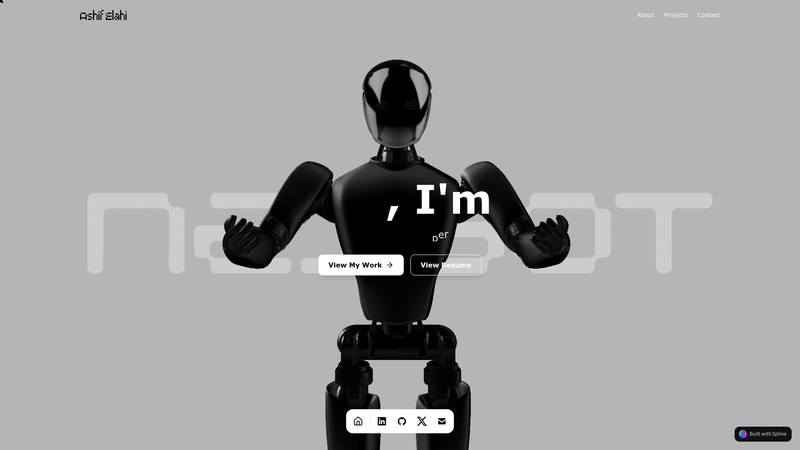
Free vanilla HTML5/CSS3/JS one-page template with interactive hero, grid accordion, and lenticular effects for portfolios and agencies.
The Retro TUI Portfolio Template is a terminal-user-interface developer portfolio built on Astro.js 7 and Tailwind CSS v4 that recreates a retro CRT computer with a dual-mode interactive CLI and visual dashboard.
It is an open-source static-site template that presents a developer's bio, skills, collaborations, and contact details inside a simulated terminal emulator. It takes all content from a central TypeScript data file (src/data/portfolio.ts) and generates a static portfolio with two interchangeable layouts: a bash-like CLI mode and a visual GUI dashboard. The template is written in TypeScript 5 and runs on any static host; a live demo is hosted at https://astro-tui-portfolio.netlify.app.
neofetch, spotify, theme, and matrix) and a visual dashboard with a collapsible sidebar explorer; portfolio content is organized into About Me, Skills, Collabs, and Contact.theme command among Phosphor Green, Amber Monitor, Cyberpunk Cyan, Dracula Synth, Retro Monochrome, and Cappuccino; custom themes can be added in src/config/themeConfig.ts.sfx command.GLOBAL_CRT_CONFIG.matrix command or the header button.src/data/portfolio.ts; skills render as progress bars and the developer palette is validated to a strict maximum of 8 hex colors.neofetch, about, skills, and collabs to explore your background in a terminal-like environment.The template is a standard Astro project: clone the repository, run npm install, then npm run dev for local development at http://localhost:4321, or npm run build to generate a fully static site in dist/. Docker Compose files provide both a hot-reloading development container (tui-portfolio-dev) and an ultra-lean production build served by Nginx (tui-portfolio-prod). All content editing happens in src/data/portfolio.ts without touching layout code.
Yes. The project is published under the MIT License, so you can use, modify, and redistribute it freely, including for commercial portfolios.
Both widgets are disabled by default. Set your Discord User ID in src/config/spotifyConfig.ts and src/config/gamesConfig.ts, and join the Lanyard Discord server for Lanyard to monitor your presence; Discord must be running while you play music or games.
No. The form uses FormSubmit's AJAX endpoint. After the first test submission, you receive an activation email from FormSubmit; clicking "Activate Form" enables all future messages.