Template details
Sendit
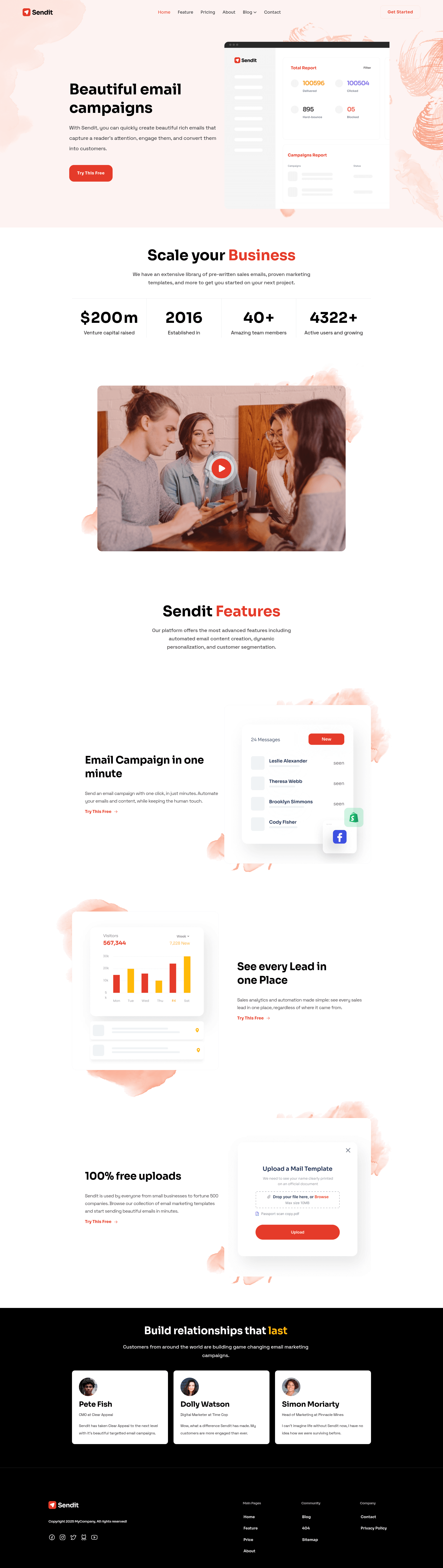
Sendit is a marketing website template for Eleventy, optimized for editing in CloudCannon.
About this template
Sendit is a marketing website template built on the Eleventy static site generator, packaged with pre-built pages, blog pagination, configurable theme colors, and one-click deploy to CloudCannon.
What is Sendit?
Sendit is a marketing website template built with the Eleventy static site generator, designed to be edited in CloudCannon's CMS and deployed with one click. It outputs static HTML pages and includes pre-built pages, a blog with pagination and category pages, and configurable navigation and footer. The template is distributed by CloudCannon via the GitHub repository CloudCannon/sendit-eleventy-template, and a live demo is available at potent-ship.cloudvent.net. As an Eleventy project, it uses NPM for dependency management and builds to a _site folder.
What makes Sendit stand out?
- Pre-built pages — Ready-to-use page layouts are included so you can assemble a marketing site without starting from a blank canvas.
- Pre-styled components — Common marketing UI pieces come pre-styled, reducing the amount of CSS you need to write.
- Blog with pagination and category pages — Blog listing pages paginate automatically, and category archives are generated from your post metadata.
- Configurable navigation and footer — Navigation and footer content are defined once in the Navigation section and reused across the entire site, so you edit in one place.
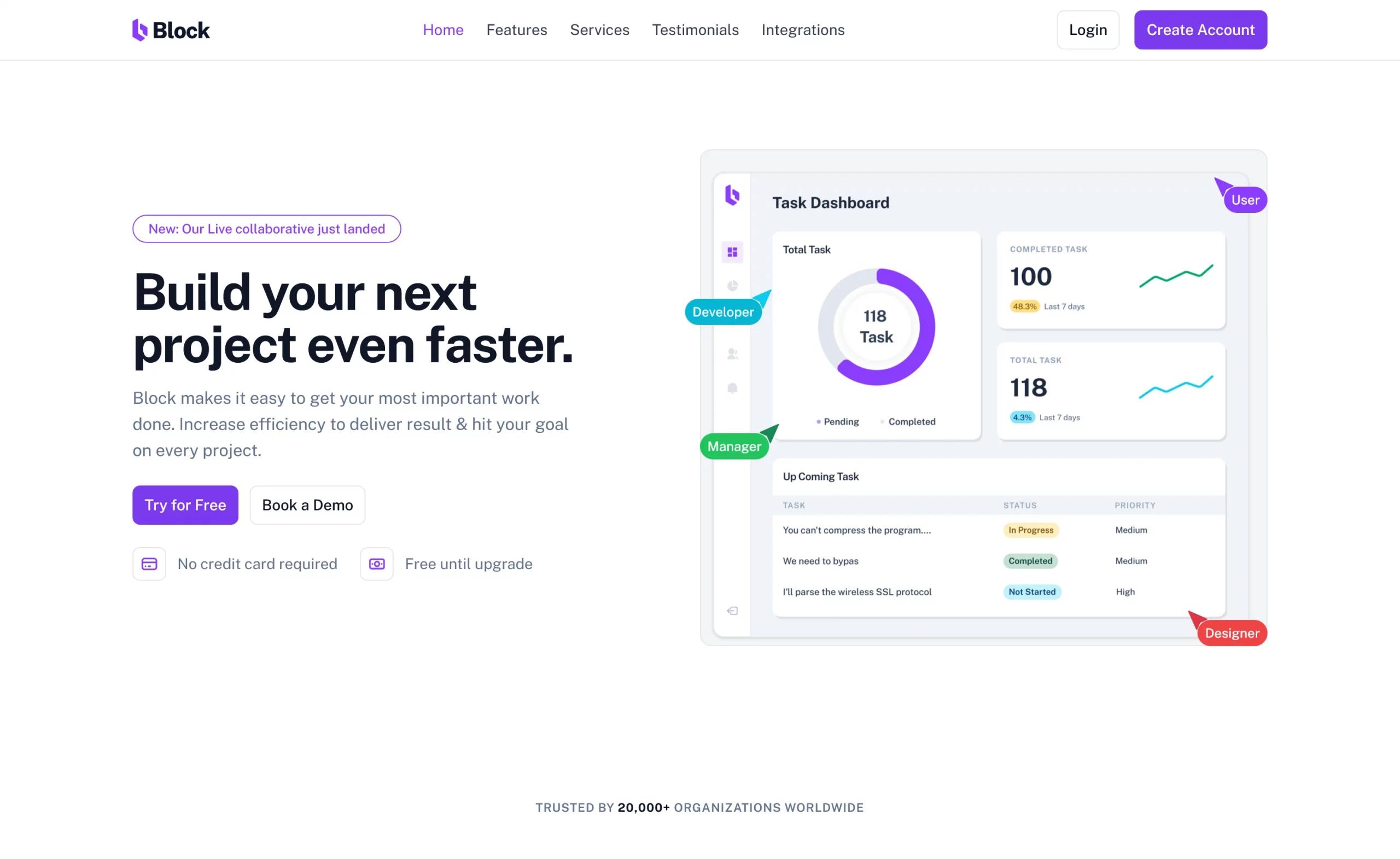
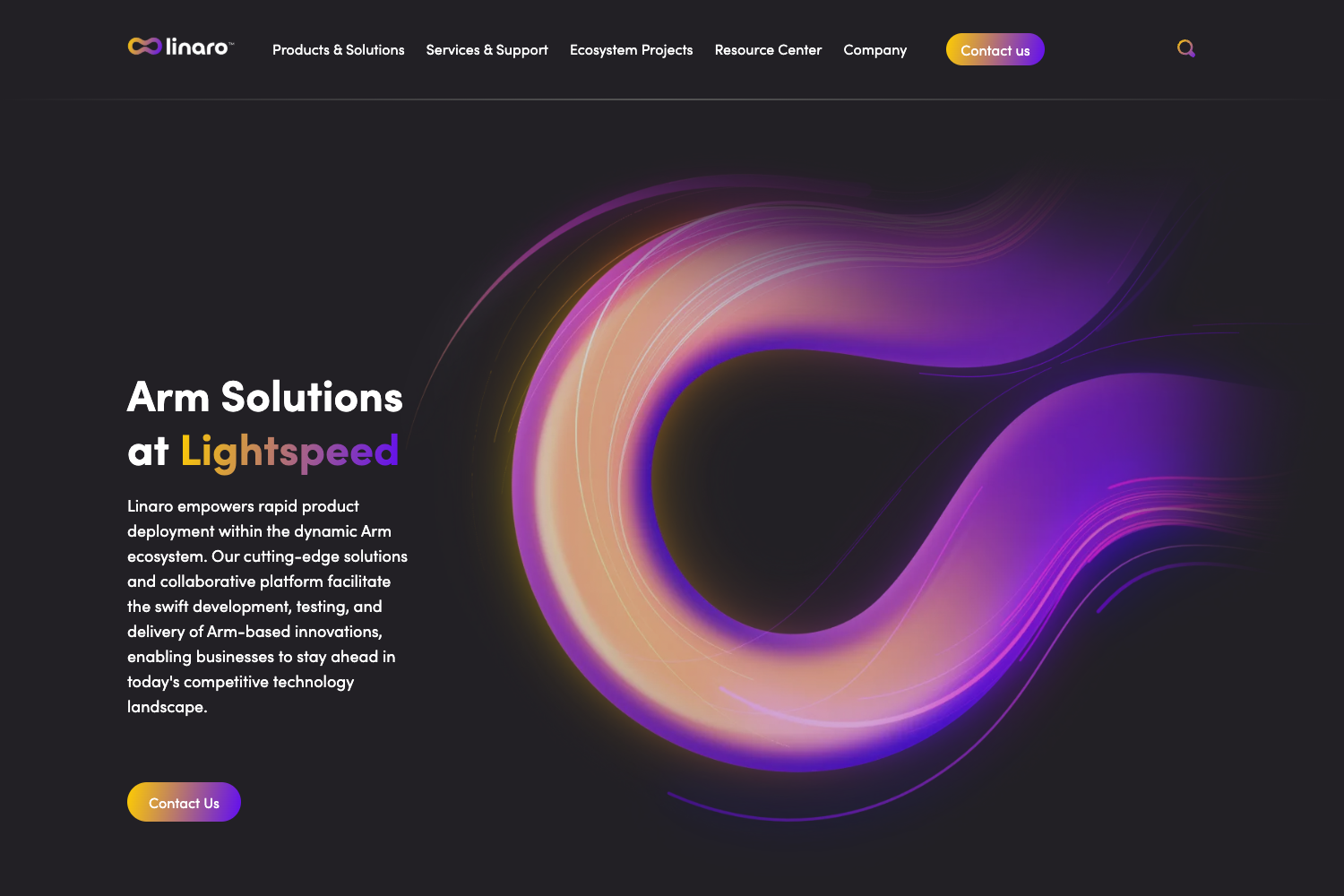
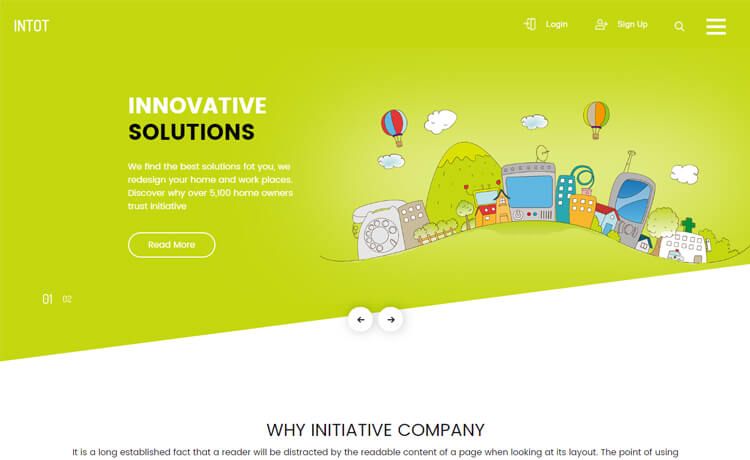
- Multiple hero options — Several hero layouts are included, letting you pick the right intro for your marketing pages.
- Configurable theme colors — Brand colors are set in the Theme Palette / Theme section; color variants are computed from your main choices, and the site rebuilds to apply them.
- Optimised for CloudCannon editing — The template is structured for CloudCannon's visual editor, where you can update pages, components, posts, navigation, and footer without touching code.
Who should use Sendit?
- Marketing teams — Build a company marketing site with the provided pages and keep content up to date through CloudCannon's editor rather than code changes.
- Agencies and freelancers — Use Sendit as a starter for client projects; set the theme colors and navigation once, then hand off editing to the client in CloudCannon.
- Developers new to Eleventy — Get a working Eleventy site with blog pagination, category pages, and theming already configured, so you can focus on customising the design rather than wiring up core features.
What can you do with Sendit?
- Launch a business marketing site: Choose from multiple hero options, add standard pages, and publish company news through the blog with automatic pagination and category filtering.
- Set up a client-editable site: Connect the GitHub repository to CloudCannon with the deploy button, configure the theme palette, and let non-technical staff edit navigation, footer, and content through a visual interface.
- Create a content blog: Use the built-in blog engine with paginated listings and category pages to publish article collections without building an archive system yourself.
How does Sendit work?
After installing dependencies with npm i, you run npm run start to generate the _site folder and serve the site locally at http://localhost:8080. For content changes, CloudCannon watches the repository: editing the Navigation section updates the site-wide nav and footer, changes in the Theme Palette/Theme section recalculate color variants and apply on the next build, and SEO details for the whole site are managed under Data/Site.
FAQ
Is Sendit a free template?
The template is available as an open-source Eleventy project in the CloudCannon GitHub organization, and the deploy button starts a CloudCannon registration flow. No pricing is stated on the page, so it is effectively free to use, but you should check the repository license for exact terms.
What do I need to run Sendit locally?
You need Node.js and NPM. After cloning or downloading the repository, run npm i to install dependencies and then npm run start to build and serve the site at http://localhost:8080.
How do I change theme colors?
In CloudCannon, go to the Theme Palette / Theme section, set the main colors, and the template computes variants automatically. The new colors will appear after the next build; locally, you would modify the theme configuration and rebuild.
Can I edit the site without CloudCannon?
Yes, because Sendit is a standard Eleventy site. You can edit the source files directly in a text editor and use NPM commands locally. CloudCannon is an optional CMS layer that makes editing more visual for non-developers.
Does Sendit include a blog?
Yes, it includes blog functionality with pagination and category pages, so you can publish and organise posts out of the box.