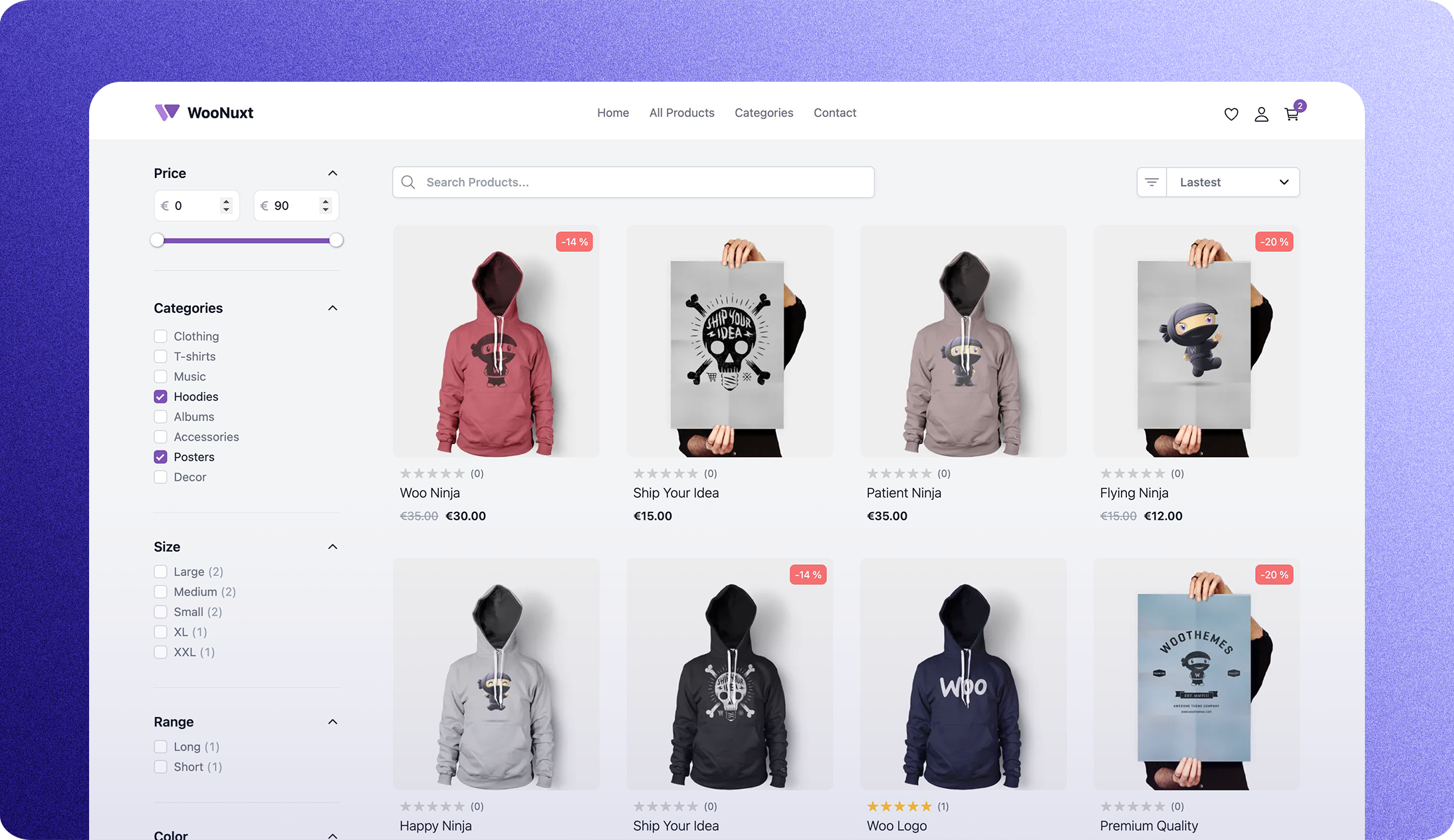
Template details
Start Bootstrap Shop Homepage
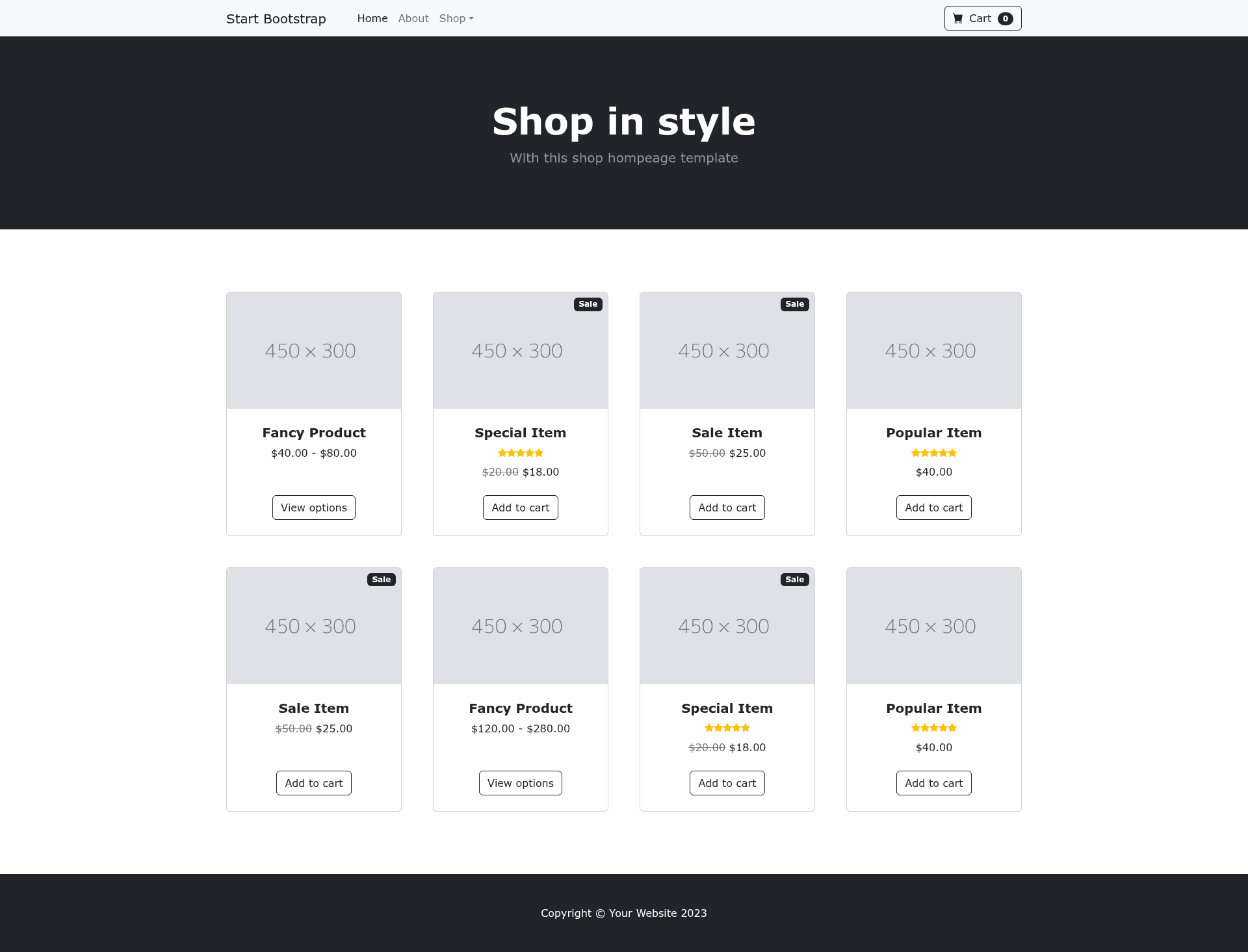
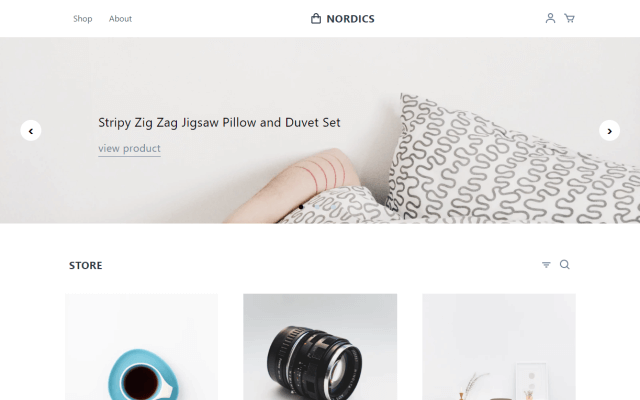
A free shop homepage Bootstrap HTML template created by Start Bootstrap.
About this template
Shop Homepage is a free, open-source Bootstrap HTML template for creating an online storefront homepage, created and maintained by Start Bootstrap and released under the MIT license.
What is Shop Homepage?
Shop Homepage is a basic HTML template for an online store homepage built on the Bootstrap framework. It takes static assets written in HTML, SCSS, and JavaScript as source input and produces a precompiled dist directory containing the final index.html, CSS, and JS files that you can open directly in a browser. The template is developed by Start Bootstrap, a library of free Bootstrap templates and themes, and is available on GitHub and npm.
Key Features
- Bootstrap framework — Uses the responsive Bootstrap CSS framework for layout and components, giving you a mobile-friendly grid and pre-styled elements.
- Pug templating — The HTML source is authored in Pug (located in
src/pug) and compiled into static HTML in thedistfolder, enabling reusable markup with includes and variables. - SCSS styling — Styles are written in SCSS in
src/scssand compiled to browser-ready CSS, so you can customize Bootstrap’s variables before building. - npm build scripts — Includes scripts like
npm run build,npm start, and live-reload watch mode;npm startlaunches a preview in your default browser and watches source files for changes. - Simple manual usage — A precompiled
distdirectory contains the final HTML and CSS files, so you can edit those directly and openindex.htmlwithout any build step. - MIT license — The template is free to use for any purpose, including commercial projects, with no attribution required.
Who is it for?
- E-commerce developers who want a Bootstrap-based starting point for building a shop homepage, saving time on boilerplate layout code.
- Small business owners who need a simple online storefront page and can edit the precompiled HTML and CSS files directly to add their own products and branding.
- Front-end learners who want to study how a Bootstrap template is structured with Pug, SCSS, and JavaScript and how a build pipeline compiles those sources into a production
distdirectory.
What can you do with Shop Homepage?
- Launch a basic online storefront: Download the template, replace the placeholder content in the HTML with your product names, prices, and images, and publish the static files to any web host.
- Set up a maintainable front-end workflow: Use the advanced npm-based build environment to edit Pug and SCSS sources, with live reload in the browser during development.
- Customize Bootstrap’s design: Modify the SCSS variables and recompile to change colors, spacing, and other theme defaults without touching the framework source.
How does Shop Homepage work?
In basic usage, you download the template and edit the HTML and CSS files inside the dist directory, then open index.html in a browser to preview changes. In advanced usage, you clone the repository, run npm install, and then npm start to open a live preview that automatically reloads when you modify files in src. The npm run build script compiles all assets, HTML, JavaScript, and CSS into a fresh dist directory.
Pricing
Shop Homepage is completely free. It is open-source software released under the MIT license, so there are no licensing fees and no restrictions on commercial use.
FAQ
Is Shop Homepage free?
Yes, Shop Homepage is free to download and use. It is released under the MIT license, which permits personal and commercial use, modification, and distribution without paying fees.
How do I install Shop Homepage?
You can install it via npm with npm i startbootstrap-shop-homepage, clone the GitHub repository, or download the latest release from the Start Bootstrap website. The downloaded package includes a dist directory with ready-to-use HTML and CSS files.
Can I use Shop Homepage for commercial projects?
Yes, the MIT license allows commercial use. You can use the template for your own online store or client projects without attribution, though you may not remove the copyright notice from the source code.
Do I need to know npm to use Shop Homepage?
No. For basic use, you only need to edit the precompiled files in the dist directory and open them in a browser. npm and the build scripts are required only for the advanced workflow where you want to modify the Pug or SCSS sources.