Template details
Super Finti Dashboard
Next.js dashboard built with styled-components, created as a front-end developer interview assignment for PT. Millennium Pharmacon International.
About this template
Super Finti Dashboard is a Next.js React dashboard template styled with the styled-components package, originally built as a front-end developer interview assignment for PT. Millennium Pharmacon International.
What is Super Finti Dashboard?
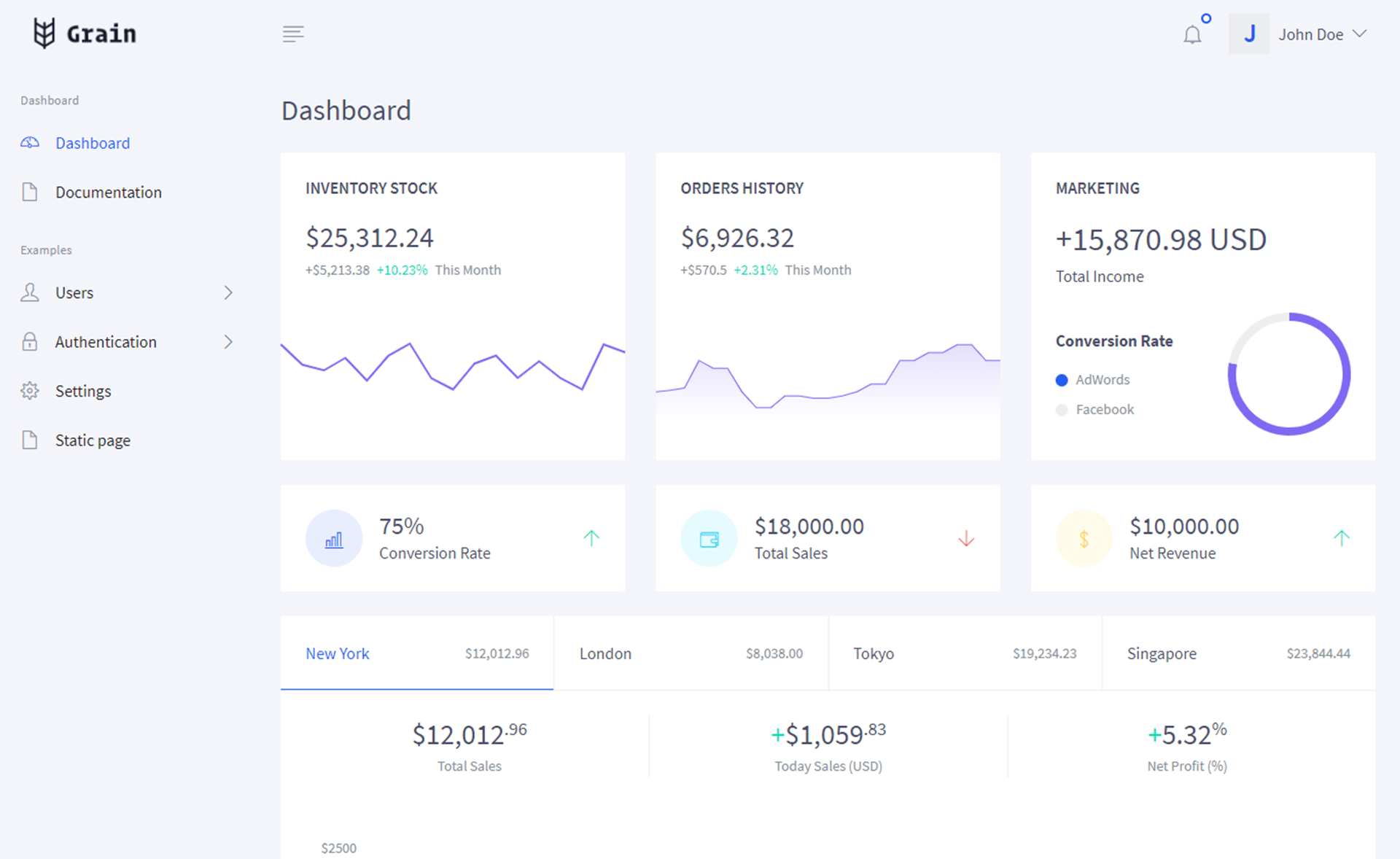
Super Finti Dashboard is a UI dashboard project built on the Next.js React framework, with all styling handled by the styled-components package. It was created as one answer in a series of interview questions for a Front End Developer position at PT. Millennium Pharmacon International, and the repository has been published on GitHub. The project outputs a single-screen dashboard layout that runs in a local development server. There is no backend, database, or authentication layer included — the dashboard is a front-end-only React app.
Key Features
- Next.js framework — The dashboard is built with Next.js, which brings React server-side rendering and file-based routing to the project.
- styled-components styling — Component styles are defined in JavaScript using the styled-components package rather than separate CSS files.
- Local dev commands — After running
npm install, the project starts with eithernpm run devoryarn run dev. - Single dashboard screen — The repository contains one main dashboard view, visible in the project's screenshot, rather than a multi-page site.
- Interview context — The code is presented as a candidate's answer to a real interview prompt at PT. Millennium Pharmacon International.
- Not responsive — The dashboard layout does not adapt to different screen sizes, according to the repository's README.
Who should use Super Finti Dashboard?
- Front-end developer interviewees — Read the code as an example of how to structure a dashboard with Next.js and styled-components when answering a coding interview question.
- Next.js beginners — Clone the project to see a minimal Next.js setup with styled-components and a working dev server script.
- Technical interviewers — Use the repository as a reference sample of a completed front-end assignment.
What can you do with Super Finti Dashboard?
- Run it locally — Download the project, run
npm install, then start the server withnpm run devand open the returned local URL. - Study the code structure — Explore how a Next.js page is combined with styled-components to produce a dashboard interface.
- Prepare for interviews — Practice explaining the tech stack and known limitation (the absence of responsive design) as part of a front-end role Q&A.