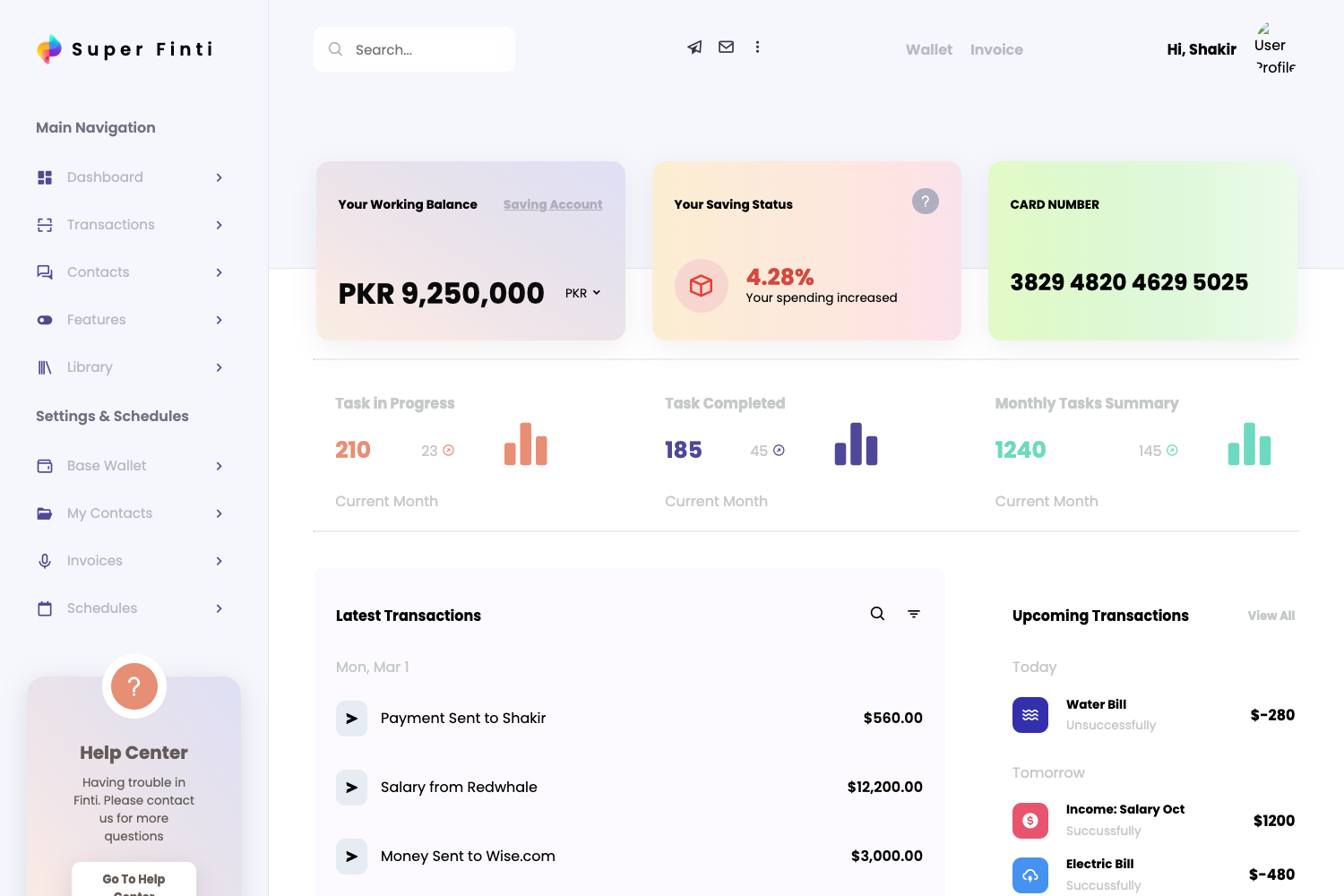
Template details
AziaAngular
Free Angular admin template built with Bootstrap and Angular CLI 7.2.1.
About this template
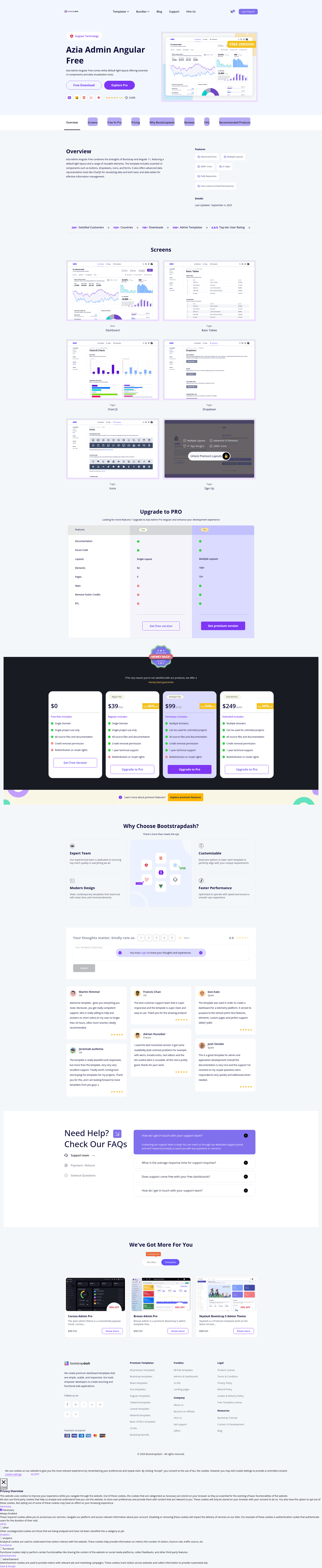
AziaAngular is a free Angular admin dashboard template generated with Angular CLI 7.2.1 and built on Bootstrap, giving developers a pre-built starting point for admin panels and internal tools. The project is hosted on GitHub under the repository name AziaAngular and links to a live demo on BootstrapDash's site.
What is AziaAngular?
AziaAngular is a front-end project template that outputs a functional admin dashboard application when built and served with the Angular CLI. It takes Angular TypeScript source files and compiles them into a browser-rendered admin UI, with styles and components aligned to Bootstrap's design system. The template comes from BootstrapDash, as indicated by its demo URL at https://www.bootstrapdash.com/demo/azia-angular-free/preview/demo_1/dashboard, and is distributed free of charge.
Key Features
- Angular CLI 7.2.1 — The entire project is scaffolded with Angular CLI version 7.2.1, meaning it uses the standard Angular 7 toolchain and project structure.
- Bootstrap integration — The template's topics include
css3,html5, andngbootstrap, indicating Bootstrap styling and NG Bootstrap components are wired in. - Development server — Running
ng servestarts a local server athttp://localhost:4200/with automatic reload on source changes. - Production build —
ng buildoutputs the compiled app to thedist/directory, and the--prodflag enables production optimizations. - Code scaffolding — The standard Angular CLI generators are available, including
ng generate component,directive,pipe,service,class,guard,interface,enum, andmodule. - Unit testing —
ng testruns unit tests through the Karma test runner. - End-to-end testing —
ng e2eexecutes end-to-end tests via Protractor. - Free license — The repository metadata describes it as a "Free Angular Admin template," so it can be used without purchase.
Who is AziaAngular for?
- Frontend developers who need an Angular admin shell with Bootstrap styling and want to skip repetitive setup work.
- Angular beginners who want a real-world Angular CLI project to explore — the generated structure follows Angular 7 conventions and includes testing setups.
- Small teams building internal dashboards who can serve the project locally with
ng serveand then customize components without starting from zero.
What can you do with AziaAngular?
- Build an admin dashboard: Start from the provided demo dashboard view and replace it with your own metrics, charts, and tables.
- Prototype an internal tool: Use the Angular CLI generators to quickly add services and components for your specific business logic.
- Learn Angular workflows: Follow the documented commands for dev server, testing, and production builds to understand a standard Angular 7 pipeline.
How does AziaAngular work?
- Clone or download the repository.
- Install dependencies with
npm install. - Run
ng serveto start the development server athttp://localhost:4200/. - Edit source files; the browser reloads automatically.
- Run
ng testorng e2eto execute the test suites, andng build --prodto create a production bundle indist/.
Pricing
AziaAngular is free, as stated in its repository description as a "Free Angular Admin template."
FAQ
Is AziaAngular free?
Yes, the repository description explicitly labels it a "Free Angular Admin template." You can download and use it without paying a license fee.
What Angular version does AziaAngular use?
The project was generated with Angular CLI version 7.2.1, which corresponds to Angular 7. The project structure and commands follow Angular 7 conventions.
How do I run AziaAngular locally?
Run ng serve from the project root and open http://localhost:4200/ in your browser. The development server reloads automatically when you change source files.
How do I build AziaAngular for production?
Run ng build --prod. The compiled files will be written to the dist/ directory, ready for deployment to a web server.
What testing tools are included?
Unit tests run with Karma via ng test, and end-to-end tests use Protractor via ng e2e. Both are standard for Angular CLI 7 projects.