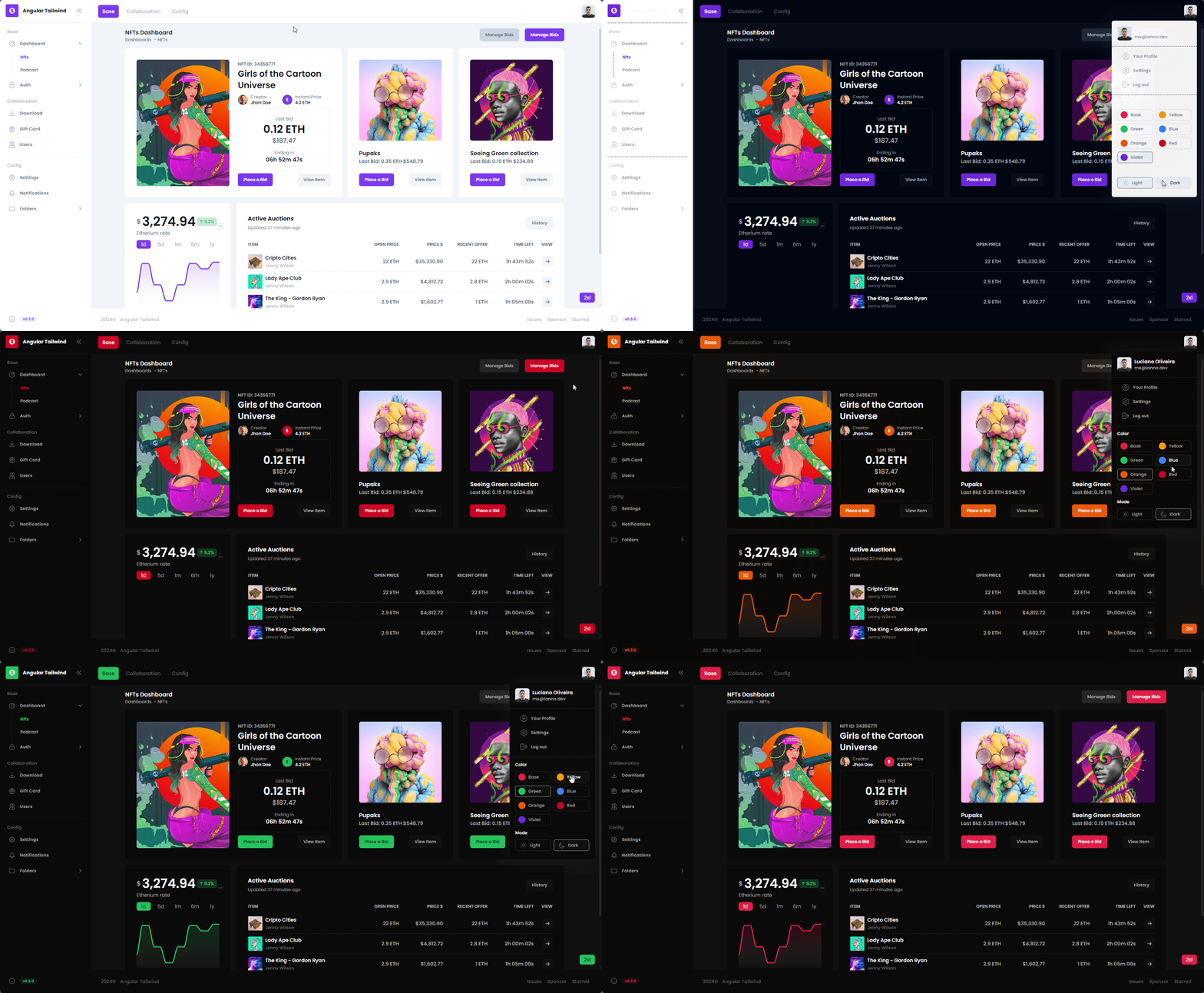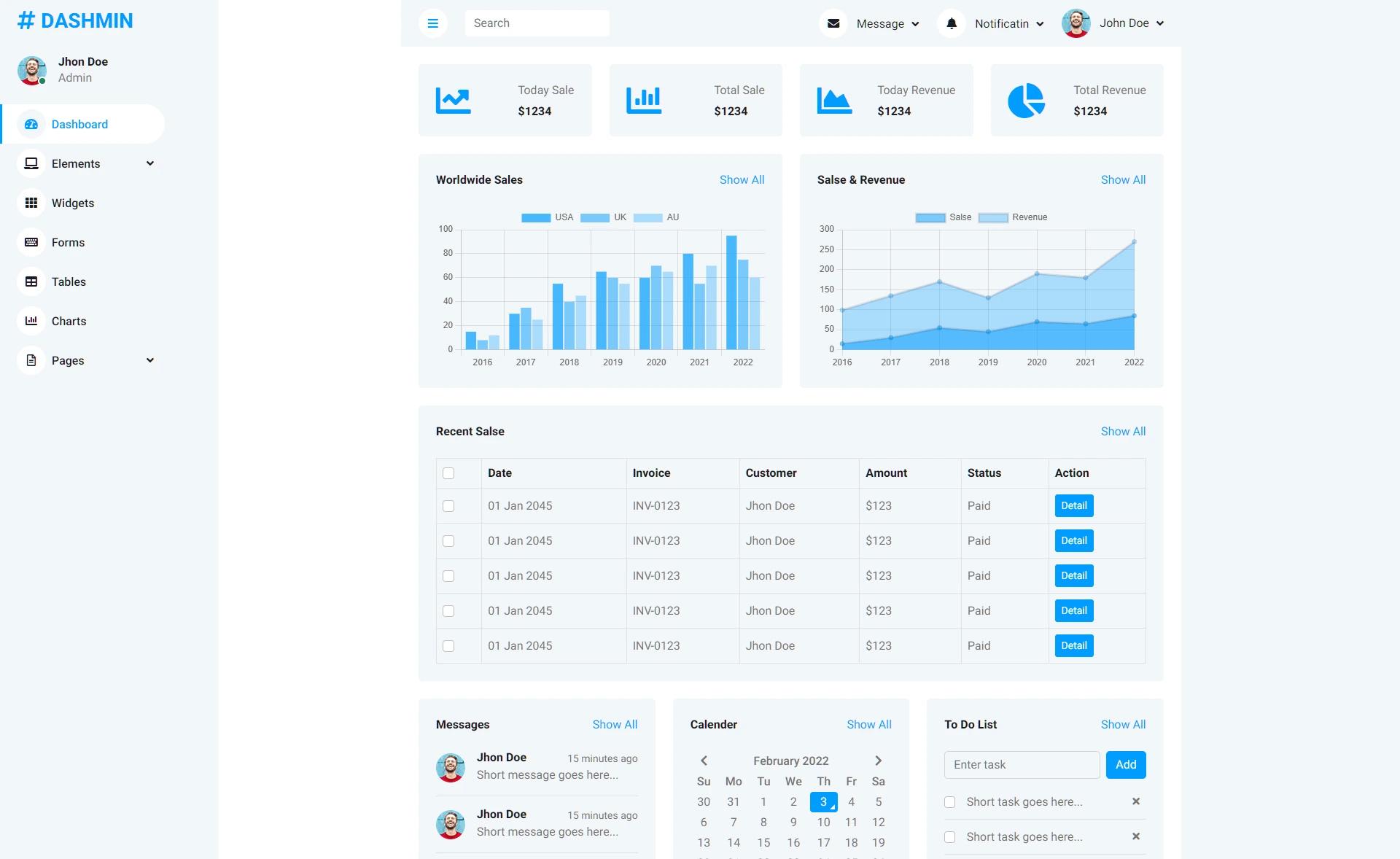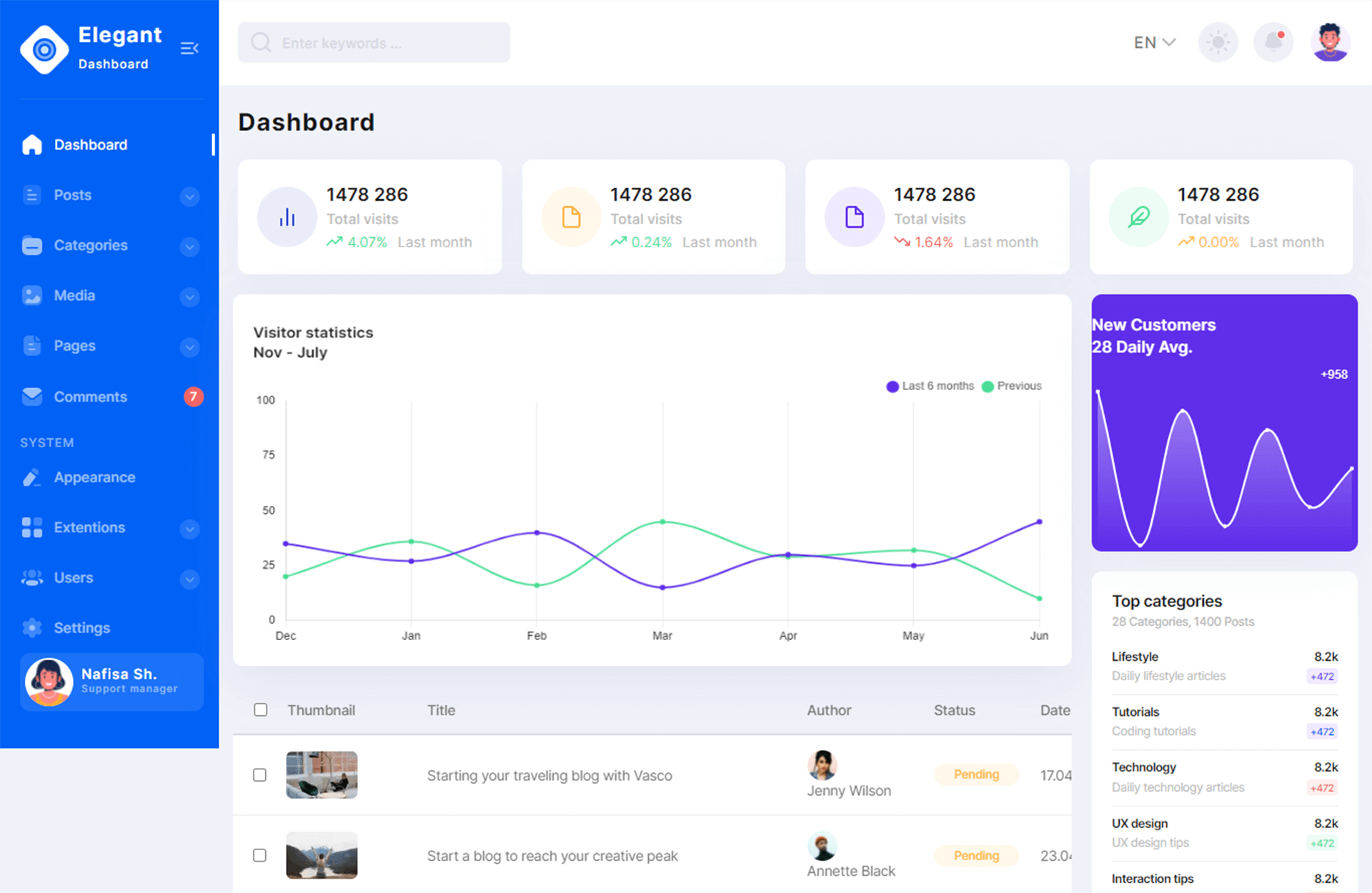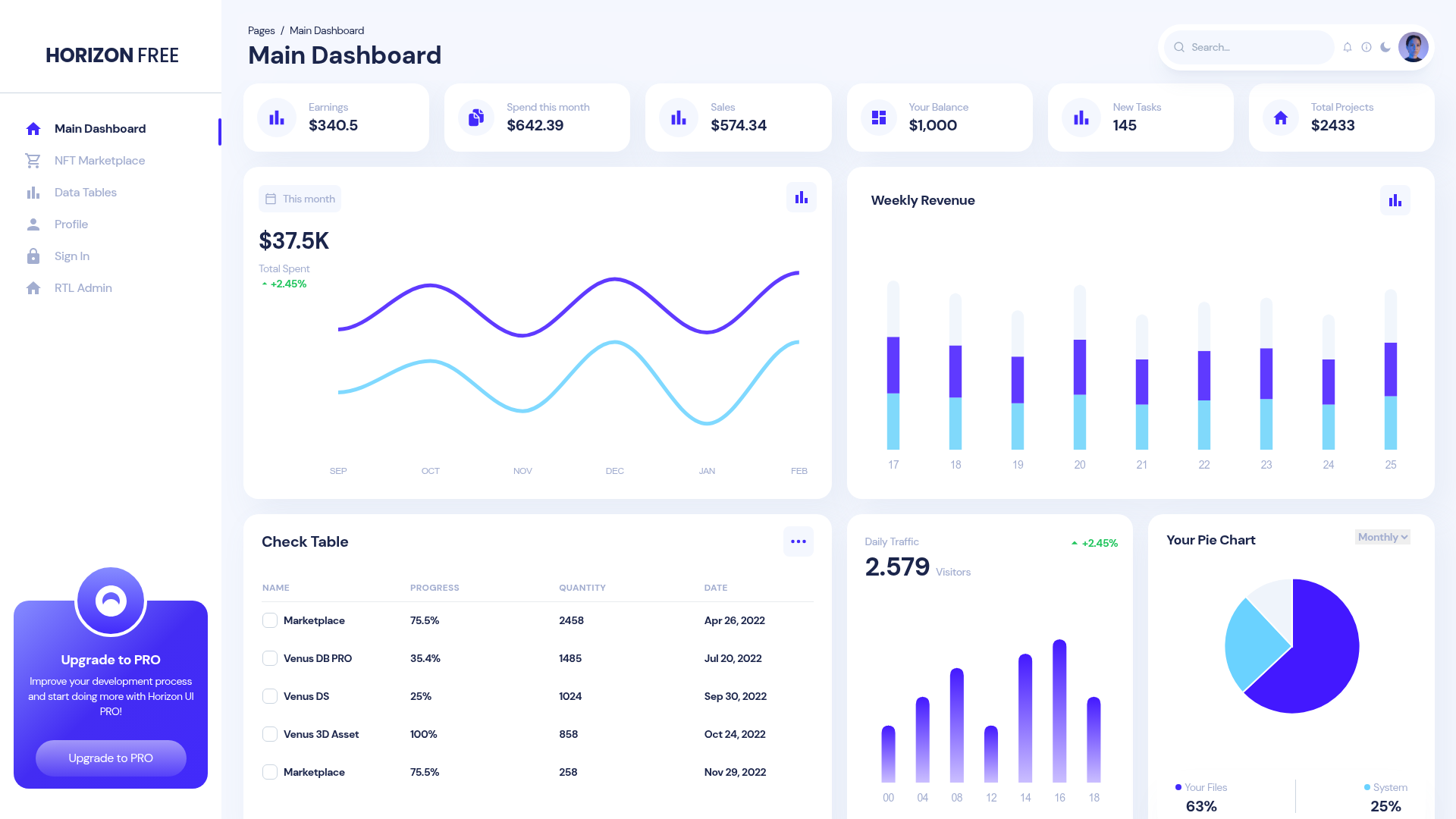
Template details
Tabler
Tabler is free and open-source HTML Dashboard UI Kit built on Bootstrap
About this template
Tabler is a free and open-source HTML dashboard UI kit built on Bootstrap 5, providing a responsive admin panel template with more than 20 demo pages for creating back-office interfaces.
What is Tabler?
Tabler is a free and open-source dashboard UI kit built on Bootstrap 5, designed for creating admin panels, back-office interfaces, and data-heavy web applications. It takes plain HTML and CSS as the foundation and produces responsive, cross-browser compatible dashboard pages that can be customized with Sass. The project is maintained by Paweł Kuna and contributors on GitHub, where it has over 41,000 stars.
Key Features
- Responsive design — Tabler supports mobile, tablet, and desktop displays out of the box and works in all major browsers including Chrome, Firefox, Safari, Opera, and Edge.
- Bootstrap-based — Built on Bootstrap 5, the theme uses modern HTML5 and CSS3 technologies and follows Bootstrap's guidelines for clean, W3C-valid code.
- Over 20 demo pages — The template includes more than 20 individual pages showing different layouts and component combinations, all customizable in color and styling through Sass.
- Package manager and CDN support — Install via npm with
@tabler/coreor load the minified CSS and JavaScript from jsDelivr CDN. - Documentation and starter template — Full documentation is available at docs.tabler.io, and a tabler-starter template runs on StackBlitz, CodeSandbox, and GitHub Codespaces.
- MIT licensed — Tabler is free to use for personal and commercial projects, with the source available on GitHub.
Who is it for?
- Web developers — Build custom admin interfaces quickly by starting from Tabler's pre-built components and demo pages instead of writing dashboard CSS from scratch.
- Agencies and freelancers — Ship internal tools and client back-offices faster with a consistent, branded UI kit that supports Sass theming.
- Startup product teams — Create functional dashboards for SaaS metrics, user management, or analytics without hiring a dedicated UI designer.
What can you do with Tabler?
- Create admin panels — Assemble dashboard layouts for user management, settings, and reporting using the included pages and components.
- Visualize data — Combine the provided tables, charts, and cards to present different types of data clearly, using only basic HTML and CSS knowledge.
- Prototype internal tools — Stand up a functional back-office or administration interface in hours by copying demo page structures and customizing colors via Sass variables.
How does Tabler work?
Tabler is distributed as an npm package (@tabler/core) and via CDN. You can link the minified CSS and JavaScript directly in an HTML page, or install it with npm and integrate into your build process. For local development, the source repository requires Node.js 22.12 or newer and pnpm, and provides preview (localhost:3000) and documentation (localhost:3010) dev servers, or a Docker image.
Pricing
Tabler is free to use. It is released under the MIT License, which allows commercial use, modification, and redistribution without licensing fees. There is no paid tier mentioned; support and sponsorship are handled through GitHub Sponsors and PayPal donations.
FAQ
Is Tabler free?
Yes, Tabler is free and open source under the MIT License. You can use it in personal and commercial projects, modify it, and redistribute it, with no license fees.
How do I install Tabler?
Install via npm by running npm install --save @tabler/core, or load the minified CSS and JavaScript from the jsDelivr CDN into an HTML page. You can also download the latest release from GitHub as a ZIP archive.
What browsers does Tabler support?
Tabler works with the latest versions of Chrome, Firefox, Safari, Opera, Edge, and mobile browsers, according to the project's documentation.
Does Tabler require knowledge of a JavaScript framework?
No. The template only requires basic HTML and CSS knowledge. It is built on Bootstrap and includes plain JavaScript, so you can use it with any back-end or as a static site.
What is the quickest way to try Tabler?
Open the tabler-starter template on StackBlitz, CodeSandbox, or GitHub Codespaces, or paste the CDN links into an HTML file as shown in the quick start guide.