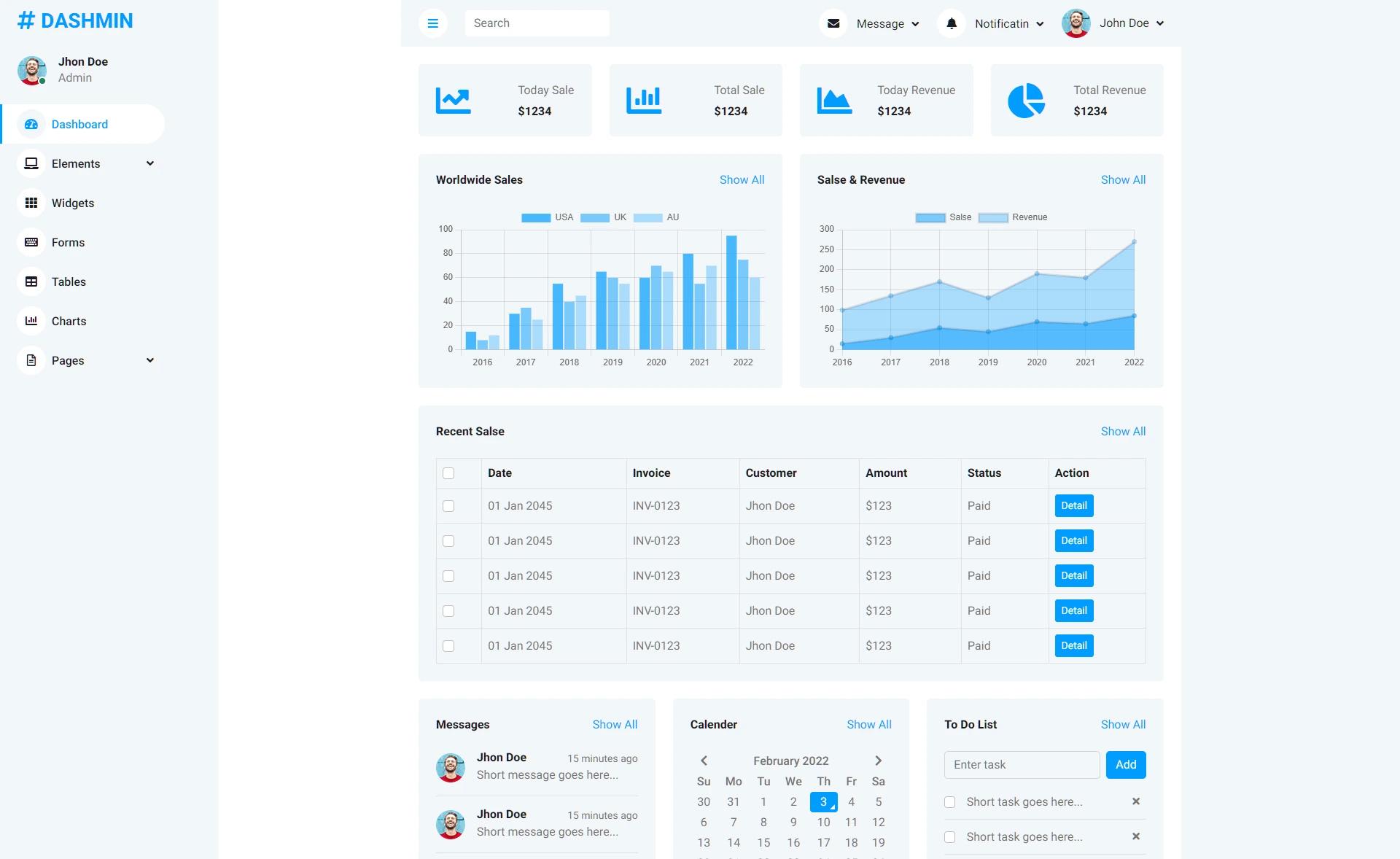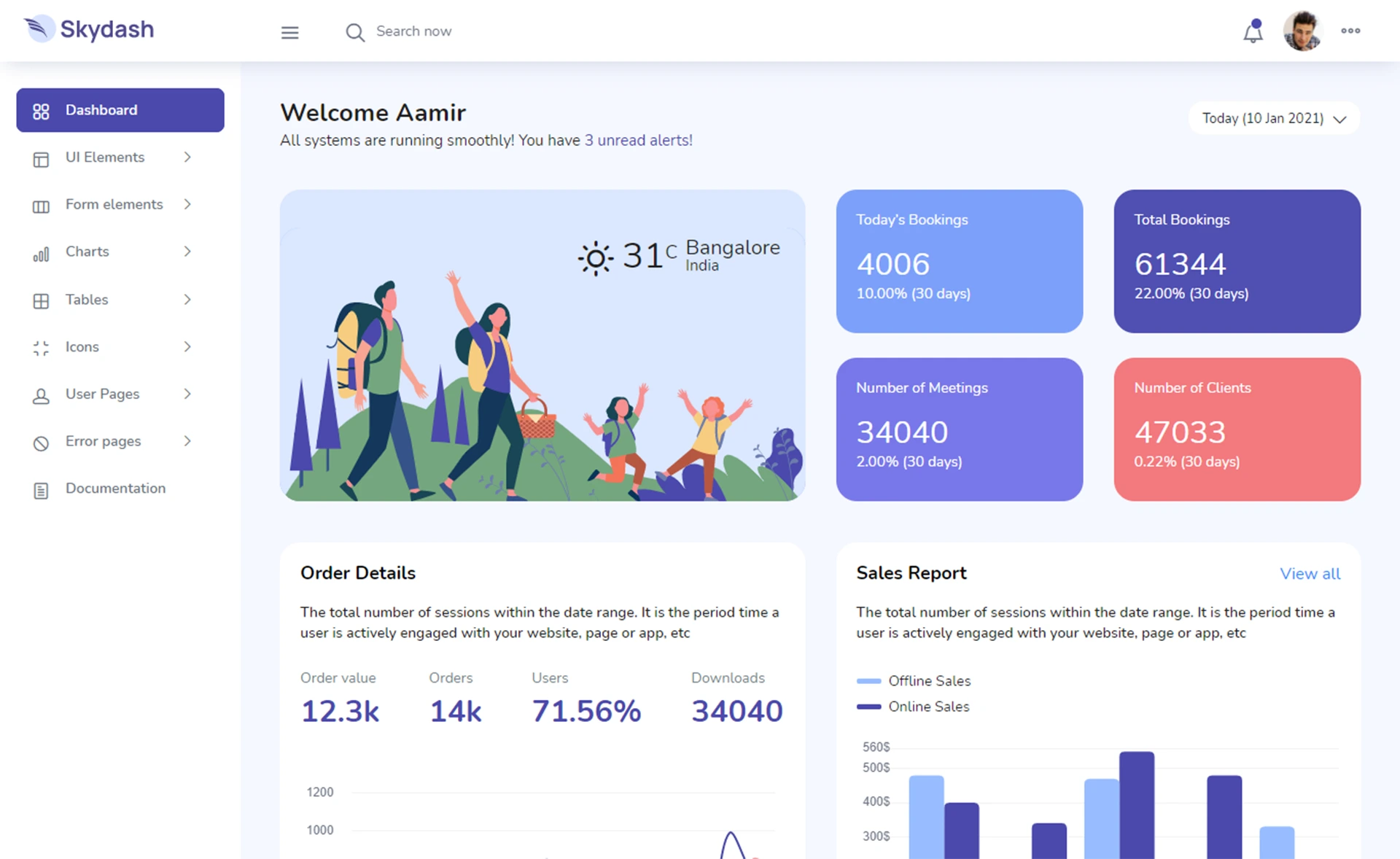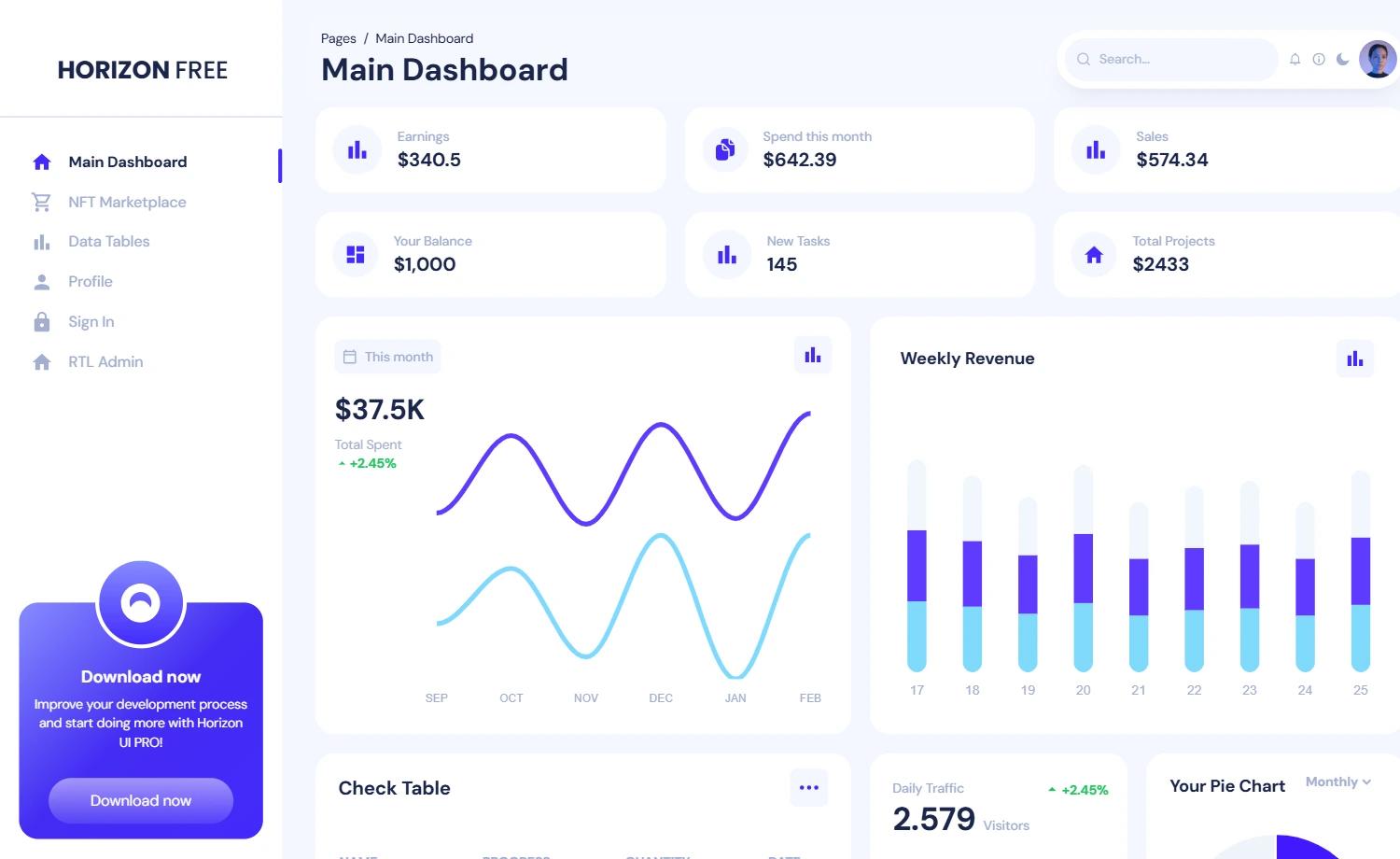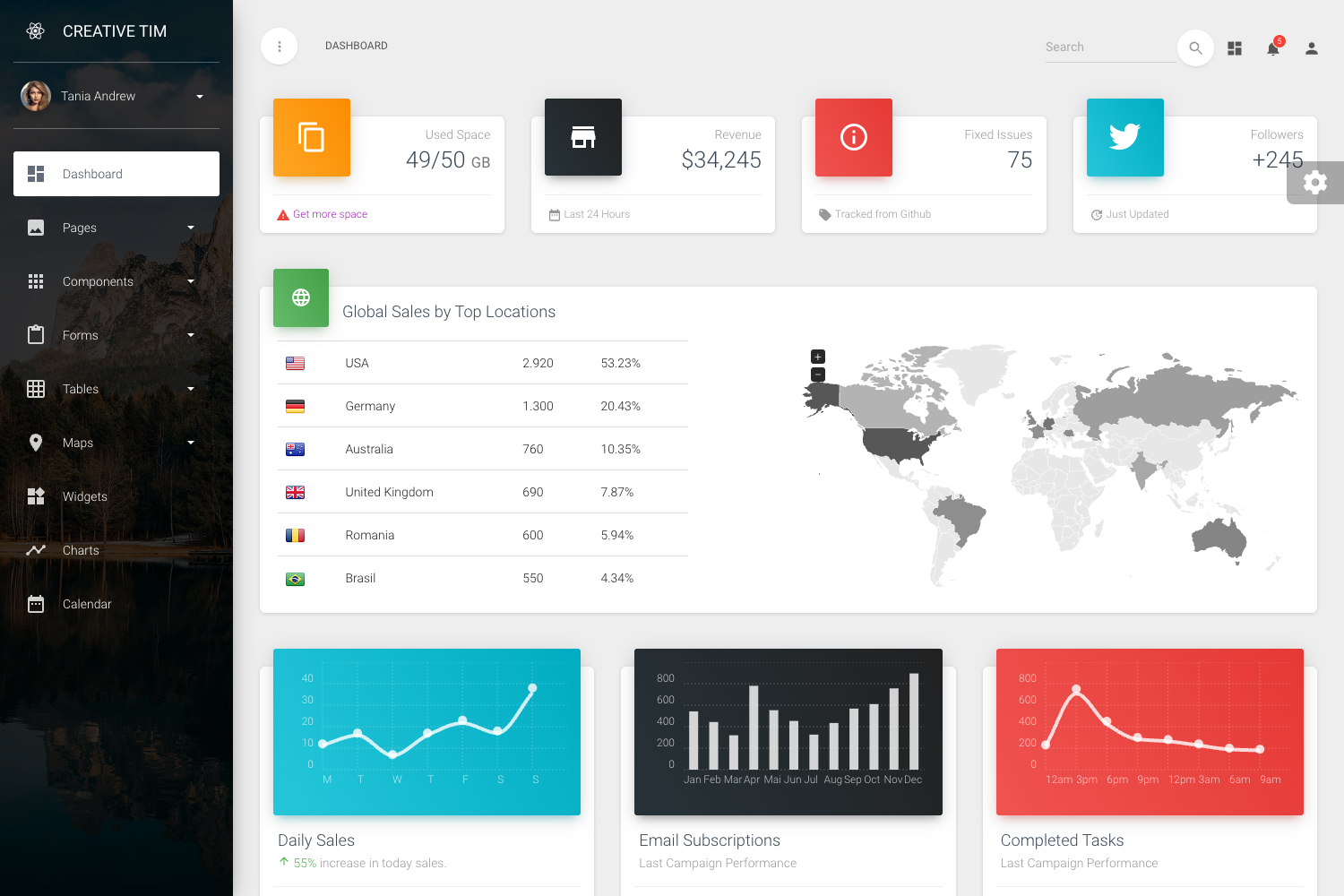
Template details
Angular Tailwind Admin Dashboard
Angular & Tailwind CSS Admin Dashboard Starter Kit, Free and Open Source
About this template
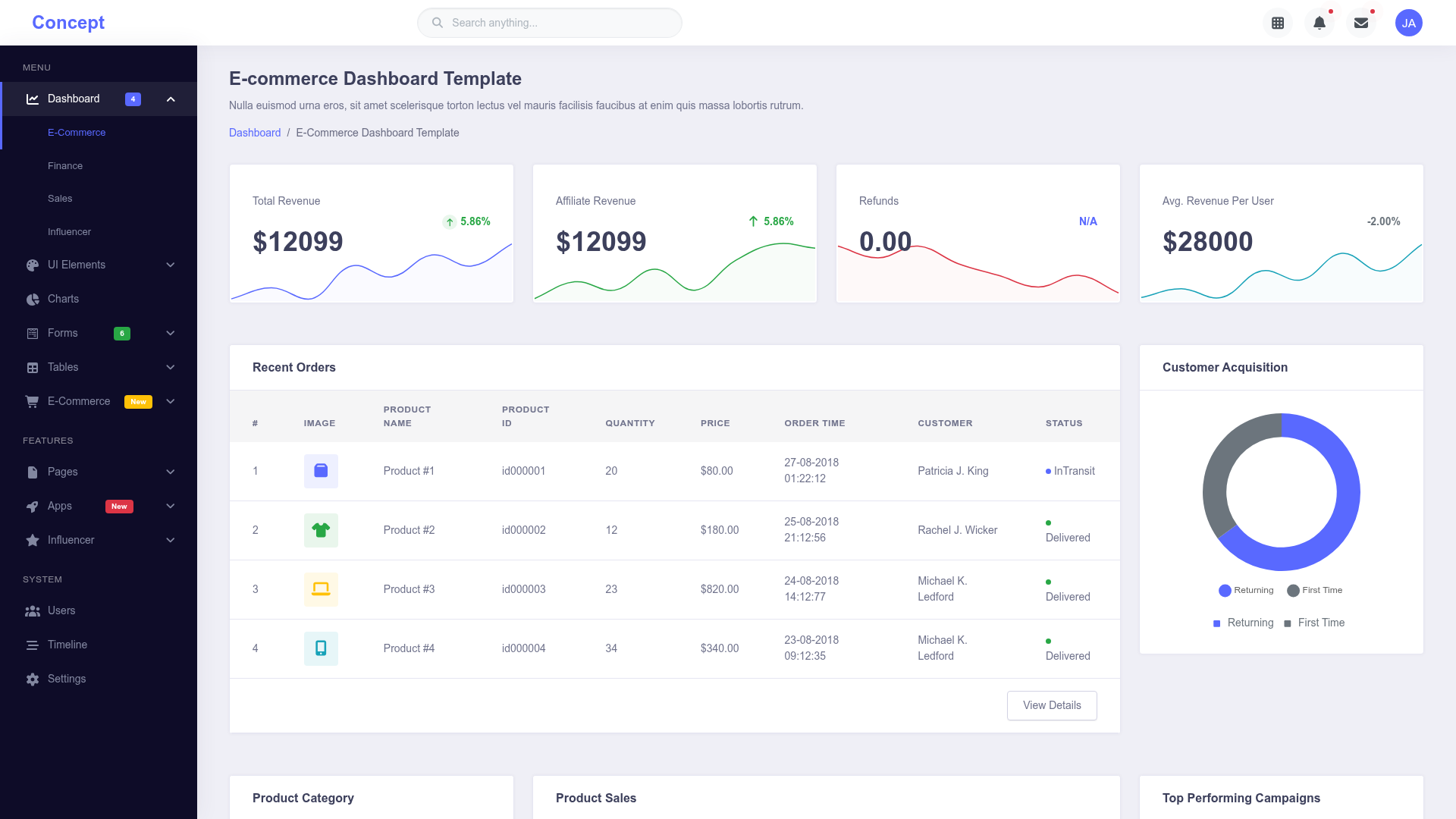
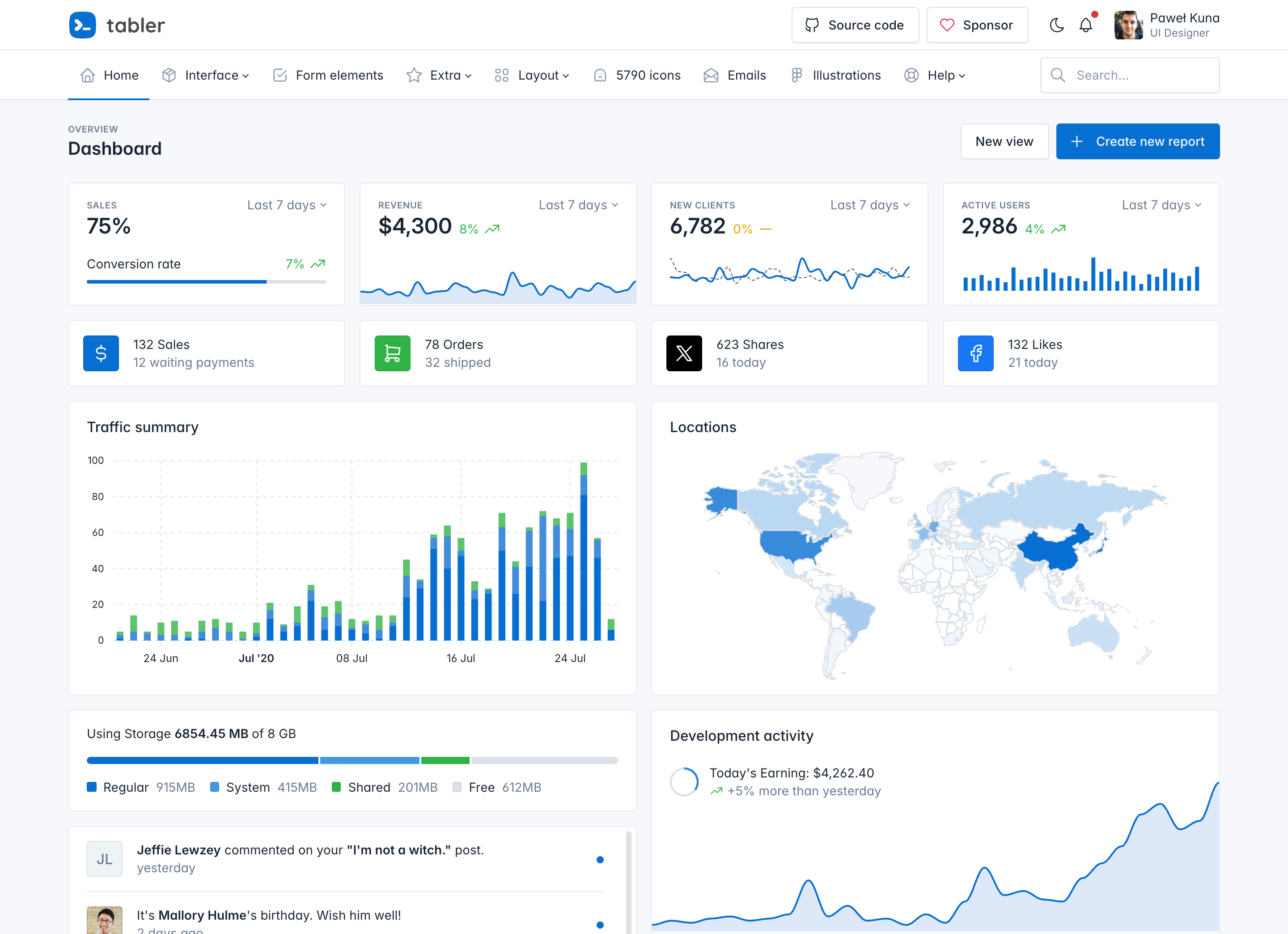
Angular Tailwind Admin Dashboard is a free and open-source admin dashboard starter kit that combines Angular 22 with Tailwind CSS 4 to give developers a pre-built frontend for admin interfaces, including authentication, dashboard modules, theming, and RTL support. Created by Luciano Work, the repository serves as a practical learning project for Tailwind CSS within the Angular ecosystem, and its live demo is hosted at https://at.lanno.dev.
What is Angular Tailwind Admin Dashboard?
Angular Tailwind Admin Dashboard (repository name: angular-tailwind) is a free, open-source starter kit for building admin dashboards with Angular 22 and Tailwind CSS 4. It takes a standard Angular CLI setup and adds a complete UI structure — sidebar, navbar, footer, auth pages, and a dashboard module — so you can start building administrative interfaces immediately instead of from a blank project. The project uses Angular standalone components and Angular Signals throughout, and includes Playwright e2e tests.
Key features
- Angular 22 and Tailwind CSS 4 — Built on Angular 22 with the latest Tailwind CSS 4 utility-first styling, including a Prettier plugin for automatic class sorting.
- Sidebar, navbar, and footer — Included as ready-to-use layout components for consistent navigation and page structure.
- Dark and multi-theme support — Ships with a dark theme and multiple theme color options, plus RTL (right-to-left) layout support.
- Authentication module — Provides a pre-built auth flow (login/register) implemented with standalone components.
- Dashboard module with charts — Includes a dashboard page integrating ApexCharts through the
ng-apexchartsAngular wrapper for interactive visualizations. - Angular Signals — Uses the modern Angular Signals reactive primitive for state management instead of traditional decorators.
- SVG icon integration — Uses
angular-svg-iconto inline SVG files so they can be styled with CSS. - Development tooling — Comes with ESLint, Prettier, and Playwright e2e tests, run via npm scripts like
npm run lint,npm run prettier, andnpm run test:e2e.
Who should use Angular Tailwind Admin Dashboard?
Angular developers who need a jumpstart for admin panel projects will find this template useful because it already provides the common layout and feature modules. Developers learning Tailwind CSS can study the project to see exactly how Tailwind is configured and used inside an Angular application. Teams looking for a free, open-source foundation with dark mode and RTL support can adopt this starter kit and customize the theming to their brand.
What can you do with Angular Tailwind Admin Dashboard?
- Build an admin panel quickly — Use the provided sidebar, navbar, auth, and dashboard modules as the skeleton for a new administrative web app.
- Customize the visual theme — Switch between dark and multi-theme color palettes, and enable RTL for right-to-left languages.
- Add data visualizations — Leverage the pre-integrated ApexCharts and
ng-apexchartsto display charts on the dashboard. - Learn Angular + Tailwind integration — Explore the codebase to see how standalone components, Angular Signals, and Tailwind utilities work together in practice.
How does Angular Tailwind Admin Dashboard work?
The project is a standard Angular CLI application with npm scripts for common tasks. Run npm start to launch the dev server, npm run lint for ESLint, npm run prettier to format the entire src folder, and npm run test:e2e to run Playwright e2e tests with a UI. Additional scripts like prettier:verify and prettier:staged give you formatting checks on all or only staged files.
FAQ
Is Angular Tailwind Admin Dashboard free?
Yes, it is free and open source. The GitHub repository is public and the README describes it as "Free and Open Source" — there is no mention of any paid licensing.
What Angular version does it use?
Angular 22, as indicated by the Angular 22 badge in the README. The project also uses Tailwind CSS 4, shown by the Tailwind 4 badge.
Is the project production-ready?
Not fully. The README states "The project is not finished yet!" and lists unchecked items including Guards, Animations, and Jasmine tests. It is best suited as a starter template or learning resource rather than a finished production product.
Does it support RTL?
Yes, RTL support is listed as a completed feature in the README, along with dark theme, multi-theme, and other items.
What testing setup is included?
The project includes Playwright e2e tests that can be run with npm run test:e2e. Jasmine unit tests are listed as an unchecked future feature, so unit testing is not yet implemented.