Template details
Tego
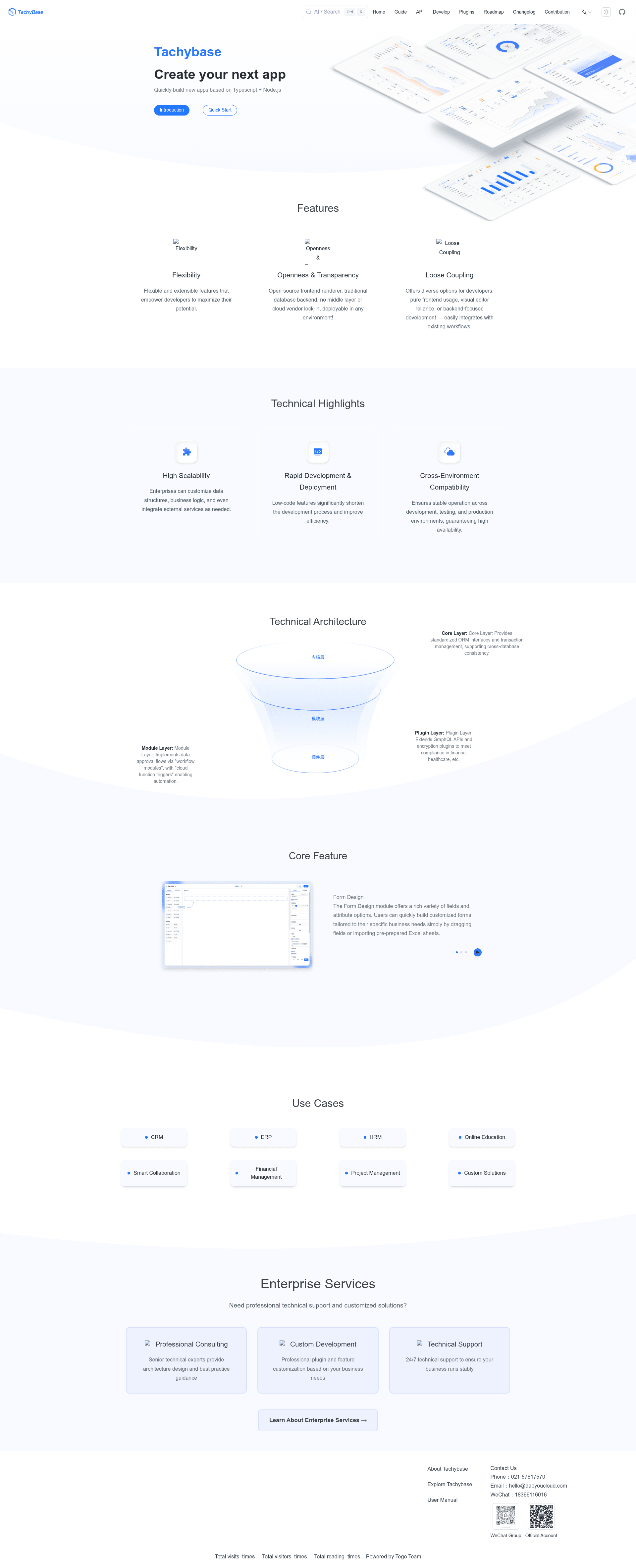
Pluggable Node.js framework for building customizable no-code/low-code platforms and event-driven applications.
About this template
Tego is a pluggable Node.js framework for building customizable no-code/low-code development platforms and event-driven applications. It is open source under the Apache 2.0 license and distributed through the npm package tego, the tego-standard plugin collection, and the tego-all Docker image.
What is Tego?
Tego is an open-source Node.js framework that lets developers assemble their own no-code/low-code systems. It takes application configuration and plugin modules as input and produces a self-hosted web application with data management, workflow, and business-logic capabilities. The core focuses on stability and environment adaptability. The repository is maintained under the tegojs GitHub organization and is currently undergoing a core refactor, so stable production use relies on the published packages rather than the Git checkout.
What makes Tego stand out?
Tego differentiates itself with a pluggable architecture and a focus on self-hosting. Key features:
- Pluggable architecture — Extend the core with plugins from the tego-standard collection to add CRM, ERP, approval, dashboard, and workflow capabilities without forking the main codebase.
- CLI scaffolding — Run
npx tego init my-appto create a new project andnpx tego start --quickstartto launch it at http://localhost:3000. - Default SQLite database — New apps boot with SQLite, and the connection is configurable through the .env file.
- Self-hosted deployment — Deploy on your own servers using the official tego-all Docker image.
- Event-driven application support — Beyond data-management platforms, the framework can run event-driven applications.
- Apache 2.0 license — Free to use, modify, and distribute, including for commercial products.
Who should use Tego?
Tego suits developers and teams that need a self-hosted, customizable base for building no-code/low-code applications or event-driven services.
- Developers building internal tools — Create admin dashboards, CRUD interfaces, and approval systems for internal operations.
- Teams deploying no-code platforms — Use Tego as the foundation for a self-hosted no-code system tailored to a specific domain.
- Node.js developers — Build event-driven applications using a framework that handles application lifecycle and plugin registration.
- Organizations needing self-hosted business apps — Set up CRM or ERP modules with SQLite, then scale the database through configuration.
What can you do with Tego?
With Tego you can scaffold and run several kinds of applications using the CLI, database, and plugin system.
- Build a CRM or ERP module — Use the pluggable framework to define business records, forms, and workflows, then serve them through a web interface.
- Create an internal admin dashboard — Scaffold a project with the CLI and connect it to your data to get a running management interface quickly.
- Implement approval workflows — Use the workflow capabilities to route approvals and automate business processes.
- Develop event-driven applications — Run custom event loops and logic within the Node.js environment.
How does Tego work?
Tego works through a command-line interface and configuration files. Run npx tego init my-app to scaffold a new application, then cd my-app and npx tego start --quickstart to start the server. The default login is username tachybase with password !Admin123.. To upgrade from a previous version, run npx tego sync and restart with --quickstart.
Pricing
Tego is open-source software under Apache 2.0, so the framework itself is free. Distribution channels include the npm package tego, the tego-standard frontend and plugin collection, and the tego-all Docker image.
Alternatives
- Appsmith — a low-code platform specialized in building internal tools with a drag-and-drop interface.
- NocoDB — an open-source Airtable alternative that turns SQL databases into smart spreadsheets.
FAQ
Is Tego free?
Yes. Tego is licensed under Apache 2.0, which permits free use, modification, and distribution, including for commercial projects. The npm package, plugin collection, and Docker image are all covered by this license.
What does Tego do?
Tego is a pluggable Node.js framework for building customizable development platforms. It enables developers to create no-code/low-code systems such as CRM, ERP, admin dashboards, and internal tools, as well as event-driven applications.
How do I create a Tego app?
Run npx tego init my-app to create a new project, then cd my-app and run npx tego start --quickstart. This starts the application at http://localhost:3000 with default credentials tachybase and password !Admin123..
What database does Tego use by default?
Tego uses SQLite by default, which requires no separate database server. The database configuration is stored in the .env file, so you can change it to another database supported by the framework.
Is the Git version safe for production?
The README warns that the repository is undergoing a core refactor, so using the Git version may lead to unexpected issues. For stable production usage, use the official frontend and plugin collection (tegojs/tego-standard), the official Docker image (tegojs/tego-all), and the npm package tego.