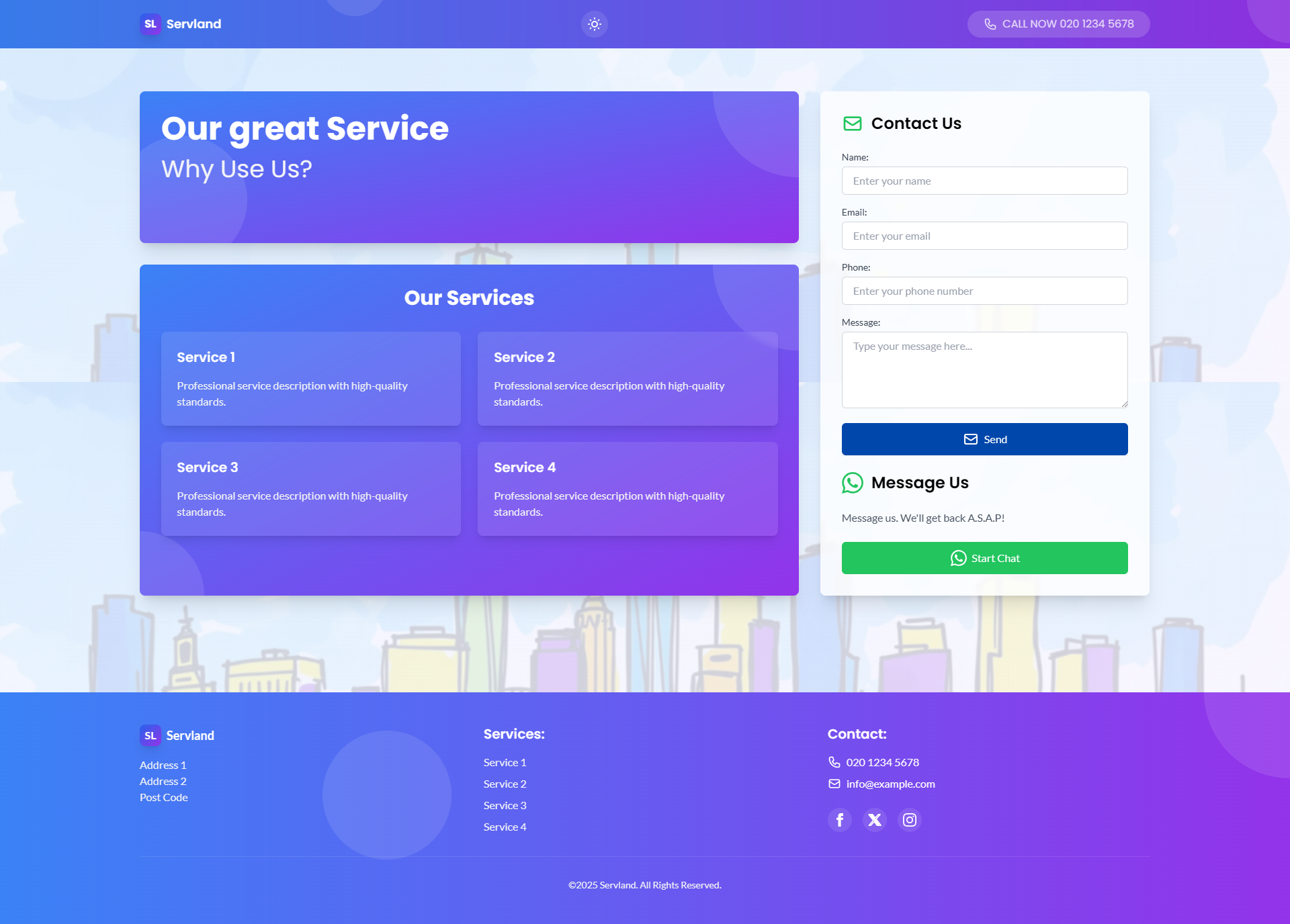
Template details
Tete-a-Tete
Website template for a local hair salon built with Next.js and Tailwind CSS.
About this template
Tete-a-Tete is a free MIT-licensed website template for a local hair salon, built with Next.js and Tailwind CSS, that produces a responsive landing page with Google Maps, Google reviews, an EmailJS contact form, and Cloudinary-optimized images.
What is Tete-a-Tete?
Tete-a-Tete is a server-side rendered landing-page template designed specifically for a hair salon. It takes salon services data and team member data as input in JavaScript files and outputs a complete marketing website with sections for services, team, location, reviews, and a contact form. The template is built on Next.js, styled with Tailwind CSS, and is hosted on Vercel; the design is credited to Daria Khudiakova.
Key Features
- Server-side rendering and image optimization — Built with Next.js, the template renders pages on the server and optimizes images through next/image.
- Responsive Tailwind CSS styling — The entire UI is built with Tailwind CSS utility classes, making the layout adapt to mobile and desktop screens.
- Google Maps and Google Reviews integration — Uses the Google Places API and Google Maps API to display the salon's location and customer reviews on the page.
- Cloudinary image optimization — Remote images are served and optimized through Cloudinary, reducing load times.
- EmailJS contact form — The contact form sends messages directly from the browser using EmailJS, with no backend server required.
- Customizable content data — Salon services and team members are edited in separate JavaScript files (services-*.js and members.js), so no CMS or database setup is needed.
- Self-hosted CORS reverse proxy — Because the project is serverless, it uses a self-hosted CORS reverse proxy (cors-anywhere) to handle cross-origin API requests.
- MIT license and free to use — The project is open source under the MIT license, allowing unrestricted personal and commercial use.
Who is it for?
- Independent hair salon owners — Launch a professional website that showcases services, team, and customer reviews without hiring a web developer.
- Freelance web developers — Use Tete-a-Tete as a starting point for client projects and customize content data and styling.
- Small business owners in the beauty industry — Quickly set up an online presence with location mapping and a contact form.
What can you do with Tete-a-Tete?
- Showcase your salon's services and team — Edit services-*.js and members.js to display your exact service list and staff bios.
- Display your salon on Google Maps with live reviews — Plug in your Google Places API key and place ID to embed a map and a reviews feed.
- Receive contact form submissions without a backend — Connect EmailJS templates to route messages to your inbox.
- Deploy to Vercel with zero server management — The template is ready for Vercel hosting and includes serverless-friendly configuration.
How does Tete-a-Tete work?
- Clone the repository and create a .env file with your API keys: Google Places API key, Google Places Place ID, Google Maps API key, and EmailJS template ID and user ID.
- Edit the content data in components/Services/services-*.js for services and components/Team/members.js for team members.
- Run npm start to launch the site locally, or deploy the repository to Vercel for production.
FAQ
Is Tete-a-Tete free?
Yes, the project is released under the MIT license, so it is free to download, modify, and use for both personal and commercial projects. You only need to pay for the third-party services you choose to connect, such as Google Maps API and EmailJS.
Do I need a backend to use the contact form?
No. The contact form uses EmailJS, which sends emails client-side from the browser. You need to create an account at EmailJS and supply a template ID and user ID in the environment variables.
Does the template support online booking?
Not yet. The repository's task list includes "Add online booking" as an unchecked item, meaning scheduling is not built in. The current version focuses on information display, maps, reviews, and a contact form.
What API keys are required?
To display the map and reviews you need four environment variables: NEXT_PUBLIC_placesAPIkey, NEXT_PUBLIC_placeid, NEXT_PUBLIC_googleMapsApiKey, and for the contact form NEXT_PUBLIC_templateid and NEXT_PUBLIC_userid.