Template details
UIkit E-commerce Template
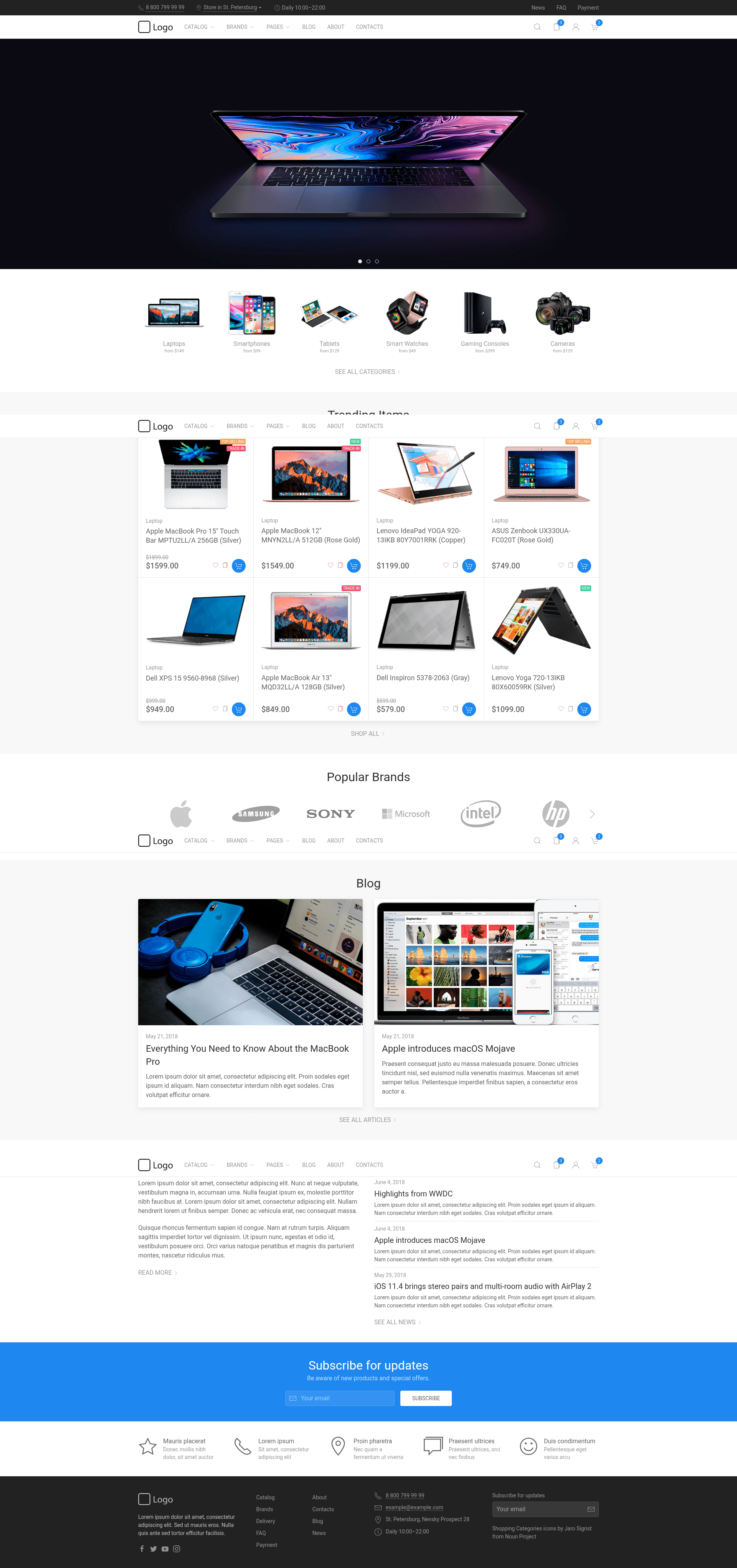
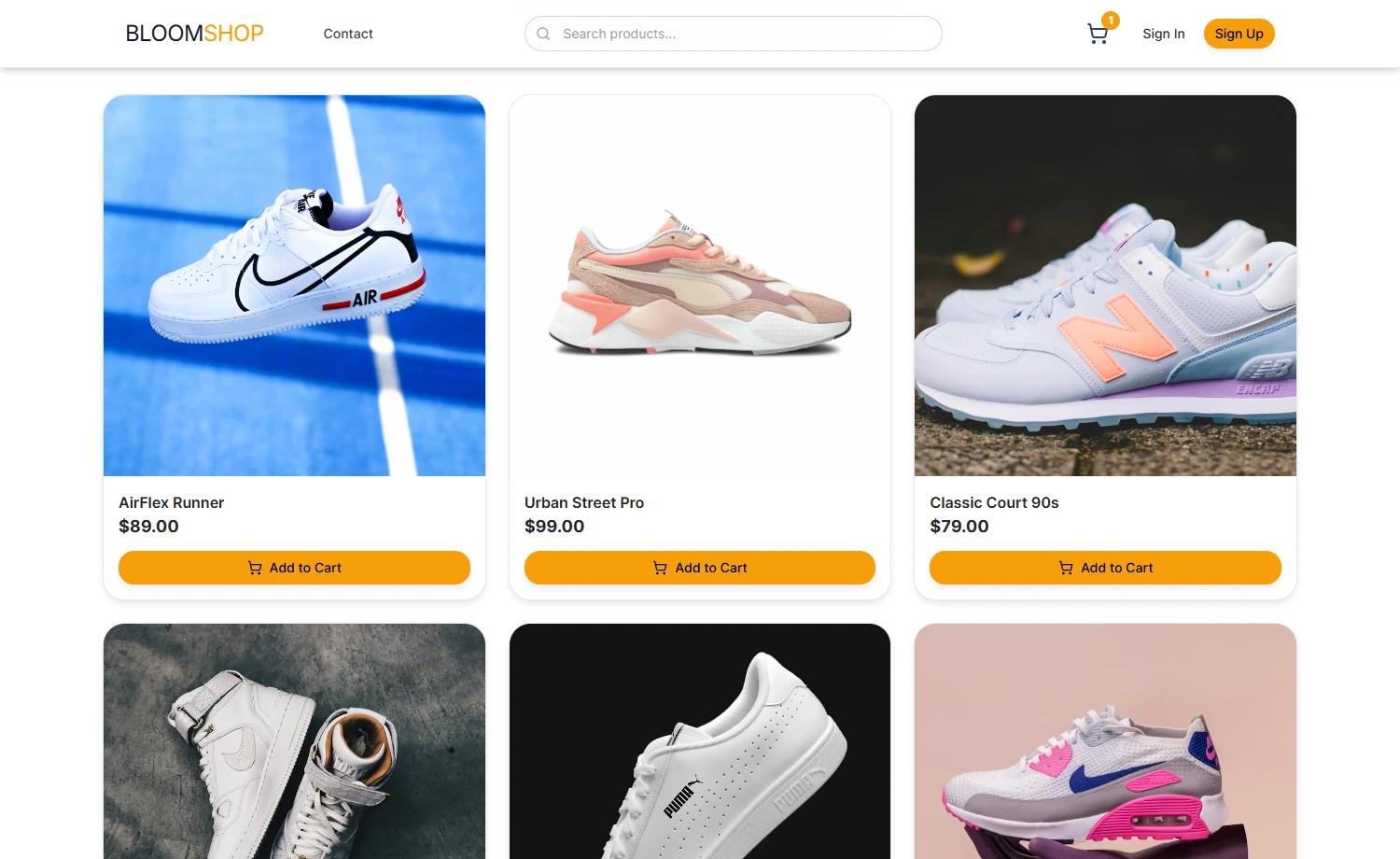
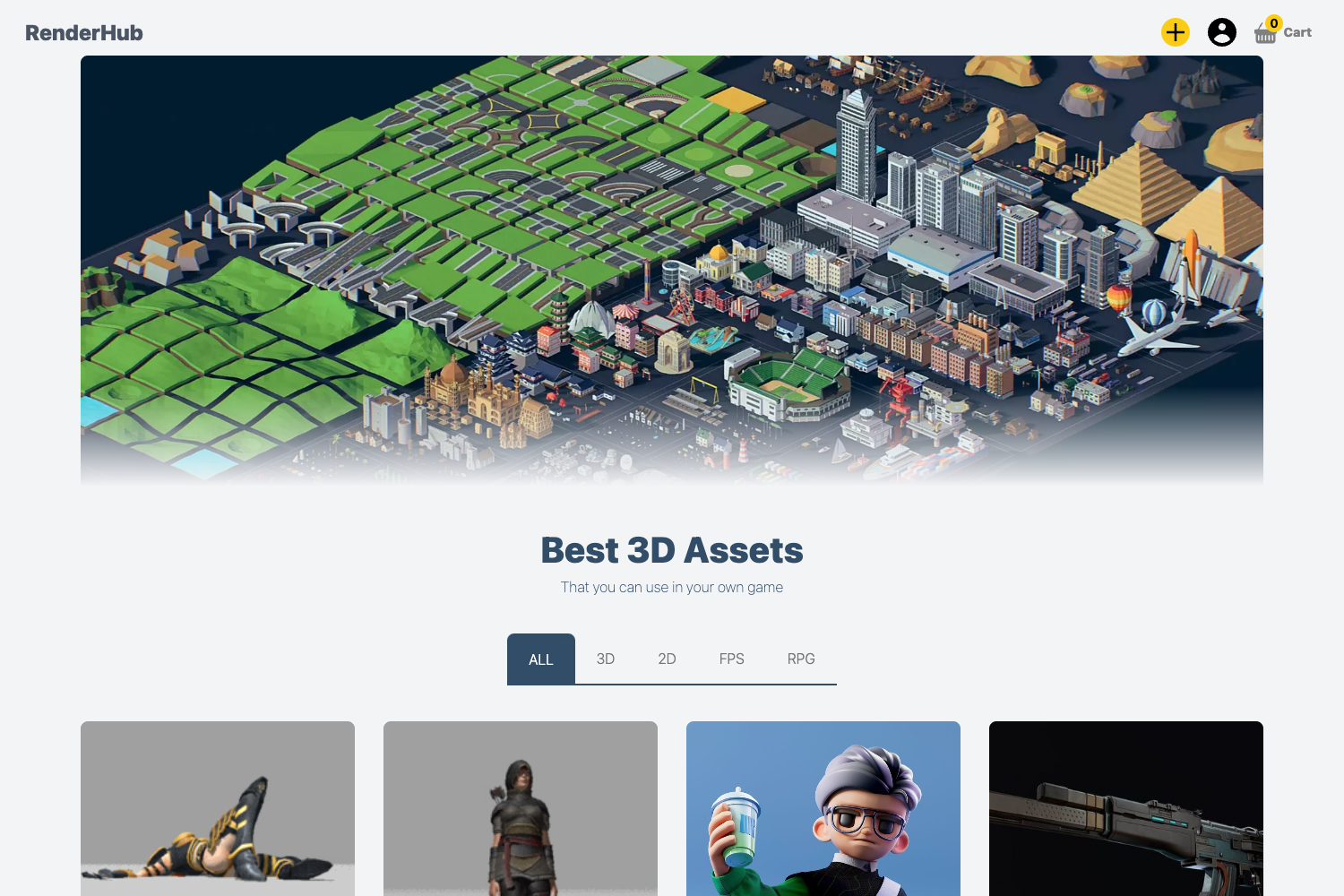
Responsive e-commerce template built with UIkit, featuring catalog, filters, product page, cart, and more.
About this template
The UIkit E-commerce Template is an open-source, responsive storefront front-end theme built on the UIkit framework, delivering ready-made catalog, product, cart, and filter pages. It is a static HTML template generated from Pug and Less sources via Gulp, created by Roman Chekurov and published on GitHub under the MIT license. A live demo is hosted at https://chekromul.github.io/uikit-ecommerce-template, and a Sass port of the theme is maintained by vkovic at github.com/vkovic/uikit-computer-store-template.
What is the UIkit E-commerce Template?
The UIkit E-commerce Template is a front-end-only online store template that takes product data and Pug page definitions as input and compiles them into static HTML, CSS, and JavaScript ready to deploy on any web host. It runs entirely in the browser — there is no backend, database, or payment processing included — making it a layout and UI foundation for an e-commerce site. The project is authored by Roman Chekurov and released under the MIT license, so it can be freely reused and modified.
Key Features
The project combines the UIkit component library with a Pug/Less/Gulp toolchain to produce a complete set of online store pages and interactive elements.
- UIkit component library — All UI components, including navigation, cards, forms, and modals, come from the open-source UIkit framework, giving consistent styling and behavior.
- Ready-made store pages — Includes a catalog page, product filtering interface, product detail page, shopping cart, and other store elements, each implemented as a Pug template.
- Pug templating — Templates live under src/templates/pages and src/templates/partials, use layouts and mixins, and compile to HTML; data can be organized in src/templates/data.
- Less styling — Styles are authored in Less, with a central style.less file and a components directory under src/styles; the build compiles them to browser-ready CSS.
- Gulp task runner — The project is built with Gulp: clone the repository, run
npm install, then rungulpto start the local build process. - Demo site — A working example is hosted at chekromul.github.io/uikit-ecommerce-template, letting you see the catalog and cart behavior before downloading.
- Sass port — A separate repository, vkovic/uikit-computer-store-template, ports the theme to Sass for developers who prefer that preprocessor.
- Browser support — Supports Chrome, Edge, Safari, Firefox, and IE 11 and newer.
Who is it for?
This template suits front-end developers who want a clean, responsive e-commerce layout without writing UI components from scratch. E-commerce startups and small store owners can use it as a starting point for a catalog-facing website, then wire in their own backend or checkout process. Web designers and UI developers can also study the Pug/Less organization or repurpose the store pages for a different product catalog. Anyone needing a quick storefront prototype can clone the repository and launch the local Gulp server in a few minutes.
What can you do with the UIkit E-commerce Template?
- Front-end developers: clone the repo, run
npm installandgulp, then edit Pug templates and Less styles to build a custom storefront in a static front-end workflow. - Store owners: deploy the compiled static pages to any web host and fill the catalog with their product data, while the filters and product pages already handle presentation.
- UI designers: use the template as a reference implementation of UIkit components in an e-commerce context, and modify the Less variables to match a brand theme.
- Prototypers: spin up a local build and present realistic store pages with catalog, filter, and cart views before investing in a full e-commerce platform.
How does the template work?
To run it locally, you need Git and Node.js with npm installed. After cloning the repository, change into the project directory, run npm install to fetch dependencies, and then run gulp to start the build. The source is organized under src with separate directories for scripts, styles (including a components subfolder), and templates (including components, data, layouts, mixins, pages, and partials). The main page entry point is src/templates/pages/index.pug, and compilation outputs a static site compatible with any basic static hosting setup.
Pricing
The UIkit E-commerce Template is free. It is released under the MIT License, so you can use, copy, modify, merge, publish, distribute, and sell copies of the software without paying license fees. The only requirement is that the copyright and permission notice is included in substantial portions of the software.
FAQ
Is the UIkit E-commerce Template free to use?
Yes, the template is open source under the MIT License. You can use it for personal or commercial projects, modify it, and redistribute it, provided the original license notice is preserved.
What do I need to build the template?
You need Git to clone the repository and Node.js with npm to install dependencies and run Gulp. The quick start commands are git clone https://github.com/chekromul/uikit-ecommerce-template.git, then cd uikit-ecommerce-template, npm install, and gulp.
Does the template include a backend or payment processing?
No, the template is front-end only. It provides the HTML, CSS, and JavaScript presentation layer for an online store, so you must connect your own backend, product data source, and checkout or payment solution.
Which browsers are supported?
The project supports Chrome, Edge, Safari, Firefox, and Internet Explorer 11 and later, according to the repository's browser support table.