Template details
Urban Jekyll Bookshop Template
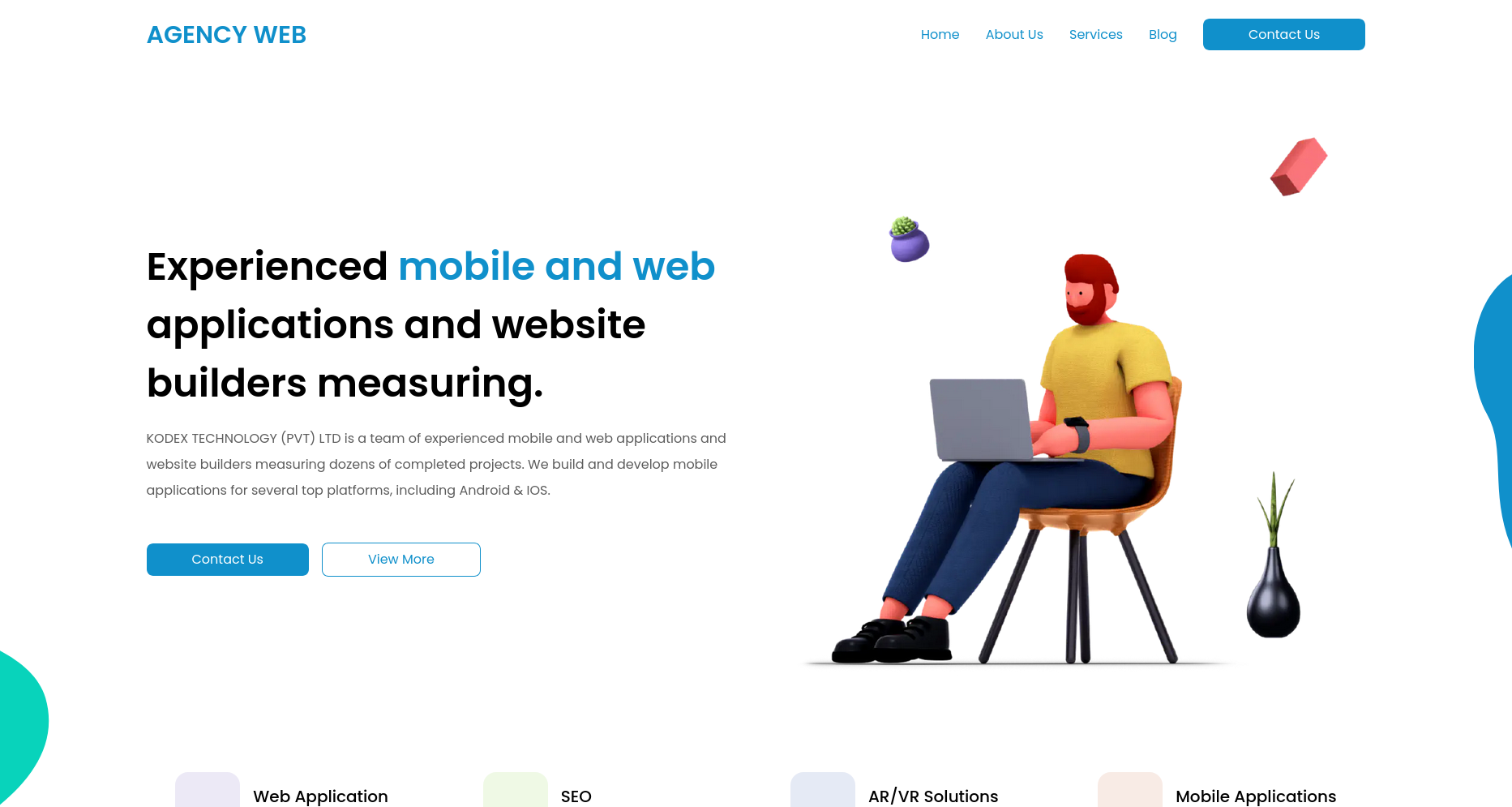
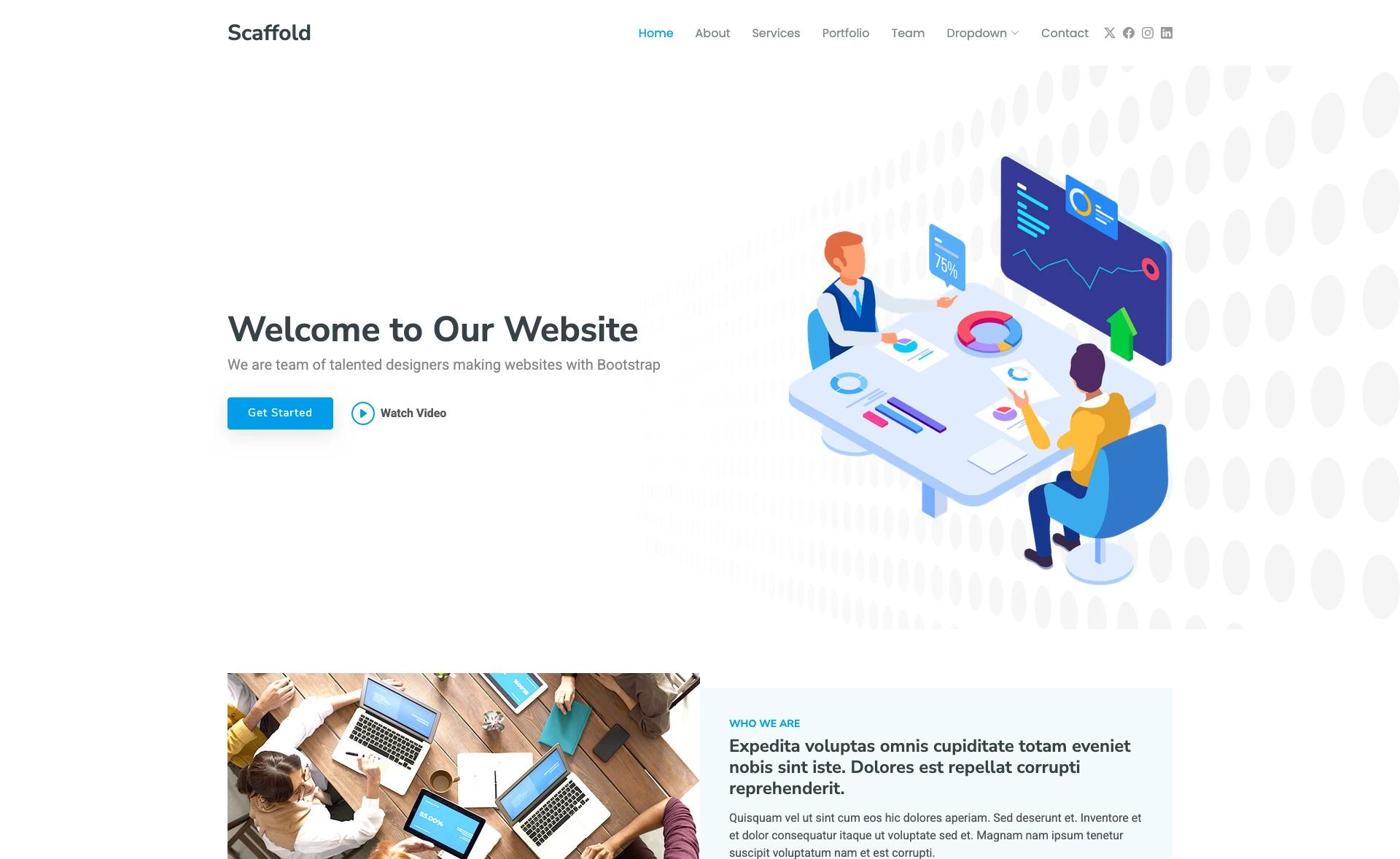
Legacy web agency theme for Jekyll by CloudCannon, built with Bookshop components and optimized for CloudCannon editing.
About this template
Urban is a Jekyll template from CloudCannon, built with the Bookshop component library, for creating web agency websites; it is now marked as a legacy template no longer maintained.
What is Urban?
Urban is a Web Agency themed business template for Jekyll, created by CloudCannon, the Cloud CMS for Jekyll and Hugo. It takes site content from Jekyll collections (posts, staff members, navigation and footer data files) and outputs a static agency website with pre-built pages for portfolio, blog, staff, and contact. The template runs on Jekyll version 4.2.0 and is designed for live editing and deployment through CloudCannon.
What makes Urban stand out?
- Jekyll 4.2.0 foundation — Built on Jekyll 4.2.0, with support for newer Jekyll versions, using collections for posts, staff, and settings.
- Bookshop component library — The component library is built and maintained for Bookshop, giving developers pre-styled, reusable components for website building.
- CloudCannon live editing — Optimized for CloudCannon, offering live visual editing and a one-click deploy button for connecting a GitHub repository.
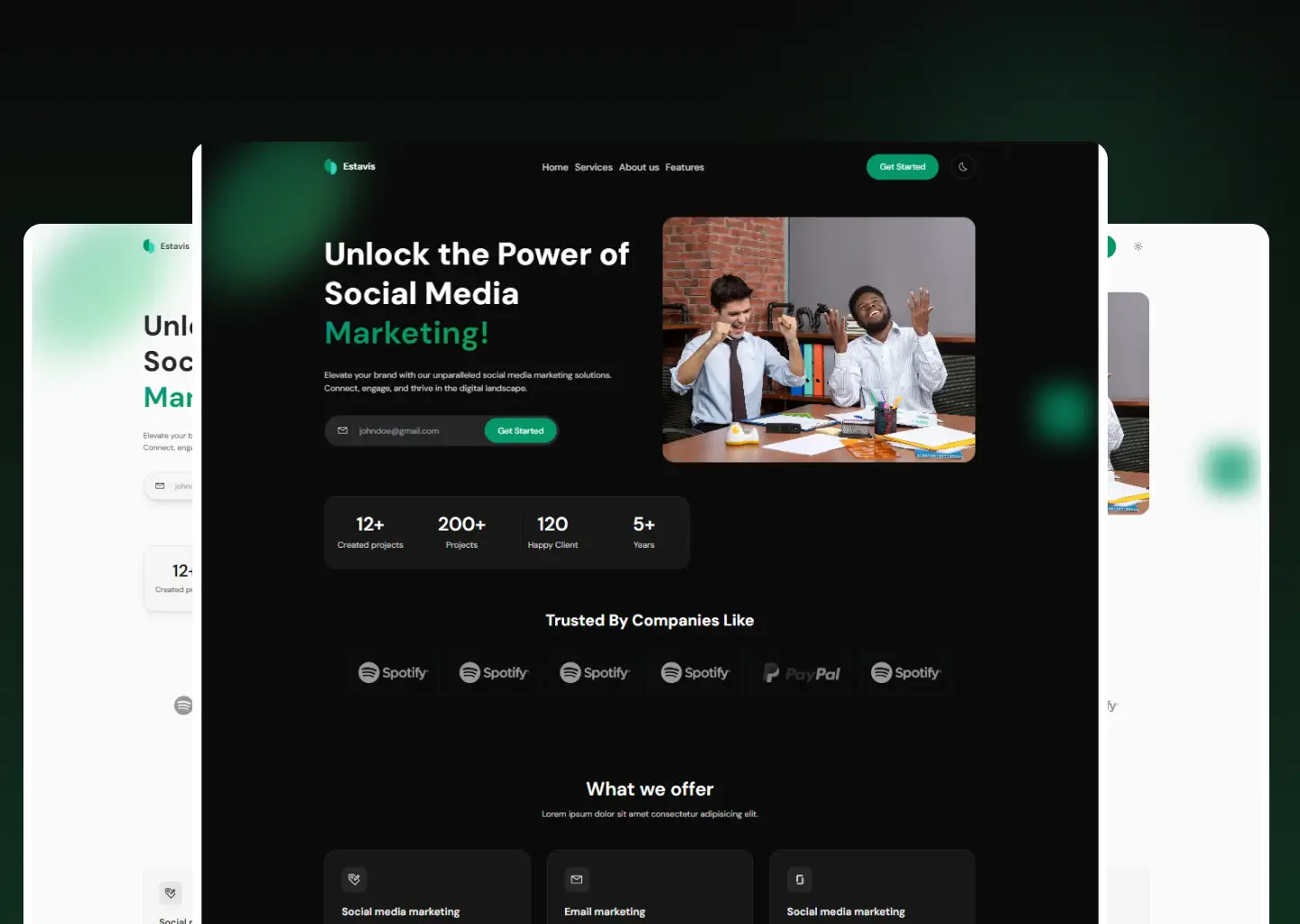
- Dark mode — Includes a built-in dark mode for the agency theme.
- Client portfolio and blog — Pre-built pages for a client portfolio and blog, with post category pages and a staff/author system linking posts to staff members.
- RSS/Atom feed and SEO — Ships with an RSS/Atom feed and search engine optimisation features.
- Data-file navigation and footer — Navigation and footer are managed as data files in Website Settings, letting clients edit menus and footer content without touching code.
- Contact forms preconfigured — Contact forms are preconfigured for CloudCannon and can be switched to another provider such as FormSpree.
Who should use Urban?
- Web agencies wanting to increase their web presence with a configurable Jekyll theme that includes portfolio, blog, and staff pages.
- Jekyll developers looking for a Bookshop-powered starting point to build and extend an agency site with reusable components.
- CloudCannon clients who need to edit site content through a visual interface rather than editing code directly.
What can you do with Urban?
- Agencies launching a new site: Set up an agency website with portfolio, blog, staff author pages, and contact forms using the pre-built pages and components.
- Developers customizing a theme: Use the Bookshop component library to add or restyle components, and use the easy theme switching to change the site's look.
- Content editors managing posts: Add, update, or remove posts in the Posts collection, and assign a Staff Author from the Staff Members collection to attribute each post.
- Site owners configuring navigation and footer: Edit the navigation and footer data files in CloudCannon's Website Settings to control menus and footer content without code.
How do you set up Urban?
- Open Website Settings > General Settings and add your website name and live domain URL.
- Add an author to the Staff Members collection.
- Install dependencies with
npm install, thencd siteand runbundle install. - Run
npm startfrom the root to run the website locally, or use CloudCannon's live visual editing. - Add any remaining options to Website Settings > General Settings if required.
FAQ
Is Urban still maintained?
No. The template is marked as a legacy template no longer maintained, so it will not receive updates from CloudCannon. You can still use it, but be aware that future Jekyll or CloudCannon changes might not be supported.
What Jekyll version does Urban use?
Urban was built with Jekyll version 4.2.0 and should support newer Jekyll versions as well. The setup instructions use Bundler to install Jekyll dependencies.
Does Urban work with CloudCannon?
Yes. Urban is optimized for editing in CloudCannon, with features like live editing, explore views for collections, and a deploy button that connects to CloudCannon from GitHub. The contact form is also preconfigured to work with CloudCannon.
Can I change the contact form provider?
Yes. The contact form is preconfigured for CloudCannon but is easily changed to another provider such as FormSpree. The site sends email to the address defined within the component.
How do I manage navigation and footer in Urban?
Navigation and footer are managed as data files in the Website Settings > Navigation and Website Settings > Footer sections of CloudCannon. This gives clients better access to editing these areas without code.