Template details
urFolio
Free open-source developer portfolio template built with Next.js, featuring projects, skills, and contact sections.
About this template
urFolio is a free and open-source portfolio template for developers built on Next.js, turning a developer's projects, skills, and contact details into a responsive personal website.
What is urFolio?
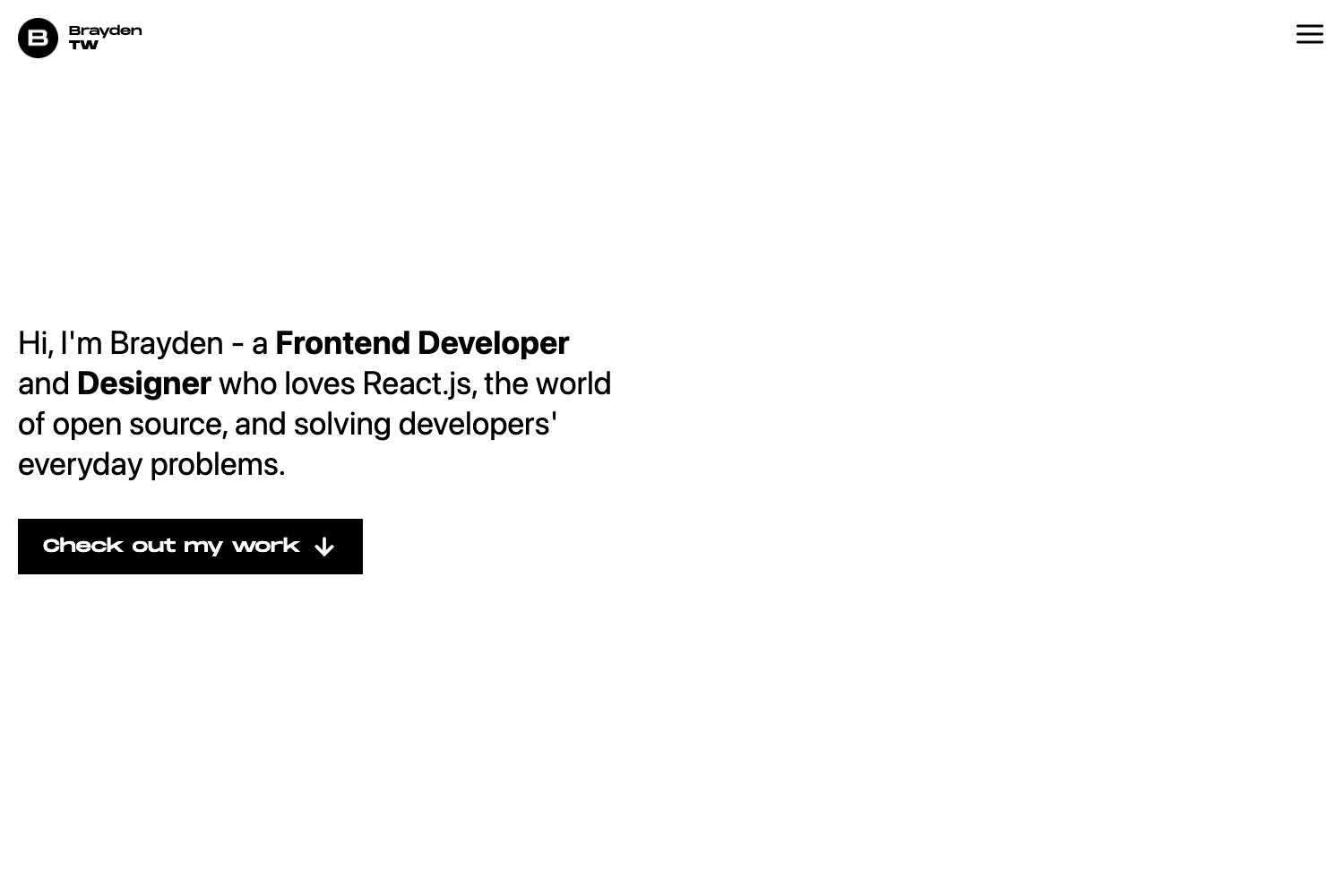
urFolio is a developer portfolio template powered by Next.js, available on GitHub under the MIT license. It takes placeholder content in a Next.js project (live demo at urfolio.vercel.app) and produces a clean, responsive personal portfolio site with sections for projects, skills, and contact information. The template is maintained on GitHub by alsiam and is part of the urFolio repository.
Key Features
- Next.js 14 with App Router — Built on the latest Next.js version (as indicated by repository topics), offering improved performance and maintainability over older React setups.
- TypeScript support — The repository topics include
nextjs-typescript, indicating the template is written in TypeScript for type safety. - Responsive layout — The design adapts to different screen sizes, ensuring the portfolio looks good on mobile and desktop.
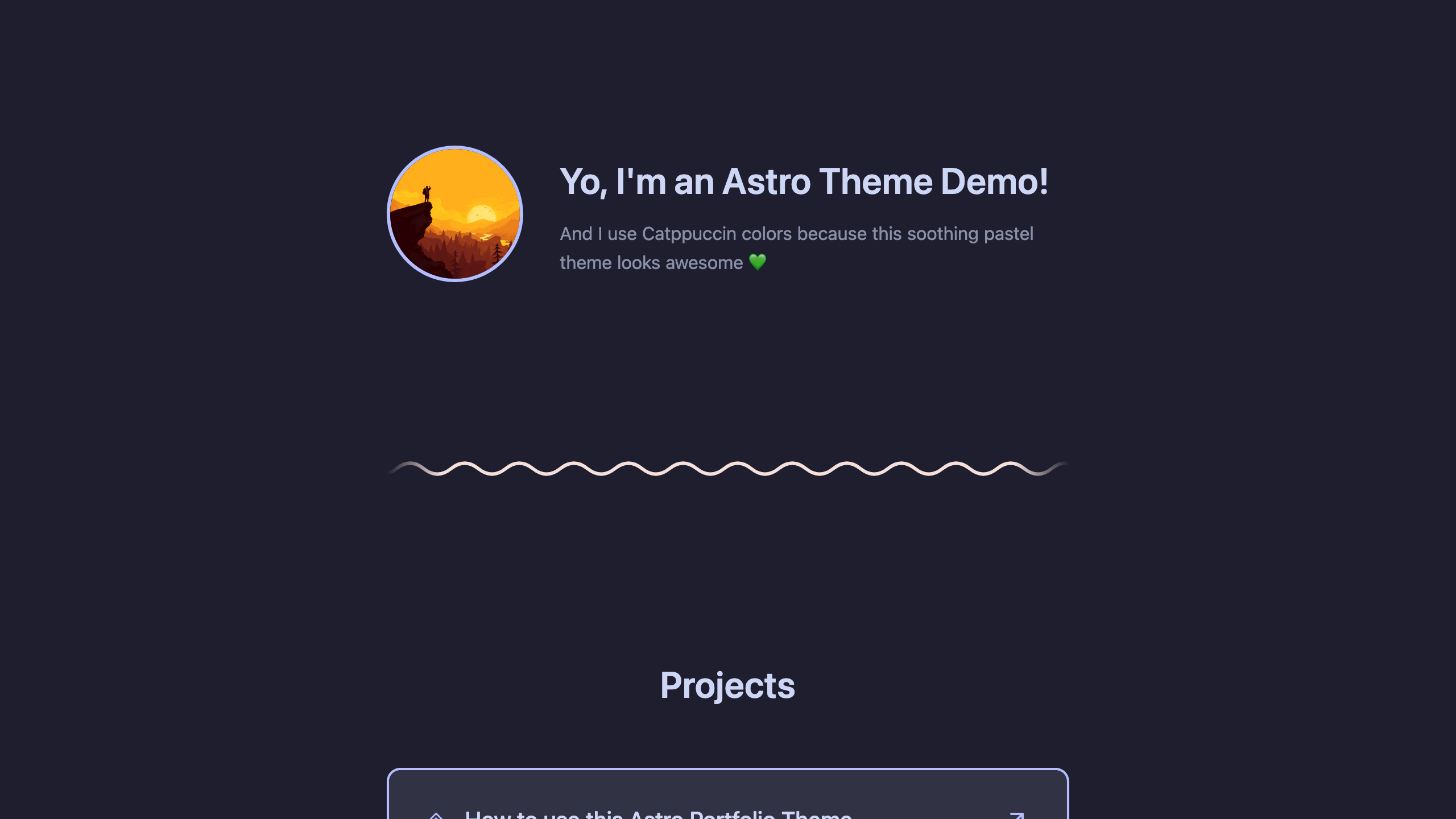
- Clean and modern design — A minimalist aesthetic focused on showcasing developer work without visual clutter.
- Dedicated sections — Includes ready-made sections for projects, skills, and contact information.
- Easy customization — Colors and fonts are edited in
styles/globals.css, and placeholder images live inpublic/img. - Vercel deployment — The live demo is hosted on Vercel, making it straightforward to deploy your own instance.
- MIT License — Free to use, copy, and modify for personal or commercial projects.
Who is it for?
- Developers — Quickly launch a personal portfolio showcasing their projects and technical skills without building from scratch.
- Job seekers in tech — Create a professional online presence to share with recruiters, with dedicated sections for projects and contact details.
- Students and freelancers — Replace the placeholder content in
src/pages/index.jswith their own information to publish a personal site.
What can you do with urFolio?
- Showcase projects — Add your own project entries to the projects section, linking to live demos or repositories.
- List technical skills — Display your skill set in a dedicated section to communicate your expertise to visitors.
- Provide contact information — Use the contact section to give visitors a way to reach you, whether via email or social links.
- Customize brand colors — Change the color scheme by editing
styles/globals.cssto match your personal brand.
How does urFolio work?
- Clone the repository with
git clone https://github.com/alsiam/urFolio.git. - Run
npm installto install dependencies, thennpm run devto start the development server athttp://localhost:3000. - Replace placeholder content in
src/pages/index.js, customize styles in thestylesdirectory, and swap images inpublic/imgwith your own.
Pricing
urFolio is completely free and open-source under the MIT License. No paid tiers exist, and you can use it for personal or commercial portfolios.
FAQ
Is urFolio free?
Yes, urFolio is free and open-source under the MIT License. You can clone the repository, use it for your own portfolio, and even modify and redistribute it, as long as you retain the license notice.
What framework does urFolio use?
urFolio uses Next.js, specifically Next.js 14 with the App Router, and it is written in TypeScript. This makes it a modern React-based framework for building server-rendered applications.
How do I customize the colors and fonts?
Colors and fonts are defined in the styles/globals.css file. You can edit the CSS variables or style rules there to match your preferred palette and typography.
Where do I add my projects?
Projects, skills, and contact information are added by replacing placeholder content in the src/pages/index.js file. The template includes structured sections ready for your data.
Is there a live demo?
Yes, the live demo is available at urfolio.vercel.app. You can preview the default design and see how it looks before customizing.