Template details
Astro Portfolio Template
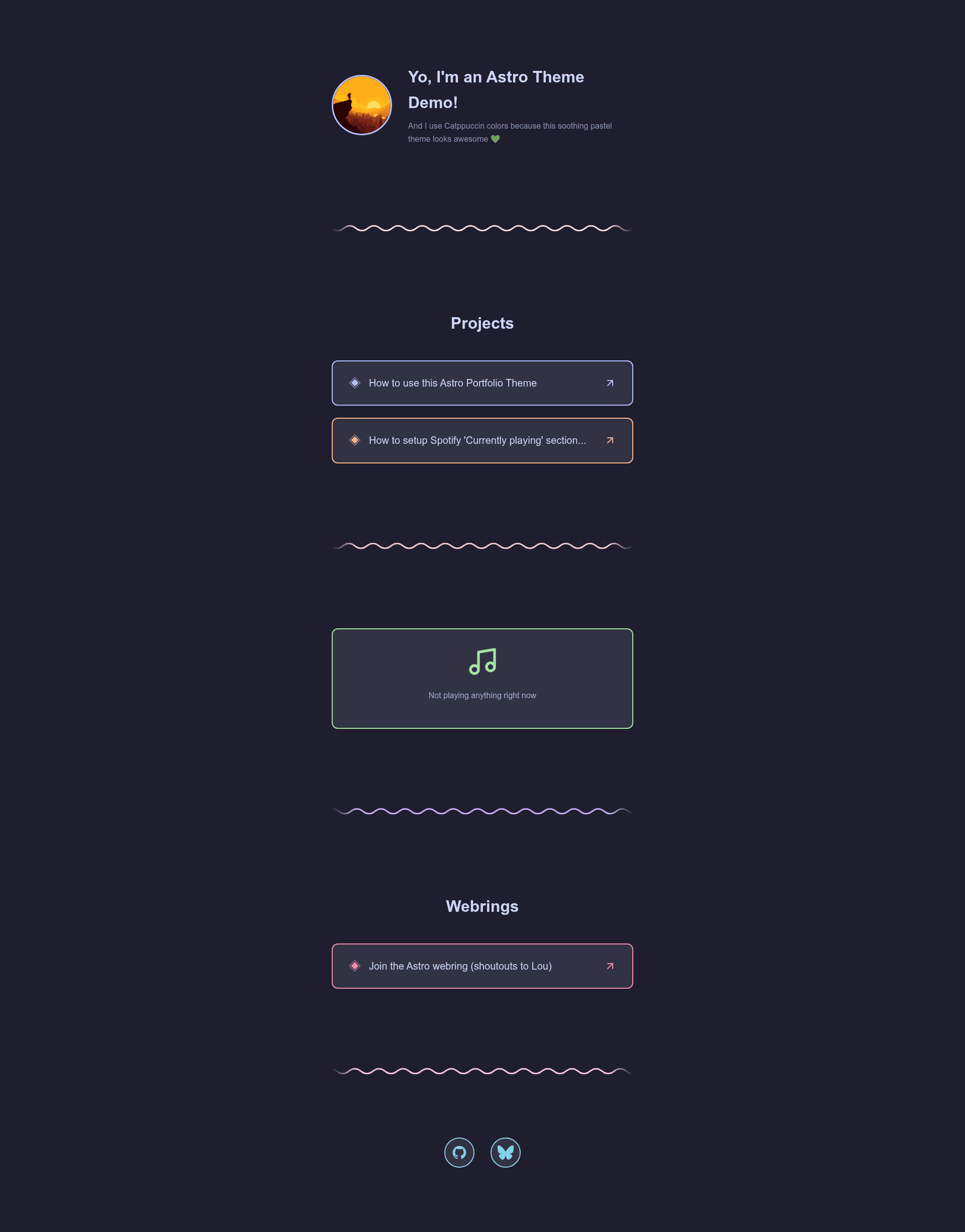
A personal portfolio website template built with Astro by trueberryless, MIT-licensed, deployable to Netlify or Vercel.
About this template
Astro Portfolio Template is a personal portfolio website template built on the Astro static-site framework by developer trueberryless, distributed through GitHub's template-repository feature under an MIT license.
What is Astro Portfolio Template?
Astro Portfolio Template is a starting point for a personal portfolio site. It takes a GitHub repository copy and a set of TODO markers as input, and produces a deployable static website as output. The template runs on the Astro framework and is authored by trueberryless, who licenses it under the MIT license. Its repository metadata describes it as a "Personal Portfolio Template Powered by Astro," and it currently has eight stars on GitHub.
Key Features
- Astro framework — Built on Astro, a static site generator that supports deployment on any platform Astro supports, including Netlify and Vercel.
- GitHub template workflow — Users can copy the repository with the "Use this template" button in the GitHub UI rather than forking it.
- TODO-based customization — The setup process involves searching the entire codebase for "TODO" comments and completing them, an effort the author estimates at roughly one hour.
- MIT license — The template is freely available for personal and commercial use with attribution to the copyright holder.
- Multiple deployment targets — The README explicitly points to Netlify and Vercel as options and links to Astro's official deployment documentation for other hosts.
- Global search recommended — The README advises opening the cloned repository in an editor that supports global search to find all TODO markers efficiently.
Who is it for?
- Developers who need a portfolio — They can clone the template, fill in their own information via the TODO markers, and deploy their personal site on Netlify or Vercel.
- Astro users — Anyone already familiar with the Astro framework can quickly adapt the template's structure without learning a different framework.
- Hobbyists wanting a static site — Because Astro outputs static HTML, users get a fast site that requires no server-side setup, only static hosting.
How does Astro Portfolio Template work?
The README outlines four steps: first, use the template via the GitHub UI; second, clone the resulting repository and open it in an editor with global search; third, search for TODO everywhere and complete each one, a process the author says takes about one hour; and fourth, deploy the site with a service like Netlify or Vercel, following Astro's deployment guide.
Pros and cons
- Pros: Free under MIT license; no lock-in, since it's plain Astro and can be deployed anywhere Astro is supported; simple setup based on editing TODO comments.
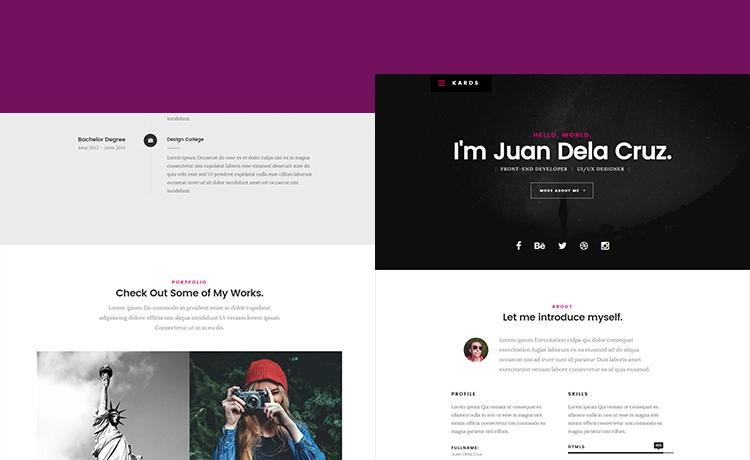
- Cons: Requires manual editing of many TODOs, which takes an estimated hour; the template's exact visual design is not documented in the README, so customization may require reading the code.
Pricing
The template is free under the MIT license, so there is no cost to use or modify it.
FAQ
Is Astro Portfolio Template free?
Yes, the template is licensed under the MIT license, so you can use, modify, and distribute it for free, with the requirement to preserve the copyright notice.
What does Astro Portfolio Template do?
It gives you a pre-built personal portfolio site on the Astro framework. You copy it, complete the TODO markers with your information, and deploy the resulting static site to a host like Netlify or Vercel.
How long does it take to set up?
The author estimates around one hour to complete all the TODO steps. That includes finding every TODO comment across the codebase and replacing them with your own content.
Can I deploy Astro Portfolio Template on Netlify?
Yes, the README explicitly lists Netlify as a deployment option and links to Astro's deployment guides, which cover Netlify along with Vercel and other hosts.