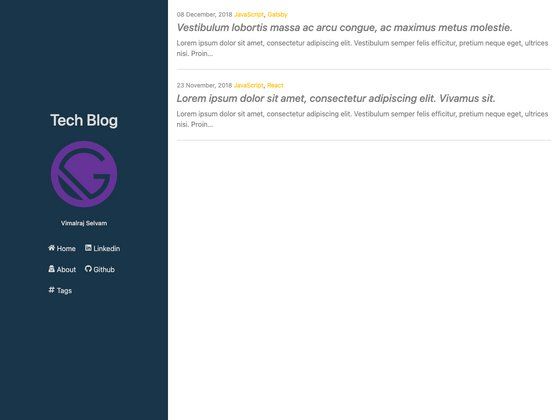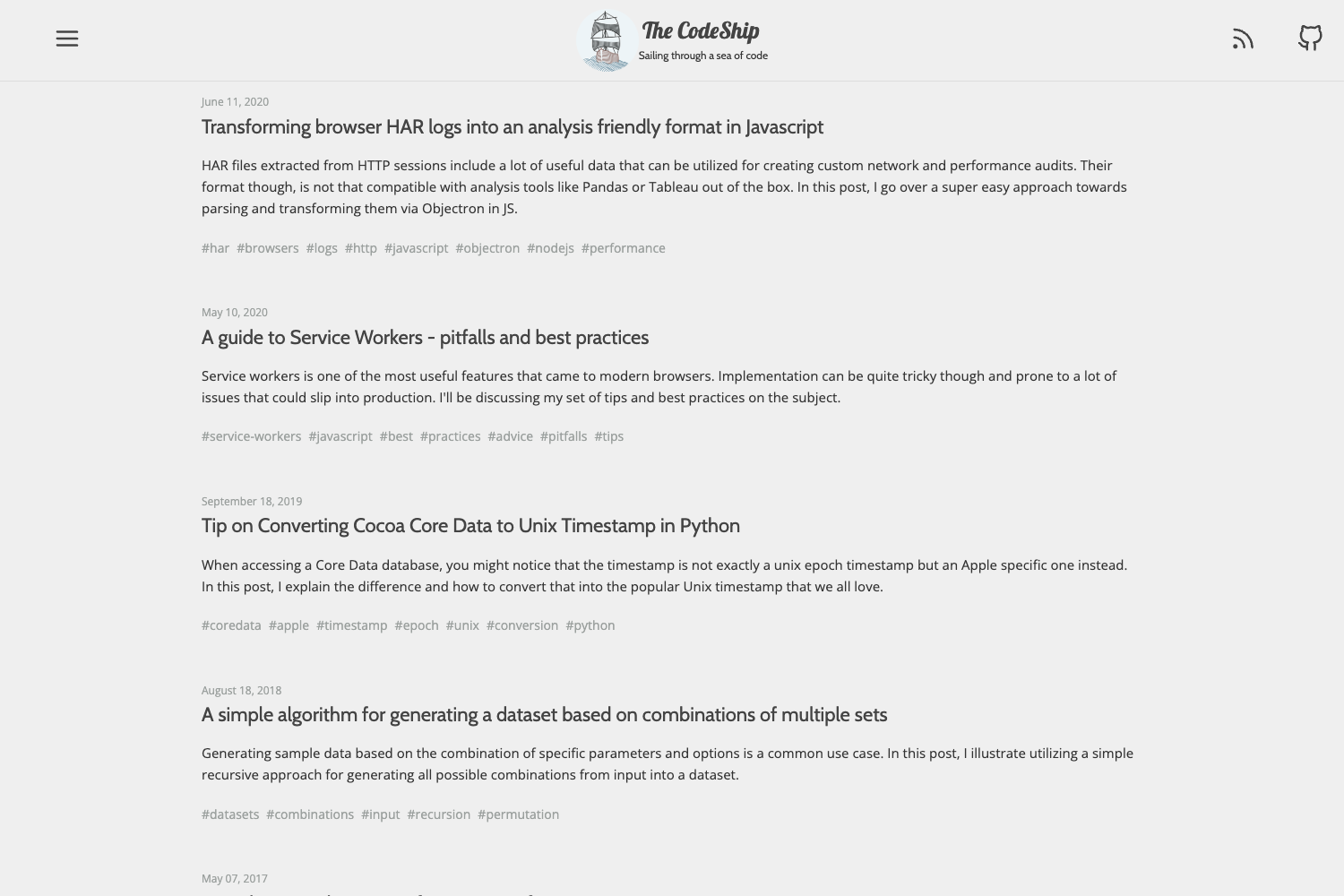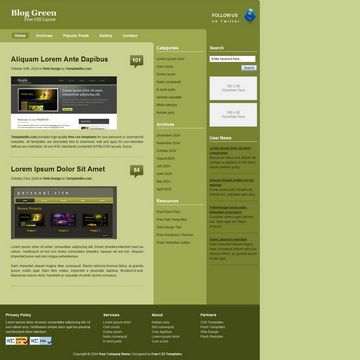
Template details
Vintage Web Hugo Theme
A nostalgic Hugo theme inspired by late 90s/early 2000s web design.
About this template
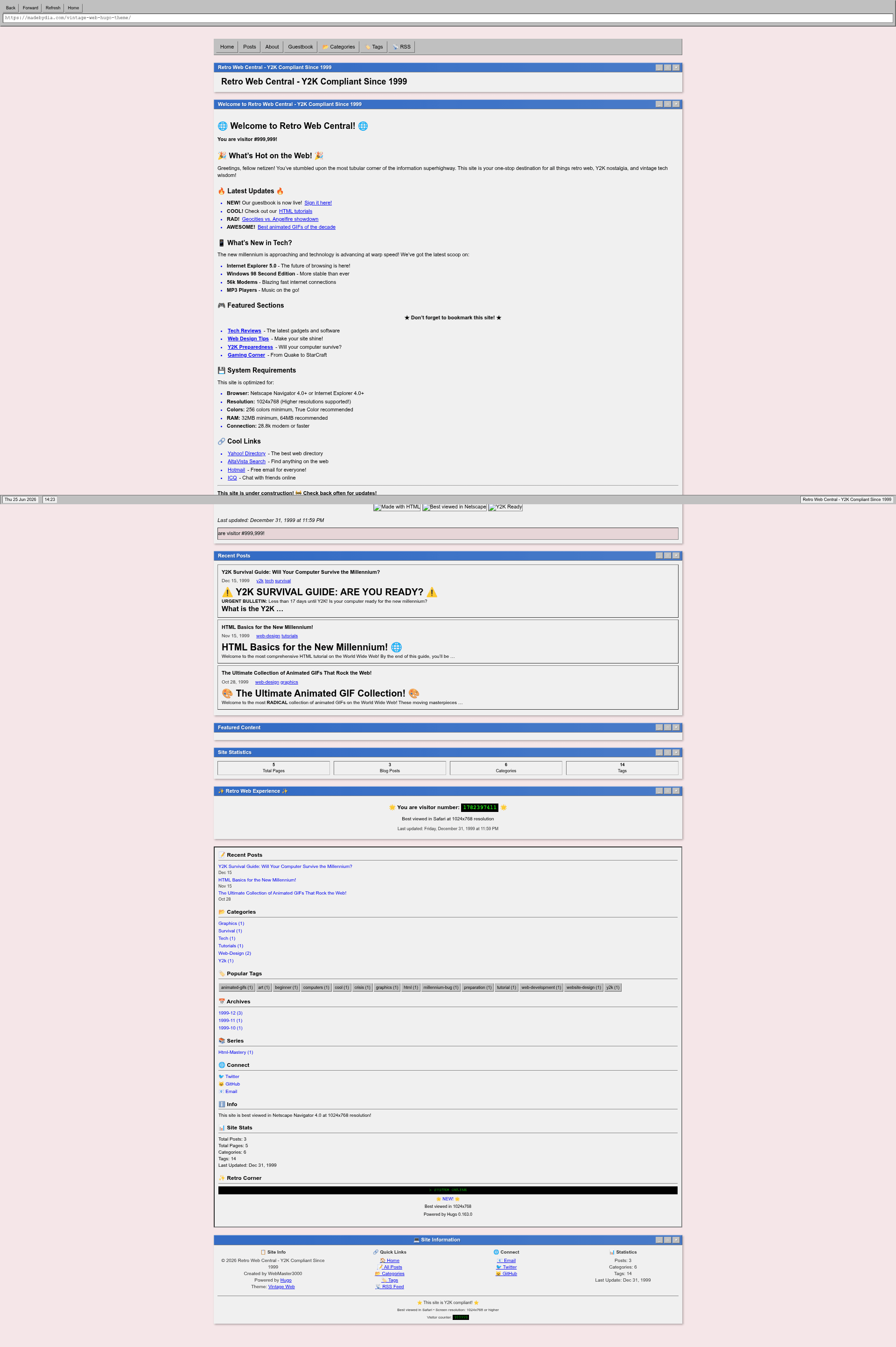
Vintage Web Hugo Theme is a nostalgic Hugo theme by @madebydia that recreates late-90s operating-system interfaces as a static blog platform, complete with window chrome, marquees, and a Konami code easter egg.
What is Vintage Web Hugo Theme?
Vintage Web Hugo Theme is a Hugo theme for static sites that outputs a retro-styled blog with classic window-style interfaces, 90s color palettes, and interactive elements like blinking text and marquees. It runs on Hugo's static site generator, takes Markdown content files as input, and produces a fully responsive HTML site with SEO metadata, RSS feeds, and accessibility features. The theme is developed by @madebydia and released under the MIT License.
Key Features
- Retro window interface — Every page renders in classic OS-style windows with title bars, minimize/maximize/close controls, a status bar, and browser-chrome effects.
- Interactive easter eggs — Includes a working Konami code (↑↑↓↓←→←→BA) and keyboard navigation shortcuts for a period-authentic experience.
- Layout and content flexibility — Supports three post views (list, grid, archive), complete Markdown, syntax highlighting, image galleries with lightbox, table of contents, and categories/tags/series taxonomies.
- Customization via CSS variables — Override the entire color scheme by setting CSS custom properties like --bg-primary, --text-link, and --highlight; custom CSS and JavaScript can be injected through hugo.toml params.
- Built-in SEO and analytics — Out of the box structured data, RSS feeds, social sharing buttons, and google_analytics configuration.
- Responsive and accessible — Mobile-responsive design with semantic HTML, ARIA labels, keyboard navigation, and high-contrast color options.
- Example site included — Ships with an exampleSite containing 90s-themed sample posts, a guestbook, and a Y2K survival guide for testing locally.
Who is it for?
- Hugo bloggers seeking a distinctive retro identity — Create a personal or niche blog that stands out with 90s-era window chrome and marquees.
- Web developers and designers — Use its CSS variable system and custom JS hooks to build a custom retro portfolio or archive without writing a full theme from scratch.
- Nostalgia-driven content creators — Publish retro-themed content (gaming, internet history, Y2K, anime) where the design reinforces the subject matter.
What can you do with Vintage Web Hugo Theme?
- Build a retro personal blog — Add Markdown posts in content/posts with front matter for author, categories, tags, series, and featured images, and the theme renders them in window-style layouts with TOC and sharing buttons.
- Create a nostalgic portfolio — Use the grid post view and image galleries with lightbox to showcase design or art projects in a 90s-OS wrapper.
- Launch a themed web directory or archive — Leverage taxonomies (categories, tags, series) to organize old-school content and present it with the retro status bar and sidebar stats.
How does it work?
Install the theme by cloning or adding it as a submodule into the themes directory, then set theme to vintage-web-hugo-theme in hugo.toml. Content is authored as standard Markdown files with YAML front matter; Hugo builds the static site and the theme's templates apply the retro chrome, configurable via theme parameters for browser chrome, sidebar, footer, and social links.
FAQ
Is Vintage Web Hugo Theme free?
Yes, the theme is released under the MIT License, so it is free to use, modify, and distribute for personal or commercial projects.
How do I install the theme?
You can install it three ways: git submodule add the repository URL to themes/vintage-web-hugo-theme, git clone, or download the latest release into the themes directory.
Can I customize the colors?
Yes, override CSS custom properties such as --bg-primary, --bg-window, and --text-link in your site's CSS, or inject custom CSS through the custom_css parameter in hugo.toml.
Does it support multiple authors or series?
The front matter supports an author field, and taxonomies for categories, tags, and series are defined in the configuration, so you can organize posts into series and list by author.
Is the theme responsive and accessible?
Yes, the theme uses a progressive enhancement approach, is fully responsive, includes semantic HTML, ARIA labels, keyboard navigation, and high-contrast schemes for screen readers.