Template details
WebSheets Listing Page
Gatsby template for generating listing/directory websites from Google Sheets data.
About this template
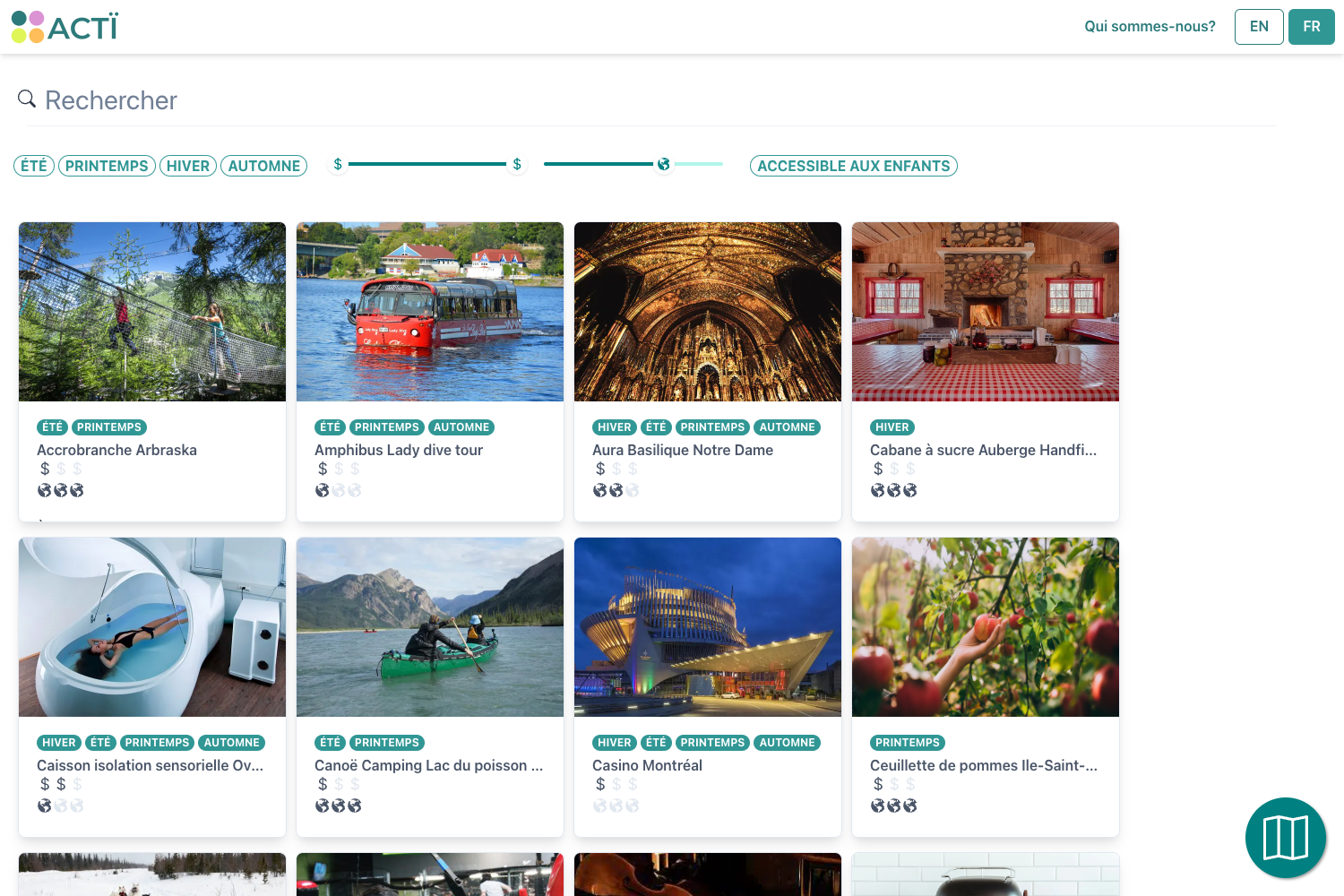
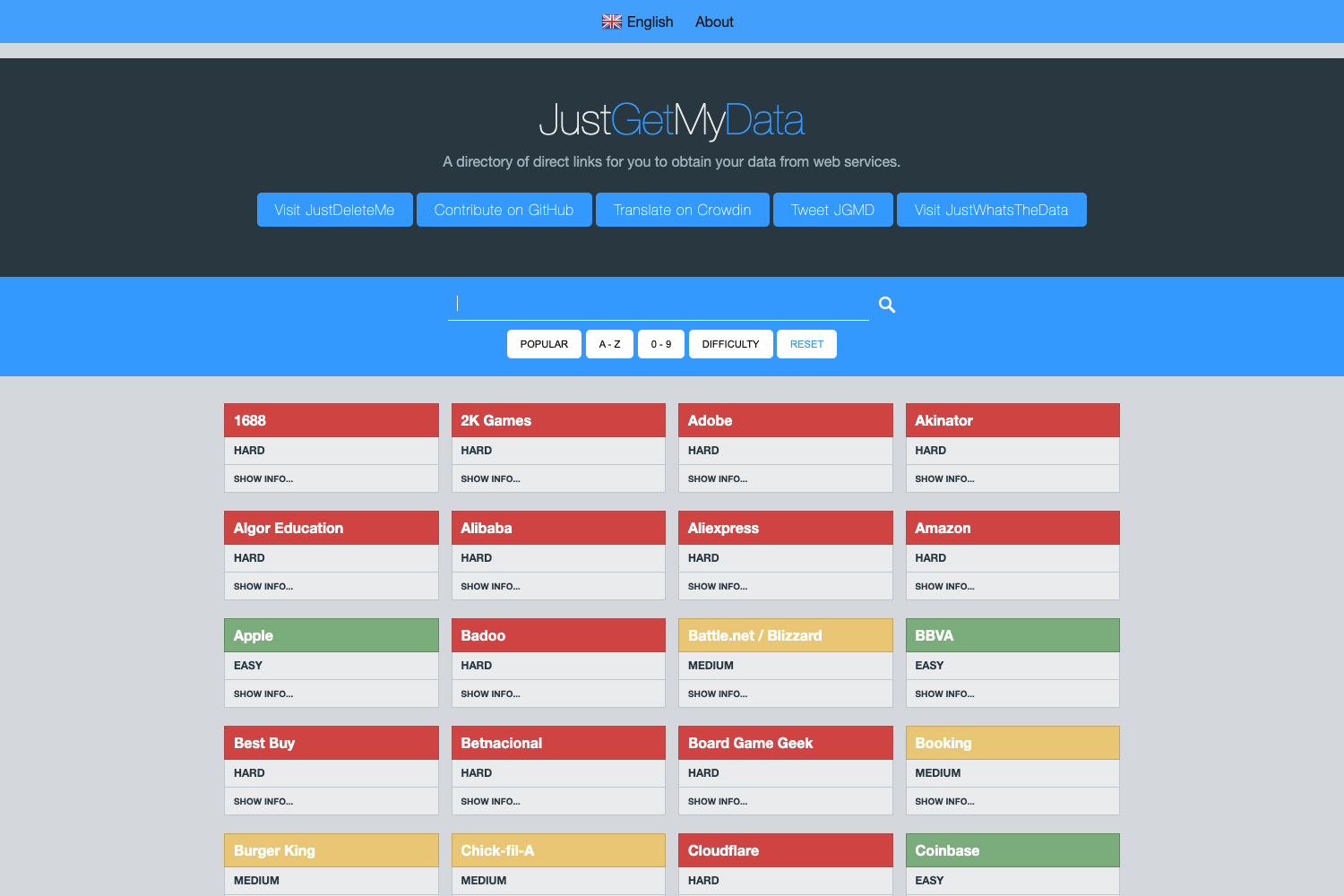
WebSheets Listing Page is an open-source Gatsby template that generates listing and directory websites from Google Sheets data, turning a spreadsheet into a fast static site.
What is WebSheets Listing Page?
WebSheets Listing Page is a Gatsby starter repository that uses a Google Sheet as its content source and produces a static progressive web app (PWA) with SEO and offline support. The template accepts a publicly viewable Google Sheets document and a Google Sheets API key, then builds a deployable site that displays general site information and listing items. It is authored by tengkuhafidz, distributed under the MIT license, and registered with the topics gatsby, google-sheets, and hacktoberfest.
Key Features
- Google Sheets as CMS — All site content lives in two tabs of a copied Google Sheets template: a site tab for general information and a listing tab for the items to display.
- Static site with PWA support — The production build outputs static HTML, CSS, and JavaScript that loads fast and works offline for visitors.
- SEO and analytics ready — SEO is optimized by default and Google Analytics is included and configured through environment variables.
- Responsive with dark/light mode — The interface is mobile responsive and offers a dark/light mode toggle.
- Share and call-to-action buttons — Each listing supports share-to-socials buttons and CTA buttons to direct visitors toward actions.
- Multiple layout combinations — The template includes several layout options for arranging the listing content.
- Configured developer tooling — The project is written in TypeScript, styled with TailwindCSS, and ships with Prettier, ESLint, and Husky preconfigured.
Who should use WebSheets Listing Page?
Developers who want to publish a catalog or directory without building a backend can use this template to edit a Google Sheet and regenerate the site. Small teams and organizations that need a simple directory of services, products, or resources can maintain the content collaboratively in a familiar spreadsheet interface. Prototypers and indie hackers can spin up a listing site quickly by copying the sheet template, supplying an API key, and deploying the generated static files to any static host.
What can you do with WebSheets Listing Page?
- Publish a service directory: List businesses, professionals, or venues with descriptions, links, CTA buttons, and social sharing, all managed from a spreadsheet.
- Create a product catalog: Display products in a fast-loading, offline-capable web app so mobile visitors can browse without constant connectivity.
- Launch a resource or link collection: Curate useful links or articles in the listing tab and expose them to visitors through a clean, SEO-optimized card layout.
How does WebSheets Listing Page work?
Getting started involves preparing a public Google Sheet, enabling the Google Sheets API for a Google Cloud project, and creating an API key. After copying the repository with the Gatsby CLI command gatsby new [YOUR_SITE_NAME] tengkuhafidz/WebSheets-Listing-Page, you add a .env file containing the environment variables GATSBY_GOOGLE_CREDENTIALS and GATSBY_SHEET_URL. Run npm start for local development at http://localhost:8000 or npm run build followed by npm run serve for a production build served at http://localhost:9000.
FAQ
Is WebSheets Listing Page free?
Yes, the template is open source under the MIT license, so it is free to use and modify. The author accepts optional sponsorship through a Buy Me a Coffee page if you find the project helpful.
What are the prerequisites for using this template?
You need Node.js, the Gatsby CLI installed globally, a Google API project with the Google Sheets API enabled, and a Google Sheets document (copied from the provided template) that is publicly viewable by anyone with the link.
Do I need a server or database for the site?
No. The Google Sheet acts as the content management system, and the template builds static files that can be hosted on any static host. There is no backend to maintain after the build step.
What should go in the Google Sheet?
The sheet has two tabs that must keep their names: a site tab containing general site information and a listing tab containing the items you want to display. The template reads both tabs during the build.
Why is my site not building?
Common causes include the Google Sheet not being publicly viewable, the Google Sheets API not being enabled for the correct project, missing double quotations around environment variable values in the .env file, or not having a .env file at the project root with the required GATSBY_GOOGLE_CREDENTIALS and GATSBY_SHEET_URL parameters.