Template details
AdminLTE
AdminLTE - Free admin dashboard template based on Bootstrap 5
About this template
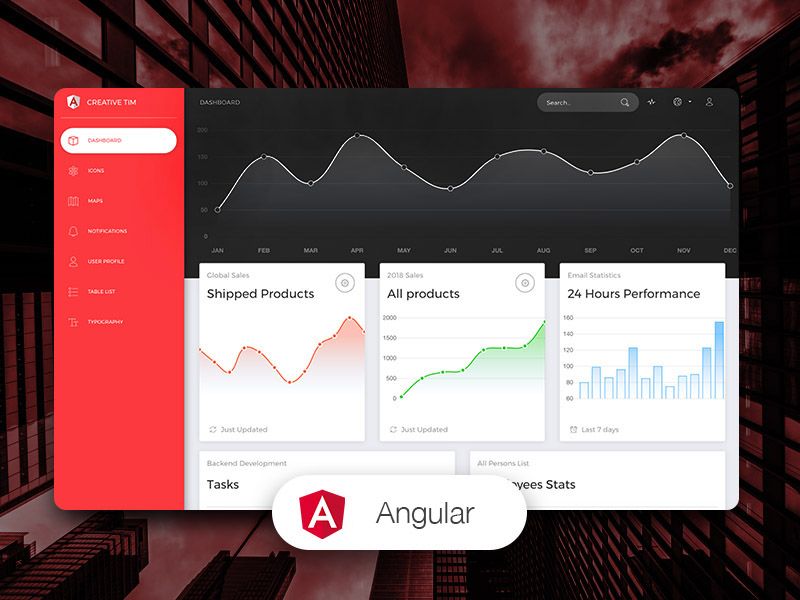
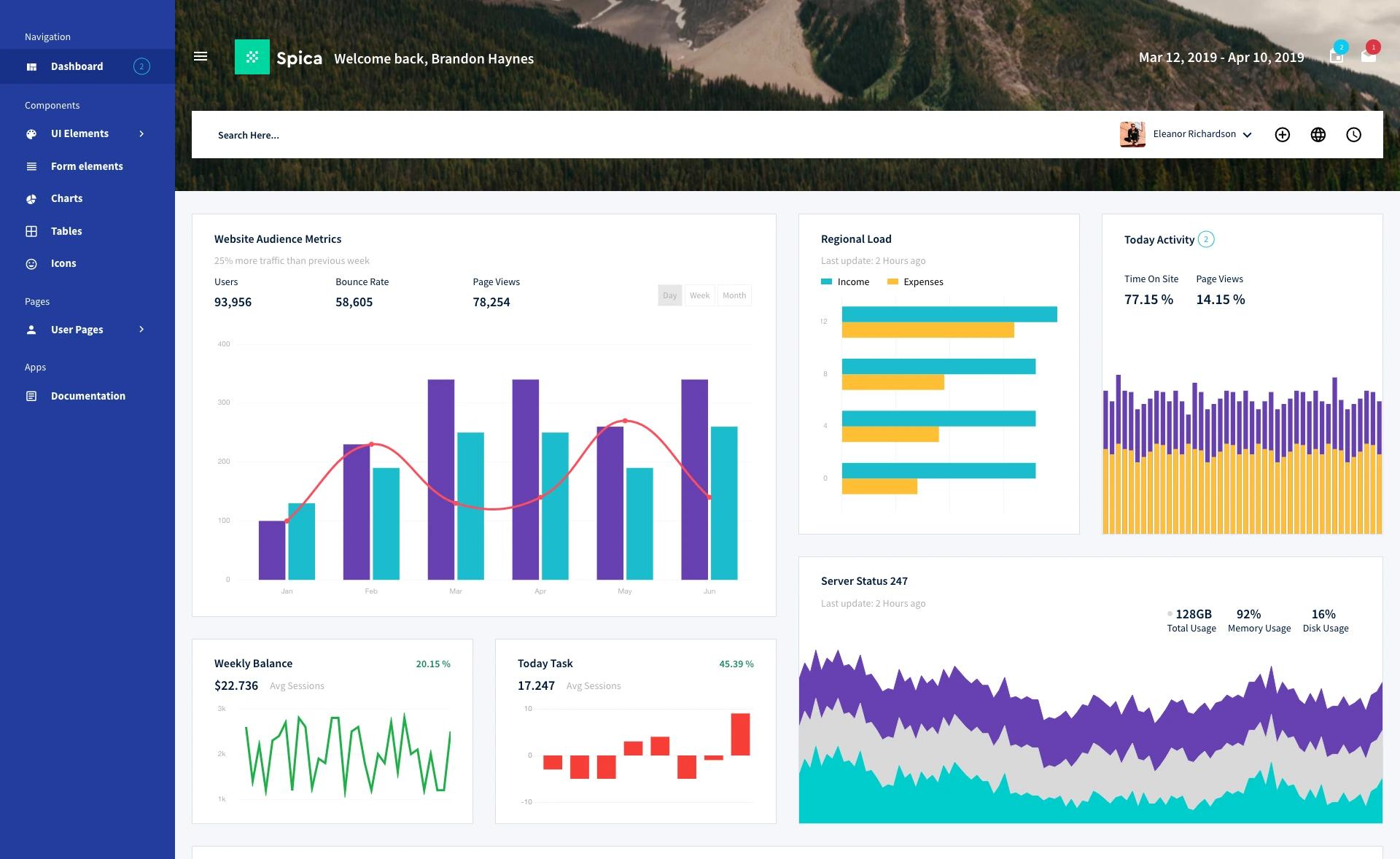
AdminLTE is a free, MIT-licensed open-source admin dashboard template built on Bootstrap 5.3 and vanilla JavaScript, designed to give web developers a responsive, customizable UI for back-office applications.
What is AdminLTE?
AdminLTE is an open-source admin dashboard template from AdminLTE.io and ColorlibHQ, built on Bootstrap 5.3.8 with vanilla TypeScript/JavaScript and no jQuery. It takes Bootstrap's CSS and JavaScript as its foundation and produces a responsive set of dashboard pages, layouts, and UI components that developers can drop into any web application. The template is distributed via CDN, npm, and Composer.
Key Features
- Bootstrap 5.3 with no jQuery — The v4 rewrite uses vanilla TypeScript plugins and native Bootstrap 5.3 data attributes, removing the jQuery dependency of earlier versions.
- 18 new demo pages — Includes Calendar (FullCalendar), Kanban (SortableJS), Chat, File Manager, Projects, Mailbox (Inbox/Read/Compose), a 4-step Wizard form with validation, Tabulator data tables, Profile, Settings, Invoice, Pricing, FAQ, plus 404, 500, and Maintenance error pages.
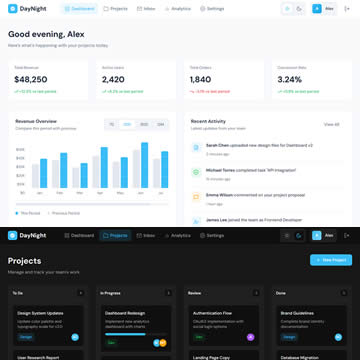
- Dark mode and RTL support — Dark mode uses the native
data-bs-theme="dark"attribute from Bootstrap 5.3, and the layout supports right-to-left languages. - Framework editions — The same AdminLTE 4 design is officially integrated for HTML, React/Next.js, Vue/Nuxt, Laravel, Django, Symfony, Angular, ASP.NET Core, and Drupal.
- Multiple installation paths — Install via jsDelivr CDN,
npm install admin-lte@4, orcomposer require almasaeed2010/adminlte. - Documentation overhaul — Includes new guides for Getting Started, Customization & Theming, RTL Support, Migration from v3, Layout Blueprint, Deployment & Performance, and a searchable FAQ with 19 questions.
- Modern tooling — Development uses ESLint 10, TypeScript 6, Stylelint 17, Bootstrap 5.3.8, and Node 22 LTS, with
npm installreporting 0 vulnerabilities. - MIT license — Free to use in commercial projects, though AdminLTE.io reserves the right to change the license of future releases.
Who is it for?
- Web developers building admin panels — They can copy the demo pages or use the layout classes to build custom dashboards, user management screens, and analytics views.
- Startups and SaaS teams — They get a ready-made responsive dashboard UI (sidebar, navbar, cards, tables, forms) without designing from scratch.
- Backend developers using PHP/Laravel, Python/Django, or .NET — They can install the framework-specific editions that ship Blade components, reusable Django apps, or Blazor components.
- Agencies and freelancers — They can reskin the template with the theming and customization docs to deliver white-label admin interfaces.
What can you do with AdminLTE?
- Build a project management dashboard: Use the Kanban demo page (SortableJS) to drag-and-drop tasks across columns.
- Create a communication hub: The Chat and Mailbox (Inbox/Read/Compose) pages provide ready-made UI for messaging and email interfaces.
- Display data in tables: The Tabulator-based data tables demo shows jQuery-free interactive sorting, filtering, and pagination.
- Sell a premium product: The Pricing and Invoice pages serve as templates for billing and plan-selection screens.
How do you get started with AdminLTE?
- Install via CDN, npm, or Composer — Add the
adminlte.min.cssstylesheet andadminlte.min.jsscript from jsDelivr, runnpm install admin-lte@4, or runcomposer require almasaeed2010/adminlte. - Copy a demo page — Start from the Getting Started guide or copy one of the demo pages from the live demo.
- Customize with Sass/JavaScript — For deeper changes, clone the repository, run
npm install, thennpm startfor live reload at localhost:3000.
Pricing
AdminLTE is free and open source under the MIT license for the core template. The project also lists premium dashboard templates at adminlte.io/premium for projects that need app-ready pages and framework-native codebases with dedicated support.
FAQ
Is AdminLTE free?
Yes. AdminLTE is available under the MIT license, and the README states it "will always be free and open source." However, AdminLTE.io reserves the right to change the license of future releases.
Does AdminLTE 4 require jQuery?
No. The v4 line is a ground-up rewrite on Bootstrap 5.3 with vanilla JavaScript and TypeScript plugins, so jQuery is no longer needed. This is a breaking change from v3, which used jQuery.
What Bootstrap version does AdminLTE 4 use?
AdminLTE 4 uses Bootstrap 5.3.8. Dark mode is implemented with the native data-bs-theme="dark" attribute instead of the v3 .dark-mode class.
Which frameworks have AdminLTE editions?
Official editions exist for HTML/Bootstrap, React & Next.js, Vue 3 & Nuxt, Laravel, Django, Symfony, Angular, ASP.NET Core, and Drupal. Each edition ships the same AdminLTE 4 design with idiomatic integrations for its stack.
How do I install AdminLTE?
You can load the minified CSS and JS from the jsDelivr CDN, run npm install admin-lte@4, or run composer require almasaeed2010/adminlte. The README shows all three commands in the Quick start section.