Template details
Airframe React
Free MIT-licensed React 16 dashboard template with Bootstrap 4, 120+ pages, 10+ layouts, and theming.
About this template
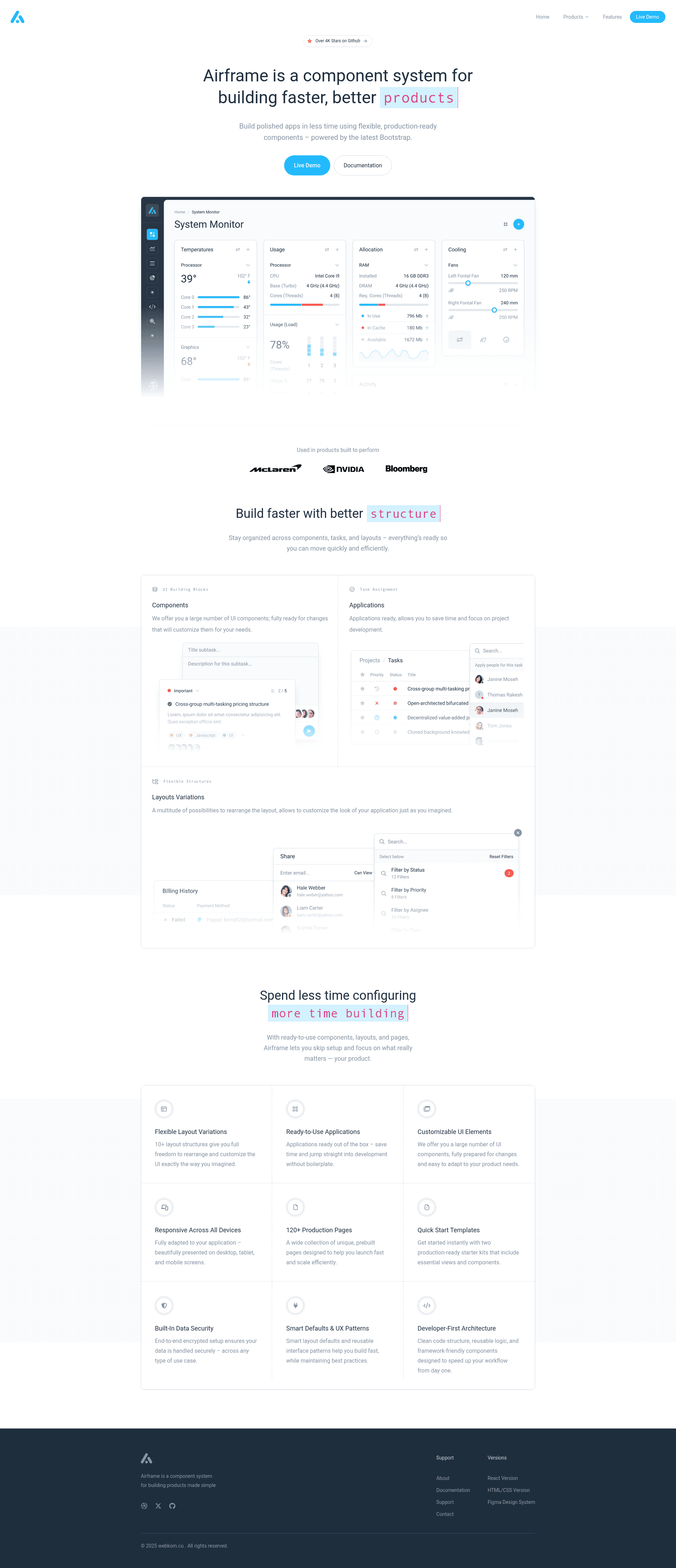
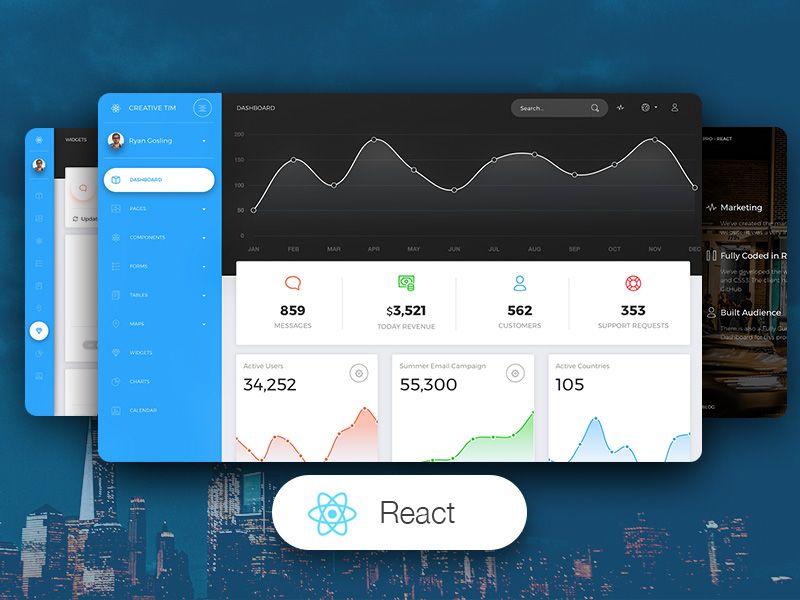
Airframe React is a free, MIT-licensed dashboard and admin template built on React 16 and Bootstrap 4 that ships with 120+ unique pages, 10+ layout variations, and a theming system for web applications.
What is Airframe React?
Airframe React is an open-source dashboard, admin, and analytics template created by Tomasz Owczarczyk, available under the MIT license. It runs on a Webpack-based React app with React Router and customized reactstrap components, and it does not support server-side rendering. The template takes a standard React project structure and produces a fully responsive admin interface that works on smartphones, tablets, and desktops.
What makes Airframe React stand out?
- 10+ Layout Variations — Rearrange the layout with multiple sidebar, navbar, and content arrangements to customize the application look.
- 120+ Unique Pages — Ready-to-use pages include applications, UI components, and dashboards that you can drop directly into your project.
- 2 Starters — Two starter kits let you begin with only the components necessary for your application.
- Responsive Design — The layout is fully adapted to desktop, tablet, and smartphone screens.
- Theming System — Set
initialStyle(light, dark, color) andinitialColor(primary, success, info, warning, danger, indigo, purple, pink, yellow) viaThemeProvider, with runtime theme switching throughThemeConsumer. - Included Libraries — Bundled dependencies include react-beautiful-dnd, react-big-calendar, react-bootstrap-table-next, recharts, react-dropzone, react-quill, react-datepicker, and more.
- Static and Dynamic Routing — Routes can be imported eagerly for immediate availability or lazily with
React.lazyandReact.Suspenseto reduce initial load time.
Who should use Airframe React?
- Developers building admin panels — Use the pre-built pages and components to skip UI work and focus on application logic.
- Startups creating internal tools — Leverage the 120+ pages and starter kits to quickly scaffold CRMs, CMSs, or analytics dashboards.
- Front-end teams working with Bootstrap 4 — Integrate the Webpack configuration, custom components, and styling structure into an existing React project.
What can you do with Airframe React?
- Build a custom CRM or CMS — Use the included applications and UI components as a foundation, then add your own business logic.
- Create an analytics dashboard — Use the chart libraries (Recharts, Peity) and the exported color palette in
app/colors.jsfor data visualization. - Rapidly prototype a product — Start from one of the 2 starters and swap in your own routes, sidebars, and navbar layouts.
How does Airframe React work?
To run Airframe React locally, you need Node.js 10.0.0 or higher. After extracting the package, run npm install, then npm start for a development server with hot reloading, or npm run build:prod to produce minified files in the /dist/ directory. Route components are placed in separate directories inside /app/routes and attached via index.js, either statically or dynamically with React.Suspense.
Pricing
Airframe React is free and open source under the MIT license. No paid tier or premium version is mentioned on the page.
FAQ
Is Airframe React free?
Yes, Airframe React is released under the MIT license, so you can use it freely in personal and commercial projects.
Does Airframe React support server-side rendering?
No, this React version is client-side only. The author provides a separate Next.js-based version for applications that require server-side rendering.
What versions of Airframe are available?
Besides React, Airframe has versions for jQuery, Next.js, Angular, Vue, and MVC.NET. The Angular, Vue, and MVC.NET versions have documentation in preparation.
What Node.js version is required?
Node.js 10.0.0 or higher is required to run the development environment.