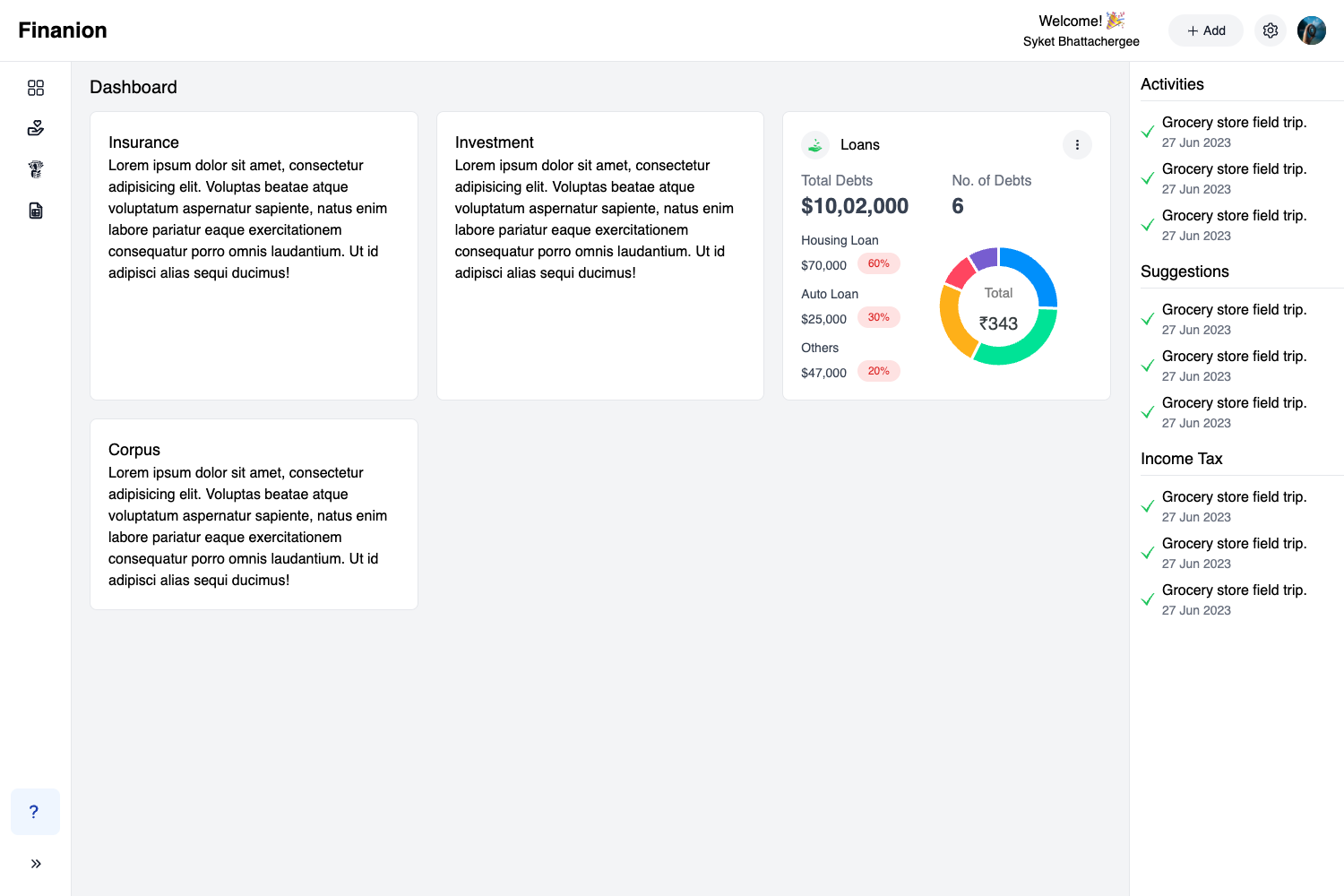
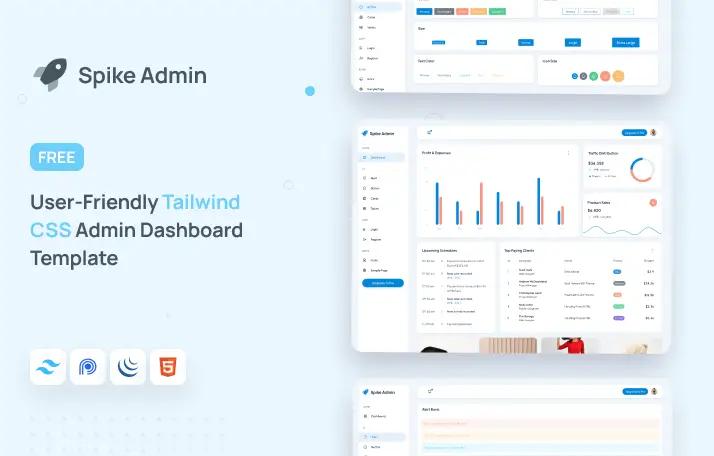
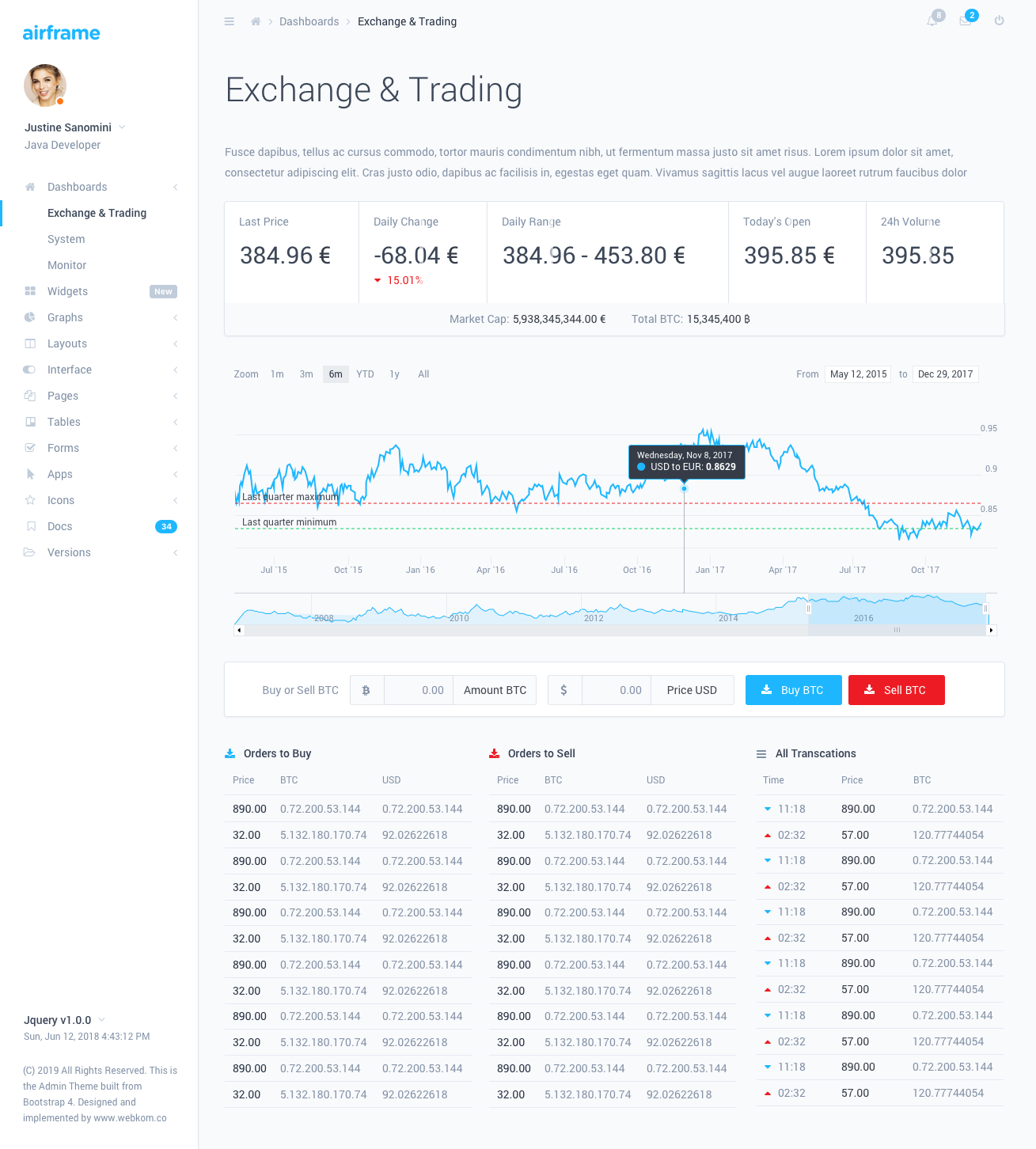
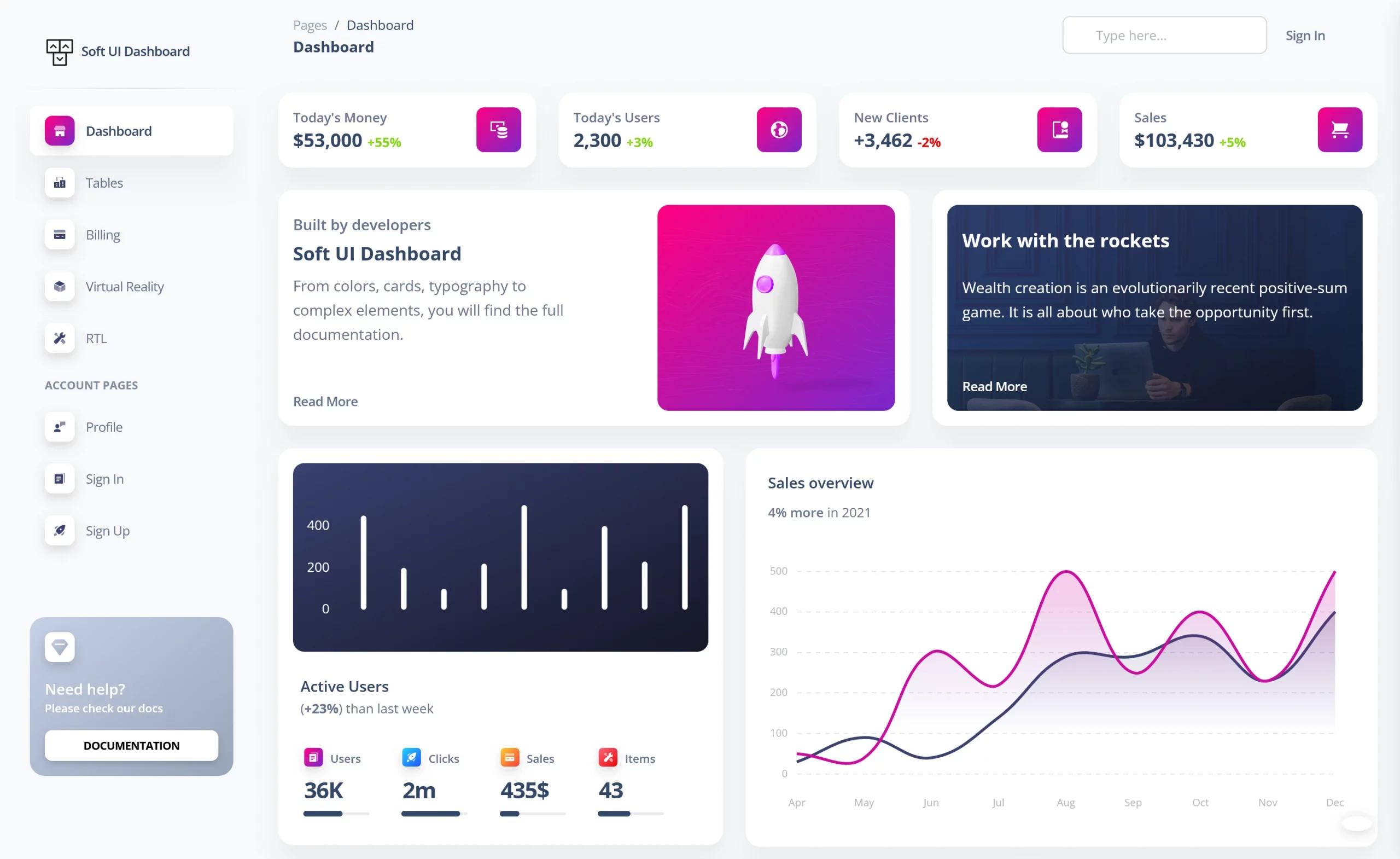
Template details
Stellar
A free, MIT-licensed Bootstrap 4 admin dashboard template from BootstrapDash with a minimal design, well-organized code, and a Gulp-based workflow.
About this template
Stellar is a free, MIT-licensed Bootstrap 4 admin dashboard template from BootstrapDash, designed as a minimal starting point for building backend user interfaces.
What is Stellar?
Stellar is a Bootstrap 4 admin template built with HTML, jQuery, Chart.js, and Font Awesome, and it ships with a Gulp build workflow. It provides a responsive dashboard starter with sample pages and UI components, and it runs in any modern browser. The template is developed and maintained by BootstrapDash.
Key Features
- Bootstrap 4 foundation — Styled with the latest Bootstrap 4 grid, utilities, and components, so layout and responsive behavior are handled by Bootstrap's CSS.
- Chart.js charts — Includes Chart.js, letting you add interactive line, bar, and pie charts to dashboards without extra chart libraries.
- Gulp automation — Ships with a Gulp setup: run
npm installto pull dependencies andgulp serveto open the template in your default browser. - Font Awesome icons — Bundles Font Awesome, so icon glyphs are available out of the box.
- Responsive layout — Designed to give a consistent viewing experience on mobile devices, small screens, and large desktops.
- MIT licensing — Released under the MIT license, so you can download, use, share, and modify it freely.
- Well-organized code — Structure is kept simple and clean, making it easier to change the look of your admin panel.
Who is it for?
- Backend developers — need a quick dashboard UI for an internal tool or API admin panel.
- Front-end developers — want a minimal Bootstrap 4 starter to customize and build out their own components.
- Freelancers and agencies — use it as a base for client admin projects, though premium templates with more features are offered by BootstrapDash.
What can you do with Stellar?
- Build admin dashboards: assemble charts, tables, forms, and UI components on the provided HTML pages.
- Prototype backend UIs: quickly stand up a skeleton interface before wiring in a server.
- Learn Bootstrap 4: study a clean, small codebase to see how Bootstrap components are organized in a real template.
- Contribute on GitHub: fork the repository, run Gulp locally, and submit pull requests for improvements.
How does Stellar work?
- Download the ZIP or run
git clone https://github.com/BootstrapDash/Stellar.git. - Run
npm installto install dependencies. - Open
index.htmlin a text editor and edit the components you need. - Run
gulp serveto view the template in your default browser.
Contributors should have Node.js and npm, install Gulp with npm install --global gulp-cli, and submit a pull request with changes.
Browser Support
Stellar is designed to work in the latest versions of Chrome, Firefox, Safari, Opera, and Internet Explorer 10 and above.
FAQ
Is Stellar free?
Yes, Stellar is released under the MIT license and can be downloaded, used, shared, and modified without cost.
What tools do I need to run Stellar?
You need Node.js and npm to install dependencies and run the Gulp workflow. A text editor is enough to edit the HTML files.
What browsers are supported?
Stellar supports the latest Chrome, Firefox, Safari, Opera, and IE10+.
How do I contribute to Stellar?
Fork and clone the repository, install dependencies with npm install, run gulp serve to preview, make your changes, and submit a pull request.
How do I get more features than this template offers?
BootstrapDash sells premium templates with additional plugins, animations, UI components, and sample pages; visit their website for the collection.