Template details
CDP Wallet Manager
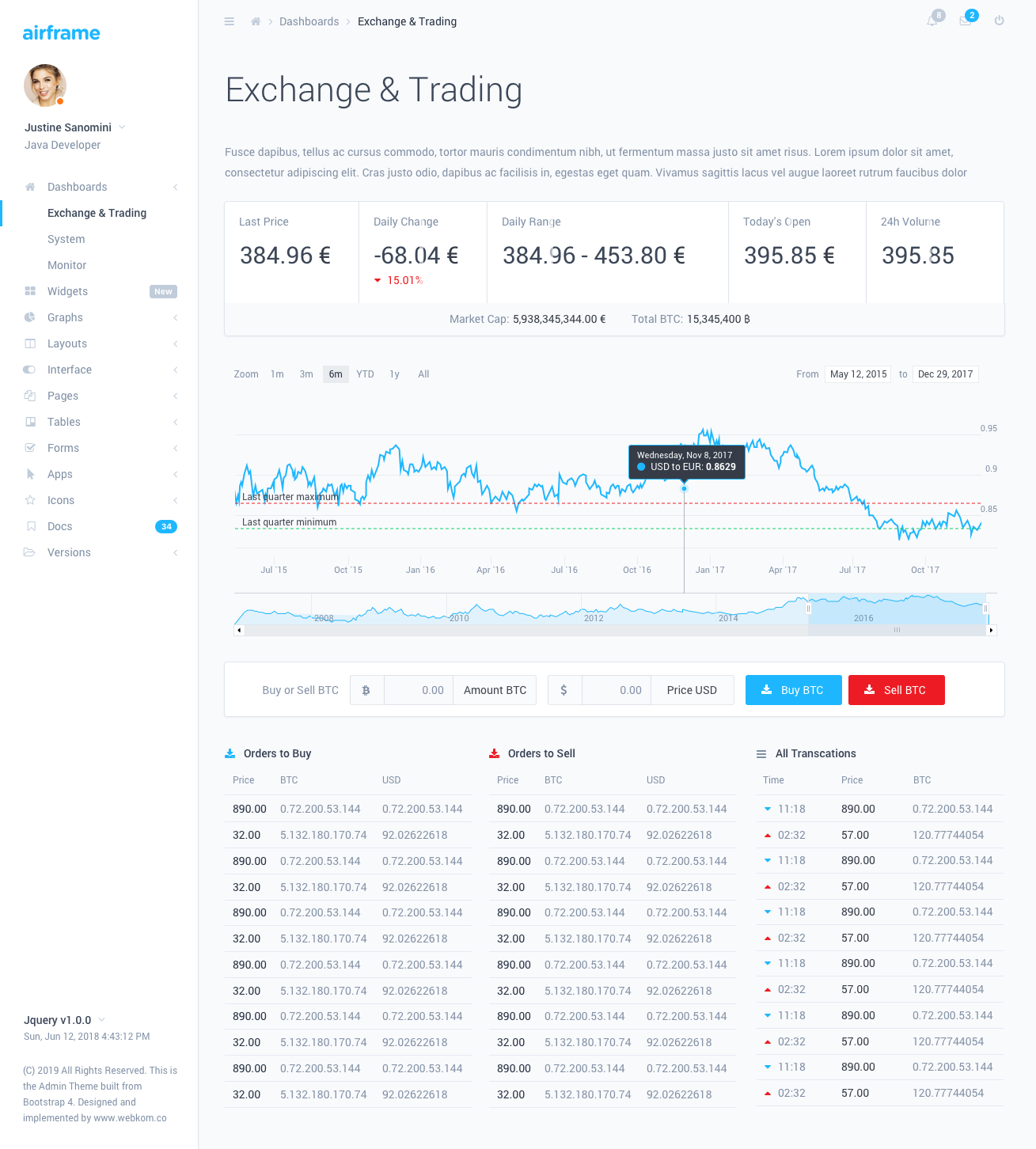
Wallet manager dashboard built with Coinbase Developer Platform to create and manage wallets, track balances, and fund wallets.
About this template
CDP Wallet Manager is an open-source Next.js web application that demonstrates the Coinbase Developer Platform (CDP) SDK by providing a working dashboard for creating and managing MPC wallets. It is maintained by Coinbase and is available on GitHub under the coinbase/cdp-wallet-manager repository.
What is CDP Wallet Manager?
CDP Wallet Manager is a full-stack Next.js (App Router) application that wraps the Coinbase Developer Platform SDK in a user interface. It takes CDP API credentials, an encryption key, and a Postgres connection string as configuration, and produces a live dashboard where you can create MPC wallets, generate addresses, track balances, and send transfers. The project demonstrates real CDP SDK calls and stores wallet data in Vercel Postgres via Prisma.
What makes CDP Wallet Manager stand out?
- MPC wallet management — Create, view, and manage Multi-Party Computation wallets across different networks directly from the UI.
- Address handling — Generate and manage multiple addresses within each wallet, with support for various blockchain networks.
- Real-time balance tracking — Display current balances for each address across multiple cryptocurrencies.
- Testnet faucet integration — Fund addresses quickly from testnet faucets during development and testing.
- Transfer execution — Create and run cryptocurrency transfers between addresses through the CDP SDK.
- Coinbase onramp support — Let users buy cryptocurrency directly inside the application via Coinbase's onramp feature.
- Network flexibility — Switch easily between mainnet and testnet environments.
- Modern tech stack — Built with Next.js and the App Router, uses the Geist font via next/font, and deploys to Vercel with a one-click button; data is persisted in Vercel Postgres with a Prisma schema.
Who should use CDP Wallet Manager?
- Blockchain developers learning the CDP SDK can read the source to see exactly how wallet creation, address generation, transfers, and faucet funding are implemented.
- DeFi and crypto product teams can fork the app as a starting point for wallet management screens instead of building from scratch.
- Portfolio tracker builders can reuse the balance-tracking and address-handling components to show multi-network holdings.
- Educators and workshop leaders can use the working app to teach wallet management and SDK integration in a hands-on way.
What can you do with CDP Wallet Manager?
- Test CDP SDK flows quickly: Spin up the app with a testnet API key and create wallets, add addresses, request faucet funds, and send test transfers in minutes.
- Prototype a wallet dashboard: Use the existing UI and Prisma schema to validate product ideas for crypto wallets and dashboards.
- Integrate fiat onramp: Experiment with Coinbase's onramp feature inside the app to understand the buy flow before adding it to your own product.
- Understand secure key storage: Observe how the app uses an encryption key to secure private keys stored in Vercel Postgres, a key security consideration for production wallet apps.
How does CDP Wallet Manager work?
The setup process is documented in the README: get an API key from the CDP portal, generate a 32-byte hex encryption key with openssl rand -hex 32, set the environment variables (CDP_API_KEY_NAME, CDP_API_KEY_SECRET, ENCRYPTION_KEY, POSTGRES_URL, NEXT_PUBLIC_CDP_PROJECT_ID), then run npm run db:up to start Postgres and npm run db:setup to apply the Prisma schema. Finally, npm run dev starts the app at http://localhost:3000. The README explicitly warns that the application has no built-in authentication, so an auth layer must be added before any production deployment.
FAQ
Does CDP Wallet Manager require a Coinbase CDP API key?
Yes. You must create an API key at the CDP portal (https://portal.cdp.coinbase.com/). The app uses the key name and secret to authenticate with the Coinbase Developer Platform SDK.
What is the encryption key used for?
The encryption key (generated with openssl rand -hex 32) is used to secure the private keys stored in Vercel Postgres. It is a required environment variable and is critical for protecting wallet secrets at rest.
Can I deploy this to production as-is?
No. The README explicitly states that the application does not have built-in authentication. You should add an authentication layer before deploying to production. The app otherwise supports one-click deployment to Vercel with configured environment variables.
How do I get test funds to play with?
The app includes testnet faucet integration, which lets you request funds for addresses from testnet faucets directly in the UI during development and testing.
Which databases does it support?
The setup uses Vercel Postgres. A local Postgres instance can be started with Docker using the command in the README, and the Prisma schema is applied with npm run db:setup.