Template details
Alvalens Portfolio
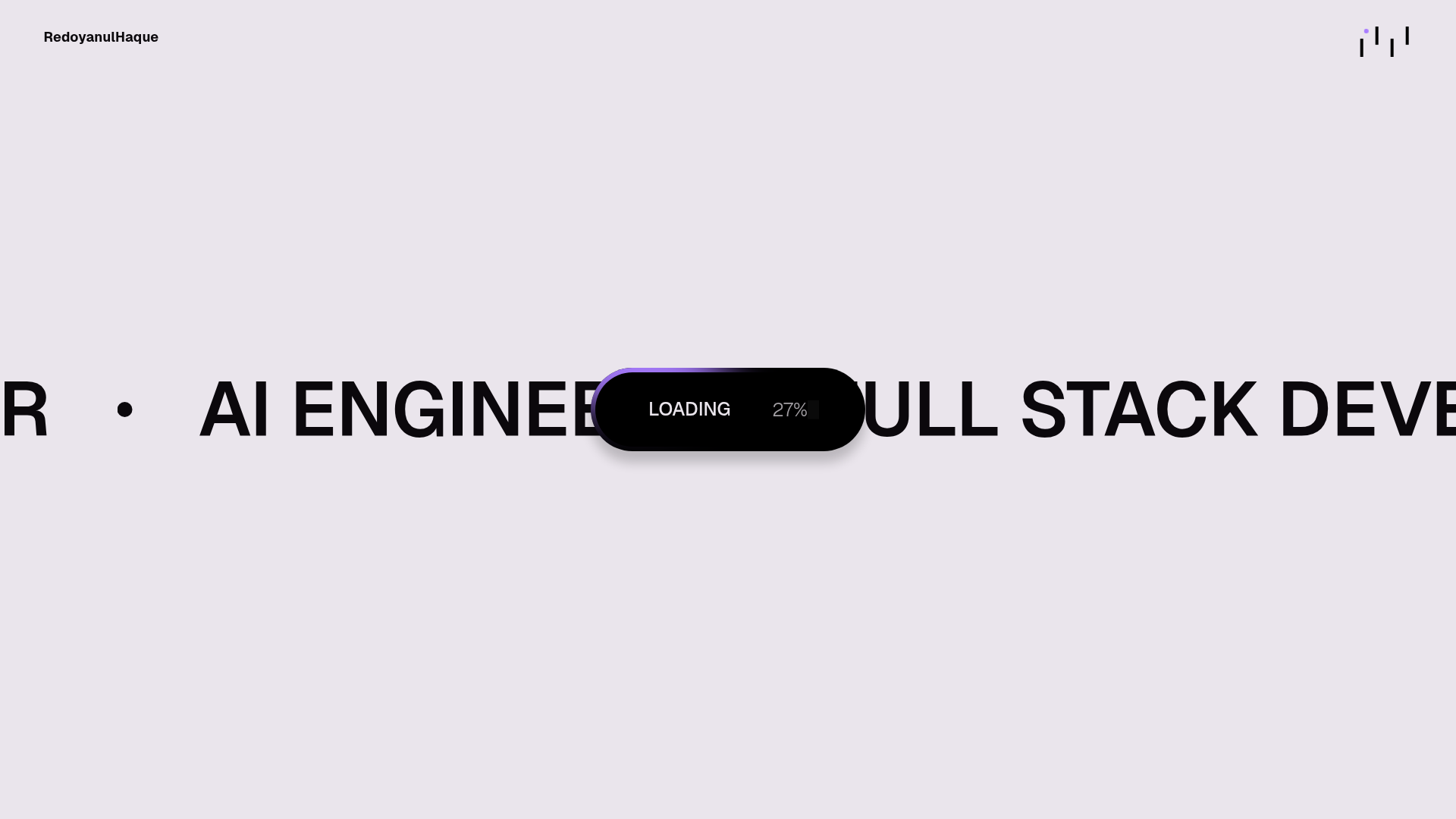
My second personal portfolio website created using nextJs and animated using fullpage js and motion framer. Can be used as a template for other GitHub users.
About this template
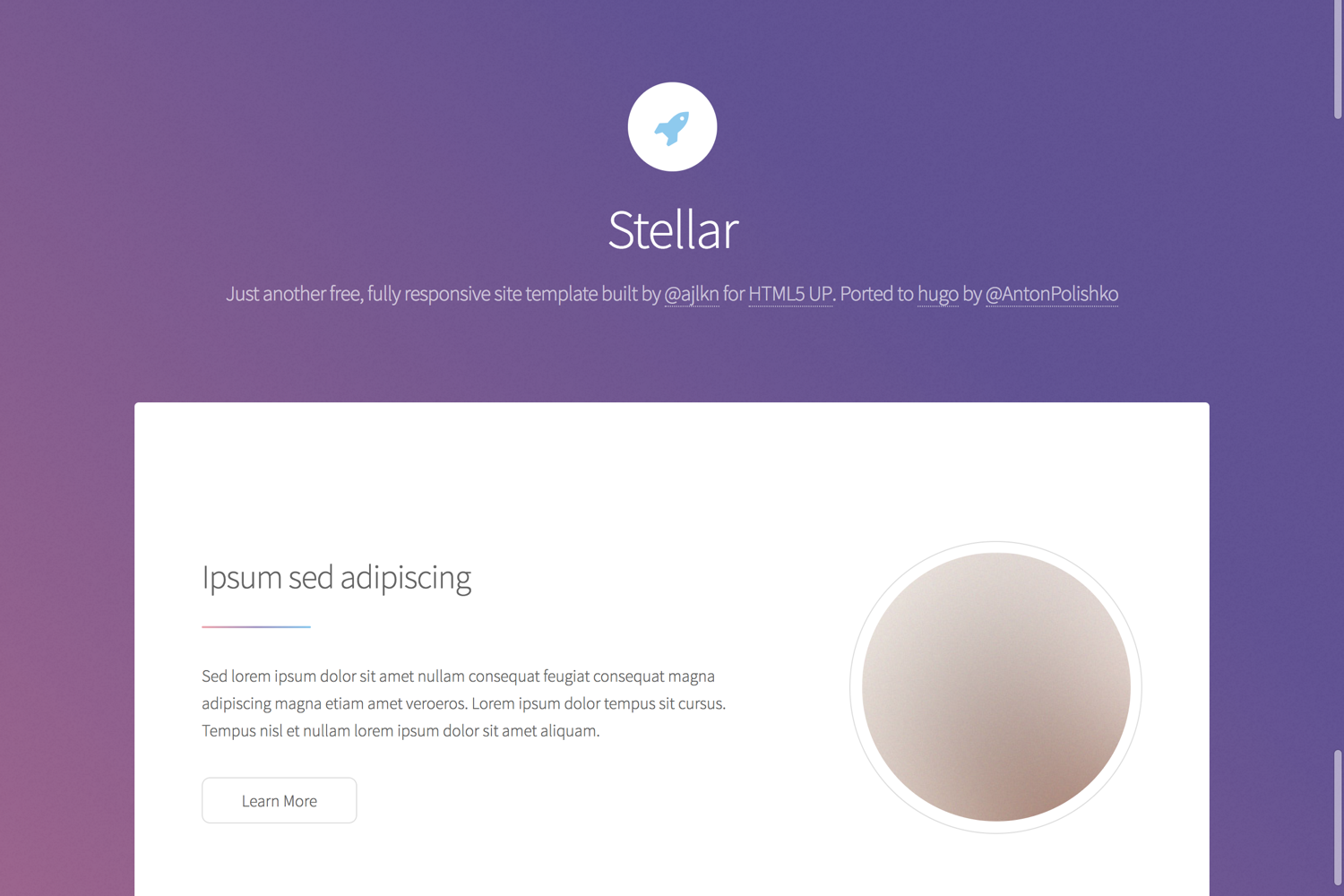
Alvalens Portfolio is an open-source personal portfolio template built with Next.js 15, fullpage scrolling, and Framer Motion, designed to showcase projects via a JSON data source with Spotify integration and structured SEO.
What is Alvalens Portfolio?
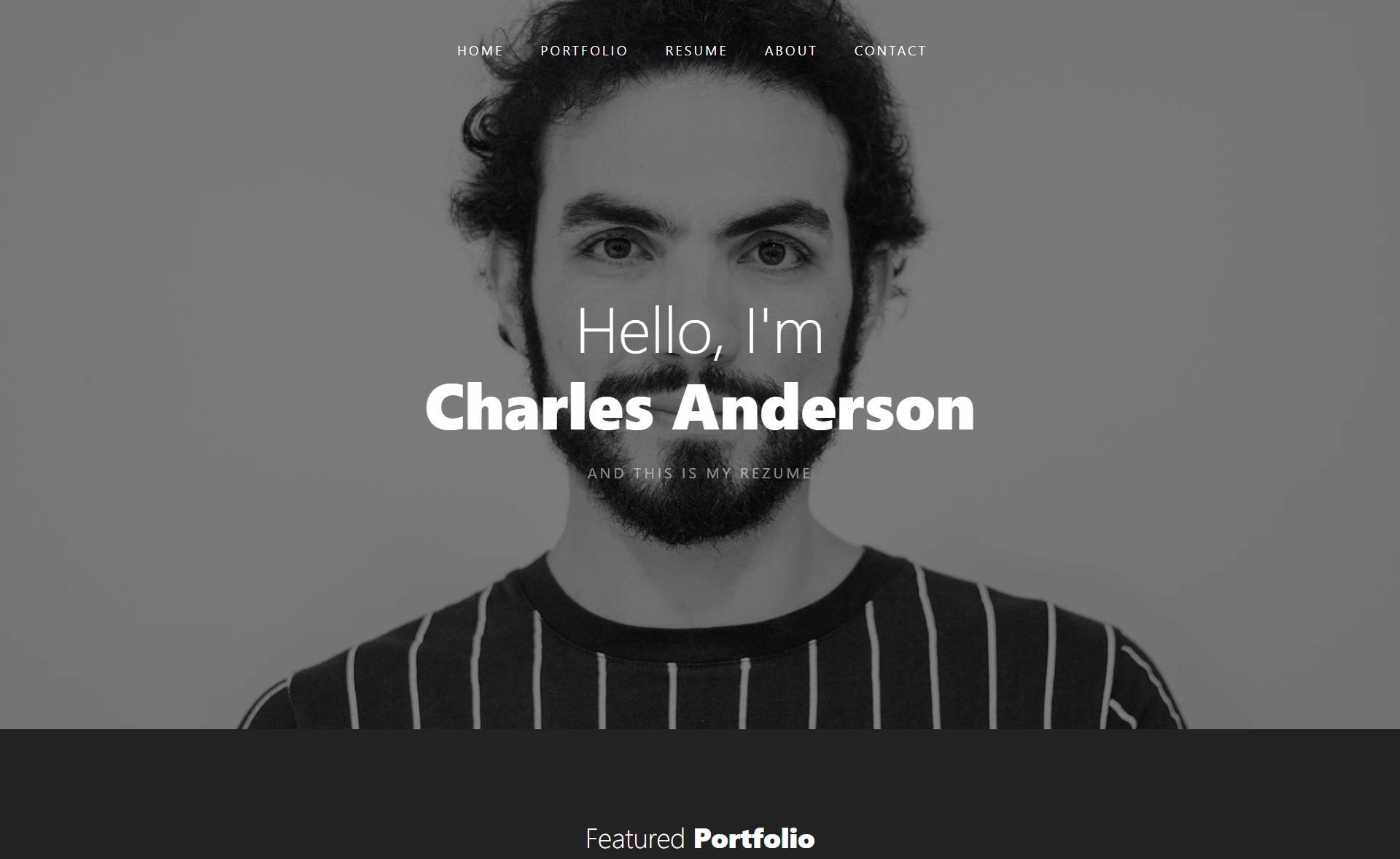
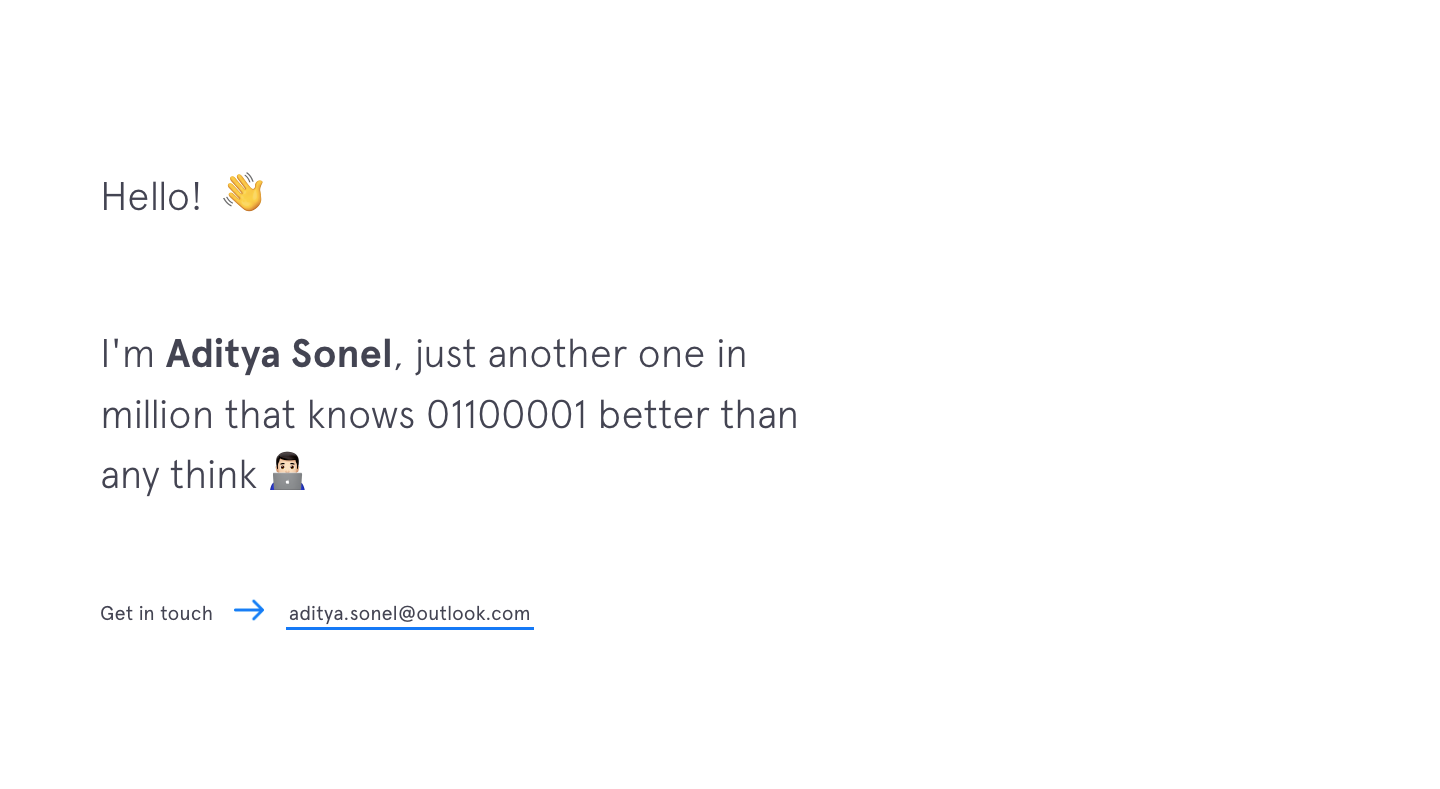
Alvalens Portfolio is a personal portfolio website template created by Alvalen Shafelbilyunazra, running on Next.js 15 with the App Router. It reads project data from a JSON file at json/data.json and outputs a multi-page site: a fullpage-scrolled home (Hero, About preview, Projects preview, Contact), an About page with skills, experience, education and a Spotify widget, a filterable Projects grid with dynamic detail pages, and a Contact section with social links. The template is styled with Tailwind CSS, animated with Framer Motion and @alvalens/react-fullpage-snap, and licensed under the GPL-3.0 License.
Key Features
- Fullpage Scrolling — The home page uses @alvalens/react-fullpage-snap for section-based navigation with a sidebar active indicator, plus a scroll indicator on first load.
- Smooth Page Transitions — Framer Motion drives a fade + scale animation between routes, along with staggered entrance animations on skills, experience, and project sections.
- Dynamic Project Data — Projects are loaded from a JSON file with category filtering (Web, AI/ML, Other) and each project links to a detail page that includes description, tech stack, links, and an image gallery.
- Skeleton & Blur Loading — Project images display a blur placeholder and skeleton overlay while loading.
- Spotify Widget — The About page shows a real-time "now playing" display using three environment variables: NEXT_PUBLIC_SPOTIFY_CLIENT_ID, NEXT_PUBLIC_SPOTIFY_CLIENT_SECRET, and NEXT_PUBLIC_SPOTIFY_REFRESH_TOKEN.
- Chat Widget — An Intelliticks chat integration is included in components/Chat.jsx with deferred loading for performance; replace the script with your own widget code.
- SEO & Analytics — Per-page metadata, OpenGraph tags, and JSON-LD Person structured data are included, with Vercel Analytics wired in for deployment.
- Responsive Zoom — The layout scales smoothly across browser zoom levels from 100% to 150%.
Who is it for?
- Developers — Build a personal portfolio with a modern animation stack (Next.js 15, Tailwind CSS, Framer Motion) without writing the boilerplate.
- Designers — Showcase work in a filterable project grid with custom detail pages and image galleries.
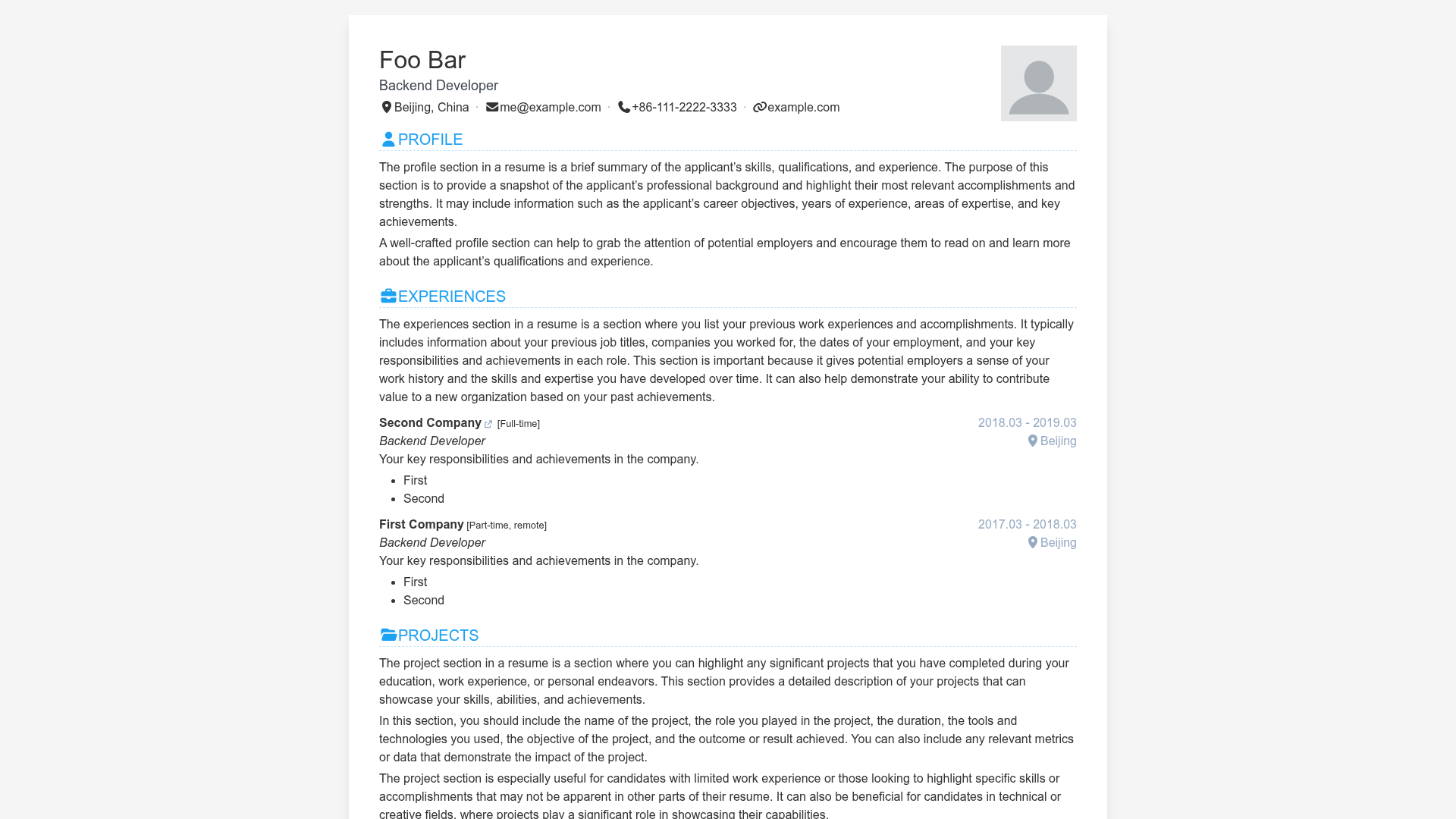
- Job seekers or freelancers — Publish a professional online presence with an About page, experience timeline, education, and contact links.
- Next.js learners — Study a real-world example of the App Router, dynamic routes, JSON-driven content, and environment variable usage.
What can you do with the template?
- Portfolio owners: Edit
json/data.jsonto add or modify projects; the data schema is documented in CLAUDE.md. - Music lovers: Connect a Spotify account via the provided environment variables to display your currently playing track on the About page.
- Site builders: Swap in your own Intelliticks chat widget, update social links in the Contact section, and deploy the project to Vercel with analytics enabled.
How does it work?
Clone the repository, install dependencies with pnpm (Node.js 18+ required), copy .env.example to .env.local and fill in the three Spotify environment variables, then run pnpm dev for local development or pnpm build && pnpm start for a production build.
Pricing
Alvalens Portfolio is free to use and modify under the GPL-3.0 License. There is no paid tier.
FAQ
How do I customize the projects shown in the portfolio?
Edit the json/data.json file in the repository root. Each project object follows a schema documented in CLAUDE.md; adding a new object with fields like title, description, tech stack, links, and images will automatically generate a project card and detail page.
How do I set up the Spotify now-playing widget?
Create a Spotify app to obtain a client ID, client secret, and refresh token. Copy .env.example to .env.local, fill in the three NEXT_PUBLIC_SPOTIFY_* values, and restart the development server. The About page will then display your currently playing track.
What Node.js version do I need?
The README lists Node.js 18 or newer as a prerequisite, and pnpm as the package manager. You can also use npm or yarn if you adjust the lockfile, but the documented commands use pnpm.
Can I use this template for my own portfolio?
Yes. The repository is under the GPL-3.0 License, and the author explicitly states it can be used as a template for other GitHub users. Contributions are welcome via issues or pull requests.
What pages are included?
The template includes a fullpage-scrolled home (Hero, About preview, Projects preview, Contact), an About page with skills, experience, education, quote and Spotify components, a Projects listing with category filtering, a dynamic project detail page per slug, and a full project archive.