Template details
Corporate UI Dashboard Laravel
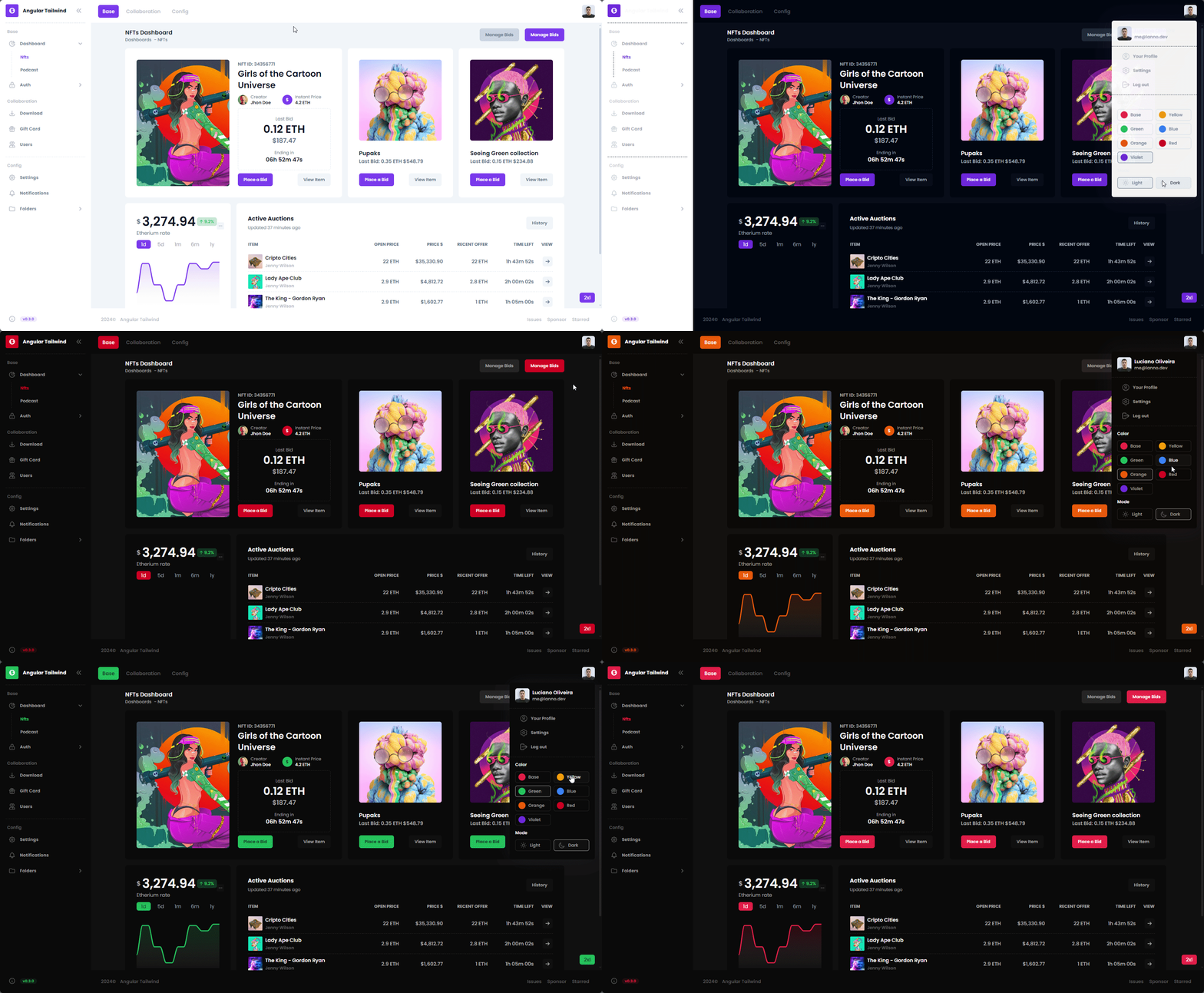
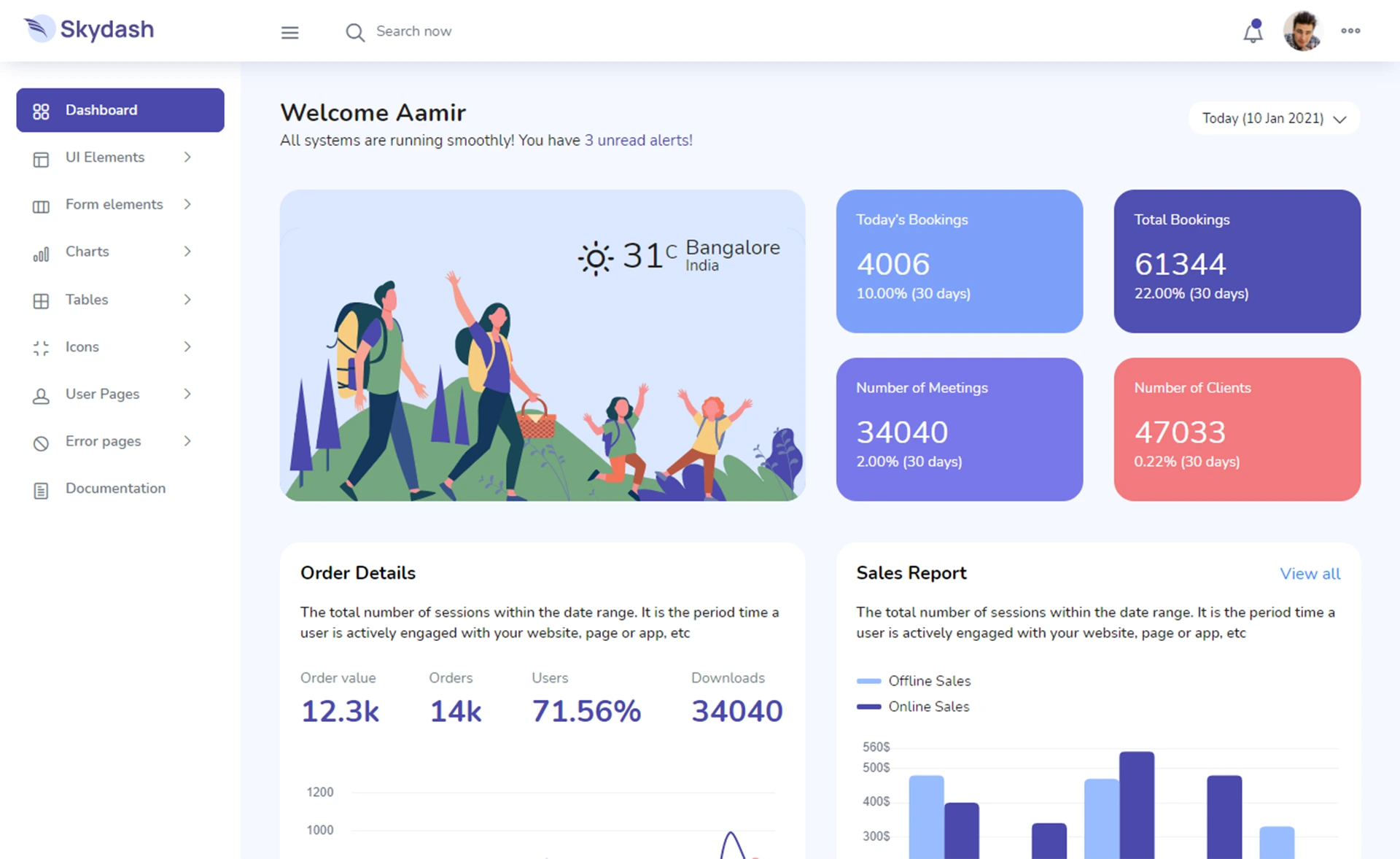
Laravel admin dashboard built on Bootstrap 5 with full authentication, profile editing, and dashboard pages.
About this template
Corporate UI Dashboard Laravel is a Bootstrap 5-based admin dashboard template from Creative Tim that combines the Corporate UI Dashboard front end with a working Laravel backend, delivering authentication, profile, and dashboard pages out of the box.
What is Corporate UI Dashboard Laravel?
It is a Laravel 10 starter admin panel built by Creative Tim with UPDIVISION, pairing the Corporate UI Dashboard front end (Bootstrap 5, hundreds of elements, fully coded pages) with Laravel controllers, models, routes, migrations, and seeders. It takes a fresh Laravel project structure and provides login, registration, forgot/reset password, a user profile editor, and a dashboard with billing and tables pages. The template is the Laravel version of Creative Tim's Corporate UI Dashboard, and a plain HTML version is also available.
Key Features
- Full authentication flow — Login, register, forgot password, and reset password pages are implemented; reset links expire after 60 minutes.
- Bootstrap 5 front end — The UI uses Bootstrap 5 and includes a dashboard, billing, tables, and profile pages with responsive layouts.
- Preconfigured demo user — Running
php artisan migrate --seedcreates roles and users, includingadmin@corporateui.comwith passwordsecret. - Profile management — Users can update name, email, phone, location, and about fields through
app/Http/Controllers/ProfileController.php. - Laravel best practices — Routes are declared in
routes/web.php, controllers follow Laravel conventions, and validation includes custom error messages. - Cross-browser support — Officially supports the last two versions of Chrome, Firefox, Edge, Safari, and Opera.
- HTML version available — The same UI also ships as a plain HTML template if you don't need a Laravel backend.
Who is it for?
Laravel developers who need a working auth system and admin UI without building from scratch. Agencies building corporate websites for clients can use it as a foundation. Startups creating internal dashboards can replace demo content and brand it. Developers learning Laravel can study the controller implementations for auth and profile updates.
What can you do with Corporate UI Dashboard Laravel?
- Laravel developers: Get a project with login, registration, and password reset already wired, then add your own features and pages on top.
- Agencies: Customize the Bootstrap 5 layout, colors, and pages to match a client's brand while keeping the backend logic intact.
- Product teams: Use the billing and tables pages as a starting point for a customer-facing dashboard or internal admin tool.
- Learners: Read the controller code to see how Laravel handles authentication and profile updates with validation.
How does Corporate UI Dashboard Laravel work?
Installation follows standard Laravel setup: unzip the archive, copy the folder to your project directory, run composer install, configure the .env file, then run php artisan key:generate. Next, run php artisan migrate --seed to create database tables and seed users, and php artisan storage:link for storage. Then login with the seeded credentials or register a new account.
FAQ
What are the default login credentials?
After running the migrations and seeders, you can log in with admin@corporateui.com and password secret. The README also allows you to register a new user from the registration page.
How do I reset a forgotten password?
Click the "Recover here" link under the login form. The app uses Laravel's password reset feature: an email with a reset link is sent, and the link expires after 60 minutes. After setting a new password, you are redirected to login.
Can I change the default admin's email in the demo version?
No — the ProfileController detects when the demo version is active and blocks changes to the email for the default user (ID 1). It shows an error message instead.
What browsers are supported?
The template officially supports the last two versions of Chrome, Firefox, Edge, Safari, and Opera, as stated in the README.