Template details
Argon – Free Bootstrap 4 Design System
Free Bootstrap 4 design system with over 100 components, pre-built pages, and a full UI kit for faster web projects.
About this template
Argon is a free, open-source Bootstrap 4 design system and UI kit from Creative Tim that ships with over 100 components and five pre-built HTML pages for landing pages, authentication screens, and marketing websites.
What is Argon?
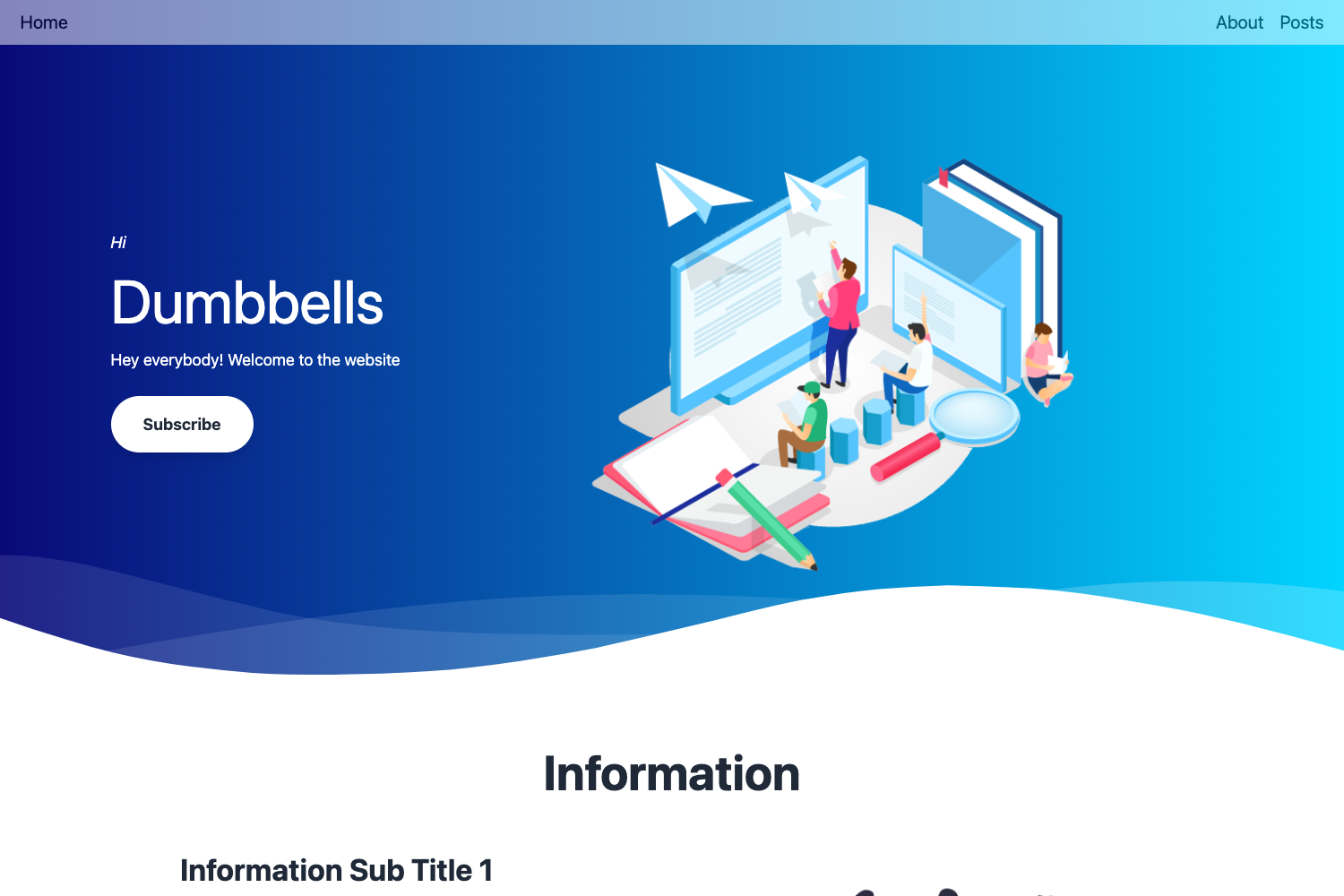
Argon is a free, open-source Bootstrap 4 design system and UI kit created by Creative Tim, distributed through ThemeWagon. It provides a collection of ready-to-use HTML, CSS, and JavaScript components — buttons, forms, navigation, typography, alerts, and more — that developers can copy directly into their own projects. The kit outputs static HTML pages and runs on Bootstrap 4 with jQuery, FontAwesome icons, and SCSS source files for customization. It also includes example pages for landing, profile, login, and registration, so you can see how the components fit together in a real layout.
What makes Argon stand out?
Argon stands out for its breadth of components and its emphasis on production-ready, gradient-styled UI elements.
- Over 100 components — includes buttons with icons and multiple sizes, form controls, checkboxes, radios, toggle buttons, sliders, navigation pills, labels, alerts, tooltips, and popovers.
- Pre-built pages — ships with 5 HTML files covering landing, profile, login, and registration layouts, useful for seeing the kit in context.
- Bootstrap 4 integrated — built on Bootstrap v4.0.0 with jQuery v3.2.1, so it inherits the Bootstrap grid and utility classes.
- JavaScript components — includes interactive elements such as carousel sliders, a Bootstrap Datepicker, and noUiSlider for range sliders.
- SCSS source files — includes SCSS files so you can recompile and customize the design system to match your brand.
- Gradient effects and clean typography — uses gradient backgrounds, full-screen banners, and a typography system with heading, display, and paragraph styles.
- Icons and image avatars — uses FontAwesome icons and provides avatar variations (square, circle) for team sections and social media icons.
Who should use Argon?
Argon is aimed at web developers and designers who want to speed up front-end work without starting from a blank page.
- Web developers who need a quick, clean UI kit to assemble responsive landing pages without writing CSS from scratch.
- Agencies that build marketing or corporate websites and want pre-built sections like team avatars, carousels, and gradient banners.
- Startup founders creating a landing page, login, and registration flow quickly for a new product or SaaS, using the included example pages.
- Designers who want to prototype in HTML/CSS using Bootstrap 4 and customize via SCSS.
What can you do with Argon?
With Argon you can quickly assemble responsive website pages using the included components and example layouts.
- Launch a startup landing page: use the landing example page with full-screen banner, gradient effects, and call-to-action buttons to showcase a product.
- Build an agency website: assemble a team section using the avatar variations (square, circle) and add a carousel slider for portfolio items.
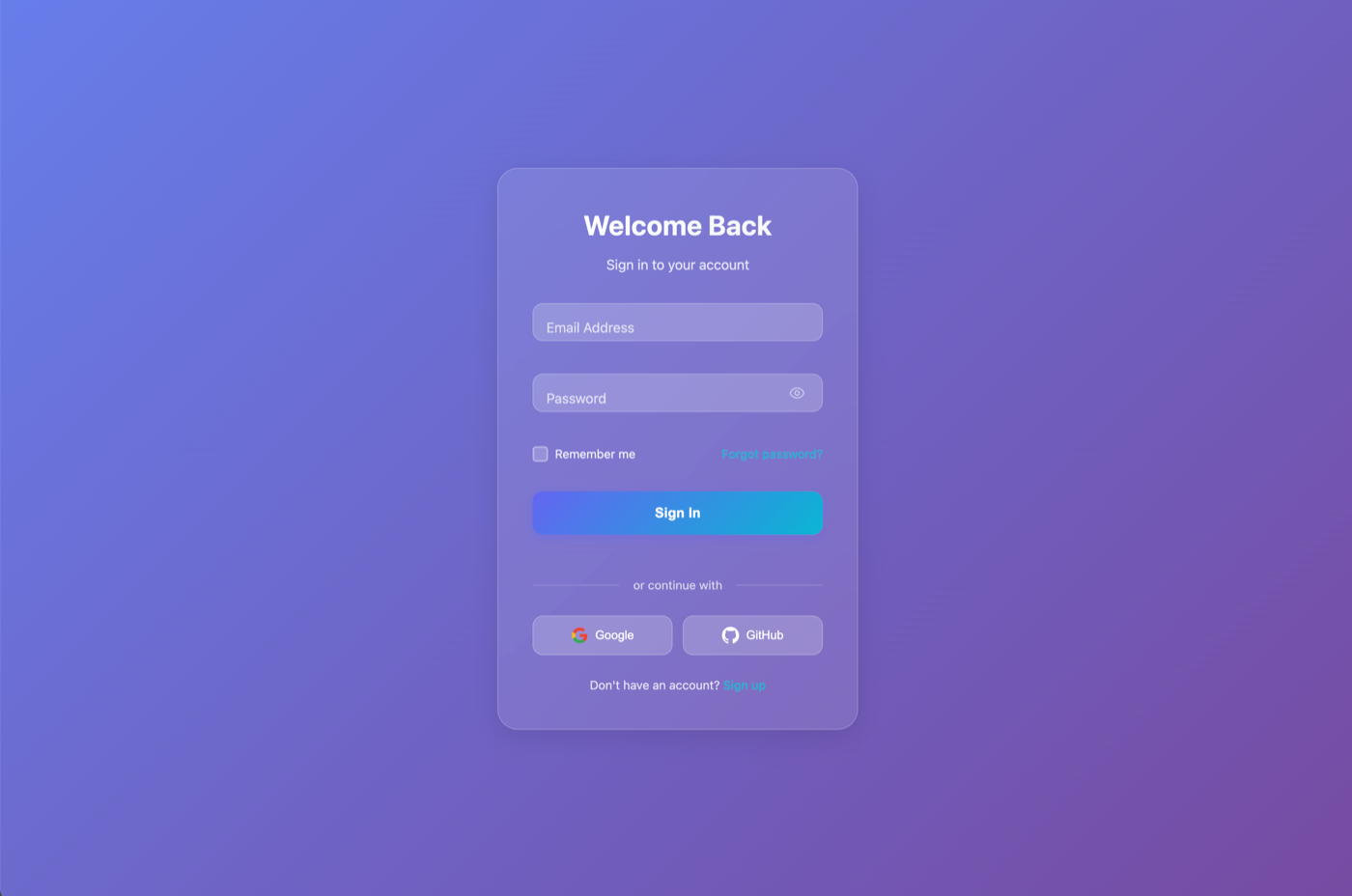
- Create authentication screens: use the login and registration pages as starting points for user sign-in flows.
- Prototype UI components: copy buttons, forms, alerts, tooltips, and popovers into a custom project to speed up front-end development.
FAQ
Is Argon free?
Yes, Argon is free to download and open source. The license allows use in commercial projects and provides lifetime free updates, as indicated on the ThemeWagon download page.
What does Argon include in the download?
The download includes 5 HTML files, 2 CSS files, 2 JavaScript files, SCSS files, 9 vendors, and demo images. The vendors are Bootstrap v4.0.0, jQuery v3.2.1, noUiSlider, FontAwesome, and Bootstrap Datepicker.
Does Argon support Bootstrap 5?
No, Argon is built specifically on Bootstrap 4, not Bootstrap 5. The components and SCSS files are designed for the Bootstrap 4 grid and utilities.
Can I use Argon in commercial projects?
Yes, the license explicitly permits use in commercial projects, and updates are provided for free for life.